nishu_kush
Community Manager
Community Manager
October 14, 2024
Question

The New Spectrum UI in After Effects 25.0

  • October 14, 2024
  • 14 replies
  • 9374 views

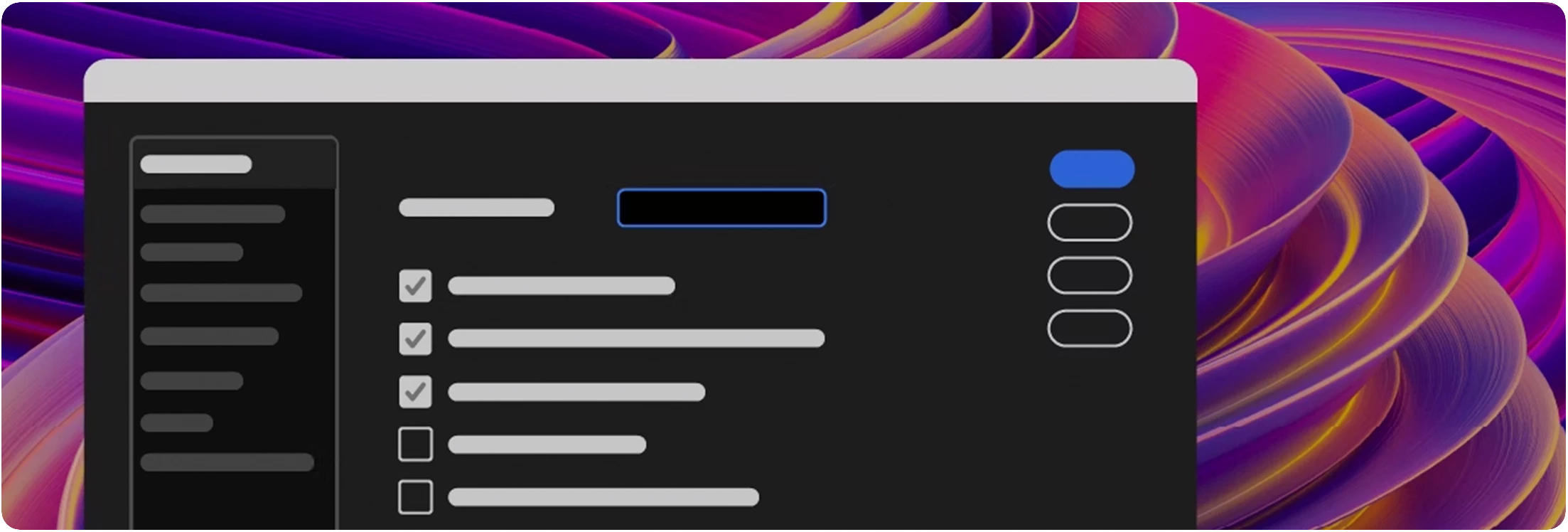
A Fresh, Modern UI


Adobe Video apps are getting a fresh, modern, and consistent design with the new Spectrum UI. 


Key Features


Here are a few key features that become available with the new Spectrum UI


Cleaner Design

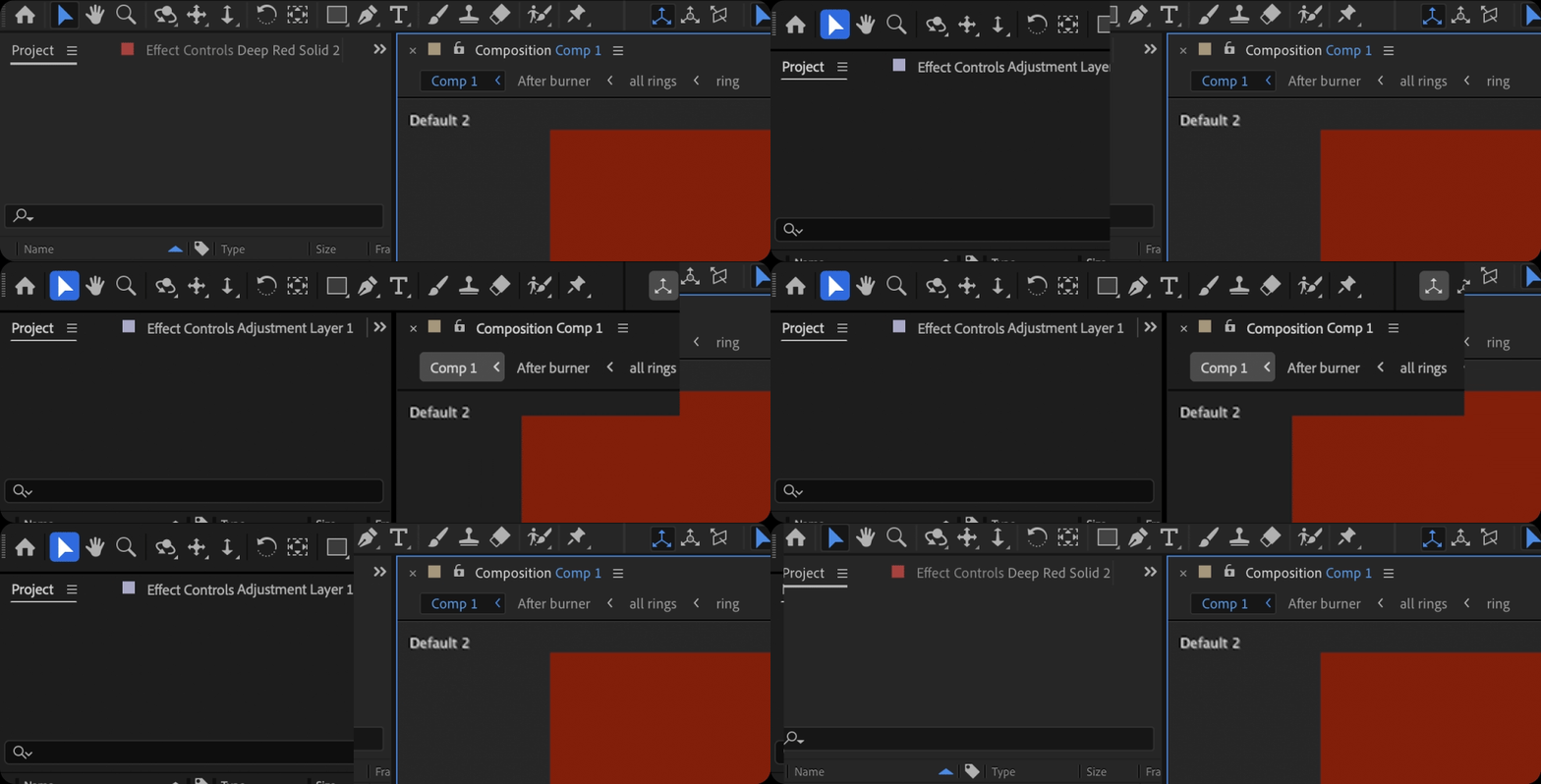
You get cleaner fonts and typography for better legibility and consistency with other Adobe Creative Cloud apps. That means you’ll spend less time re-learning how to use tools in our different apps and more time creating. 
 

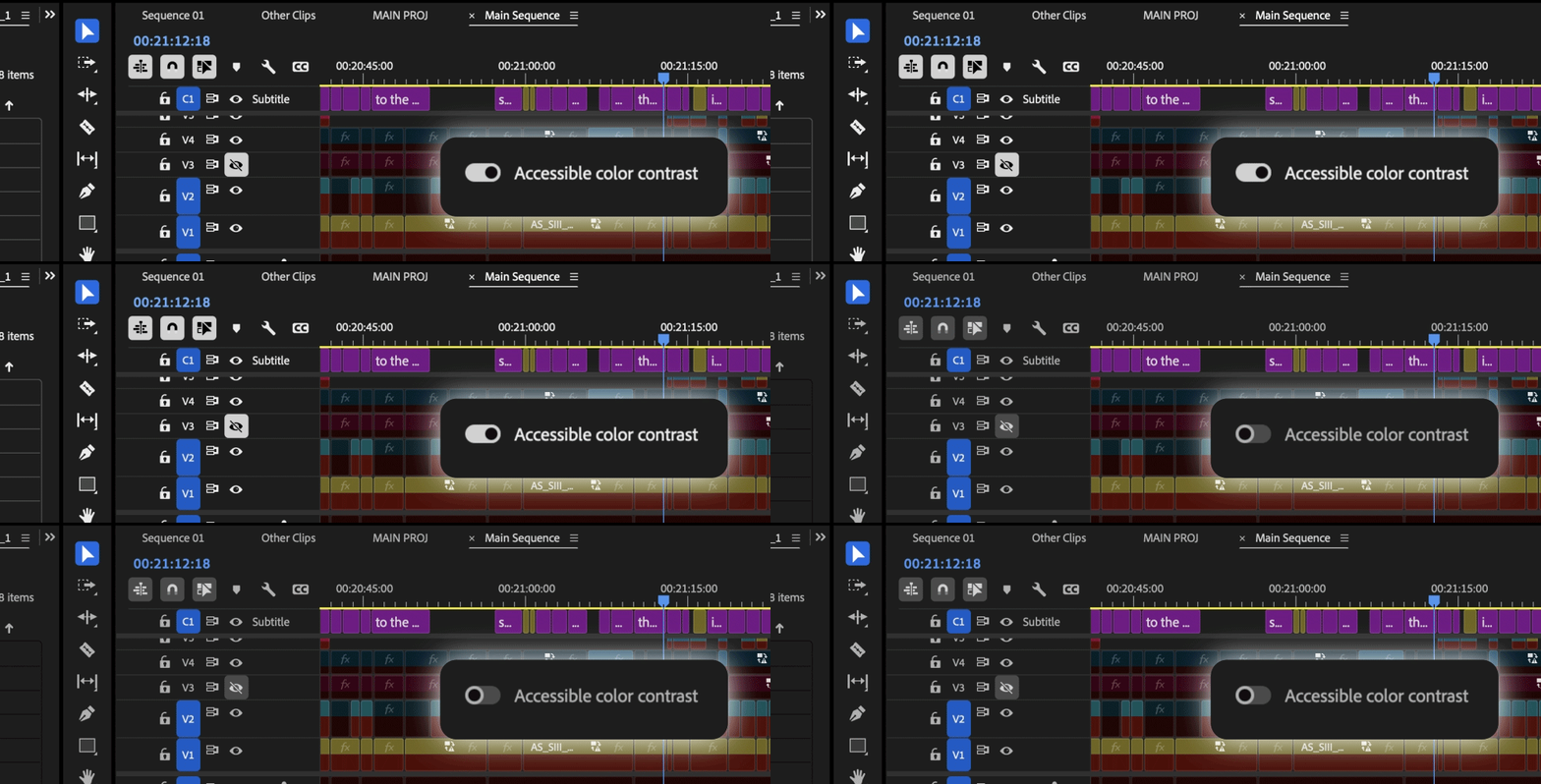
Switch to High-Contrast

There is now a new toggle for switching between a high-contrast mode for easier visibility and accessibility or a low-contrast mode for focusing on your content. 
 

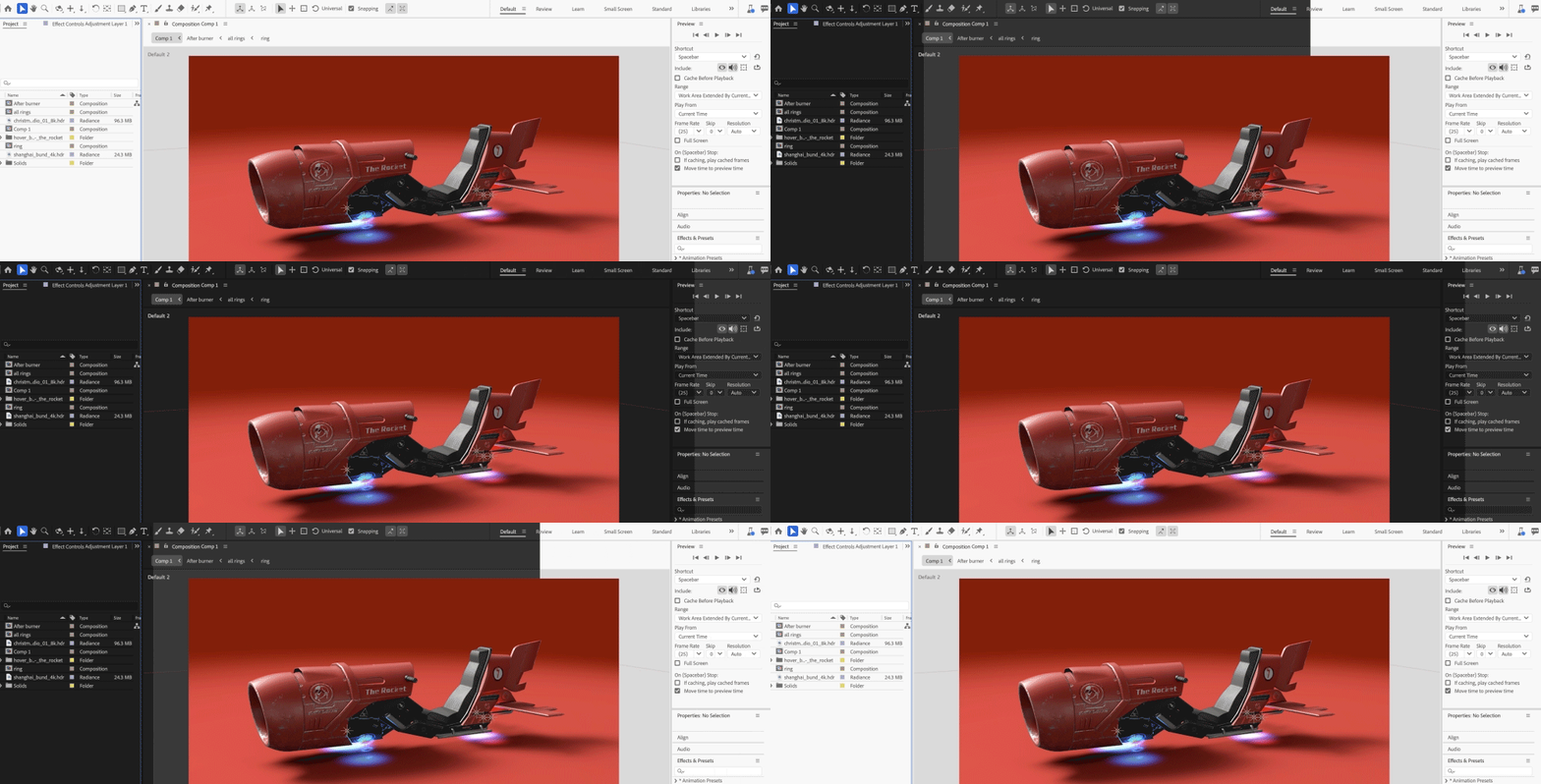
Color Themes

With Theme modes—a standard dark, darkest, and high-contrast accessibility mode—you can customize the look and feel of After Effects to your preference. Switching between these modes gives you the flexibility to select the setting that best matches your environment and personal preference, whether for enhanced readability or improved visibility based on current lighting conditions.

14 replies

Participant
October 17, 2024

Will the accent color change be returned to the new Spectrum UI interface, as on older versions, using the Enable_Colorizing_Theme tag in the console? It's unusual to return to a blue accent after your yellow one 😞

Known Participant
October 16, 2024

@nishu_kush Could Adobe publish a dedicated Help section and/or tutorials on how to prepare 3D objects (GLB's and OBJ's) for After Effects, listing to what features are actually supported? Those formats have something different than Adobe Standard Material (ASM).

Same for the regular flat 3D layers (e.g. PNGs/PSDs), which have just a few material properties, can't use texture maps to simulate PBR pipeline and have no apparent relation to ASM pipeline. Still waiting for AcceptLights switch for 3D layers in Advanced3D, which was "on the table" some ten releases ago.
Besides that, could this fundamental time sampling bug be fixed asap?

Thank you.

Participant
October 15, 2024

Can you make the font bigger? I might go blind.

Participant
January 25, 2025

are you talking about the community or the app?

oliverhenry
Participating Frequently
October 14, 2024

How can I access color themes and accent colors via scripting?

Community Manager
October 25, 2024

Hello @JeamCJ 

Are you looking for scripting access to ask which theme is active in the UI or what exactly are you looking for?

Thanks for your time.

All the best,
Jessica McMillan

All the best,Jessica McMillan - AE Engineering
Community Manager
October 28, 2024

Hello @JeamCJ,

In case it is the scripting side, this will be added to the help docs, but scripting access was added.
On the application
getAppTheme - returns a string of the current theme
getUseReducedContrast - returns a bool indicating whether this is on or off
getAllowedAppThemes - returns an array of our theme names
Recommendation would be to getAllowedAppThemes, and check if your plugin has a handle for them all, then getAppTheme + getUseReducedContrast to then use one of those methods you have to update your ui.

All the best,
Jessica 
AE Engineering

All the best,Jessica McMillan - AE Engineering