


해결됨
Transparent Line and Color Error After Mask
Hi Everyone, if someone could please help it would be appreciated.
I have found many posts of people with same problem but no one has answered their question.
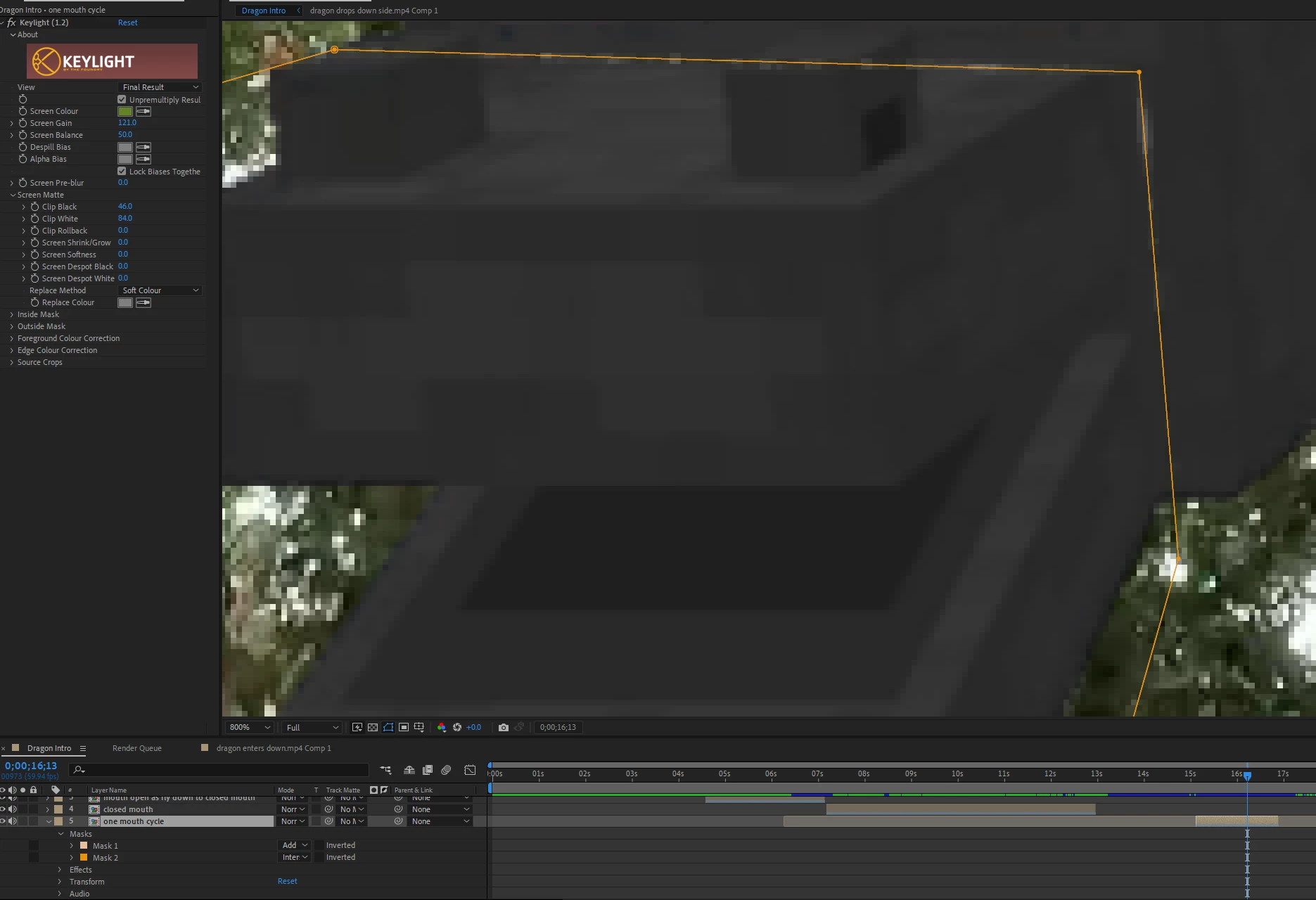
I have done an identical mask overlay of footage that has been keyed with keylight 1.2. Garbage mask for key and then second mask set to intersect, seems when I choose intersect this thin line of transparency follows my mask path as can be seen in the screen shot. Mask functioning great just need the line gone.
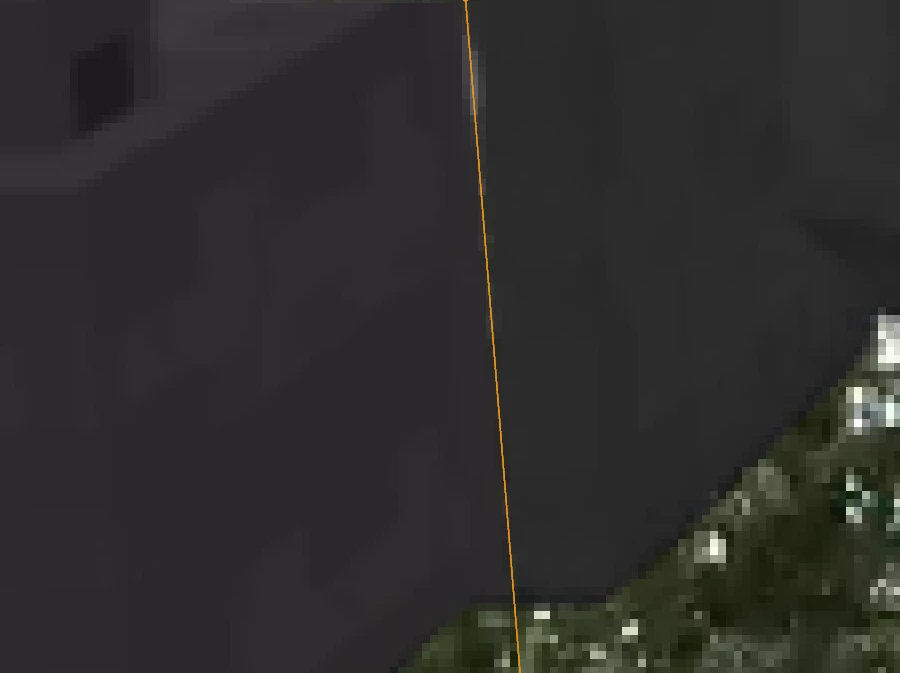
Also sometime the masks will randomly change tint even though they are made from identical footage and chroma key settings. as seen here:
Thanks so much for any help!
 AdChoices