Known Participant
April 4, 2021
질문

Trying to fill a logo with video over a background.

  • April 4, 2021
  • 3 답변들
  • 246 조회

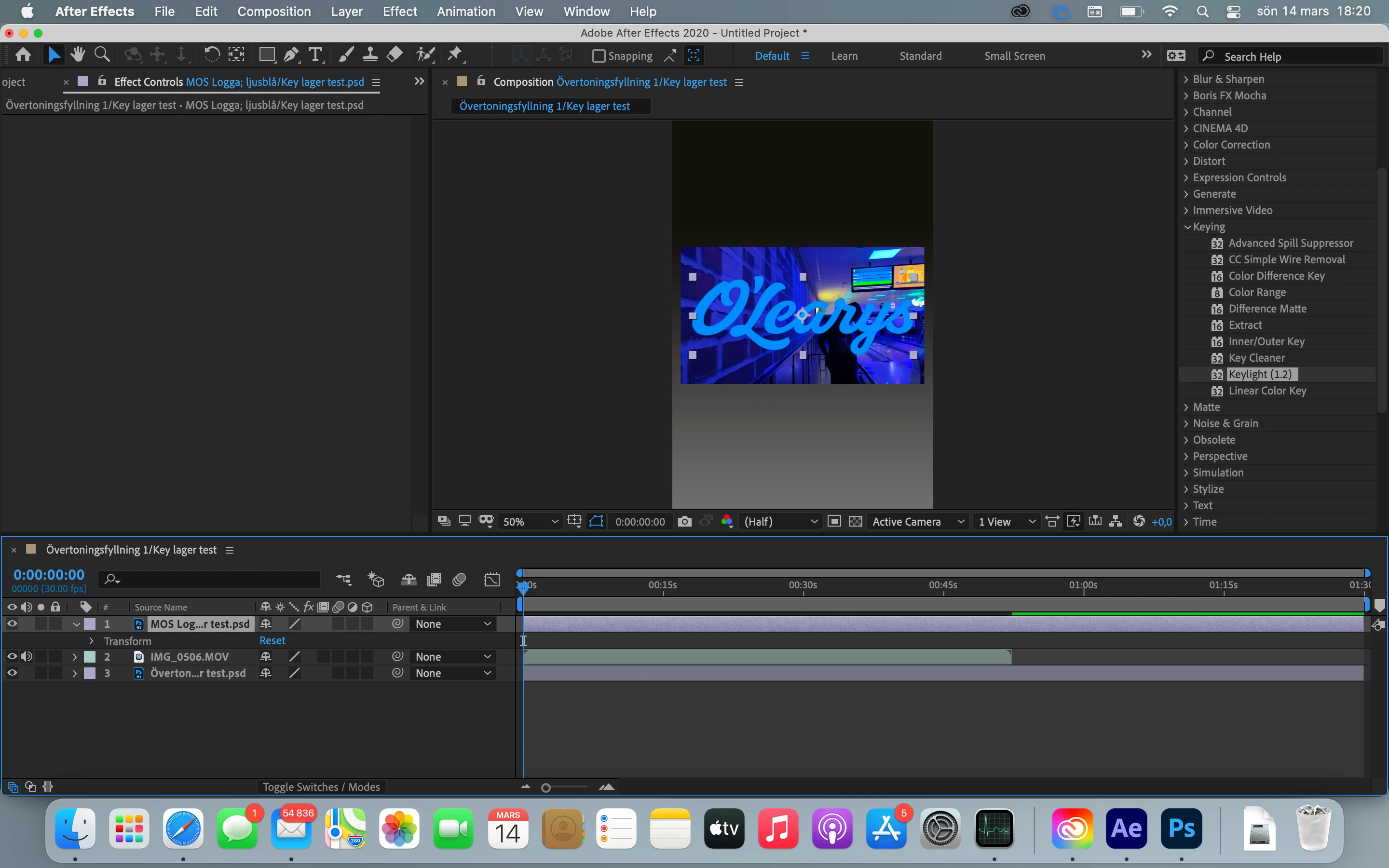
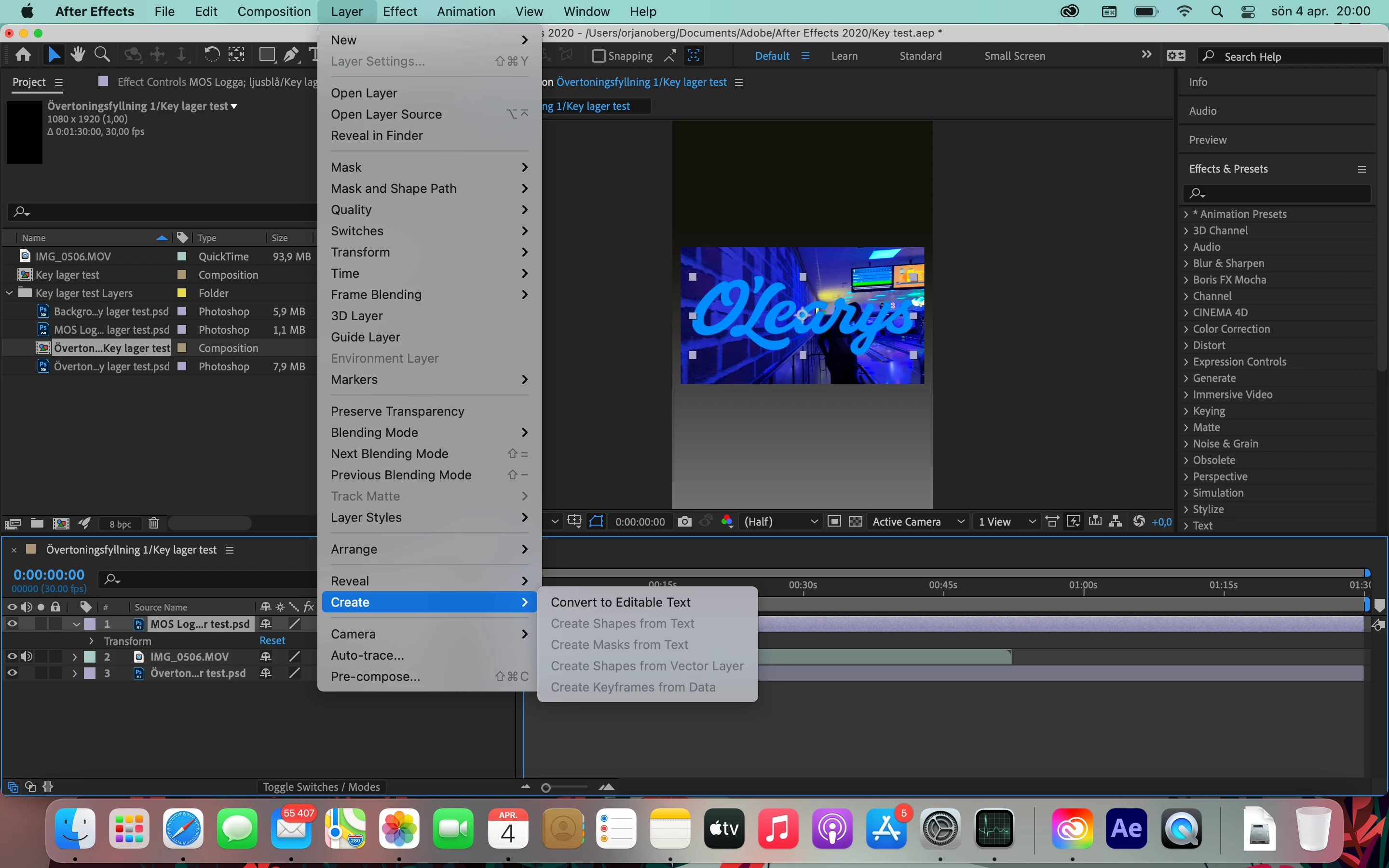
Here is what I have:       And this is what I want. (Made in Photoshop). I can't create a mask...

이 주제는 답변이 닫혔습니다.

3 답변

Community Expert
April 4, 2021

To use Layer 1 as a track matte start at the lower-left corner of the timeline and turn both icons so you see both the switches and transfer controls/modes columns visible. The first two will be blue, you only have the Switches column and the Link/Parent column visible. 


With both of these columns turned on you will see Modes (which show blend modes), T (which shows the preserve underlying transparency switch), and TrkMat. The TrkMat or Track Matte options give you the opportunity to use the layer above to create transparency using the alpha channel or the luminance value of the layer. 


On Layer 2, choose Inverted Alpha as the track matte to make everything outside the transparent part of Layer 1 transparent. 


Spend a couple of minutes looking at what each switch does so you understand the principles. This is a very basic function and it is covered in the User Guide. You should spend some time there. 


Ther= is also an effect called Set Matte in the Effects/Channels section that you can apply to any layer and use that to apply transparency from any channel in that other layer to the current layer.

P.M.B
Legend
April 4, 2021

Yeah just read up on how to use trak mattes.  Or, if it's easier for you, go to youtube and search for something like "how to use Trak Mattes in After Effects"

You cant creat masks from raster images.   Whatever that means.

~Gutterfish
Mylenium
Legend
April 4, 2021

Read up on what track mattes are for. No point in trying to muddle through without understanding basics. The online help is your friend.


Mylenium