Participating Frequently
May 11, 2014
Answered

WHY AFTER EFFECTS STILLS SO SLOW IN THE NEW MAC PRO?

  • May 11, 2014
  • 51 replies
  • 119683 views

I have the new mac pro with this settings:

3 GHz 8-Core Intel Xeon E5

64 GB 1867 MHz DDR3 ECC

AMD FirePro D700 6144 MB

Software OS X 10.9.2

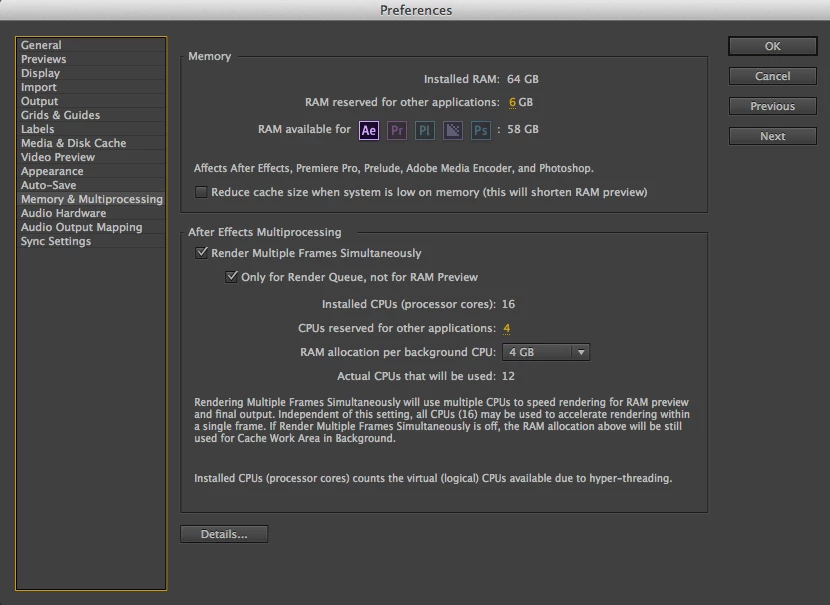
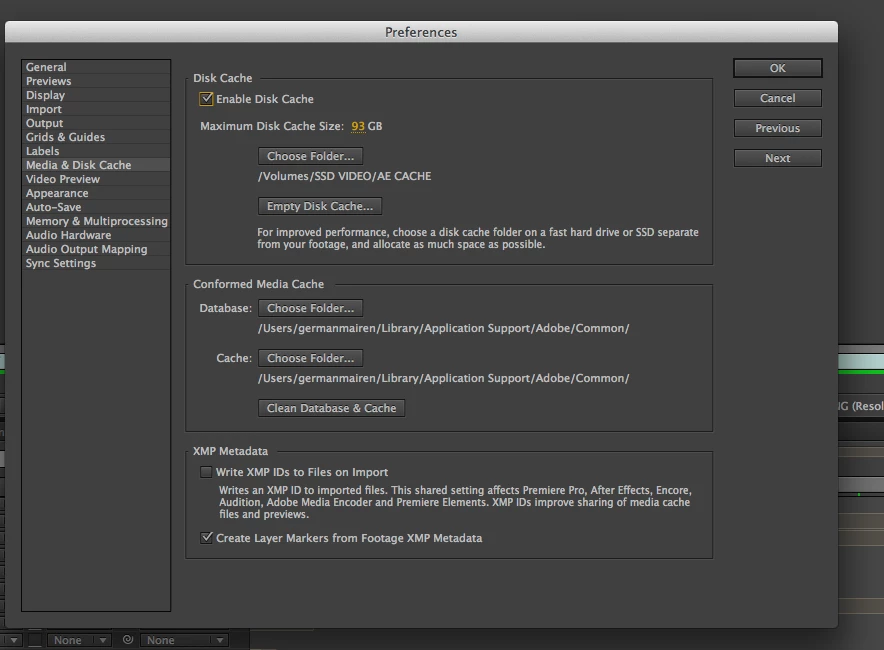
And the AE performs slower than in my old mac pro. I have set the preferences as seen on all those tutorials on this site, I have an SSD external disc for cache files, memory and multiprocessing settings correctly...and previews are very very slow, and I can not even render a single comp without waiting 10 minutes. I am very disappointed and frustrated with this situation...

Am I missing something?

    Correct answer Andrew Yoole

    Without wanting to sound condescending, because I genuinely understand your complaints, I must point out here that some of the onus here belongs to the hardware purchaser.  How carefully did you assess the purchase of the Mac Pro?

    In my own facility, we were torn about which hardware to purchase this year.  After lots of research of available benchmarks, and assessment of what hardware After Effects relies on, we decided not to buy Mac Pros just yet, and bought a bunch of fully specced out iMacs for now.

    The thinking for this:

    • All the benchmarks we found showed AE performance didn't get a significant enough bump to justify Mac Pro expense.  If you're a FCPX editor, Mac Pros are a no brainer -  FCPX is optimised for this hardware.  But AE is not.

    • A significant part of a Mac Pro's cost is in GPUs, which are irrelevant to our main AE use.

    • The cost of one reasonably specced Mac Pro workstation was about equal to two fully specced iMac 27" i7 workstations, with 1TB SSDs and 32GB of RAM.

    • Any new generation tech is fraught with danger.  We decided the 2nd Generation Mac Pro will be a much safer bet, especially since they are manufacturing in an entirely new facility, and the machine itself is a major new design.

    51 replies

    Community Expert
    May 11, 2014

    What about your comp settings? Ray-traced rendering enabled? Size of the comp? What happens if you delete your preferences and use the default settings?

    Participating Frequently
    May 12, 2014

    The settings for the comps are usually 1280x720 in 25p.

    I don´t use several filters or fx.

    I can not enable the raytracing because AE does´t recognize my graphic card, so I can not use the CUDA.

    Things were even worse when settings were as default.

    Any advice?