


Gray/Black boxes glitch when using brush tool, moving screen, or zooming in
I’m making a post about this again, I’ve had this problem for over 5 years, I’m doing better at logging the history with this issue. I’ve brought it up multiple times, it seems like no one knows or cares; but I will keep trying until its finally solved. The only other person I’ve found with this problem said their solution was to quit adobe and move on.
I’ve updated drivers, updated animate, reinstalled windows etc over the years, this is just becoming rediclousy and has halted all my animation progress. And the only response I get from people, over the last 4 years is, “have you tried launching animate using your onboard graphics?” or “Updage your graphics drivers to the studio driver.” Yes, I’ve tried both of that, I’ve update everything over the span of 5 years, I’ve tried every single kind of drivers under the sun I have access too.
It doesn’t matter if I draw for 10 mins or an hour + it eventually happens and stops all my momentum. Just like last time, here are gifs of the issue.
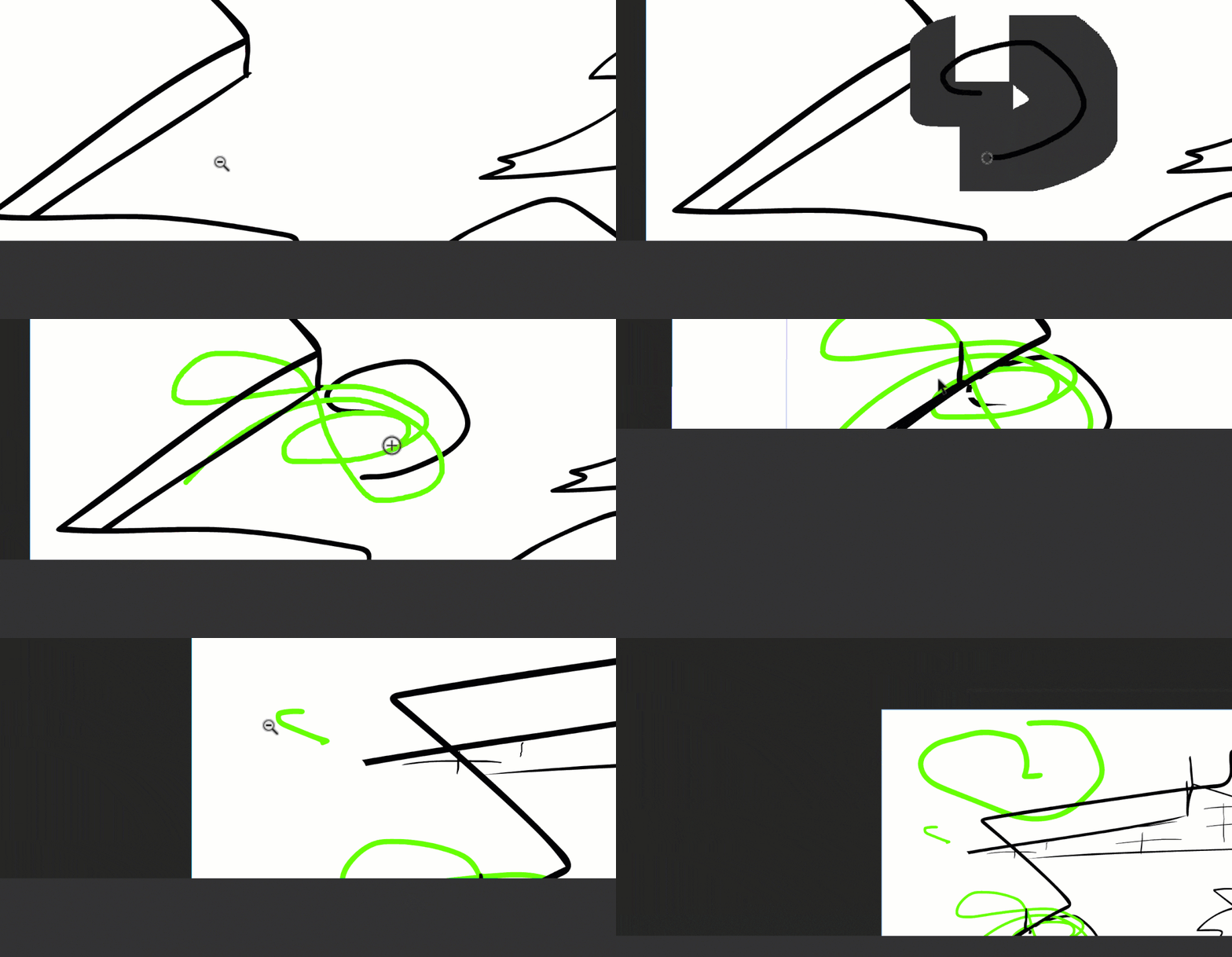
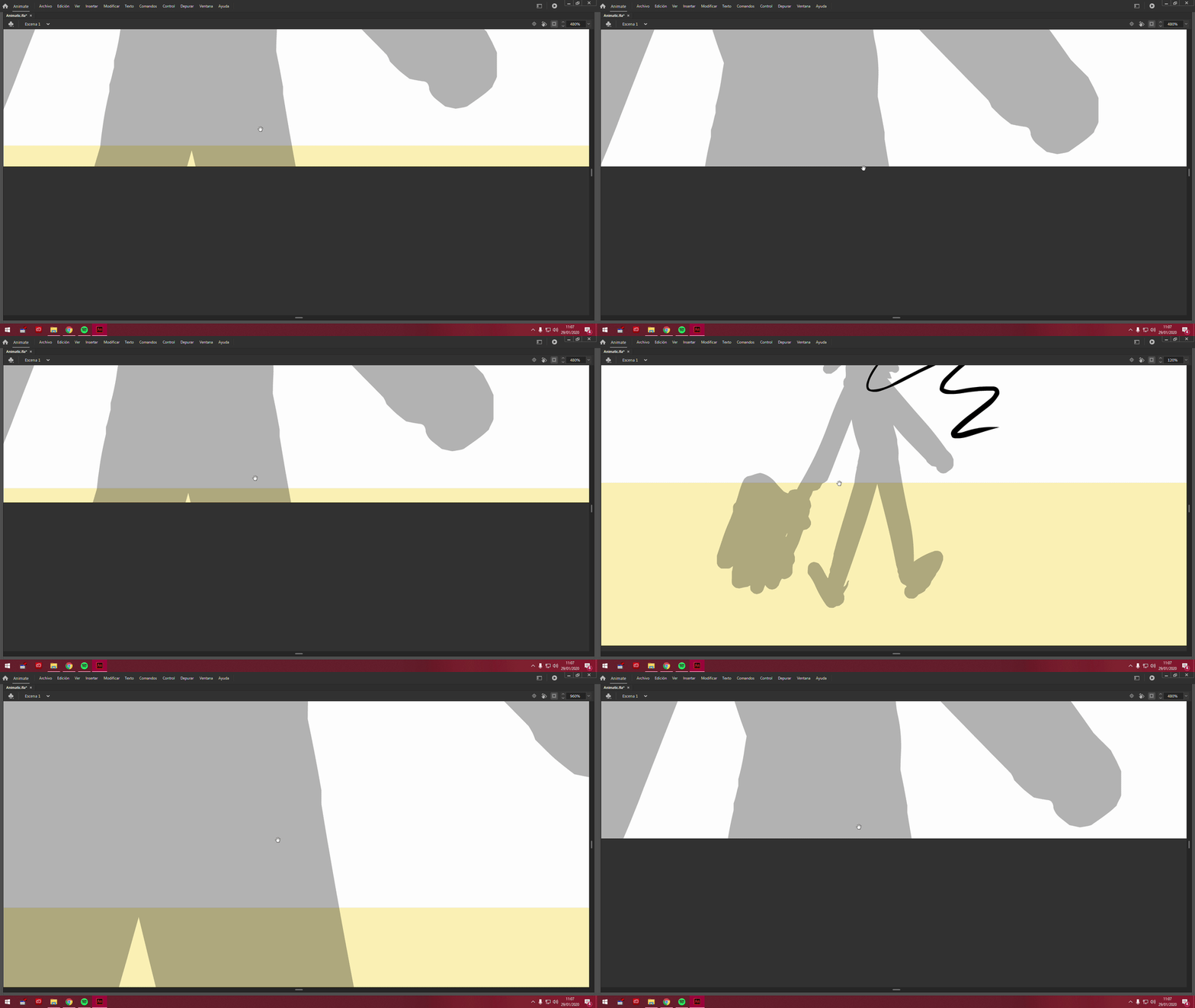
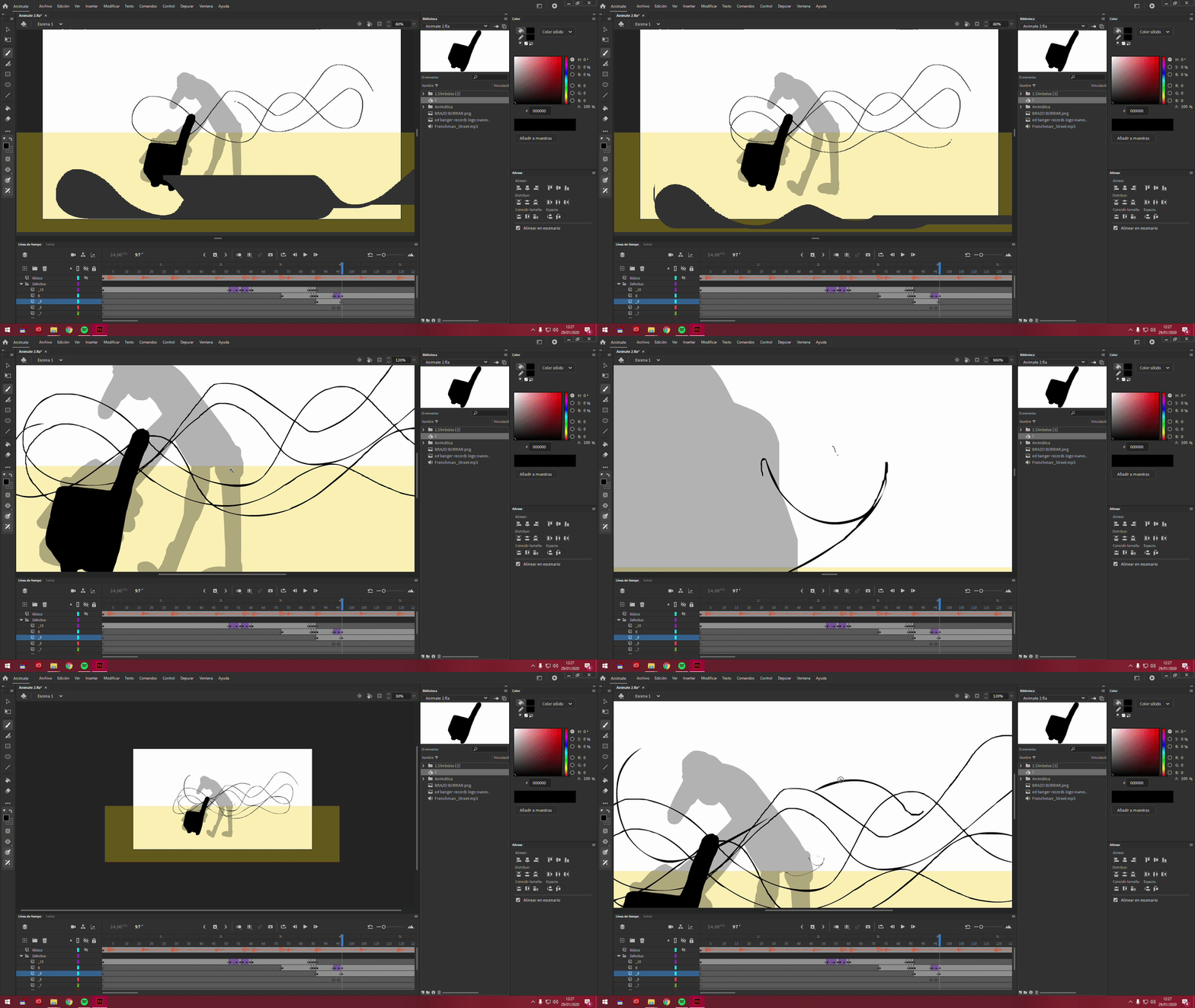
Here are all the other accounts I could find on here of the same issue over the years (none of them have been solved they’re usually just ignored, like this post will probably be).
https://community.adobe.com/questions%2D540/grey%2Dlines%2Dwhen%2Dusing%2Dbrush%2D106363
https://community.adobe.com/questions%2D540/weird%2Dgrey%2Dlines%2Dwhile%2Ddrawing%2Dwith%2Dthe%2Dbrush%2Dtool%2D143316
https://community.adobe.com/questions%2D540/help%2Derror%2Dbig%2Dgrey%2Dareas%2Din%2Dthe%2Dstage%2Dview%2Dand%2Dauto%2Dcomplete%2Dlayers%2Dwith%2Dnothing%2D106369
https://community.adobe.com/questions%2D540/black%2Dboxes%2Dwhen%2Dusing%2Dbrush%2Dtool%2D138443
 AdChoices