Participating Frequently
August 23, 2015
Answered

Downloading Pics in Mac El Capitan

  • August 23, 2015
  • 21 replies
  • 36205 views

Tried  to download pics from my Canon 7D this morning using Bridge 5.0.2 to my Mac Pro using OS El Capitan (15A262e) V10.11 and my Camera (Canon 7D) was not recognized.

Apple Photos recognized the Camera.  I then booted to Yosemite, V 10.10.5 and Bridge recognized the camera in that OS.

    This topic has been closed for replies.
    Correct answer Kelly McCathran

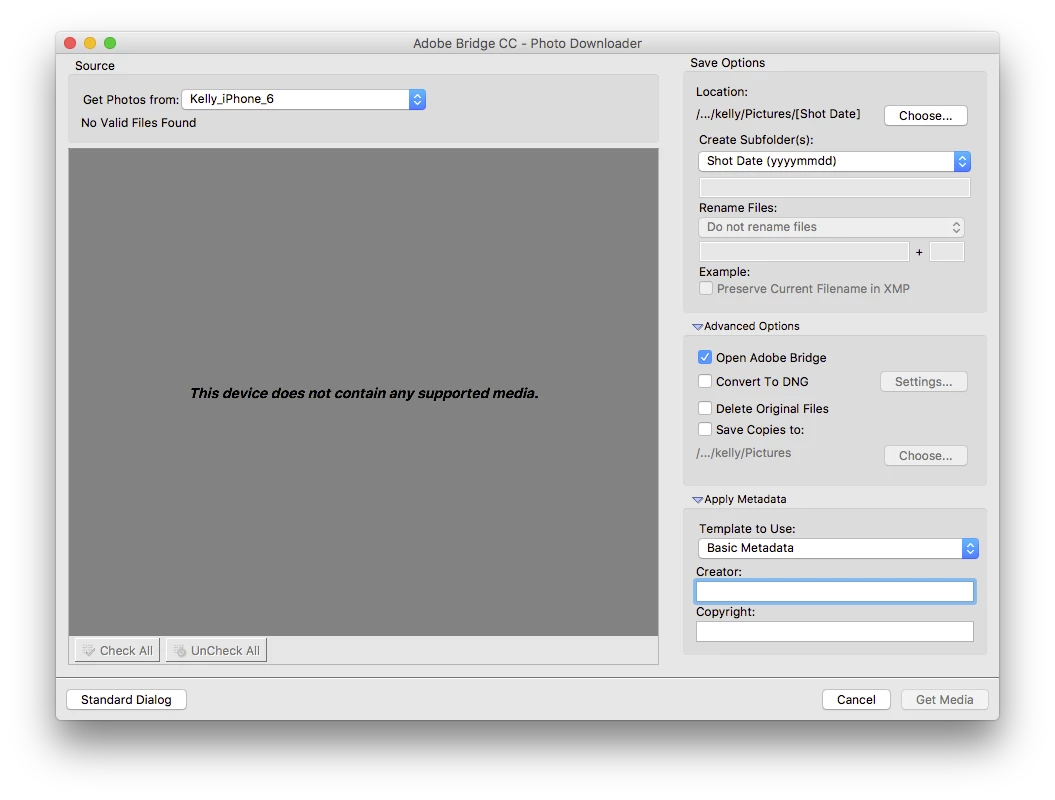
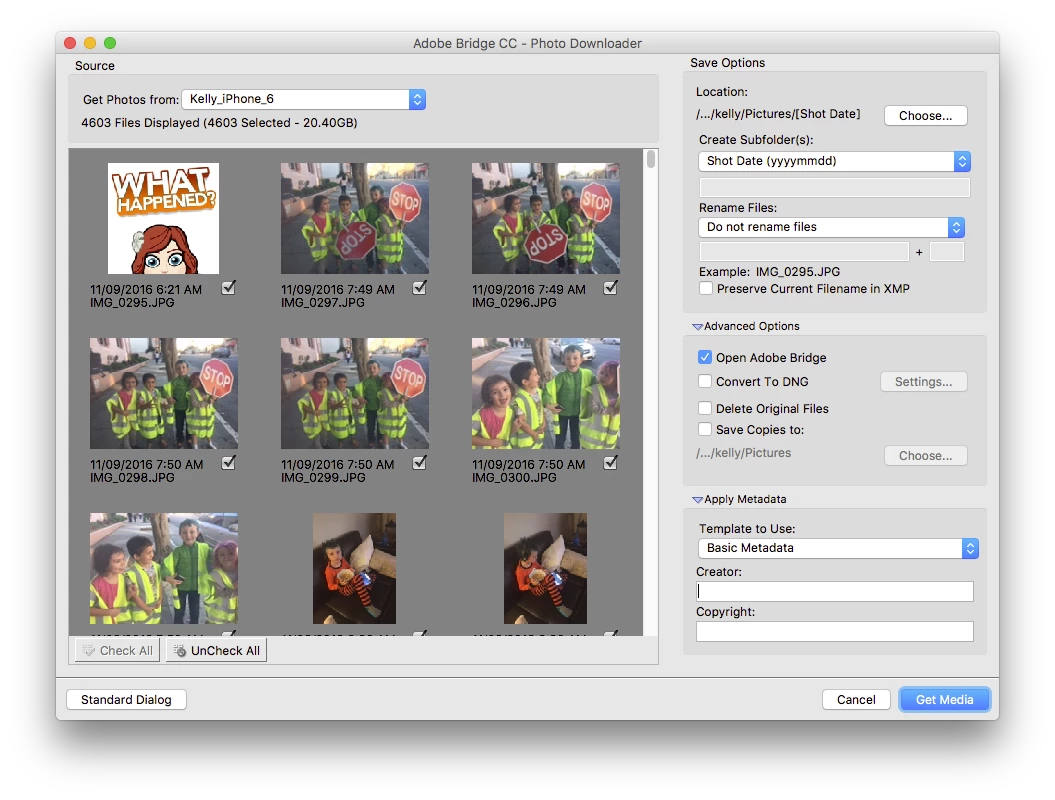
    This issue IS FIXED in Adobe Bridge CC 2017. Update using the Creative Cloud App!

    If you have issues, wake up your phone and it will re-scan the device (you may have to choose <Refresh List> under "Get Photos From").

    21 replies

    Deepak_Gupta1
    Participating Frequently
    November 3, 2016

    Hi All,

    We have released a new version of Adobe Bridge (CC 2017) on 02 Nov 2016. The new version build number is 7.0.0.93. This version is available to install via Adobe Creative Cloud application.

    Please try the new version and check for issues you have encountered.

    You may need to update the Creative Cloud application and restart your computer to see the patch update.

    Thanks,

    Deepak Gupta

    Known Participant
    November 3, 2016

    No way in hell I'm updating Bridge until it can be done without wiping out all the existing settings. I'm past the point where I'll spend time, energy and frustration rebuilding all my Collections after every Bridge update.  I get the feeling that Adobe is making it as difficult as possible to use Bridge to push customers into a monetized LR.

    Deepak_Gupta1
    Participating Frequently
    November 4, 2016

    Hi Brian,

    You can try installing Bridge CC 2017 for trial purpose on another machine. If the new version i helpful, you can continue to use.

    Please make sure to un-check the option "Uninstall previous version" in the Advanced option of installation  screen.

    Thanks,

    Deepak Gupta

    Joe VanDerBos
    Participant
    August 30, 2016

    I got it to work!

    In El Capitan 10.11.16 and Adobe Bridge CC (NOT 2015----the 2015 CC series is unusable for me) I was able to download from a Nikon D5100 using the File > Import from Device... command which is right under the 'Get photos from camera' which used to work.  Different interface but works just as well. Grabbed File properties, but not sure if it will allow the kind of power user tools that have been rightly mentioned in this thread.

    Joe

    Participant
    June 3, 2016

    Hallo,

    I formated memory card from exFat to FAT32 and it works as before!

    Participant
    March 13, 2016

    I use Apple Image Capture. No problem.

    Participating Frequently
    March 13, 2016

    ^^^^There certainly is a problem.  As with using other methods of importing photos, Including the "Import from Device" in the new Bridge - they just import jpegs not the RAW images, at least on my Canon 7D.  I shoot in both jpeg and RAW because there are times when I want to edit the full RAW image.  No More - However. 

    And again, it is far more convenient to use Bridge in conjunction with PS - For Gosh Sakes - That's how they were designed to be used and integrate beautifully.

    And again, I ask.  Why would Adobe spend $ updating Acrobat 11 and not update PS CS6?  It boggles my mind! 

    Lou

    Participating Frequently
    March 22, 2016

    I updated to the Trial Version of PS CC 2015 (V16.1.2) and Bridge V16.2 still does recognize "Get Photos from Camera" for my Canon 7D.

    Lou

    annaf17085636
    Participant
    February 18, 2016

    Today tried to download from Nikon D810, using Adobe's new recommended method in Bridge (Import from Device) since Get Photos from Camera is not working at this time. Import from Device within Bridge does not work today for me. If however, I use Image Capture directly (that is, not from within Bridge), it downloads photos properly. Still not as good a method as previous Get Photos from Camera, but at least I can work.

    Participant
    February 10, 2016

    Downloader now working for me on CC. I updated BR and PS.

    Auto launch not happening...keeps being hijacked by apples photo app.

    But thats not adobes fault and "get photos from camera" works now with usb card reader as well as SD slot.

    Participating Frequently
    February 11, 2016

    OK, so it appears that Photoshop CC has been updated but not CS6.  Again, Adobe please fix this!

    Lou

    Brett N
    Adobe Employee
    Adobe Employee
    February 12, 2016

    This update to Bridge is the first part in getting Bridge modernized for use with the major changes the Mac OS has had recently. This is our first real update to Bridge in quite a while. Remember, this is still Bridge CC, two versions behind Photoshop CC 2015 and the rest of the Adobe applications. The new feature to "Import from Device" is merely a temporary workaround while the underlying infrastructure is built which will allow Bridge and the Photo Downloader to be able to work within the new API's Apple has added to the OS. Now that the groundwork has been lain a future update will use this foundation to get the Photo Downloader to be compatible with newer OS systems.

    To note, CS6 will not be getting any updates to fix this for the same reason that CS5 or any of the older versions will not. Those products are no longer under development.

    Participant
    January 22, 2016

    Adobe tells me there is an update very soon to bridge to fix this. (not date mentioned)

    Problem is in CC aswell as other version of Bridge.

    Participating Frequently
    February 9, 2016

    Adobe Updated Photoshop CC & Bridge CC this morning.  Bridge CC is usable with Photoshop CS6.  Bridge CC being used with Photoshop CS6 still unable to locate my Canon 7D.  Is Adobe planning to leave it's CS6 customers out in the cold with this bug.  Is Adobe planning to NOT Update CS6 to fix this?  I am still at the place where I prefer to own my own software and not rent it.  If CS6 is not updated, this is IMHO, is a gross injustice to Adobe's customers who have remained loyal to Adobe over the years.  CS6 is still working fine for me with El Capitan, except for that darn download bug.  PLEASE FIX THIS!!!!!!!!!!!!!!!!!!!!!!!!!!!!!!!!!!!!!!!!!!!!!!!!!!!!!!!!!!!!!!!!!!!! 

    Jeff Arola
    Community Expert
    Community Expert
    December 10, 2015

    Has anyone here had any change since the El Capitan Mac OS X 10.11.2 update was released a few days ago?

    Brett N
    Adobe Employee
    Adobe Employee
    December 10, 2015

    Glenn, you make some excellent points. However, we're missing a very important fact when talking about all of this testing, beta or otherwise: We haven't released a new version of Bridge in a couple years. Note that it is still Bridge CC (not 2014 or 2015), so there hasn't been a beta to test, internally or externally, against the newer versions of the Mac OS that have been released since this last version of Bridge (I believe Mac OS 10.8 was the current version the last time such testing would have been completed).

    glennado
    Known Participant
    December 10, 2015

    Brett, thanks very much - a good and important point. I was just responding to Kelly's comments about beta testing.

    There have been a number of updates made to Bridge CC since El Capitan was available to developers, and since its official release.  Even without an entirely new version of Bridge CC, doesn't it make sense to patch something as fundamental as the Photo Downloader by now?  An impressively thorough Adobe customer support rep did some checking a couple months ago and  told me a patch to fix this error was expected to be released by the start of October.  I sympathize with the software team, figuring there are many other priority issues.  Since Adobe made the downloader work with El Capitan in Lightroom (though with its own LR limitations, making workflow tedious), can't it also be made to work in Bridge via a patch?

    Thanks!

    Glenn

    P.S. Love your profile image.

    Participant
    December 9, 2015

    SOLUTION...

    not to say i'm happy to endure these megacompanies leaving horrible loose ends like this, but after reading all the other solutions, i decided to try using any apps on my EL CAPITAN upgraded minimac to download the files from my canon 5Diii INCLUDING the raws (which photoshop kept opening one at a time!!!)...

    solution for me was the mac installed image capture which allowed me to import the files to any folder, in my case one on an external HD, is right now downloading cr2 and jpegs of each shot...only downside is it's giving them it's own nonsense file names...but hoping eventually mac and adobe or canon will come up with a way to properly use their software together...after all, the reason most of us spend all these bux for the supposedly best devices is for our photography!

    Kelly McCathran
    Inspiring
    November 24, 2015

    Adobe has discovered that Bridge CC with Mac OS 10.11 (El Capitan) doesn't work with many USB devices to import images (iPhone included). That would explain why importing on your 7D works in Yosemite.

    Apple has stated about El Capitan: "The USB stack is completely redesigned to increase stability and performance compared to Mac OS 10.10. Applications and third-party drivers for vendor-specific USB devices may require modification."

    I use this workaround, for now:

    • Import the images with Apple's Photos app
      • Choose File > Export > Export Unmodified Original
      • Save the files where you want them
    • Batch rename the images and add metadata in Adobe Bridge

    Adobe posted this tech note in Bridge Help: Bridge and El Capitan

    glennado
    Known Participant
    November 25, 2015

    Unfortunately, as I explained above, this workaround doesn't really do the job well since, like many, I normally use Photo Downloader to perform 5-6 functions simultaneously: automatically append Metadata, convert RAW files to DNG (with large JPG previews), rename images, import them to my hard drive, and auto-sort them into different date-based folders (created by Photo Downloader on the fly based on shot date).  But because Adobe didn't get their software working in time for El Capitan's release (and still hasn't months later), I can't do this automatically, and workflow is a time-consuming mess.

    And as also mentioned above, Adobe's suggested workaround does not work for many professional setups and cameras (e.g., the Canon 5D Mark III) that don't have the option to switch to "USB Mode / Mass Storage Mode." No luck connecting via camera or card reader.

    Adobe needs to release an actual fix.  They've said they would for some time now.  But when the very nice and helpful customer support rep I've been talking to about this last called to update me (last week), she said they're flooded with reports of other bugs almost daily.  So I'm guessing it's going to be a while before they address most of them in one big update.  Seriously frustrating for the leading professional software in the field.

    Kelly McCathran
    Inspiring
    November 25, 2015

    @glennado, I am frustrated as well that this issue occurred when I upgraded to El Capitan. I'm not sure if Adobe or Apple needs to make the fix (the ball is technically in both courts right now). You have 2 choices until this is fixed:

    1. Go back to Yosemite

    2. Try one of the suggested workarounds

    Until there is a fix, here is another suggested workaround:

    • Copy all images to another USB device (that is recognized when you choose File > Get Photos from Camera in Bridge) (I have several SD cards that work).
    • Then you can do all the functions you mentioned above in the Photo Downloader.

    * Personal note: I know Adobe is aware of the issue, complaining further about it won't get it resolved more quickly.