Participating Frequently
August 23, 2015
Answered

Downloading Pics in Mac El Capitan

  • August 23, 2015
  • 21 replies
  • 36205 views

Tried  to download pics from my Canon 7D this morning using Bridge 5.0.2 to my Mac Pro using OS El Capitan (15A262e) V10.11 and my Camera (Canon 7D) was not recognized.

Apple Photos recognized the Camera.  I then booted to Yosemite, V 10.10.5 and Bridge recognized the camera in that OS.

    This topic has been closed for replies.
    Correct answer Kelly McCathran

    This issue IS FIXED in Adobe Bridge CC 2017. Update using the Creative Cloud App!

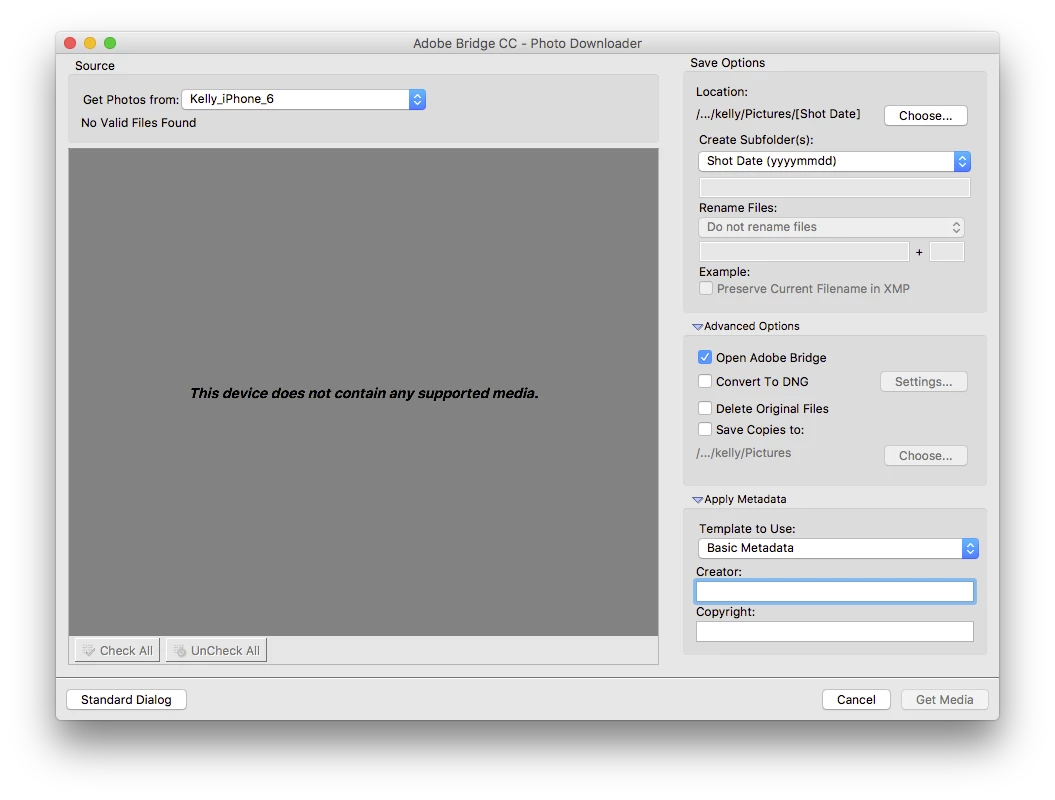
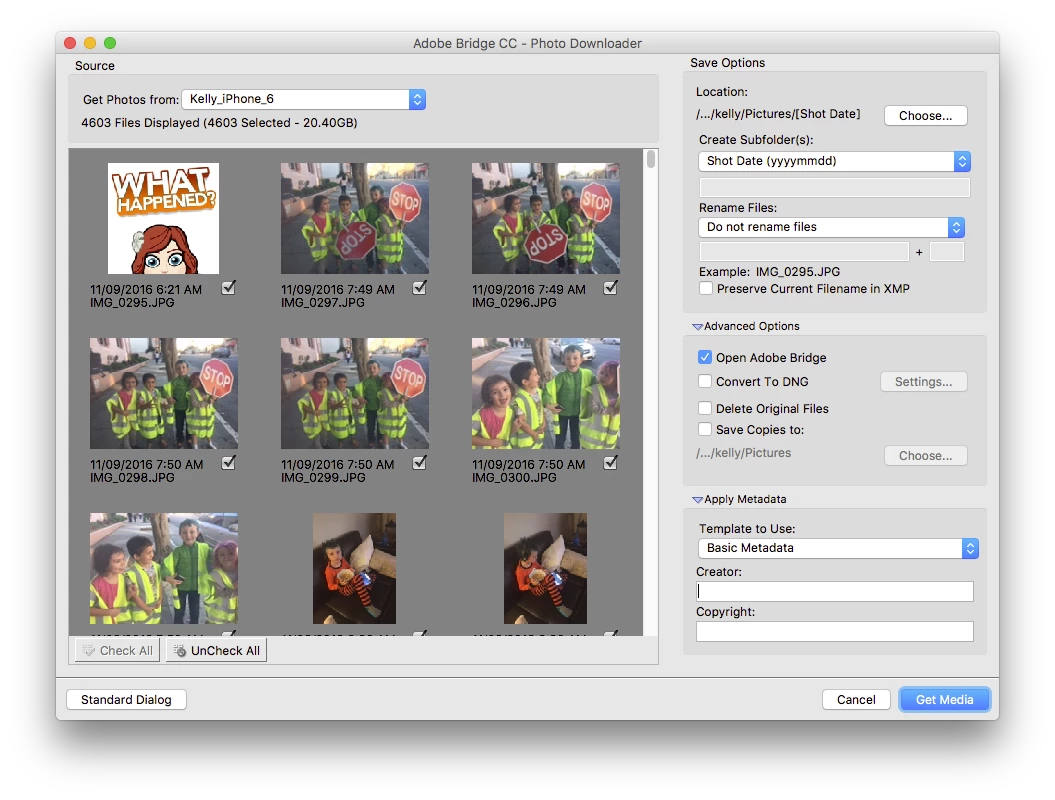
    If you have issues, wake up your phone and it will re-scan the device (you may have to choose <Refresh List> under "Get Photos From").

    21 replies

    annaf17085636
    Participant
    November 10, 2015

    I encountered this problem today. THIS WORKS for me while Adobe and Apple sort things out: On Mac in OS X El Capitan, go to Finder, select Applications, launch Image Capture. It recognized my D810 (also worked with my iphone5S). I selected images from the D810 and specified where to file them. Then went to Bridge and checked: everything is there and fine and I'm editing as usual. Hope this helps others.

    guistutz
    Participant
    November 11, 2015

    Thans a lot, annaf17085636‌. It worked well the way you said. ;-) Good option!

    jessicac88227270
    Participant
    November 5, 2015

    Seems like this is a problem whenever there is a new OSX and it will take time before it is corrected. In the meantime I am able to transfer the photos from 5dmii via cardreader or the eos utility 2.14.10

    guistutz
    Participant
    October 26, 2015

    The SAME problem. Anybody got a solution? PLEASEEEE...

    jamesk34818995
    Participant
    October 21, 2015

    I contacted Apple Support.  They were able to show me two places to turn off the auto-start up of Photos when an SD card from my Nikon is present.  Then the SD card began showing in Finder and I have been able to drag/copy photos into my usual photos file location and use Bridge to access them. 

    October 9, 2015

    I have the same problem, seems that Im not the only one, I usually use Bridge for my iPhone and my Canon and they worked perfectly with Yosemite. I installed El Capitan one week ago and everything works perfectly except this. I won't be upgrading to CC so I guess is time for me to re think about my relationship with Apple's Photo app. Time to change.

    Brett N
    Adobe Employee
    Adobe Employee
    October 9, 2015

    Sees like we found the root cause and a workaround for this issue. Currently documented here (Elements and Bridge both use the same Photo Downloader): Elements Organizer does not recognize some devices | Mac OS 10.11.x

    October 10, 2015

    Thank you!!!

    Jeff Arola
    Community Expert
    Community Expert
    October 2, 2015

    I guess until the issue is fixed you could either use a usb card reader or use Image Capture.

    The card reader is my preferred method anyway instead of always connecting one's camera directly to your mac and having the battery run out when transferring the photos.

    jamesk34818995
    Participant
    October 6, 2015

    Using a card reader for the SD card changes nothing.

    Participant
    October 2, 2015

    I have the problem as well. I cannot download photos from my Nikon D7200, but there was no problem in Yosemite. Apple Photos grabbed the camera on the first try. I killed it, but Bridge still didn't see the camera. I checked the box in Photos to tell Photos not to download from this device, but Bridge still doesn't see the camera. This is a real nuisance.

    Participant
    October 2, 2015

    I have same problem after upgrading OS to ElCapitan, Bridge Photo Downloader wont recognize SD card in slot.

    Inspiring
    October 2, 2015
    Mark1111
    Participant
    October 1, 2015

    I have upgraded to El Cap and now PS Elements V13 won't get pictures from my iPhone or Canon 7D Mark 2.  Worked no problem in Yosemite.  Very frustrating!

    October 1, 2015

    I posted the same question earlier today...only difference was that I use a Nikon D800.  I called Apple, they really jumped through a couple of hoops for me however to no avail.  I could not find anyone at Adobe to speak with but I did get a written response that asked me, in so many words, to clear the cache moving the content to the recycle bin and empty it...I did this.  While on the phone with Apple they did the same thing.  Neither worked. I ended up, with Apple's assistance, using Time Machine going back a few hours and reinstalling Yosemite.  The earlier state continues to work like a champ...no problems at all.  I won't load El Capitan again until there is an appropriate solution from Adobe or Apple that successfully addresses issue. Good Luck!