Participating Frequently
August 23, 2015
Answered

Downloading Pics in Mac El Capitan

  • August 23, 2015
  • 21 replies
  • 36205 views

Tried  to download pics from my Canon 7D this morning using Bridge 5.0.2 to my Mac Pro using OS El Capitan (15A262e) V10.11 and my Camera (Canon 7D) was not recognized.

Apple Photos recognized the Camera.  I then booted to Yosemite, V 10.10.5 and Bridge recognized the camera in that OS.

    This topic has been closed for replies.
    Correct answer Kelly McCathran

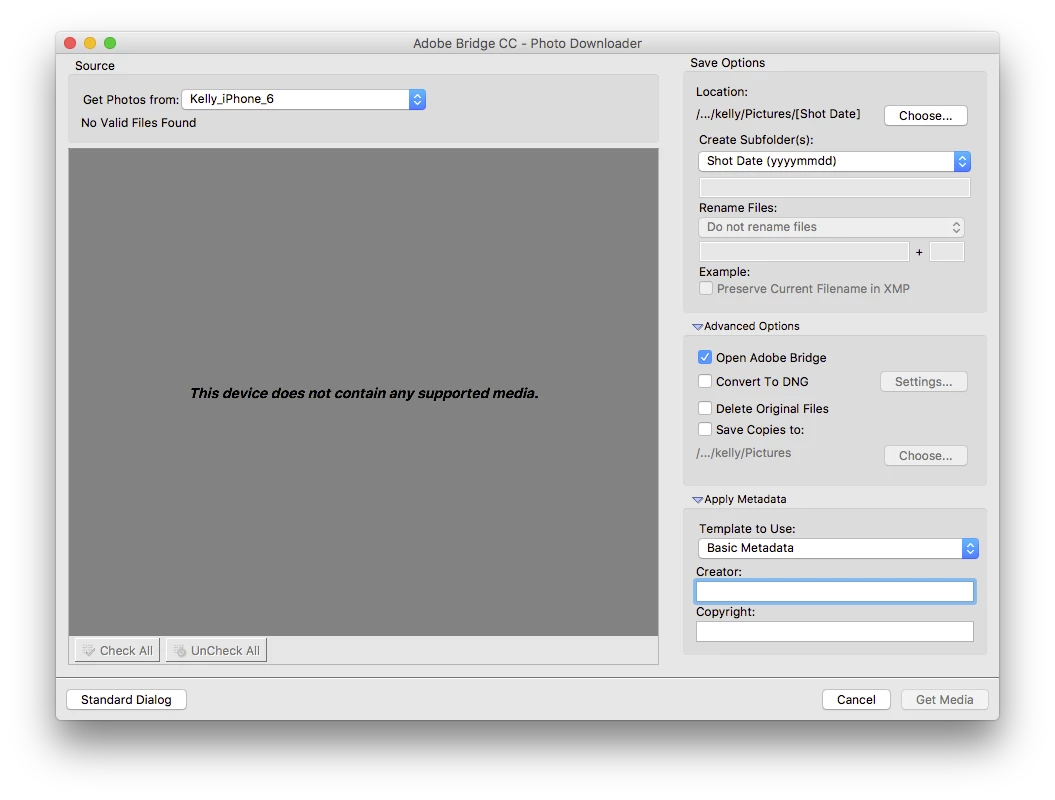
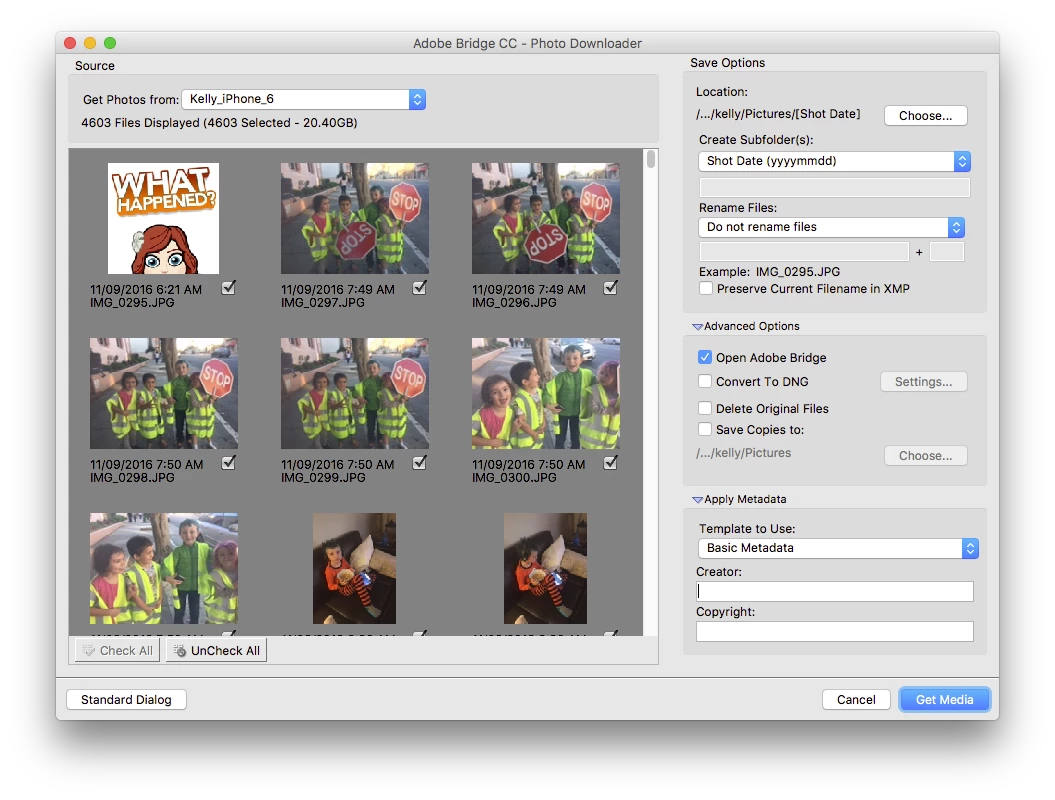
    This issue IS FIXED in Adobe Bridge CC 2017. Update using the Creative Cloud App!

    If you have issues, wake up your phone and it will re-scan the device (you may have to choose <Refresh List> under "Get Photos From").

    21 replies

    Jeff Arola
    Community Expert
    Community Expert
    August 23, 2015

    In Bridge if you go to Adobe Bridge CS6, click on Camera Raw Preferences, what version does it say?

    Have you tried Help>Updates from within bridge or photoshop to get camera raw 9.1.1?

    Participating Frequently
    August 23, 2015

    I'm using Camera Raw 9.1.1 in Both El Cap and Yosemite.  As I said, My Camera is recognized fine and I can download from Yosemite, but not in El Capitan.  The problems therefore seems to be some sort of incompatibility with the new Macintosh OS, El Capitan.

    Jeff Arola
    Community Expert
    Community Expert
    August 24, 2015

    Someone from adobe may see this post, but adobe generally won't comment on unreleased operating systems or software.

    Are you able to just copy the files to you hard drive, without using any software and then view the files in bridge?

    In the meantime while your waiting for an answer, you should report the problem to apple, since it could be a problem with El Capitan and not adobe software.

    Have you considered trying a trial of photoshop cc 2015 and bridge cc, to see if that works any better?