
Participating Frequently
October 15, 2018
Answered

Thumbnails in Bridge went crazy after 2019 update

  • October 15, 2018
  • 69 replies
  • 22362 views

Okay, I installed all of the cc2019 updates and Bridge (worked normally on cc2018) started to behave crazy. I mean all works except preview thumbnails. I get some kind of "static interference" pattern instead of previews.

I completely uninstalled and reinstalled Photoshop and Bridge to solve the issue but no luck.

Computer is iMac Pro 27".

On my old iMac 27" (2011) it works normally after the update.
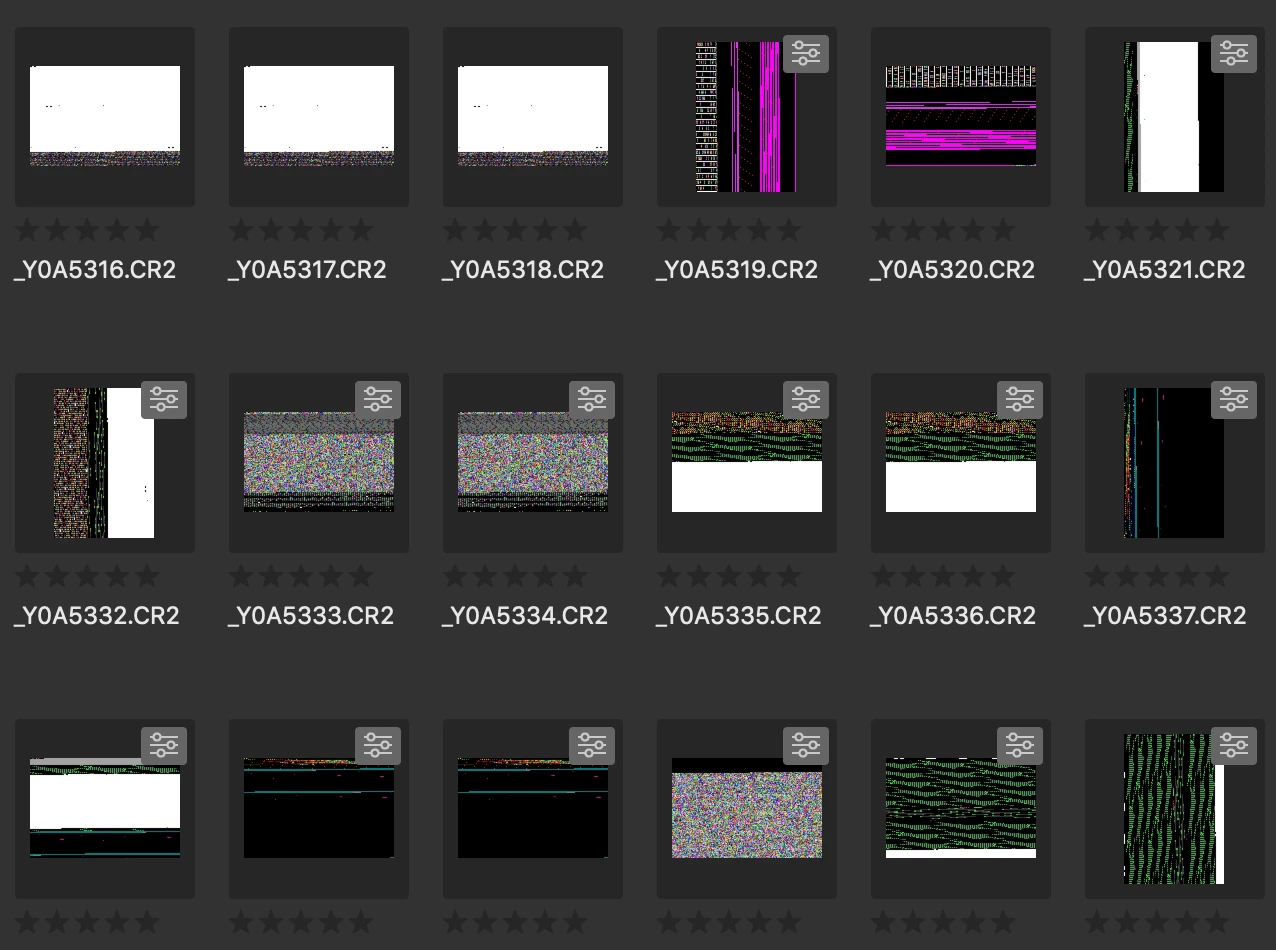
Any idea?

Thanks!

This topic has been closed for replies.
Correct answer siddharthsingh

Dear Users,

We have released a new version of Adobe Bridge (CC 2019) on 2nd November 2018. The new version build number is 9.0.1.216. This version is available to install via Adobe Creative Cloud application.

This Bridge update resolves the thumbnail rendering issue on iMac Pro devices and has few other bug fixes.

Please let us know if you face any issues.

Regards,

Siddharth

69 replies

Participant
October 24, 2018

Hello Adobe,

Is anyone there.....??

I have the same problem on my 27" iMac Poo opps sorry mean't 27" iMac Pro

Can anyone give a time frame to the fix?? this year, maybe next...??

Be good to know you care

jbm007
Community Expert
Community Expert
October 24, 2018

Chill out.

They know they have a major issue on their hands.

They have to fix it, but get it right first.

You have Bridge 2018 to fall back on like the rest of us.

Geez  .........  its been out a week and the pitch forks are already out.

And no I do not work for Adobe, and yes I am pissed as well.

XactoBlade
Participating Frequently
October 24, 2018

Same issue!

Made all of the suggested "fixes" and this is what I still have.

Participating Frequently
October 23, 2018

I have the exact same problem on my -- YOU GUESSED IT -- 27" iMac Pro. I have checked my Bridge version number (the newest) and have turned on Software Rendering, and have purged the Cache, and have the latest version of Camera Raw.

I guess for the time being, I will go back to Bridge 2018.

Inspiring
October 23, 2018

I know Adobe now knows this is a problem, just wanted to add that I'm experiencing the same on a brand new iMac Pro 27" – so far I've only installed CC and the default Mac OS apps. Still running High Sierra 10.13.6 though. Holding out a bit for Mojave.

Participant
October 22, 2018

Same problem. Also an iMac Pro, so I guess its unique to this machine.  I have reinstalled the old 2018 version of Bridge and shall await the update fix from Adobe.

Participant
October 22, 2018

I'm having the exact same problem. iMac Pro base configuration with the latest version of Mojave.

Smelltheroutine
Participating Frequently
October 21, 2018

Another CC Bridge 2019 bug on iMac Pro: it doesn't save the color settings (command + shift + k)

Or is it just me?

Participating Frequently
October 21, 2018

same here, iMac Pro.... Going on 7 days, any response from Adobe yet?

Participant
October 21, 2018

Same issue here (on iMac Pro).  is it easy to upgrade to Bridge 2018 without loosing settings etc?

LeddieG
Participant
October 21, 2018

iMac Pro, 27” same issue. When can we expect a fix? We’ve got work to do.