Participant
November 30, 2020
Question

Adobe Character turning red in Premiere Pro

  • November 30, 2020
  • 3 replies
  • 443 views

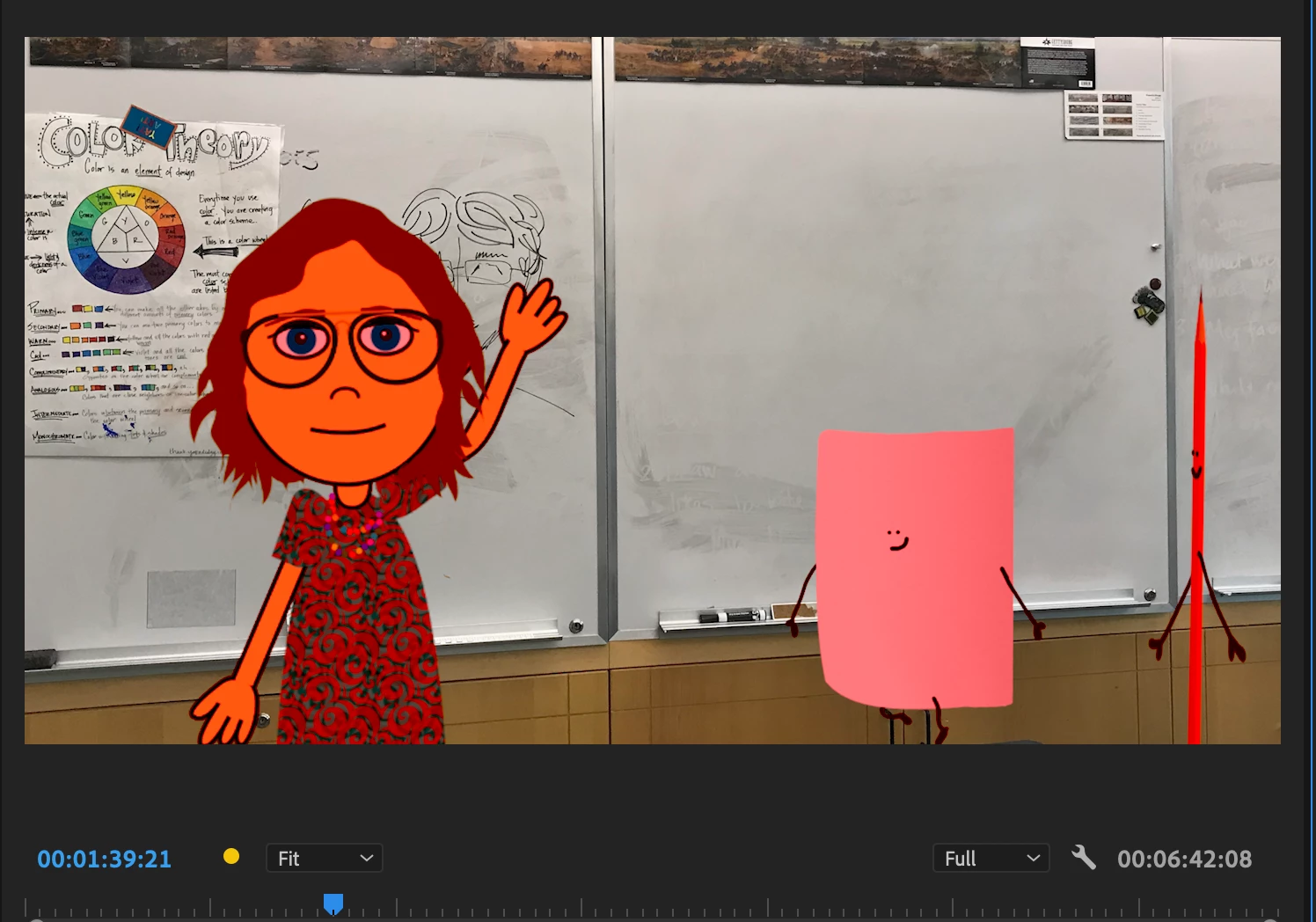
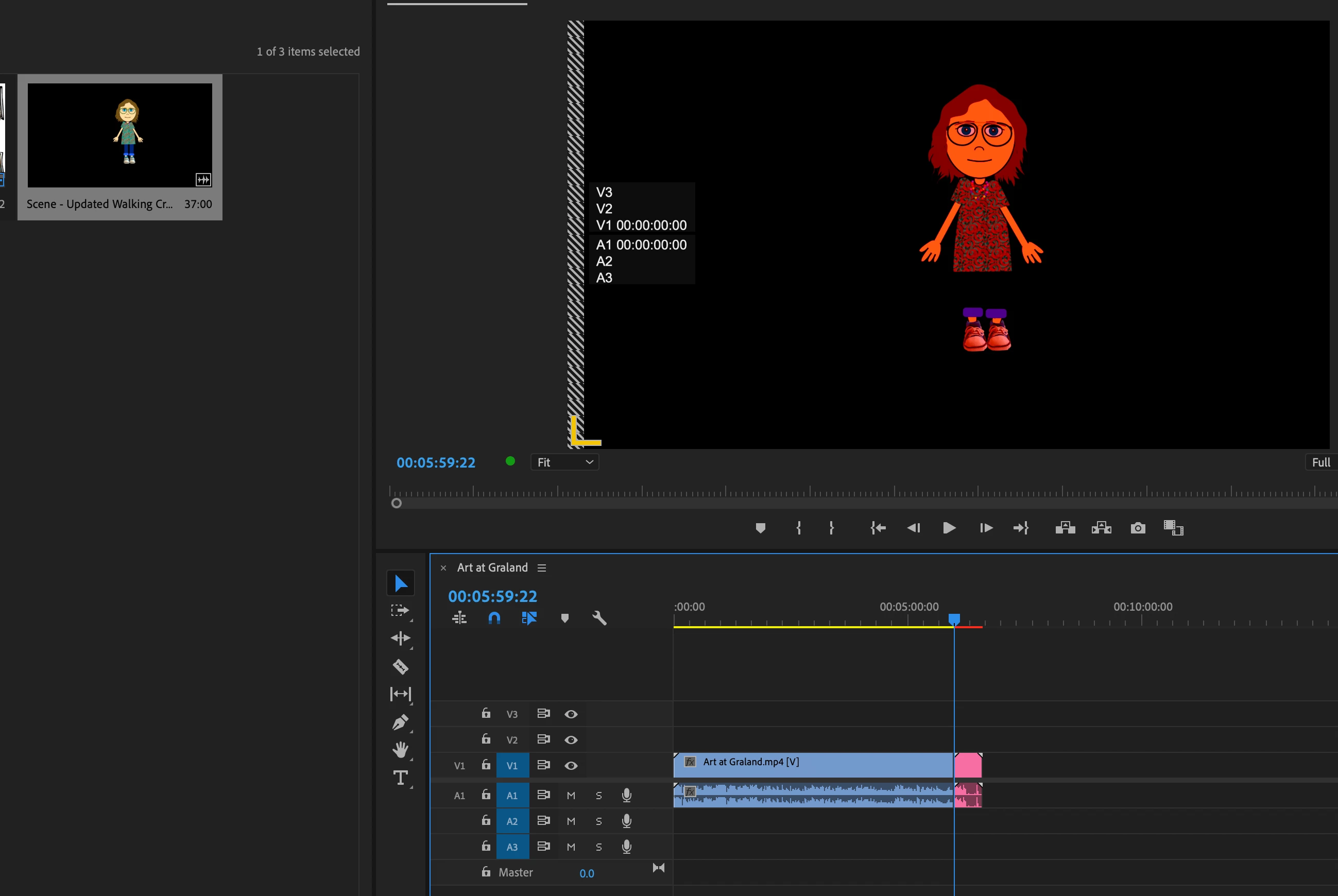
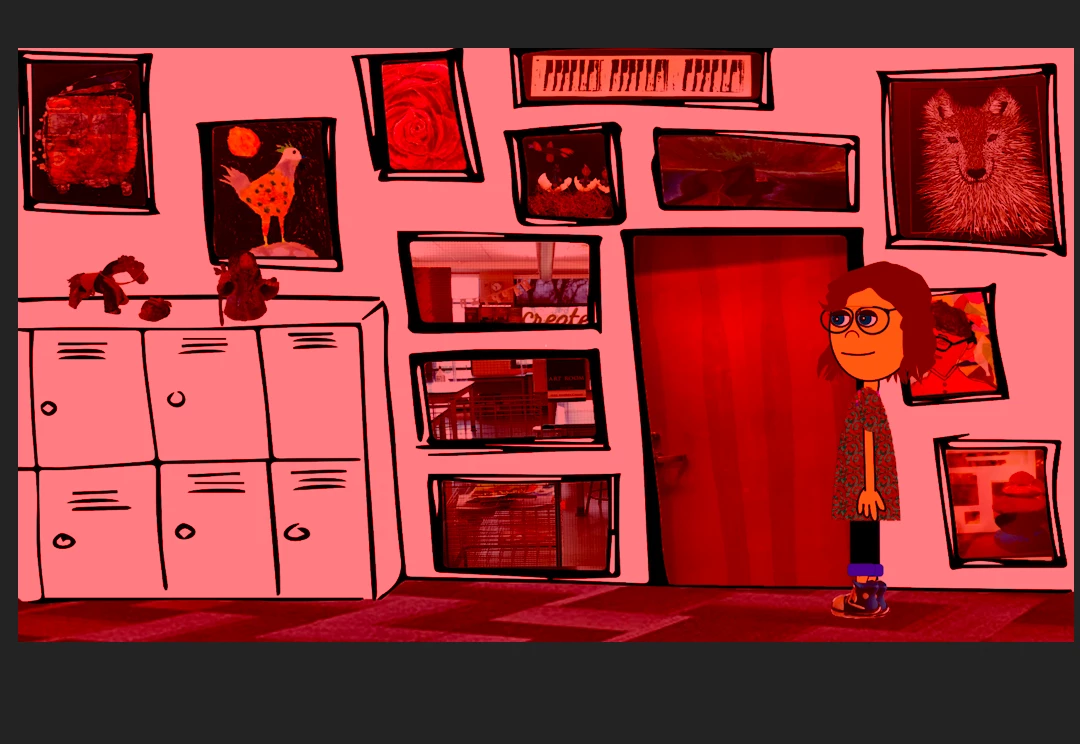
I just logged on to my Premiere Pro video to make some edits, and my Adobe Character is showing up red along with the some of the backgrouds (that were brought in from Ch. I can't find anything about this...help please! 
This topic has been closed for replies.

3 replies

Participant
November 30, 2020

This problem has been fixed in an unreleased version,You can try downloading the latest beta versions of CH and PR

k_oshiro
Community Expert
Community Expert
November 30, 2020

It may be a bug in Premiere Pro 2020 14.6.0.
As a quick fix
I placed an adjustment layer in the top timeline of Adobe Premiere Pro and applied an effect called Color Balance (HLS) and the colors disappeared. (The parameters were left at default.)


Other methods have been resolved in past articles.

https://community.adobe.com/t5/character-animator/character-changes-colors-when-moved-to-adobe-premiere/m-p/11616488?page=1#M15551

k_oshiro(AdobeCommunityExpert)
alank99101739
Legend
November 30, 2020

There were some recent posts about this - you might look through the last few weeks of posts. Here is one sample thread https://community.adobe.com/t5/character-animator/colors-are-wrong-illustrator-and-character-animator/m-p/11612760?page=1