Participant
December 5, 2019
Question

Illustrator layers not showing up in Character Animator

  • December 5, 2019
  • 3 replies
  • 2198 views

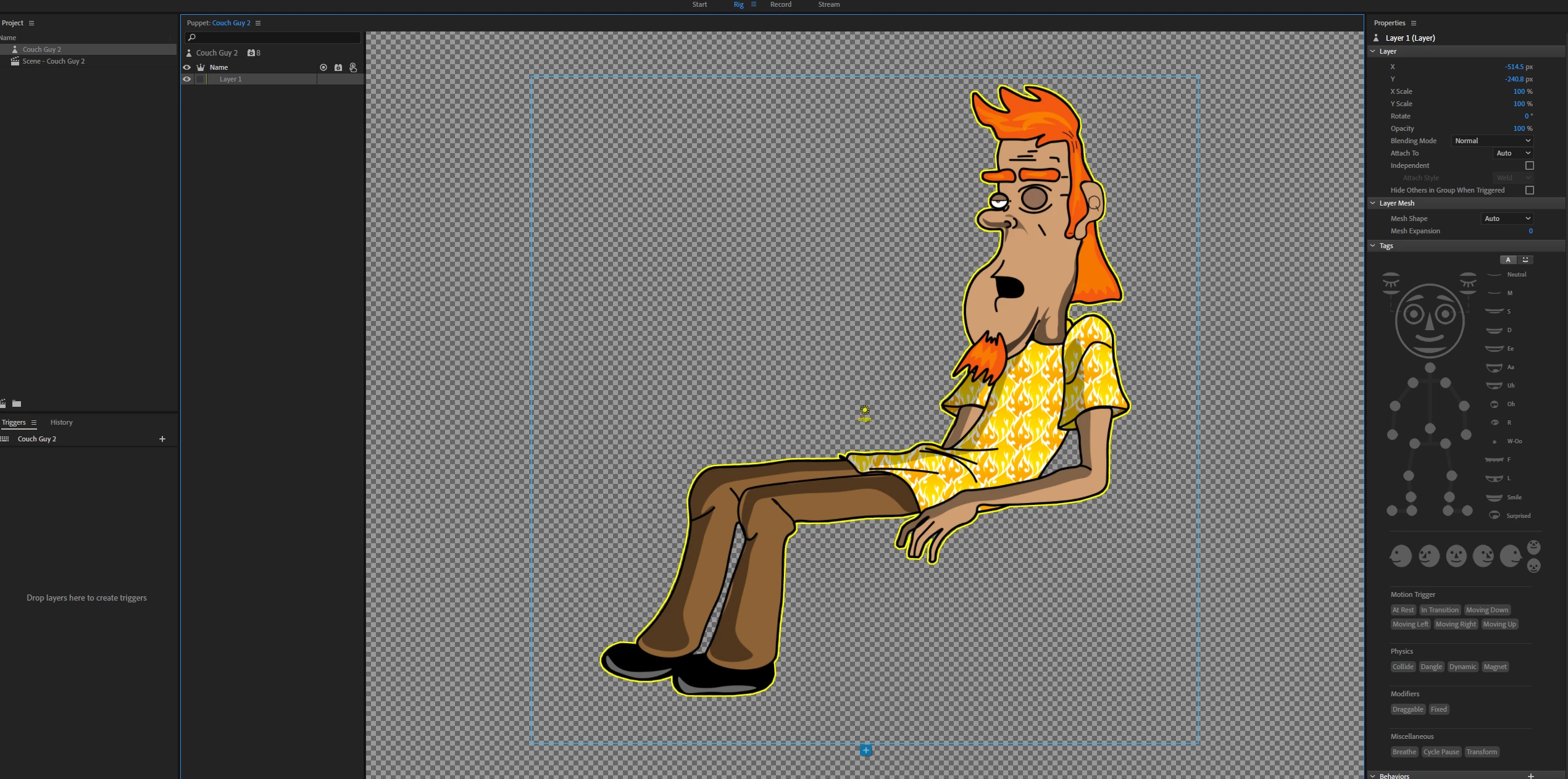
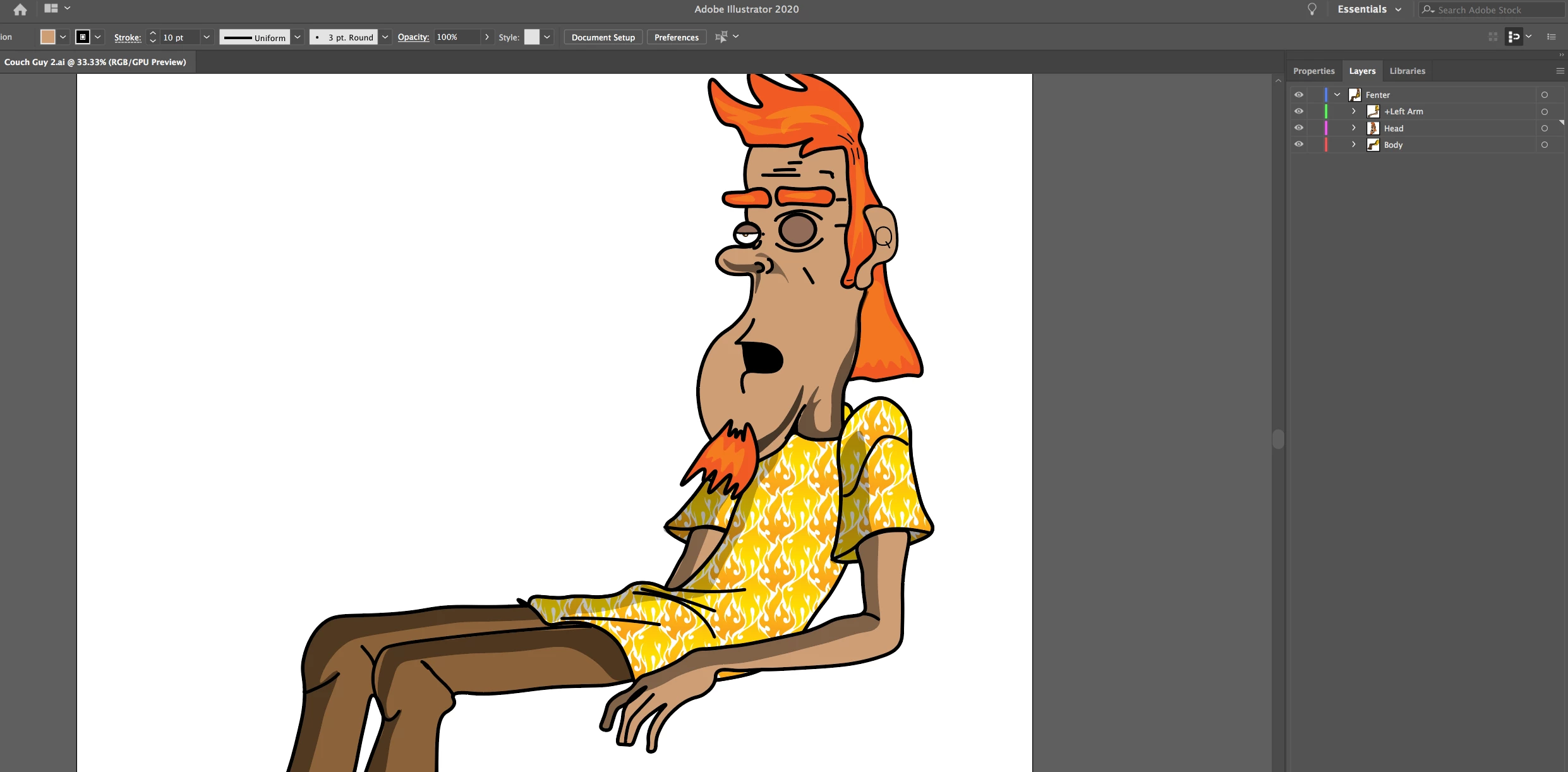
Can't figure out why my Illustrator layers are not showing up in the Rig window. It shows up as "Layer 1". 
This topic has been closed for replies.

3 replies

natasham79624204
Participating Frequently
December 5, 2019

I have the same problem. I tried the work around:

https://community.adobe.com/t5/character-animator/error-opening-illustrator-file-64/td-p/10715644

Now the illustrator comes with layers but doesn't show the content properly. 

Do you have the proper naming of the layers, like the "+" infront of the first layer like "+Adam" and then all the layers according the structure AC is asking for (Head / +left eyebrow ) and so on?

Participant
December 8, 2019

Thank you!! Saving to Legacy CC was the trick.

natasham79624204
Participating Frequently
December 10, 2019

No problem. In case you are facing another problem that occured to me: when I import an ai-file - saved as legacy CC - it happens that not all parts of my illustration are shown, namely those which have a compound path which I used for the drawing inside mode. My workaround: export it in Illustrator as  .psd file - therewith you keep the layer structure but the compound path is flattened to a single layer - and work in CA with the psd file instead - problem solves 😉

Monika Gause
Community Expert
Community Expert
December 5, 2019

Which versions of Ch and Illustrator are you using?

Which version is the AI file?

alank99101739
Legend
December 5, 2019

 That does look strange. What happens if you import the artwork file a second time? Does it create a new puppet with the correct structure? Also at the bottom of the scene window there is a refresh button (two arrows in a circle).Trying holding down ALT and clicking that buttons to flush various caches.


But it is strange.


Oh, if you look at the properties panel for the puppet, what is the path name to the file? Is it the same as the file you are editing? That is, single click on a puppet in the project panel then look at the properties panel over to the right. I am wondering if CH has made a copy of the artwork, so the file you are editing is not the same as the one it is using. Maybe!