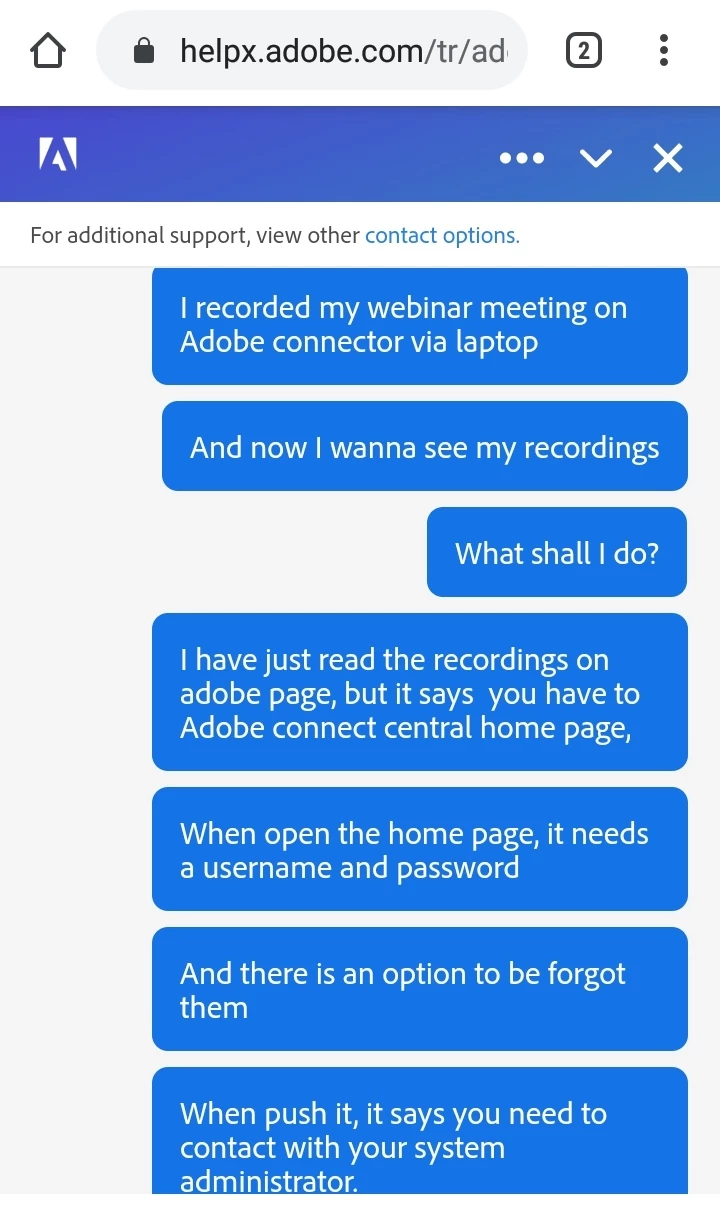
Connect Meeting recordings are not created locally on your computer. They are made server side. You will need to login to your Connect server, with the same credentials you use to start your meeting, and navigate to the folder where your Meeting is located. There will be a series of options for that room, one is called Recordings. You will find the recording there and can manage viewing permissions and click on the name of the recording to get the link used to watch the recording. You will also have the option to use the Make Offline tool to play the recording on your computer and make an MP4 of it that is saved on your computer.




 AdChoices