


Answered
How can I get embedded videos to play in ppt files within a connect meeting?
Hi all
I'm in a slight panic because I am running my first live session (with a sporting celebrity) on Monday, and the powerpoint file his representatives have sent me has a number of embedded WMV videos, which won't play in connect.
I'm aware adobe won't play any video files except flv. Can anyone recommend a good wmv > flv converter?
I have tried one online application, but I then couldn't import the FLV file into powerpoint.
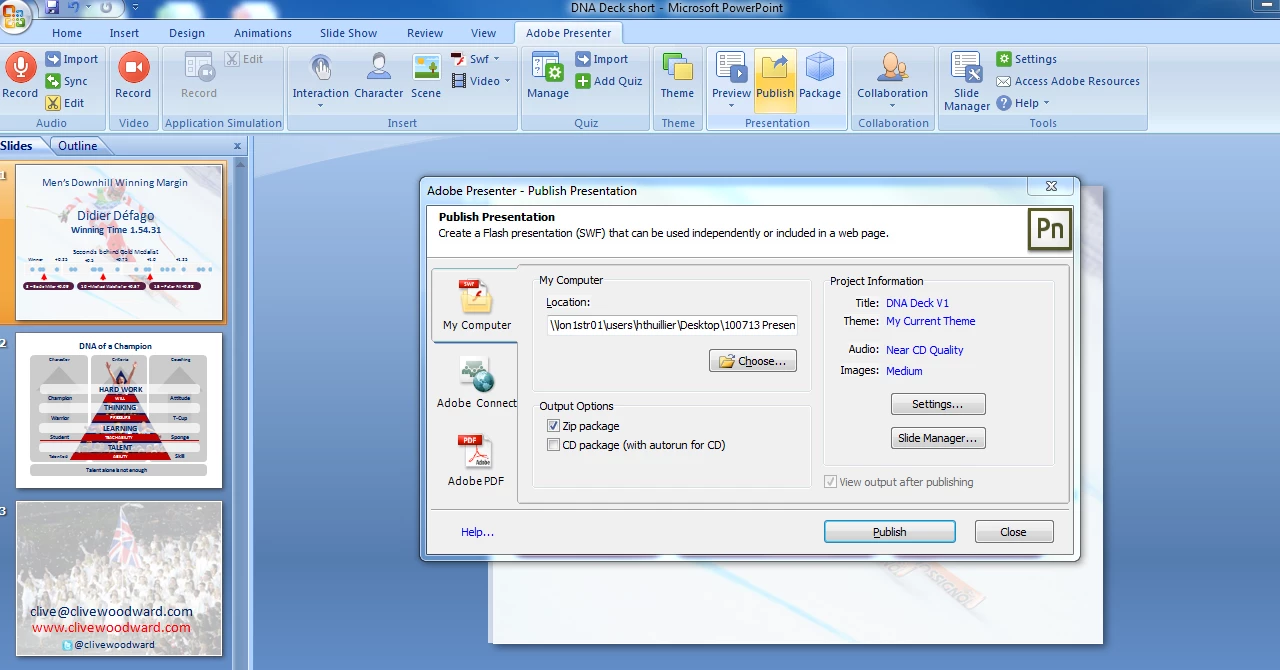
I have also tried converting the whole ppt to SWF. This uploads ok but still won't play the videos or animations.
Would really appreciate some help - is there a way to import the flvs into ppt and will they then play?
Thanks
Harry
 AdChoices