


Normal map in Substance Painter generates wrong from Blender model
Hey there,
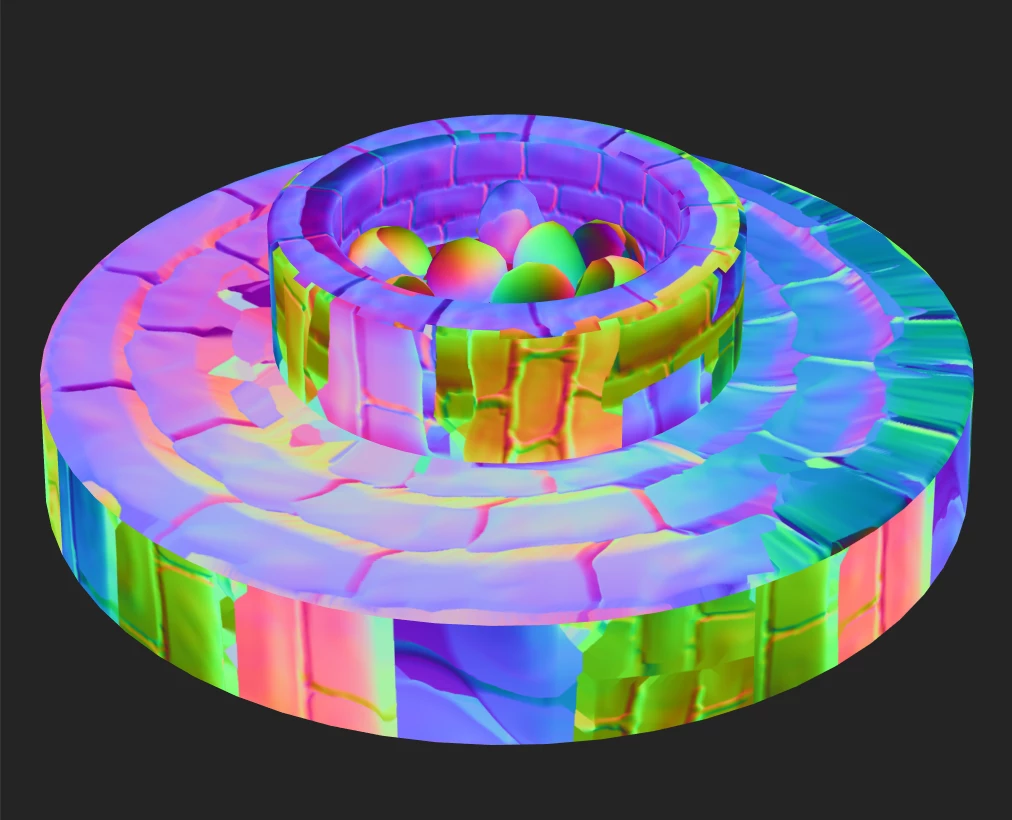
My goal is to have my low poly model have detail baked from my high poly model. This is what my baked normal map looks like and I have no idea what's happening:
This is the uv map and preview of the high poly (1,170,176 polys):
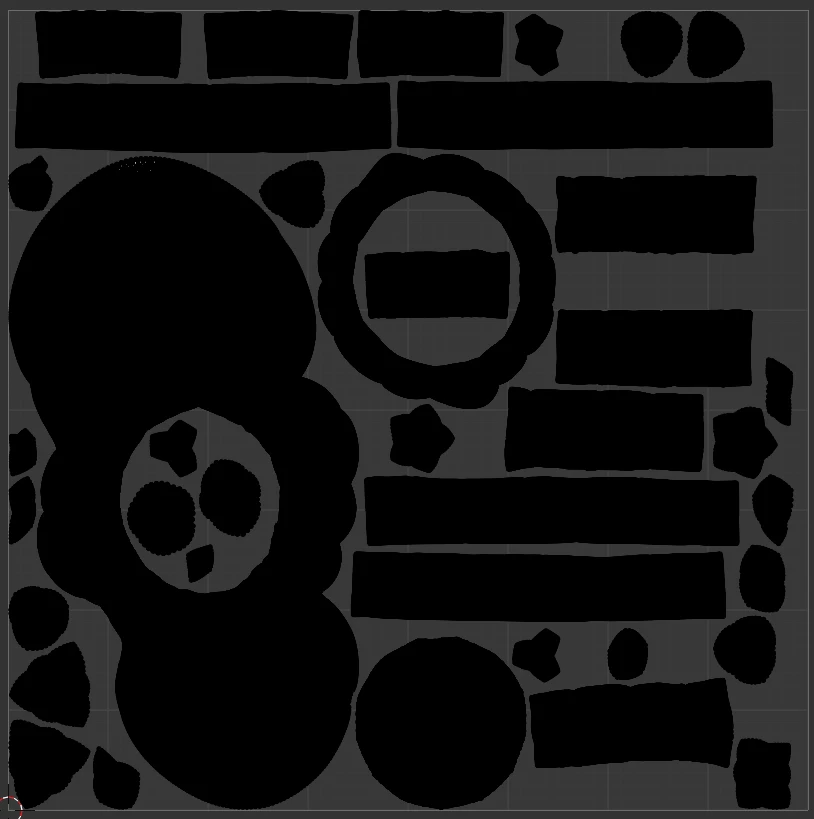
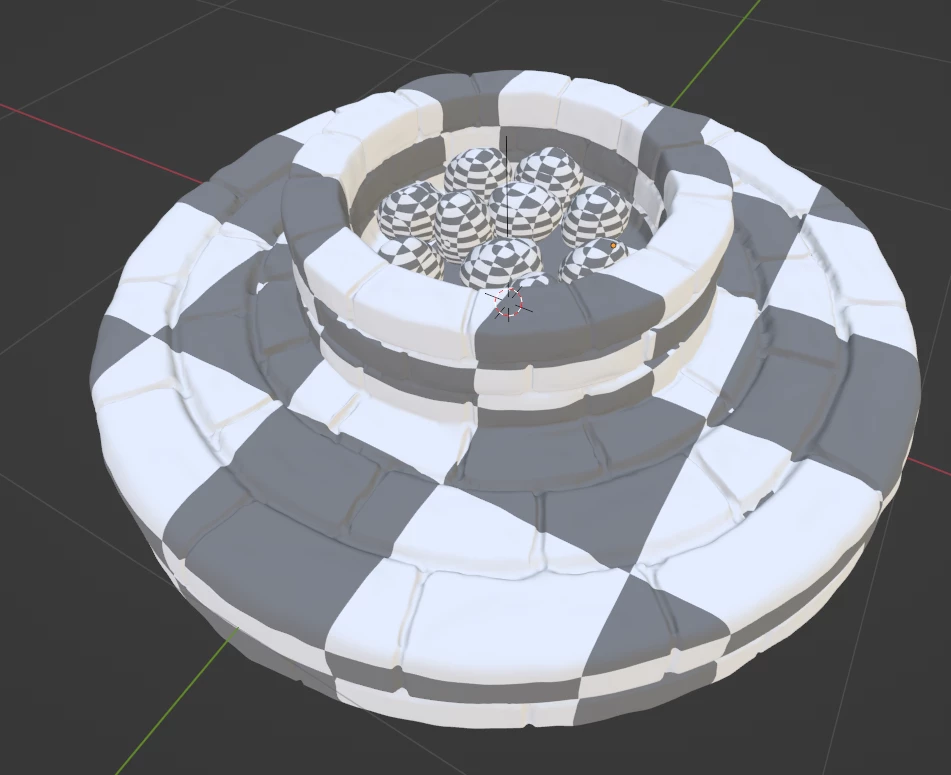
And my low poly (2,032 polys):
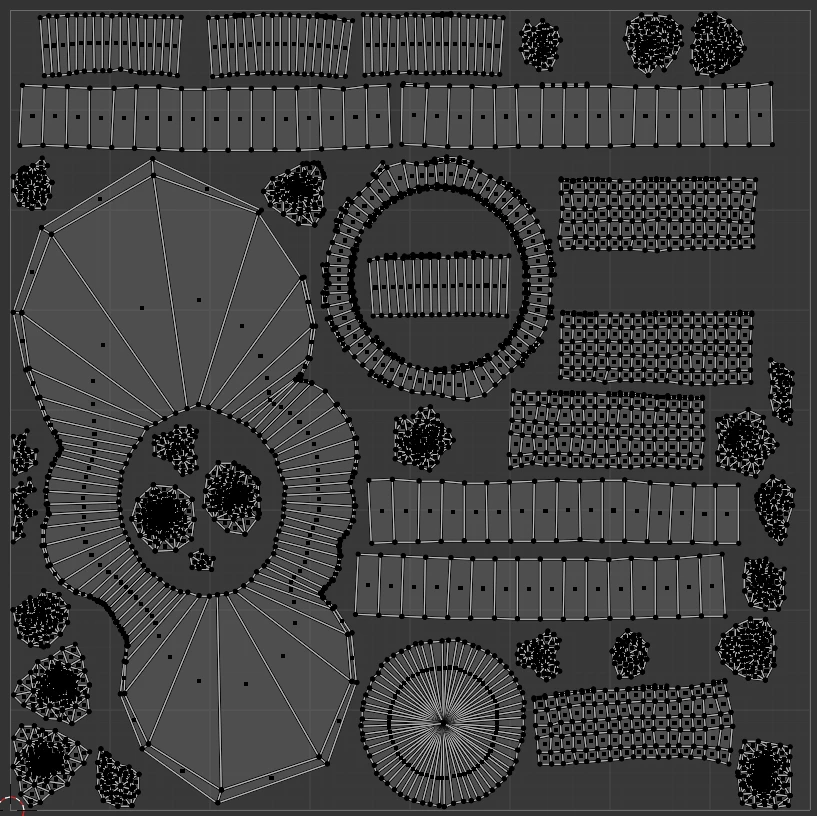
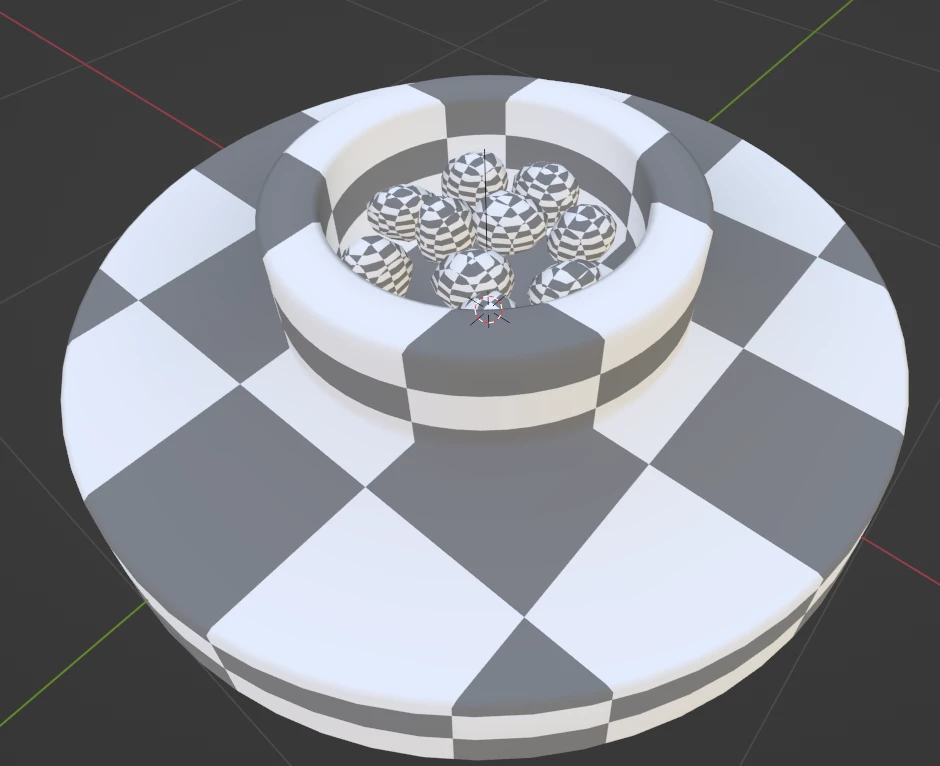
Perhaps there's too great a difference in polys between the low and high? But I don't think that should matter...
In Blender, I first modeled the low poly, added seams and unwrapped it. Then I duplicated the model and sculpted it and unwrapped it and call that my high poly. I duplicated the low model to create each cage and pressed Alt + S to scale along the normals to cover both low and high models.
- Both low and high models are located at the same exact location in Blender when they're exported. They are both aligned in each other.
- Both models have a rotation and scale of 0.
- I have triangulated my mesh and that made no difference.
- I have applied Shade Smooth to every face that has a sharp angle as well as add seams to every edge in those areas to avoid artifacts.
- All normals are facing the correct way.
- I manually oriented all the uv islands to face the way they do in world space (if there's an add-on that could automate this, I would love it!).
In Substance Painter, I bake the model in two separate parts because each has its own material, Firepit (Stone) - Base and Firepit (Stone) - Charcoal. I have tried baking with and without a cages. I have two cages: Base - cage and Charcoal - cage. I ensure either way I bake (with or without a cage), the model is completely covered so there's no red on the part I'm baking. Below I'm just baking the Base part of the model:
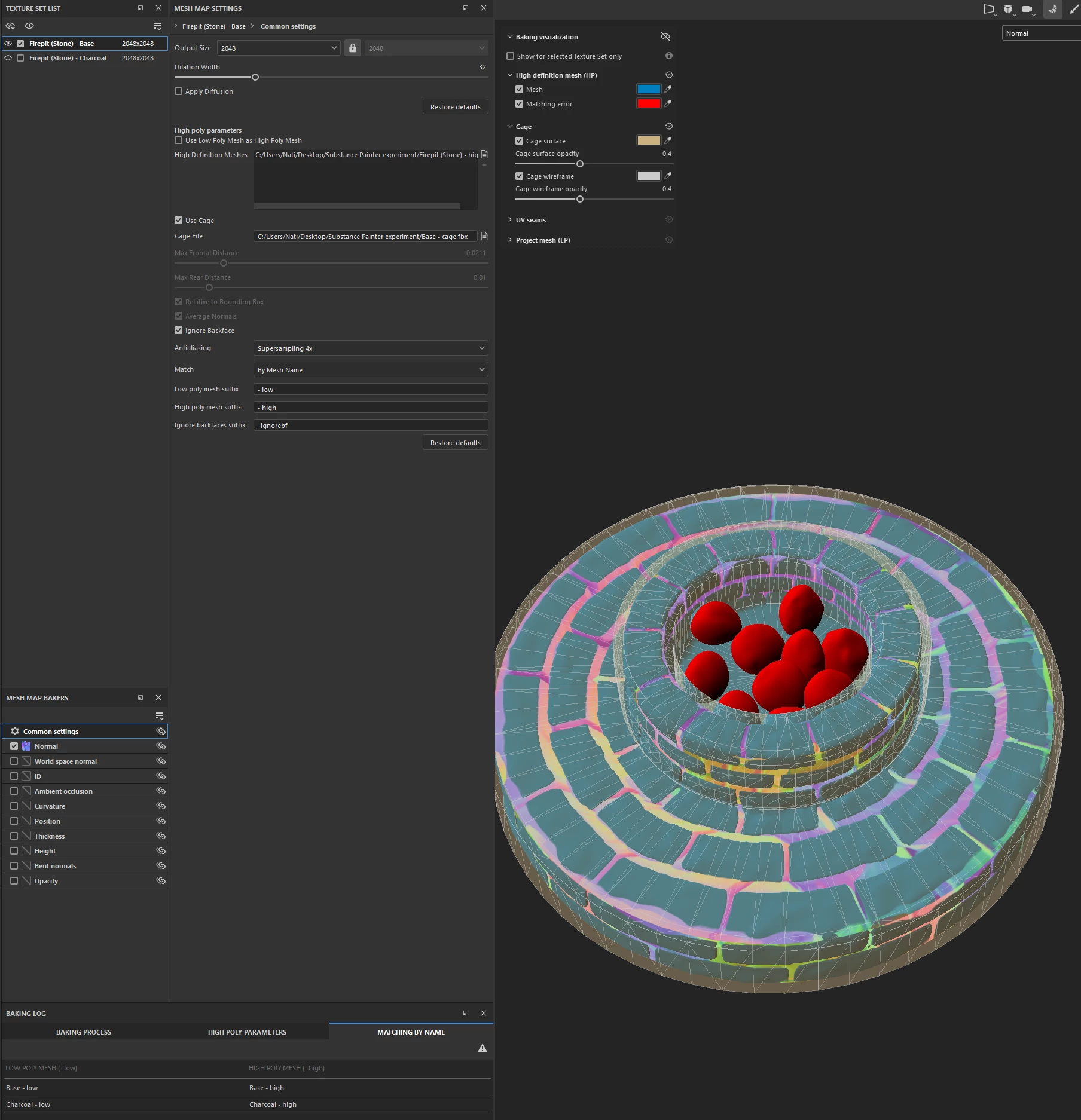
I have tried everything I could find online for over 10 hours. Thank you for your help in advance.
 AdChoices