nathann84385438
Participant
September 10, 2021
Question

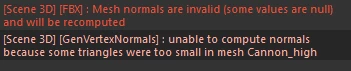
Unable to compute normals because some triangles were to small on high poly part

  • September 10, 2021
  • 3 replies
  • 14757 views

Unable to compute normals because some triangles were to small on high poly part


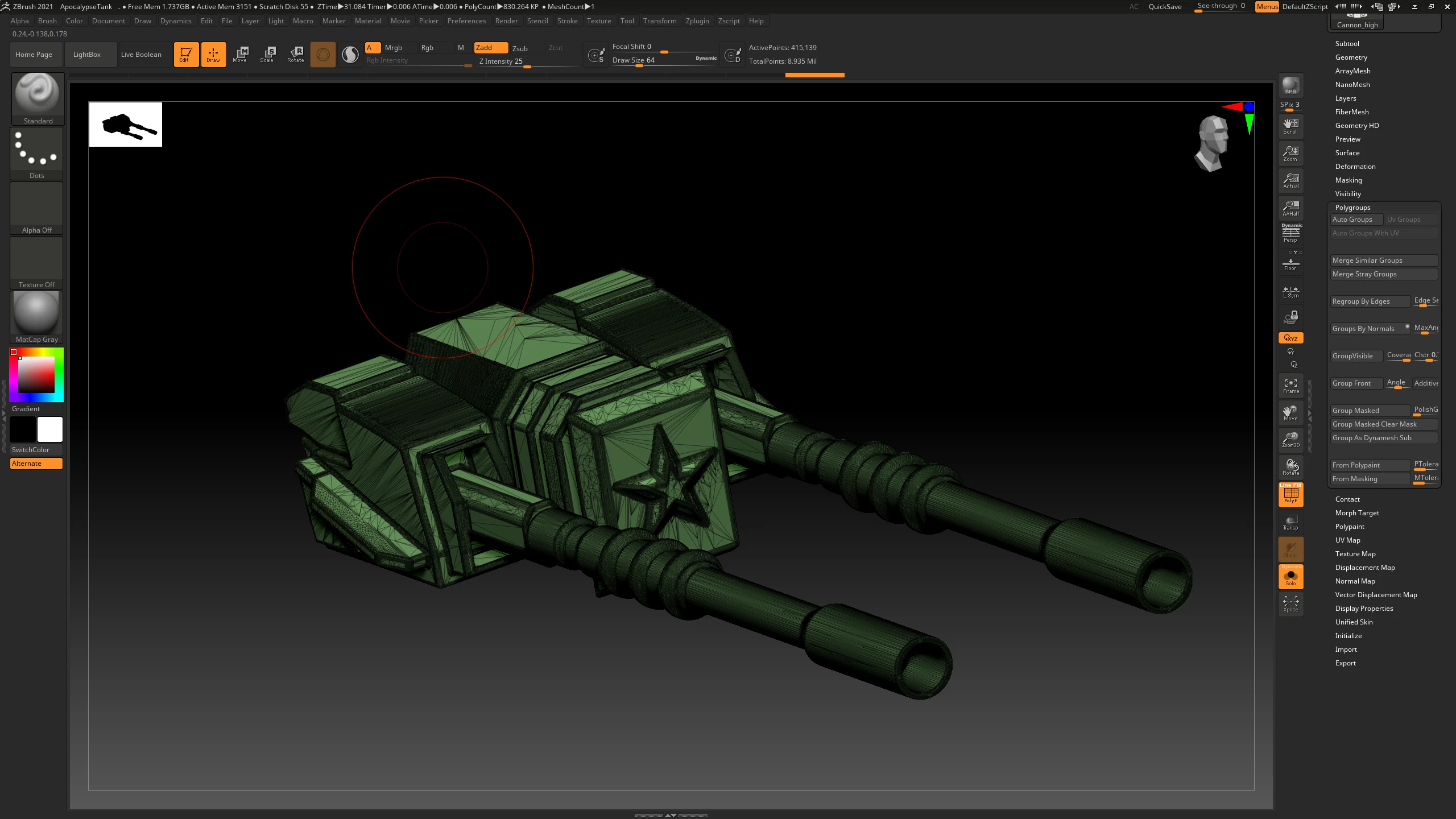
I'm trying to bake my high poly from zbrush on to my low poly but these errors keep showing up and I'm not really sure why, some advice would be great. Never encountered them and my mesh from maya has no errors or ngons it seems. 
3 replies

Participant
November 20, 2025

This happened to me after exporting from Maya. I had to go back and do this: Mesh Display>Unlock Normals>Mesh Display>Conform. I think that some of the faces of the mesh were flipped.

Participant
May 1, 2024

I've found success with using the ZRemesher tool in fixing this issue, similarly to what Cyril Dellenbach recommended below. You can find it in Tool>Geometry>ZRemesher. I set mine to "Same" so that my polygon resolution remained about the same, and so it just shuffled around the polygons.

davescm
Community Expert
Community Expert
September 12, 2021

I've never seen that message, but take a look at this thread in the old Substance forum where someone had the same issue due to stray verts.

https://forum.substance3d.com/index.php?topic=34325.0


Dave

Participant
October 24, 2022

Hello Dave,
It is now 2022 . that answer in the thread is not there, from the link you sent. I have the same problem. Can;t export normals because triangles in mesh too small. I don.t want to waste time painting if I can't bring in the normals. I wonder if you will see this...

davescm
Community Expert
Community Expert
October 24, 2022

I can't see that thread now. However if I remember correctly, the problem was due to stray single vertices in the mesh. It was resolved by cleaning up teh mesh and removing such single vertices.


Dave