


Question
viewport texturing filtering
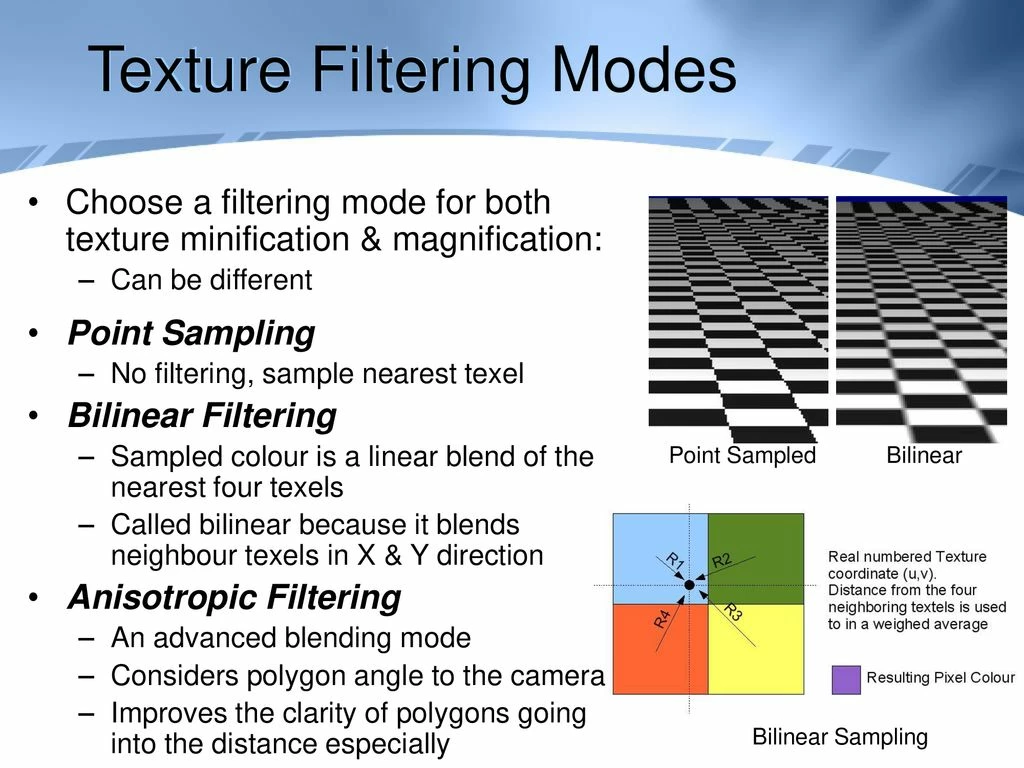
Please add linear and point texture filters to the types of filters that are available for the camera viewport. I need to hand-paint textures that are at or below a resolution of 512x512. I will be importing them into Unity and will be using their point filtering texture setting. Currently, I am unable to see what they actually look like while I am in the process of painting them in substance without stopping to export the texture, which is not a practical solution. This is making me consider possibly migrating to a different 3d paint program that does have this filter option such as Marmoset, etc., but I would much rather stick with Substance these features were added.
 AdChoices