
Weird graphical glitches on textures in the viewport
Textures in the project look corrupted when I open a project with UDIMs
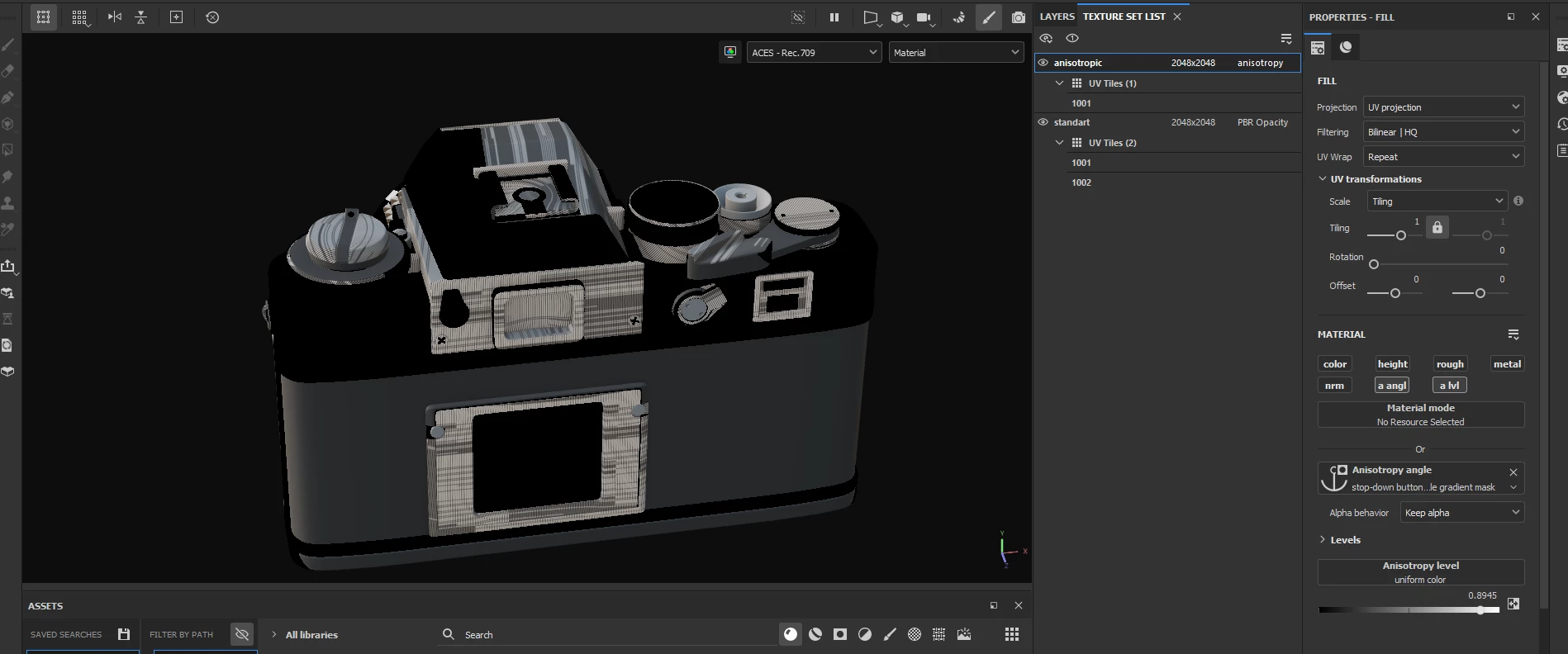
this looks like incorrect projection of UVs
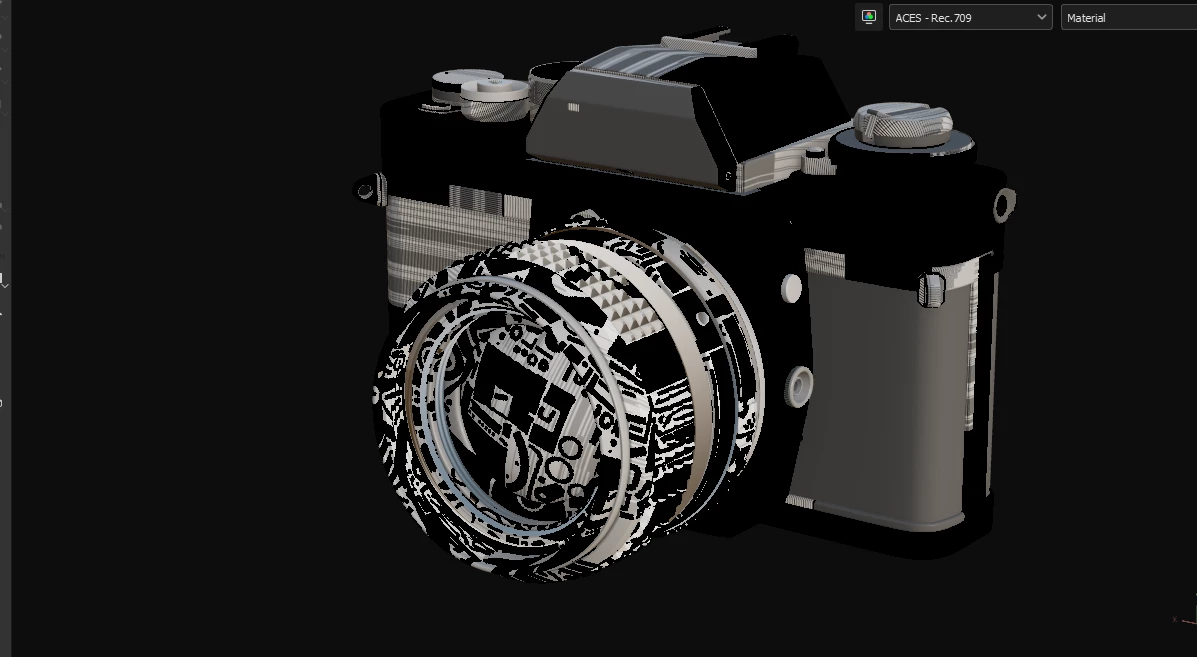
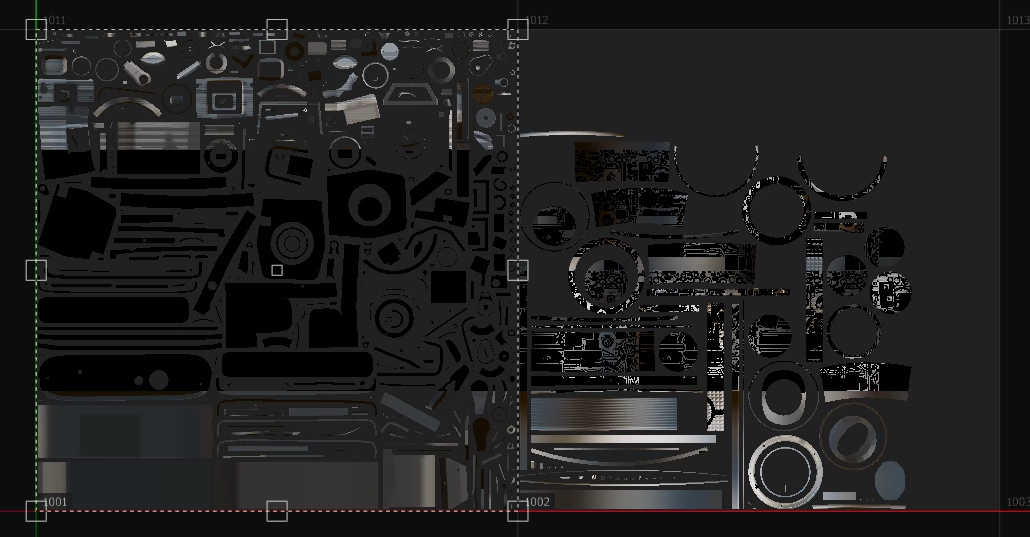
If I change resolution to any other, then textures regenerate and everything looks fine, till i start woking.
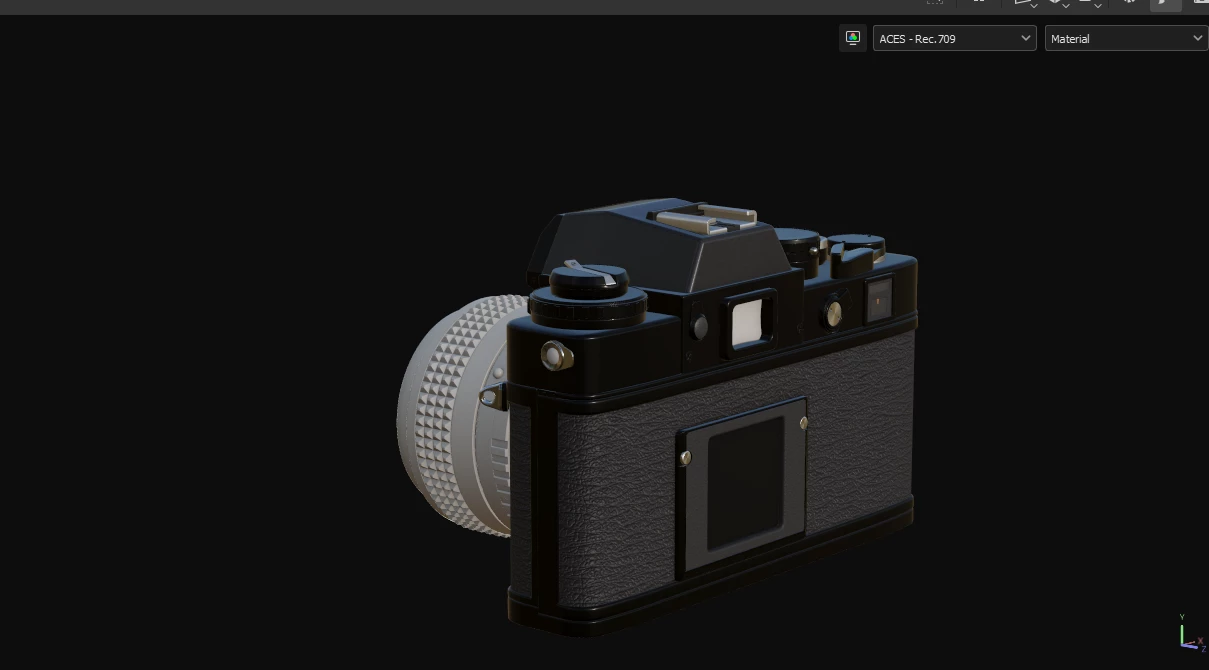
Then, when using a fill layer from time to time textures get corrupted again. Example: normal map not rendering, roughness looks wrong i.e. incorrect, normal map in wrong places of the mesh.
Recalculating textures by changing resolution fixes it for a while, but then everything breaks again.
Painter Ver. 9.0
What I did to fix it: reinstall painer, rallback AMD graphic driver, disable sparce virtual texture hardware acceleration. Check on a different project that worked fine before (same issue, except with one UV tile the project is loading ok, but then during adding fill layer graphical glithes occur).
Have no clue what is wrong and where the error is.
Any help?
---
AMD Driver ver 23.5.2
Radeon RX 6600M


 AdChoices