

Creative Cloud does not show my purchased Photoshop plugins anymore
Hello,
I am having an issue with Adobe Creative Cloud Desktop and my purchased Photoshop plugins.
I own several plugins, including DitherTone Pro by Doron Studio, RetraTone by Texturelabs, and others. Until recently, these plugins were installed, visible in Creative Cloud under the Plugins section, and I was able to use them normally in Photoshop.
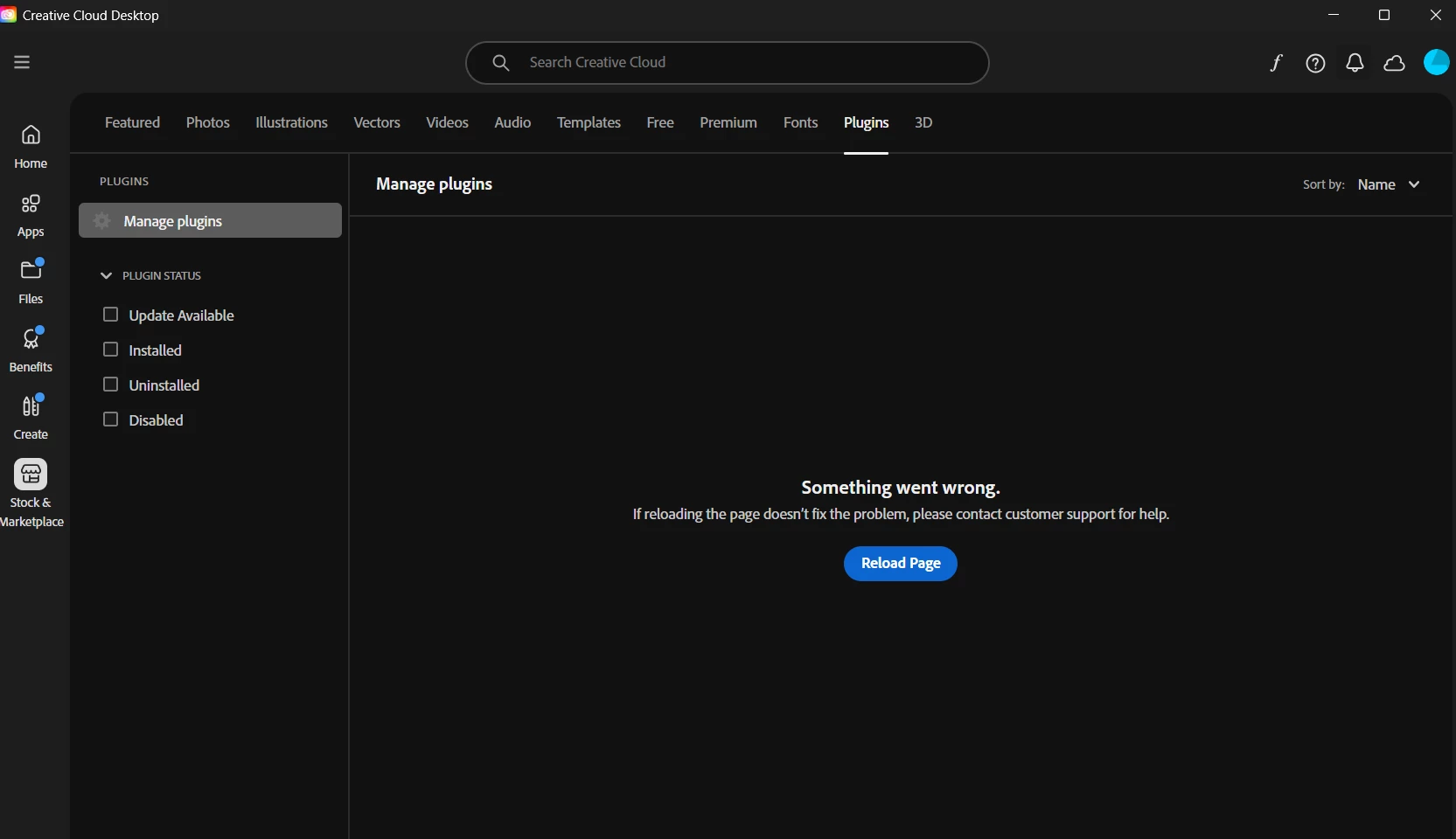
Now, I can no longer install them or use them. The Creative Cloud Desktop app shows an error under Stock & Marketplace → Plugins → Manage plugins, saying:
“Something went wrong. If reloading the page doesn’t fix the problem, please contact customer support for help.”
I am using Windows 11 Home with a valid license, and I have the latest version of Adobe Creative Cloud Desktop installed.
I have already tried the following troubleshooting steps:
- Signed out and signed back into my Adobe account
- Uninstalled and reinstalled Creative Cloud Desktop several times
- Removed Adobe-related files from ProgramData and %AppData%
- Used the official Adobe Creative Cloud Cleaner Tool
- Ran sfc /scannow on Windows
- Restarted the system multiple times
Unfortunately, the issue still persists.
I have a student Adobe subscription, in case that matters. The plugins were purchased officially and normally install through Adobe Creative Cloud.
Could you please help me understand why my purchased plugins no longer appear, why I can no longer install or use them, and why Creative Cloud cannot load the Manage Plugins page?
Thank you.
 AdChoices