
Question
PS not showing my Library
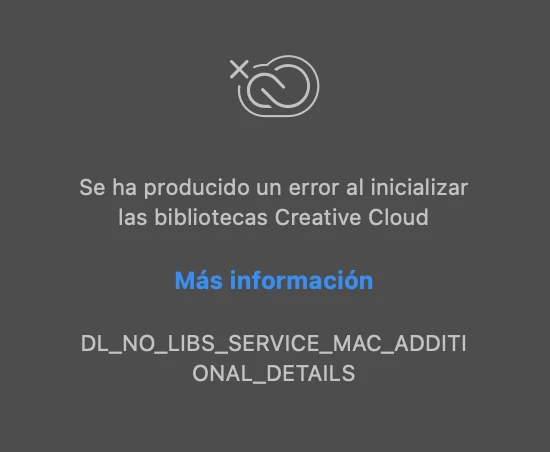
So, today i opened PS and realize the Library Section with all my texture files or transparencies are not shown, it shows the next message:

So, today i opened PS and realize the Library Section with all my texture files or transparencies are not shown, it shows the next message:
Already have an account? Login
No account yet? Create an account
Enter your E-mail address. We'll send you an e-mail with instructions to reset your password.


 AdChoices