
Adobe CEF helper hogs resources
Okay, so I use Photoshop, sometimes. I work with artists and they deliver PSD files, so I fire up Photoshop a couple of times a week for a few minutes at a time.
In exchange, I get to see a slew of garbage negatively affecting performance of my PC when Photoshop isn't even running.
What gives Adobe?
I should preface this by saying that I do not use any of your cloud services, at all. No fonts, no stock images, no cloud storage. I just want to open a PSD every now and then.
on my i9 9900K it takes up half a core at 5Ghz for minutes after I load into Windows. Minutes. It also hogs around 220Mb of RAM.
After a while it goes away. What the heck is it doing and how can I make it stop? Are you guys taking a chance to mine some crypto on my PC? - I sure hope so, because the alternative is gross incompetence.
Now, the "Adobe CEF Helper" garbage has gone away, what now? - Well, I'm a proud posessor of another nifty process in return "Creative Cloud Desktop" which by now runs whole of 9 processes and takes up 383Mb of RAM, it's also very helpful in having a constance disk activity. That sure is helpful. Why? Why is it running at all? Why does it take up so much RAM? Why in the name of Krishna is it actively using disk? I could understand if it was using disk at the start, but it's been minutes since I loaded into Windows, and I haven't done anything at all except for typing this message right here.
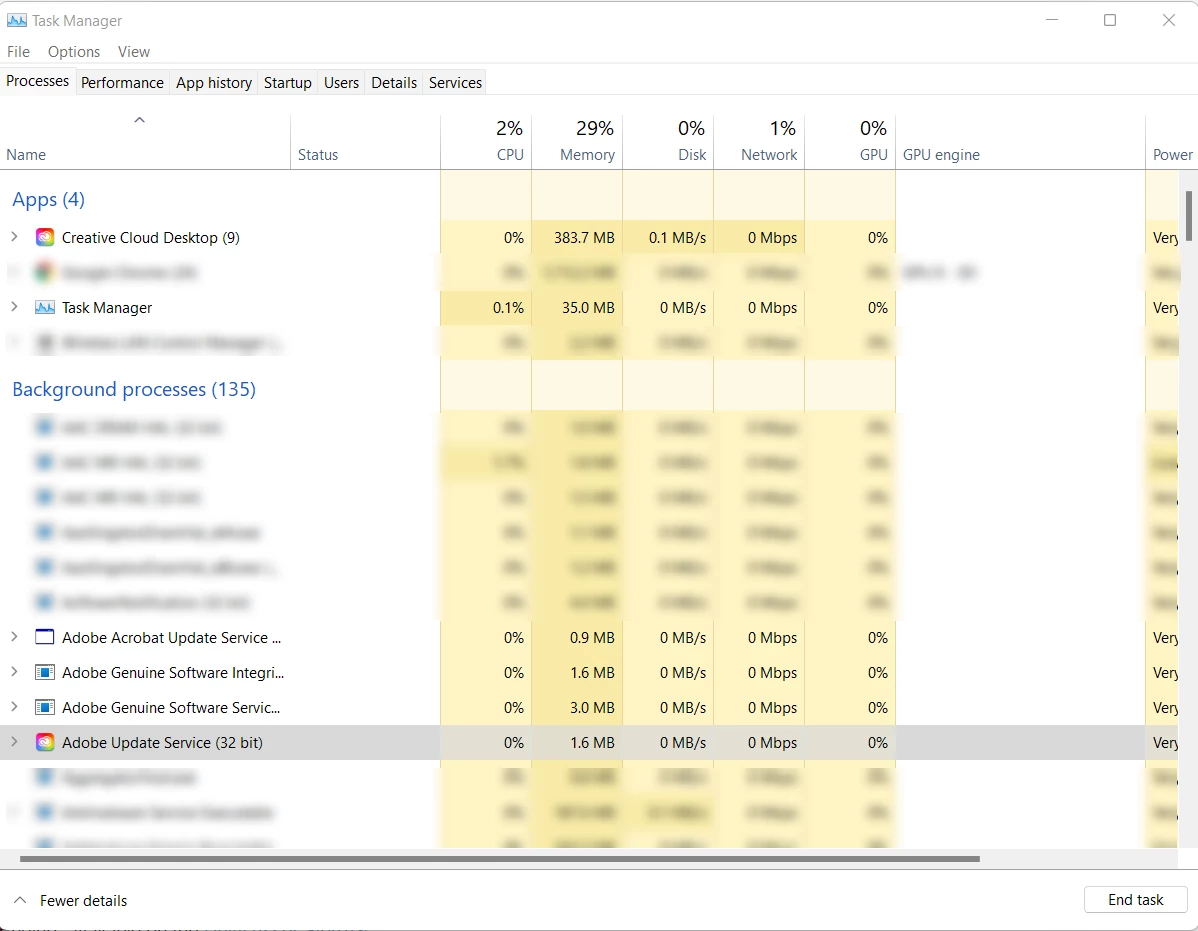
Beyond that. I have automatic updates turned off in my settings (not sure why I have to do that in the first place, but here we are). So, pray tell, why is "Adobe Update Service (32 bit)" running? What benefit does it provide to me as a customer?
You have 0 excuse, you may think you do - but you don't. I am not paying you to run garbage on my PC.
So what now?
- Please provide me with instructions on how to fix this situation
- Do better in the future


 AdChoices