


Answered
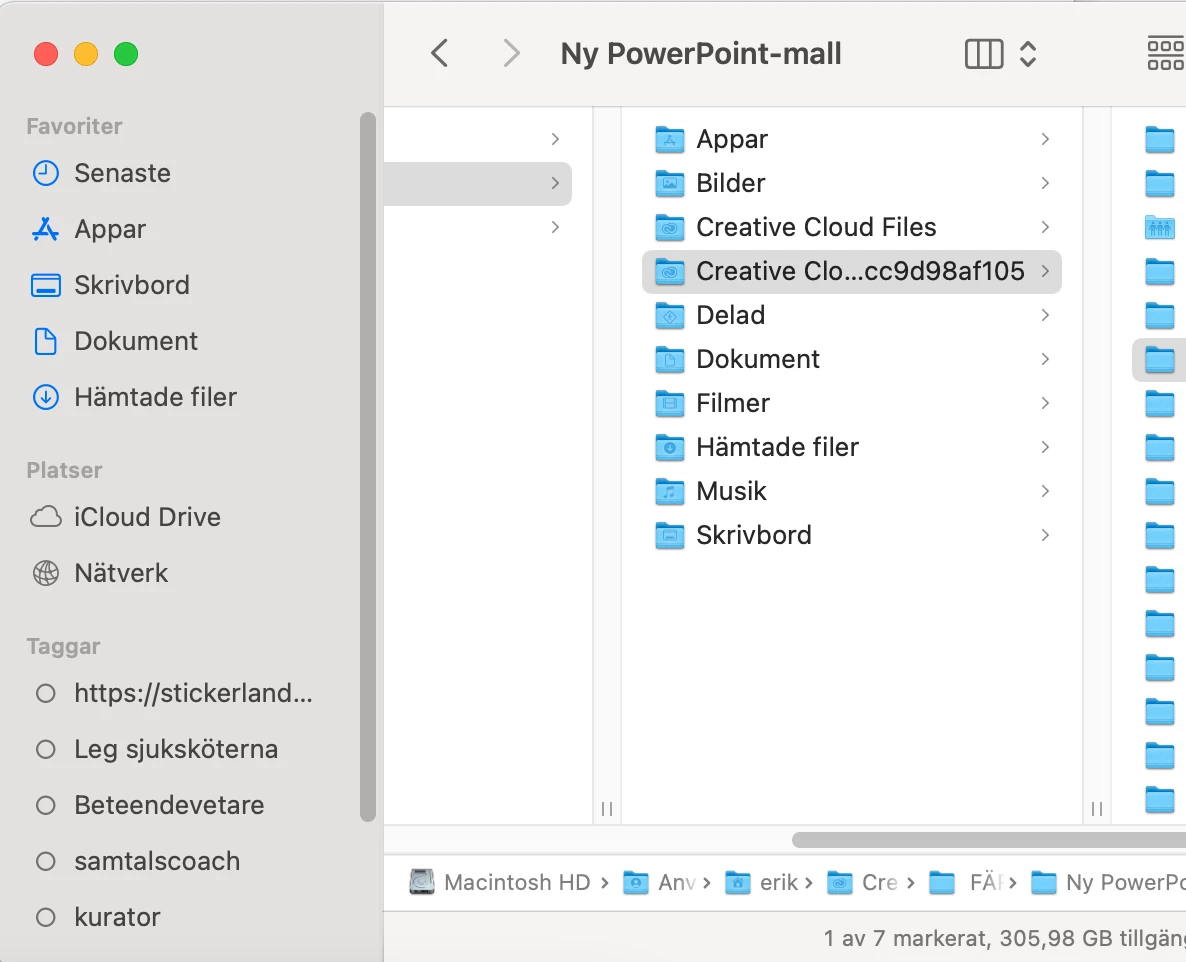
Creative cloud files missing in finder sidebar
I have Creative Cloud installed on two Mac:s and access all files from boath.
Yesterday everything worked normaly from my private iMac, but this morning the icon for Creative cloud files is totaly missing in finder sidebar on my MacBook Pro at work.
How can I get it back?
I found this post, but I'm afraid data might get lost: https://community.adobe.com/t5/enterprise-teams-discussions/creative-cloud-files-not-showing-in-mac-finder/m-p/11790922#M31118
I checked the Creative Cloud app where paused and then restarted file sync. I restarted the computer.
On the harddrive I can reach the files but they seem not to been updated since 3 days ago.
 AdChoices