
Laur-Kalevi Tamm
Participating Frequently
May 1, 2019
Answered

Storage feature difference between Library and Files.

  • May 1, 2019
  • 3 replies
  • 584 views

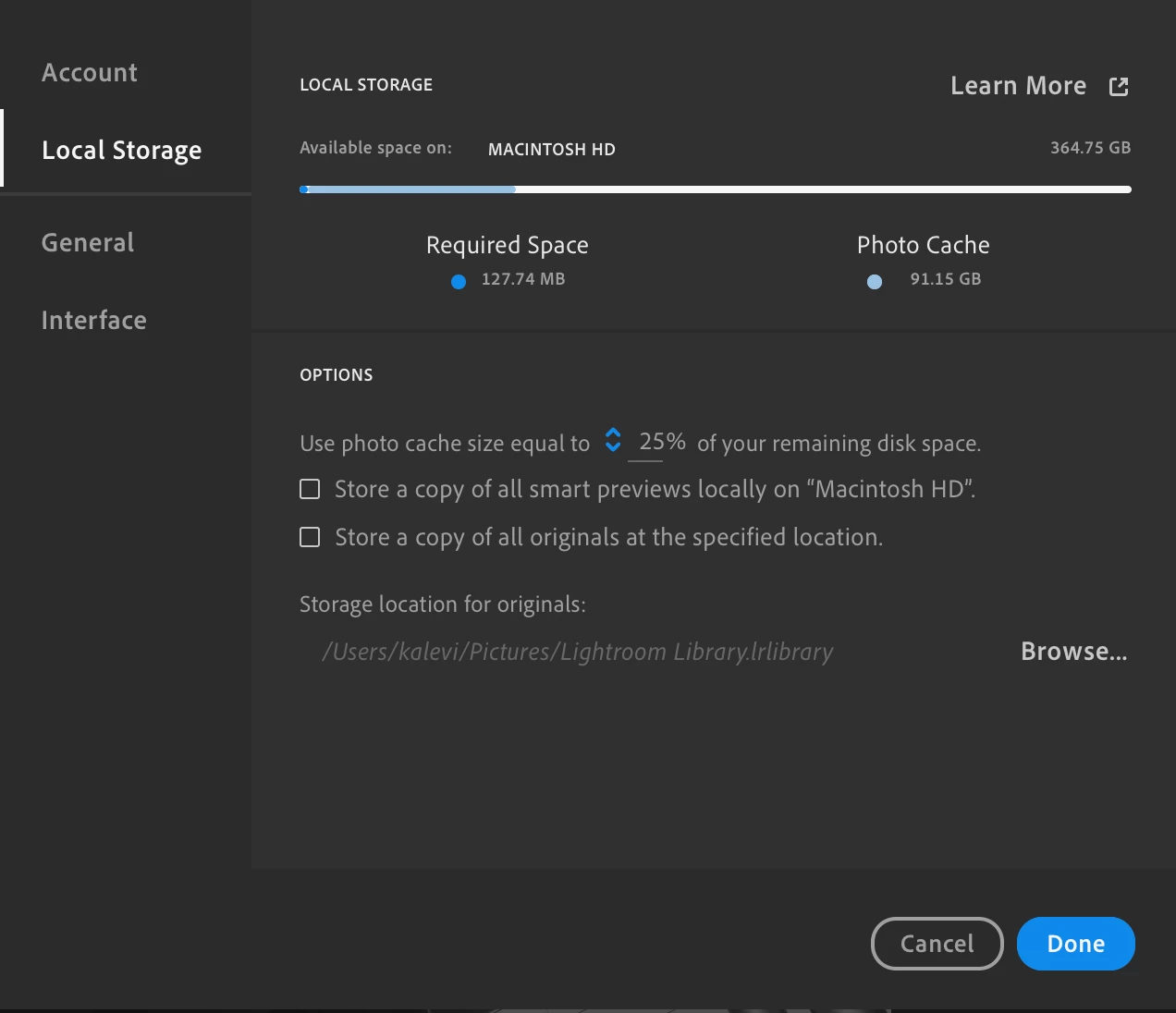
Lightroom CC Library allows storage all my photos in Creative Cloud Library, even if there is not enough room on my hard drive for all my photos. Is this feature also available with Creative Cloud Files storage?

If I storage and sync all my photos in Creative Cloud Files, then I need the exact same amount of free space on my own hard drive?

This topic has been closed for replies.
Correct answer Abambo

If syncing is enabled, CC does sync everything locally. Else you need to upload via the web like any off-line storage space.

Automatic syncing ensures synchronization as soon as connected to the net, so that the files are available when needed.

Creative Cloud is in this sense comparable to Dropbox.

Microsoft's oneDrive allows for offline files. But I suppose Microsoft files are generally smaller, so syncing is not so much of an issue.

3 replies

Laur-Kalevi Tamm
Participating Frequently
May 2, 2019

Hi, Abambo!

Thank you for the clarification!

Kalevi

Abambo
Community Expert
Community Expert
May 2, 2019

You’re welcome.

ABAMBO | Hard- and Software Engineer | Photographer
Abambo
Community Expert
AbamboCommunity ExpertCorrect answer
Community Expert
May 2, 2019

If syncing is enabled, CC does sync everything locally. Else you need to upload via the web like any off-line storage space.

Automatic syncing ensures synchronization as soon as connected to the net, so that the files are available when needed.

Creative Cloud is in this sense comparable to Dropbox.

Microsoft's oneDrive allows for offline files. But I suppose Microsoft files are generally smaller, so syncing is not so much of an issue.

ABAMBO | Hard- and Software Engineer | Photographer
kglad
Community Expert
Community Expert
May 1, 2019