Inspiring
October 6, 2021
Question

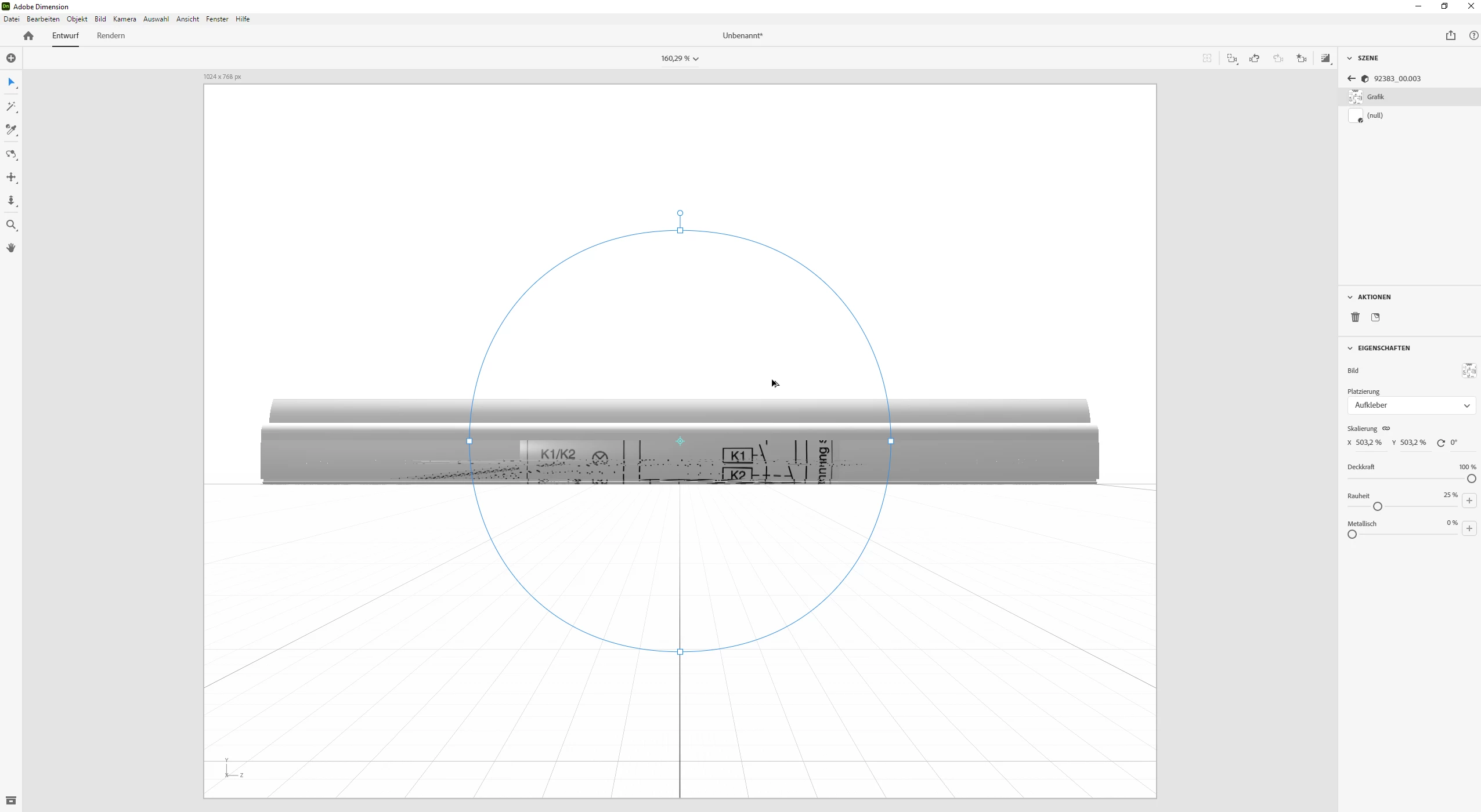
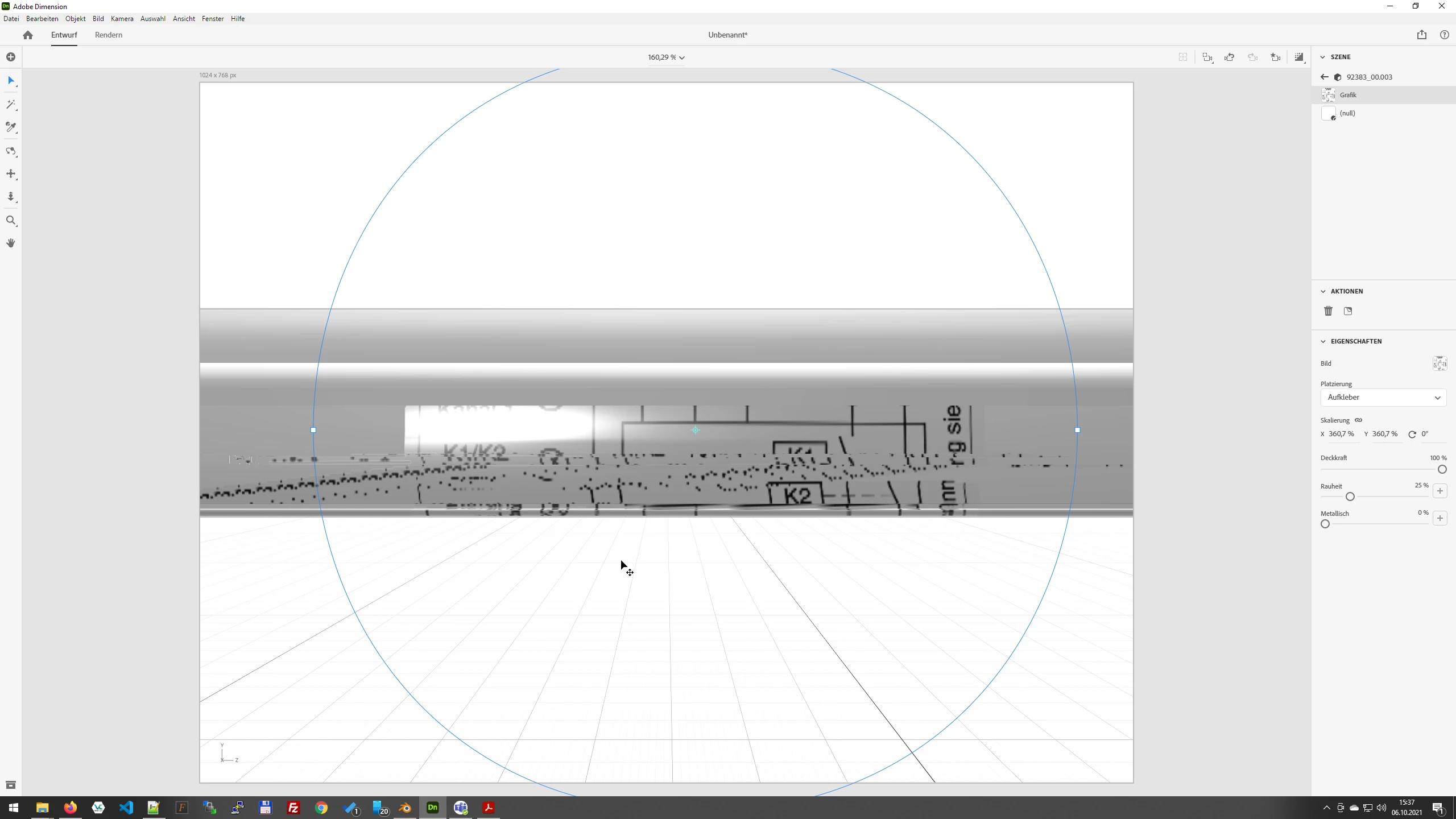
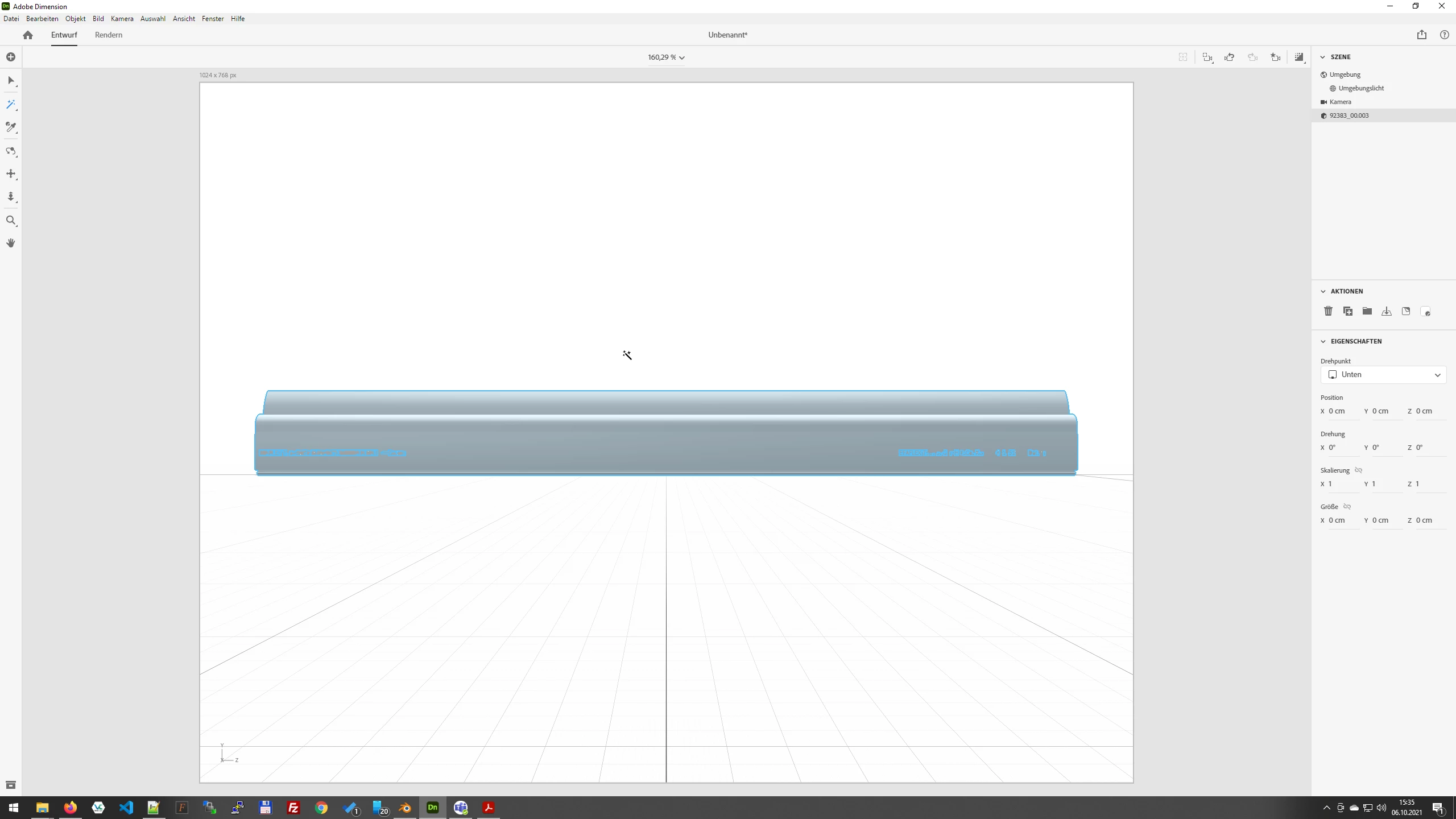
Decal is in pieces and destorted
  • October 6, 2021
  • 1 reply
  • 167 views

Whats the Problem with this model?
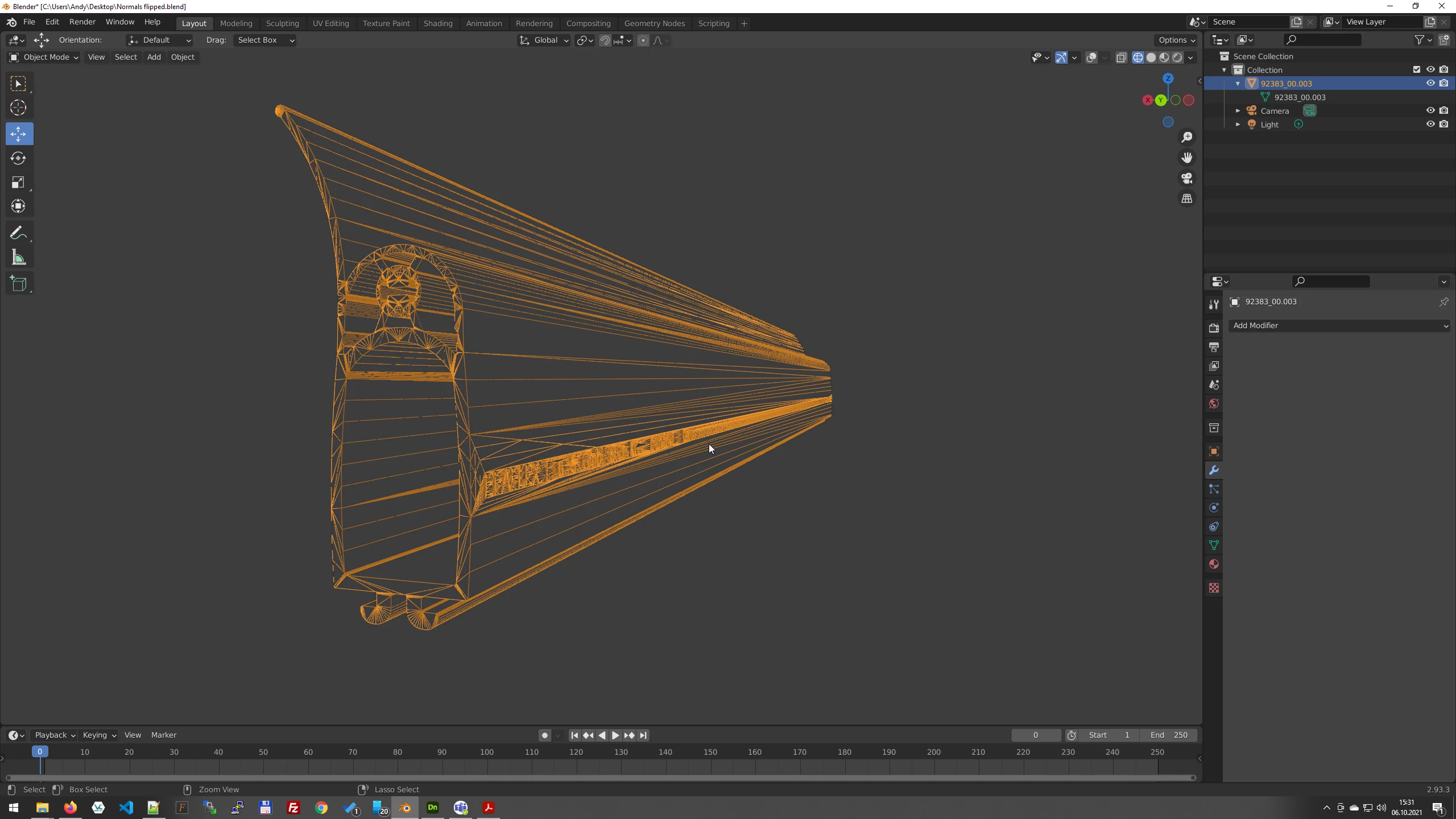
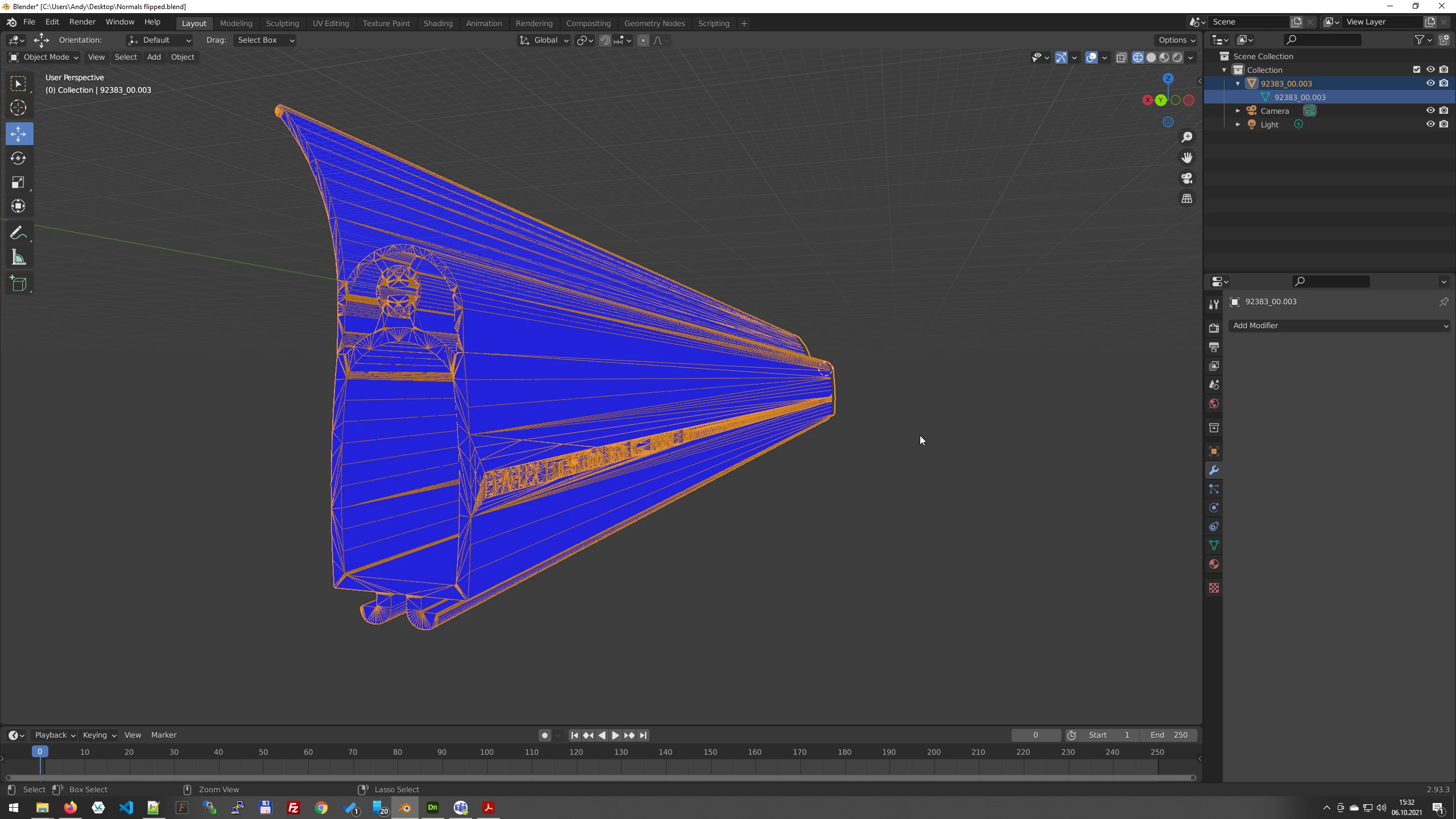
I imported it as .obj, generated uv's, chose the wand, put the decal on it and the decal is destorted. It's not the Normals, a you can see in Blender, seems like the Verticals are turned.

This topic has been closed for replies.

1 reply

Ussnorway7605025
Legend
October 7, 2021

the problem is the models Uv map... when you import the model don't use the wand but select the whole model and ask Dimension to generate a new UV map

then select a new material (metal would be my pick) and then try placing your decals... the underlining issue is the way the model was made by stretching the X but it can be repaired and if Dimension can't give you a usable UV map by auto then the best option will be to fix it in Blender