Known Participant
October 19, 2017
Answered

Difference Between Design and Render Quality

  • October 19, 2017
  • 1 reply
  • 1821 views

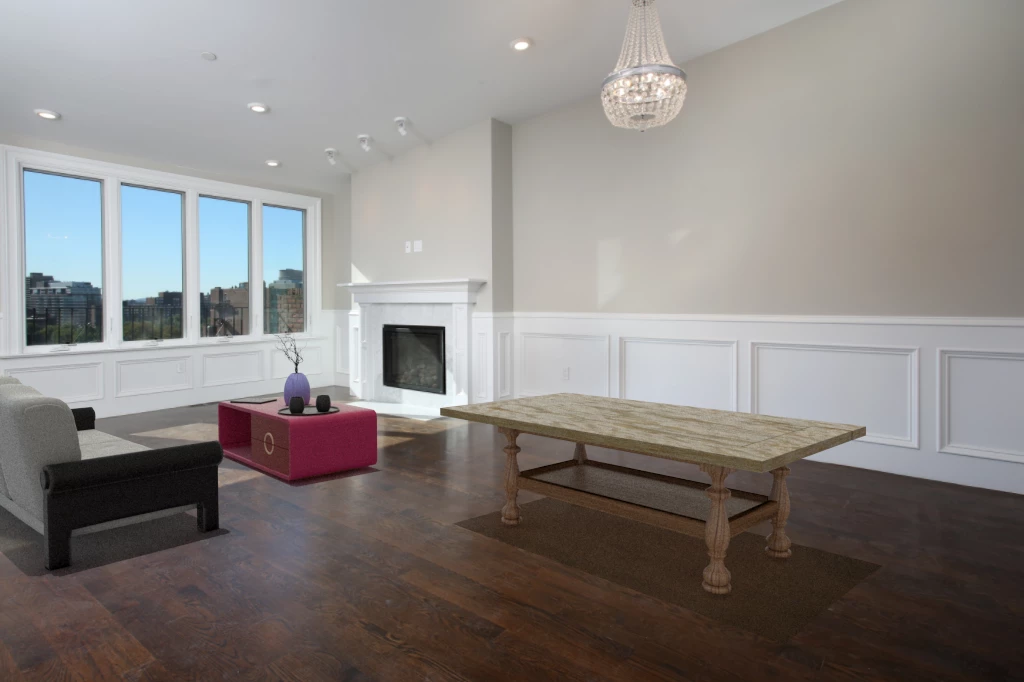
When I look at the shadows in the design view I can see the wood grain from the floor through the shadows. But once rendered the shadows look like blurry dark patches on the ground.

    This topic has been closed for replies.
    Correct answer JeanetteMathews

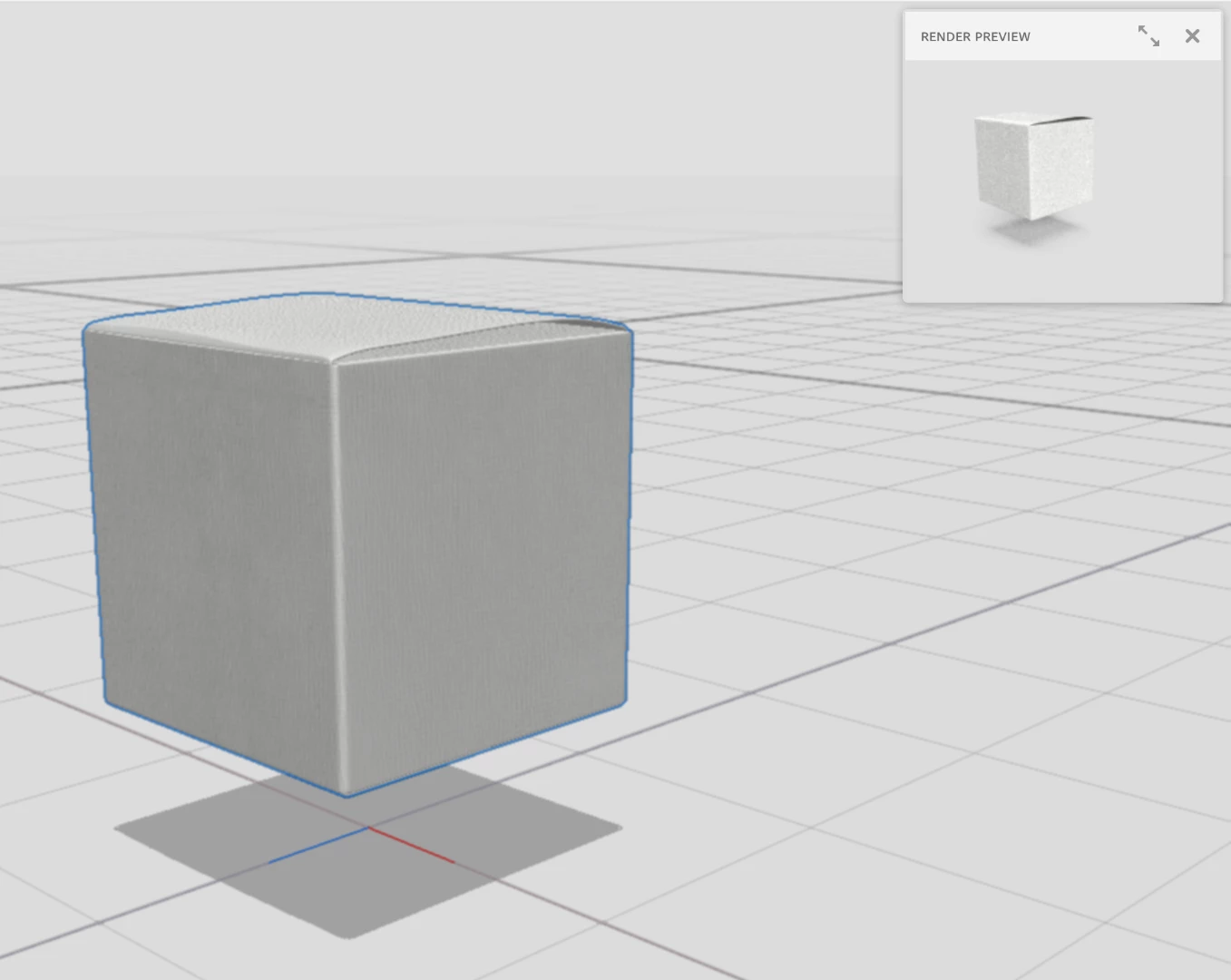
    Thank you for posting the images!  The canvas in design mode is designed to be very fast, but it's not very accurate.  You can turn on the Render Preview window in design mode to check your design before doing a final render.

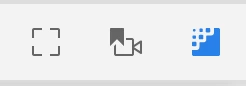
    The shortcut for Render Preview is "\" or you can click the preview button just above the canvas.

    The Render Preview is always the source of truth for lighting, shadows, translucency, and reflections.

    1 reply

    parthvyas22111
    Community Manager
    Community Manager
    October 19, 2017

    Hi

    Apologies for delay in response.

    I request you to post both screenshot from Design mode and Render mode for comparison.

    Also check the option for " Enable viewport anti-aliasing" if it is unchecked.

    Please mention the GPU details as well.

    Regards

    Parth Vyas

    Known Participant
    October 19, 2017

    In the design view i looks like a curves layer has been added to darken the area below the table, which is what I want. But when rendered the shadow looks like a slightly transparent brown layer has been added to the floor. Even when I try to compensate for the difference in rendered vs design view, the render still comes out with the same effect. In the rendered example below I removed the environmental light and put the cloudiness in the sunlight at zero. There is still this weird haze in the shadow.

    I also tried enabling viewport anti-aliasing but the shadows in the design view still have very jagged edges.

    thanks,

    scott

    JeanetteMathews
    Adobe Employee
    JeanetteMathewsCorrect answer
    Adobe Employee
    October 19, 2017

    Thank you for posting the images!  The canvas in design mode is designed to be very fast, but it's not very accurate.  You can turn on the Render Preview window in design mode to check your design before doing a final render.

    The shortcut for Render Preview is "\" or you can click the preview button just above the canvas.

    The Render Preview is always the source of truth for lighting, shadows, translucency, and reflections.