Participant
March 3, 2020
Answered

Error when importing OBJ/STL file

  • March 3, 2020
  • 4 replies
  • 3393 views

Hi, how are you?


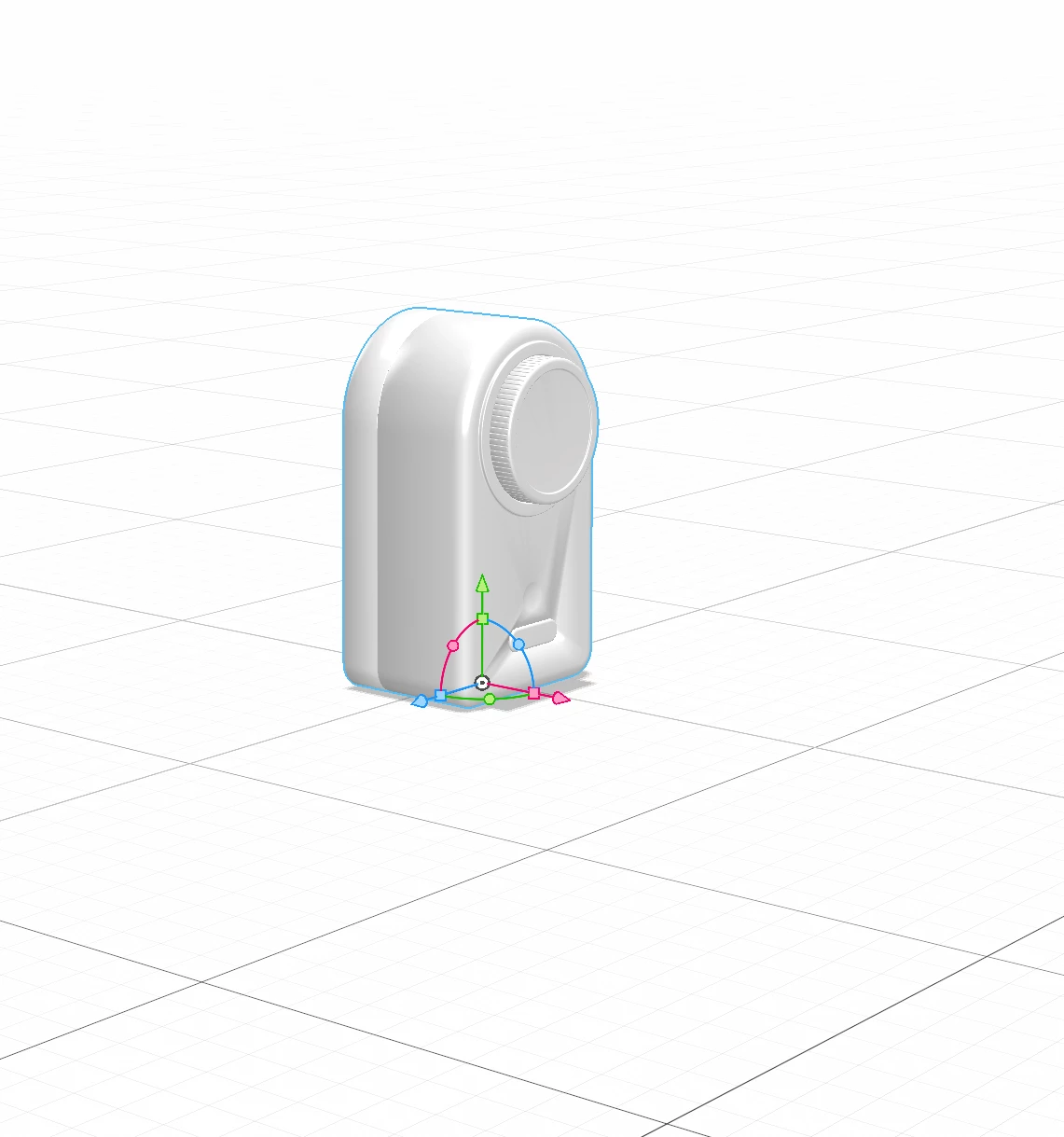
I’m having this error when importing an OBJ file, made on SolidWorks (Converted and Decimated on Blender):
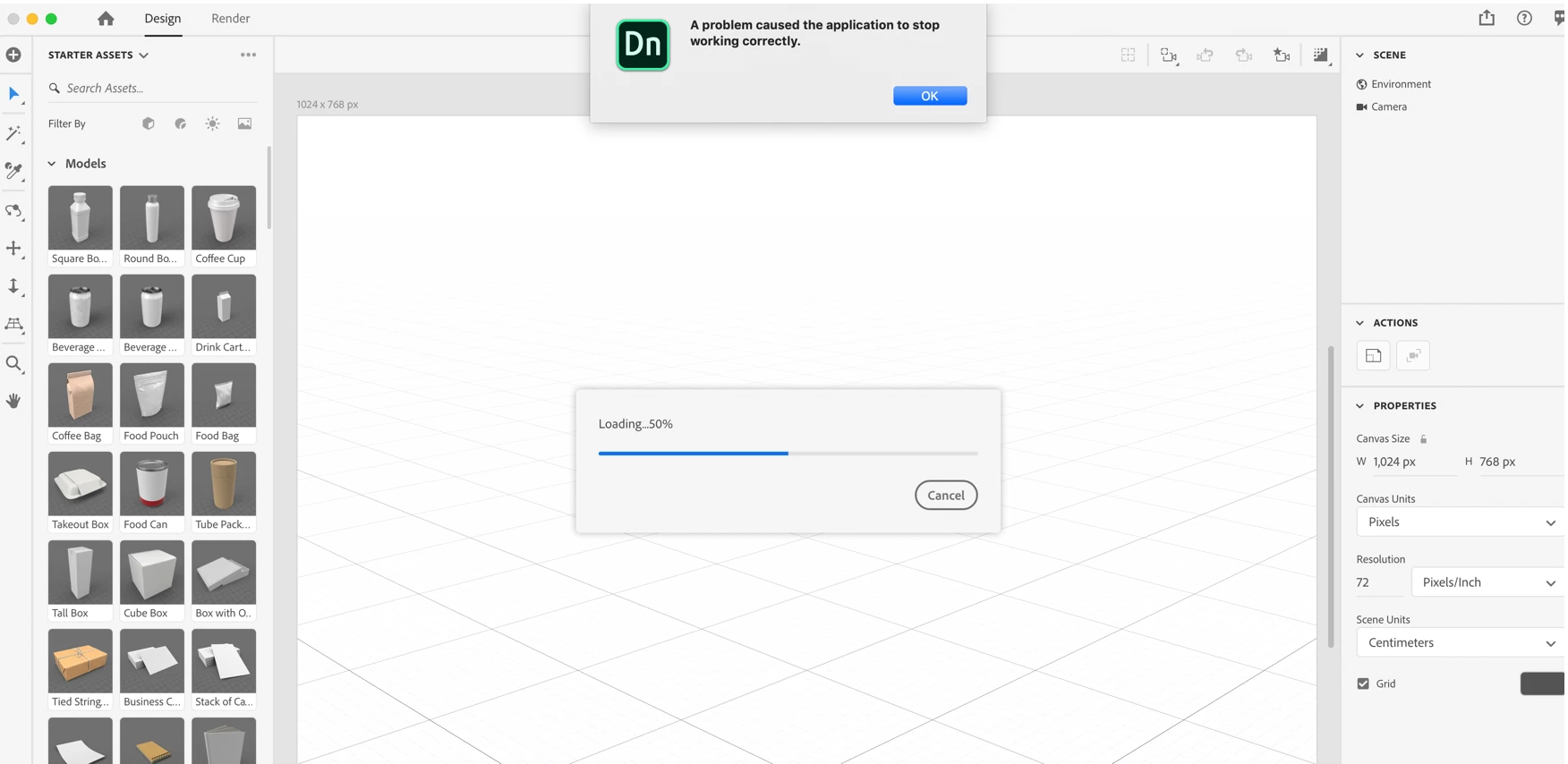


I tried different levels of complexity on the file, also .stl extension, every time the same thing happens. Can you help me fix this?


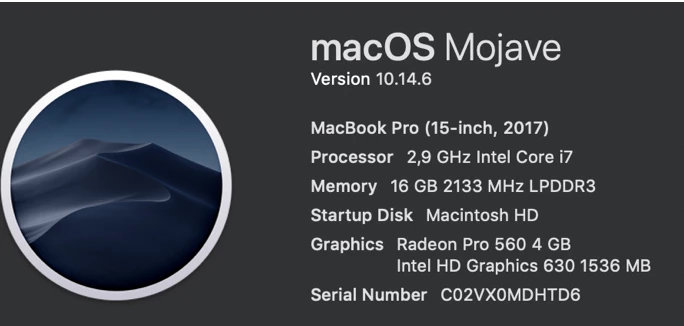
My configurations:
 

Link to OBJ:
https://drive.google.com/file/d/1r6e9f6IvG5rmpFfD5HrJsA-lEr8cAPT0/view?usp=sharing

Link to STL:

https://drive.google.com/file/d/1ggXVeP-VZg6xosAZLw1Ai391w0VKrc9f/view?usp=sharing

P.S.: No log file was generated.

This topic has been closed for replies.
Correct answer Alexandre Becquet

Hello, i think the file is to complex for Dn or something like that.

Try this, open the obj file in Photoshop and export the mesh to an new obj file. The file can be imported in Dn.

Just try that and it's ok 😉

Your obj file as no uv.

4 replies

Ussnorway7605025
Legend
September 18, 2023

posting spam links is also againt forum rules... not that Adobe cares these days

Participant
September 7, 2023

Hello,

It seems like you might be encountering an issue with opening an OBJ file in a particular software, and you've been advised to try a workaround in Photoshop to export the mesh to a new OBJ file. This solution should help make the file compatible with the software you mentioned, possibly Dn.

To resolve this issue, you can follow these steps:

  1. Open the OBJ file in Photoshop.

  2. Once the file is open, navigate to the "File" menu.

  3. Select the "Export" option and choose "OBJ" as the format.

  4. Save the file as a new OBJ file with a different name or in a different location.

  5. After exporting, you should have a new OBJ file that can be imported into Dn without any issues.

Please note that the original OBJ file might not have UV mapping, which could have been causing the problem in the first place. If you still face issues or encounter any errors during this process, consider checking the software's documentation or seeking help on a forum dedicated to the software you are using.

I hope this solution works for you, and your OBJ file can be imported into Dn successfully. If you have any further questions or encounter any difficulties, please feel free to ask for additional assistance. 😊

Ussnorway7605025
Legend
September 8, 2023

1 making ai accounts is against forum rules

2 more importantly the advice @Thomas Lind gives out is worthless bull-s

Ussnorway7605025
Legend
March 4, 2020

It's not complexity, the issue is the file is not correct to standard i.e, the Obj isn't really a true Obj and the fix is to convert the file to spec... Photoshop can do this as shown

Alexandre Becquet
Community Expert
Alexandre BecquetCommunity ExpertCorrect answer
Community Expert
March 3, 2020

Hello, i think the file is to complex for Dn or something like that.

Try this, open the obj file in Photoshop and export the mesh to an new obj file. The file can be imported in Dn.

Just try that and it's ok 😉

Your obj file as no uv.