


Help using PNGs (with a transparent background) as Decals
When I use a PNG with a transparent background as decal, the decal appears to be aliasing. If I use a PNG with a solid background the image comes out crystal clear. Does anyone know how to solve this?
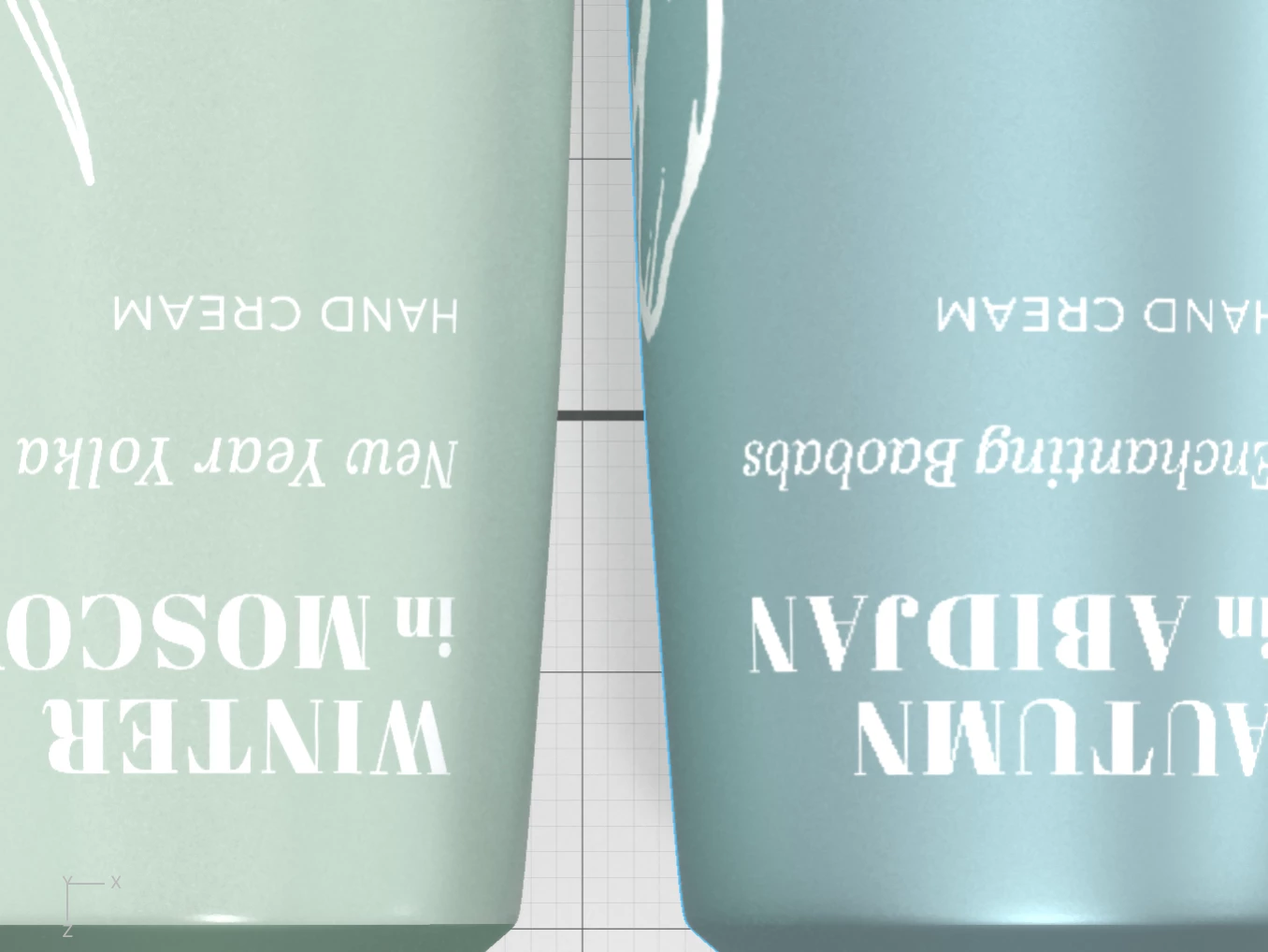
I need to use the PNG as a decal instead of adding the image as a color because I loose the ability to effect the glow and matte effect on the white areas. I can't add a decal with a colored background because again I loose the ability to add glow to the white areas in addition to the metallic object material and matte lettering (as seen in the green below).
In the image below, the green shows what happens when I use a decal with a colored solid background and the blue shows what happens when I use a decal with a transparent background (look at the letters). Images for both are the same exact size. These images are just a screen shot of the render preview but the same thing is shown when the actual image is rendered.
 AdChoices