MajaPapaja
Participant
April 12, 2021
Question

Help with placing image on model

  • April 12, 2021
  • 1 reply
  • 171 views

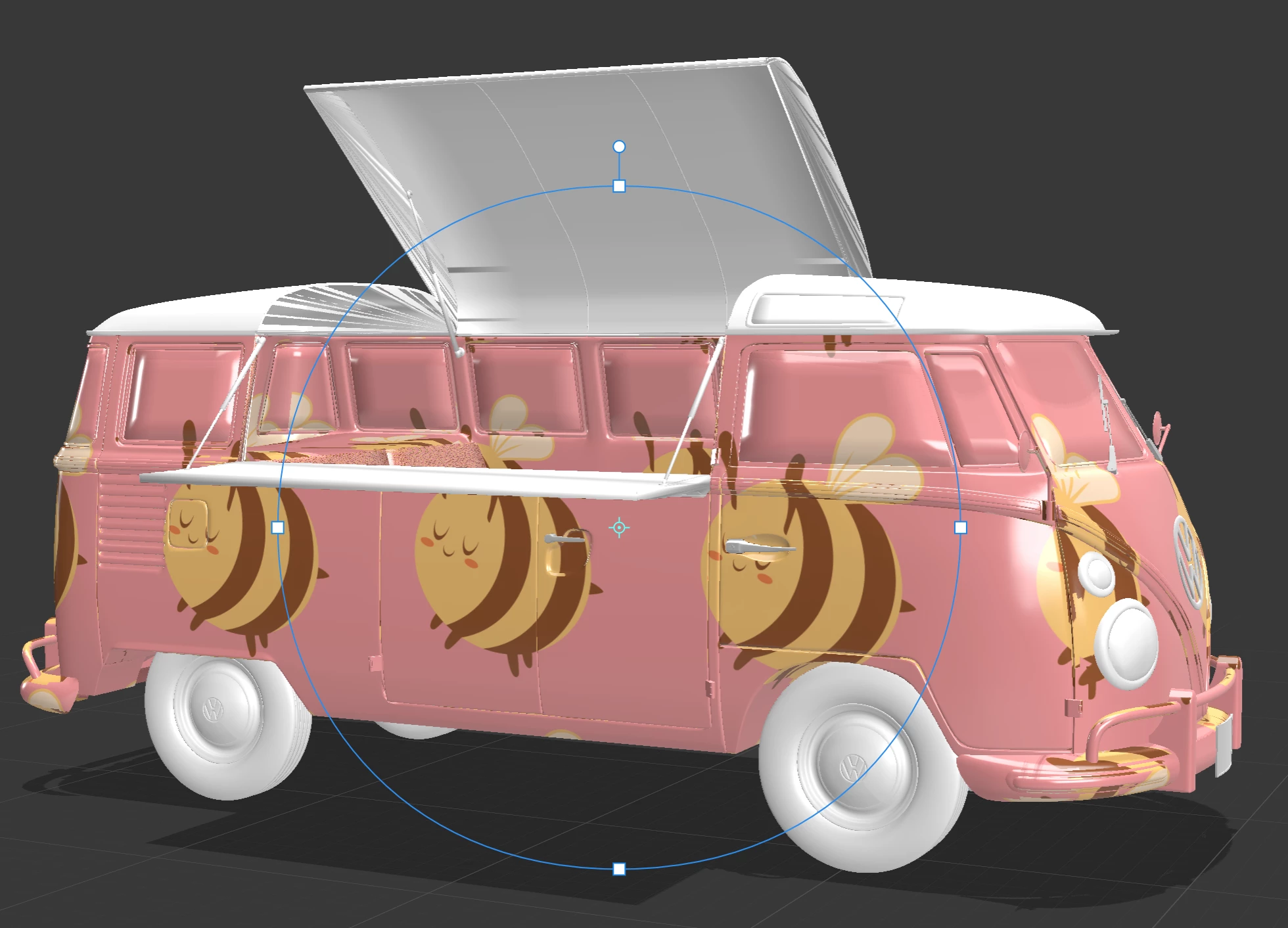
So I'm working on a project for a food truck and I found this cool model online though I'm running into a problem.


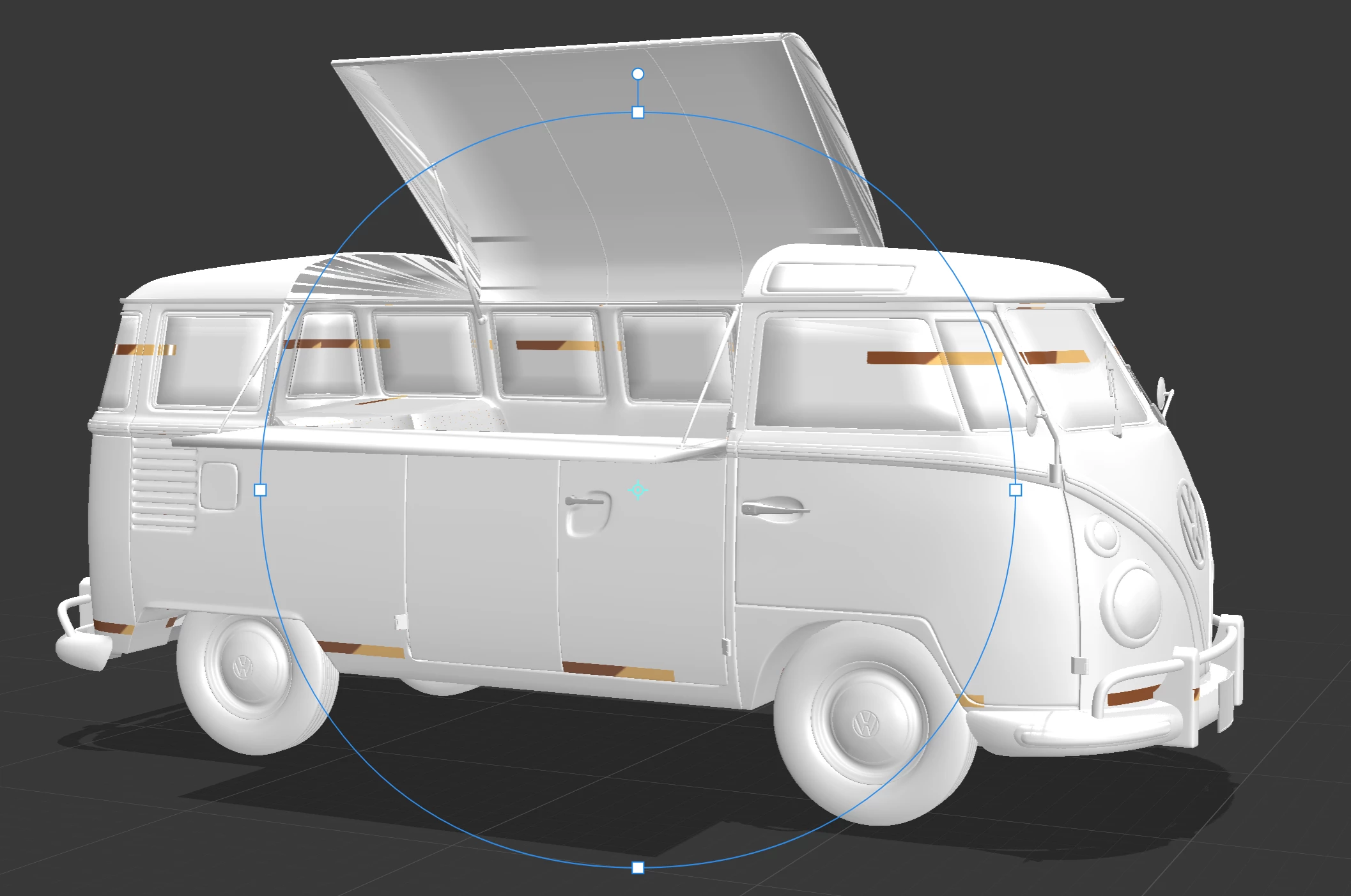
When I attempt to place an image on the body piece of the truck as a " decal " it appears like the first image and when I change it to " fill " it appears like the second image.

I need the " decal " part to work as I need to apply separate images to this model. 
 

This topic has been closed for replies.

1 reply

Ussnorway7605025
Legend
April 12, 2021

This is caused by the model Uv map, you can select the truck and ask Dimension to generate a new Uv which should help but I would use the magic wand to select just the side /panel where I want to place my logo, give it a new/ Different material and then try the decal

Ares Hovhannesyan
Community Expert
Community Expert
April 13, 2021

Agree with @Ussnorway7605025  Try to use one of images as material or you can combine two images  and make a composition in Ps and place as one image.