Participant
December 6, 2020
Answered

Improve render?

  • December 6, 2020
  • 3 replies
  • 509 views

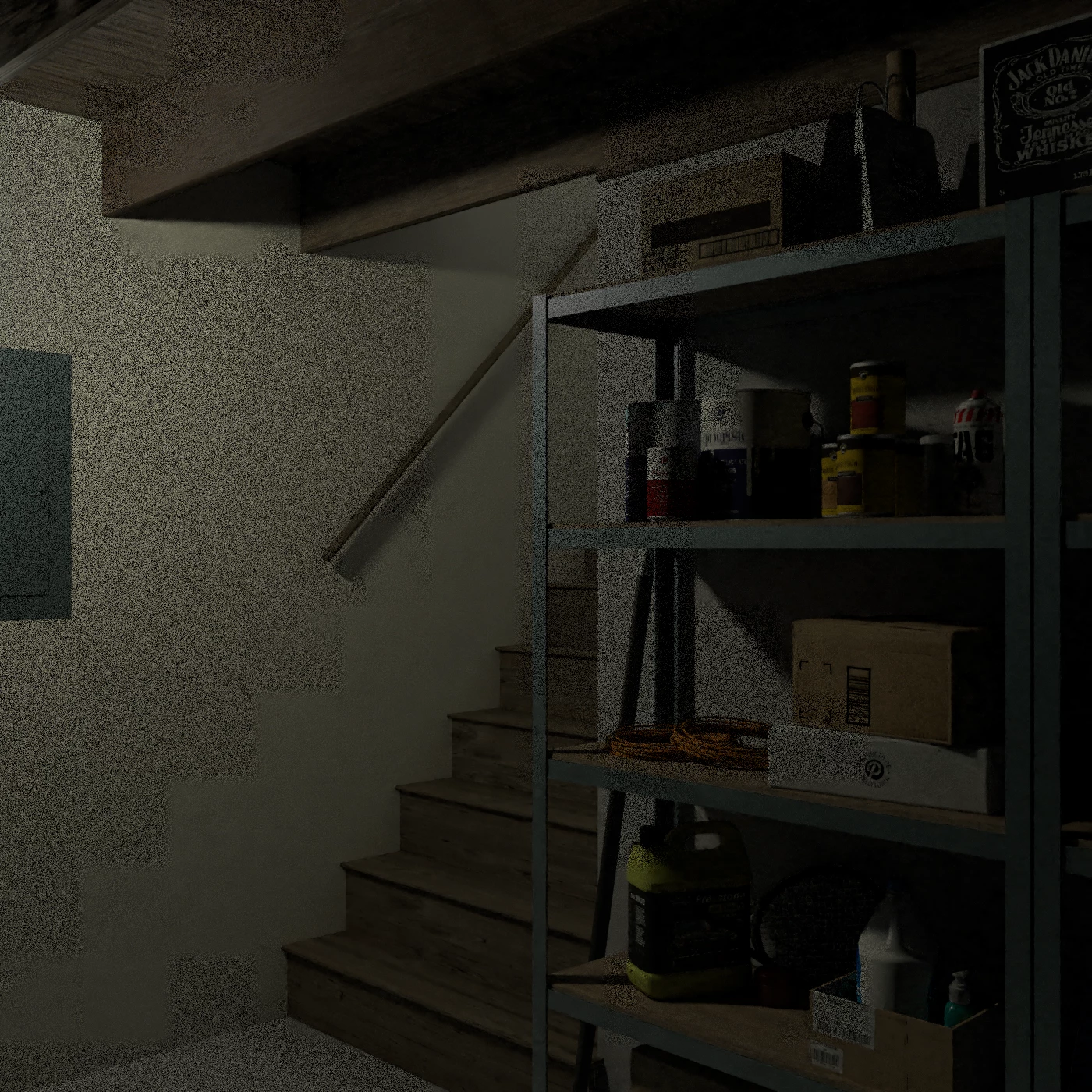
Can anyone tell me what causes the "graininess" in this render? The attached image was made using the High Quality PNG setting, but I got similar results with an earlier PSD render. I've made similar scenes before, but this issue hasn't arisen.

This topic has been closed for replies.
Correct answer Pete5FE4

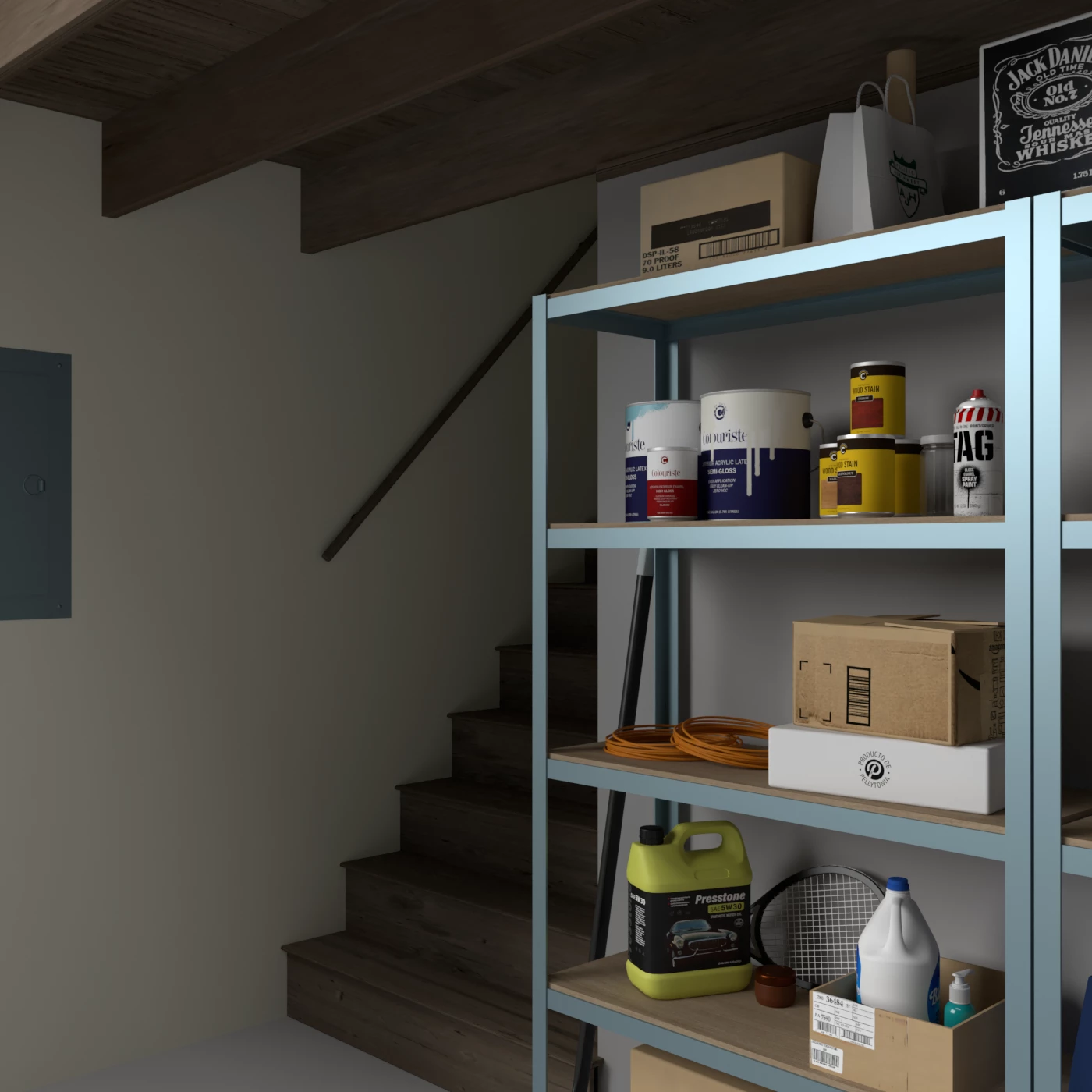
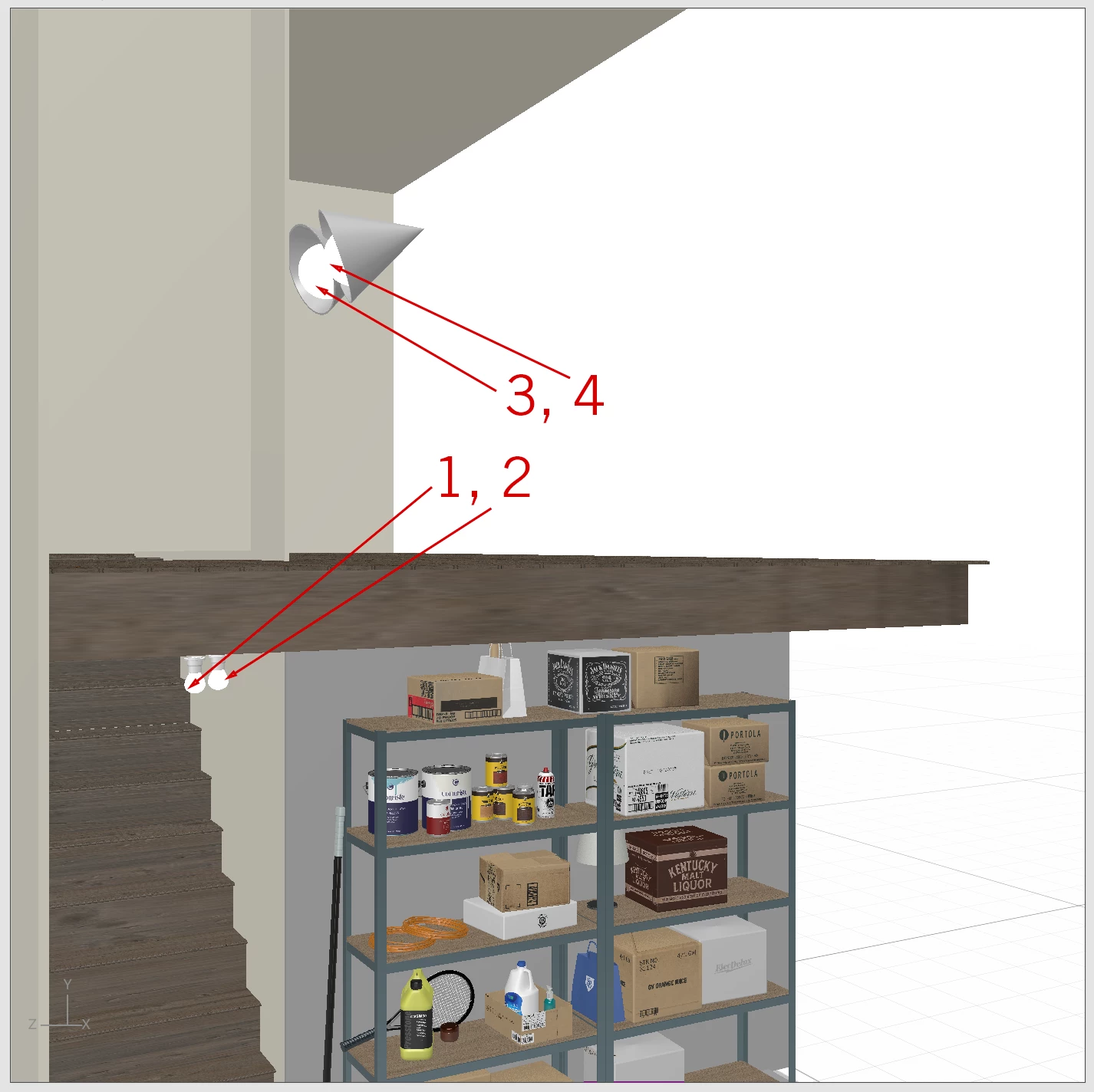
I tried a bunch of things and I have reached the tentative conclusion that my lighting is causing the problem. In the first image, I have 4 small objects with the Glowing material applied and the Environmental Light turned off. In the second image, the only difference is that I have all of the objects with Glowing material turned OFF and the Environmental Light turned ON.


I'm wondering if there are practical limits to how much or how little perecnt (%) glow can be added and still achieve a satisfactory result? Could that be why I'm getting the pixelation?
3 replies

Ussnorway7605025
Legend
December 9, 2020

cloud rendor was a beta test that to be blunt, failed because Adobe didn't want to spend $

Pete5FE4Author
Participant
December 9, 2020

Understood—thanks for your help!

Ussnorway7605025
Legend
December 9, 2020

Glow is different from light however it can be used in place of lights for a darker/ mod effect


Yes the practical limit to how much glow is effectively how good your hardware is...

Pete5FE4Author
Participant
December 9, 2020

Would rendering in the cloud, rather than locally, give a better result?

Ussnorway7605025
Legend
December 7, 2020

its pixelation of the light and going to be because your system is saving temp files wrong... if you want us to test the Dn file to see if we get the same results then share it

Pete5FE4Author
Participant
December 7, 2020

Thanks for your reply. I will attempt a little more troubleshooting on my end.


