Inspiring
February 5, 2024
Answered

Lighting issues

  • February 5, 2024
  • 2 replies
  • 625 views

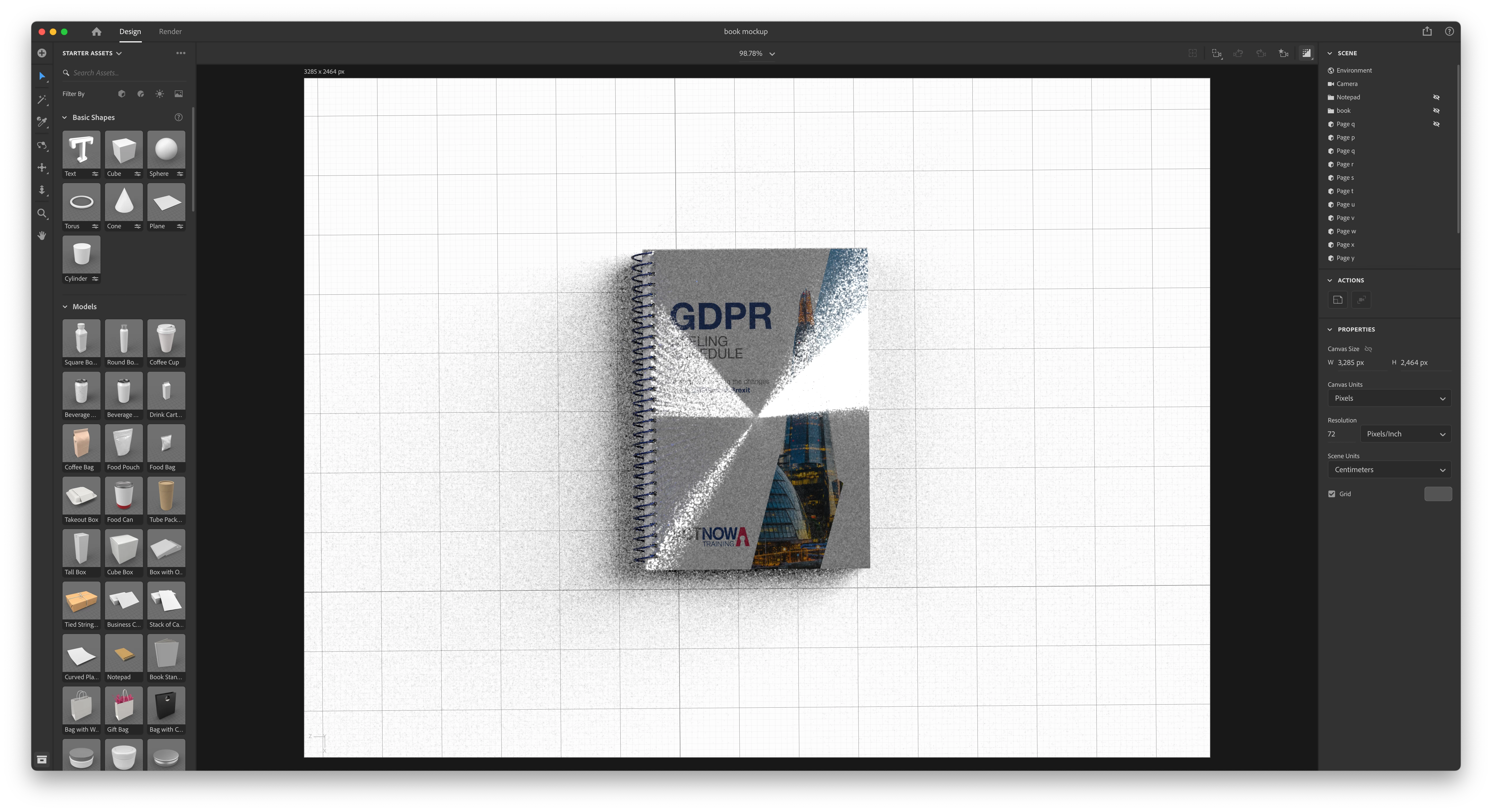
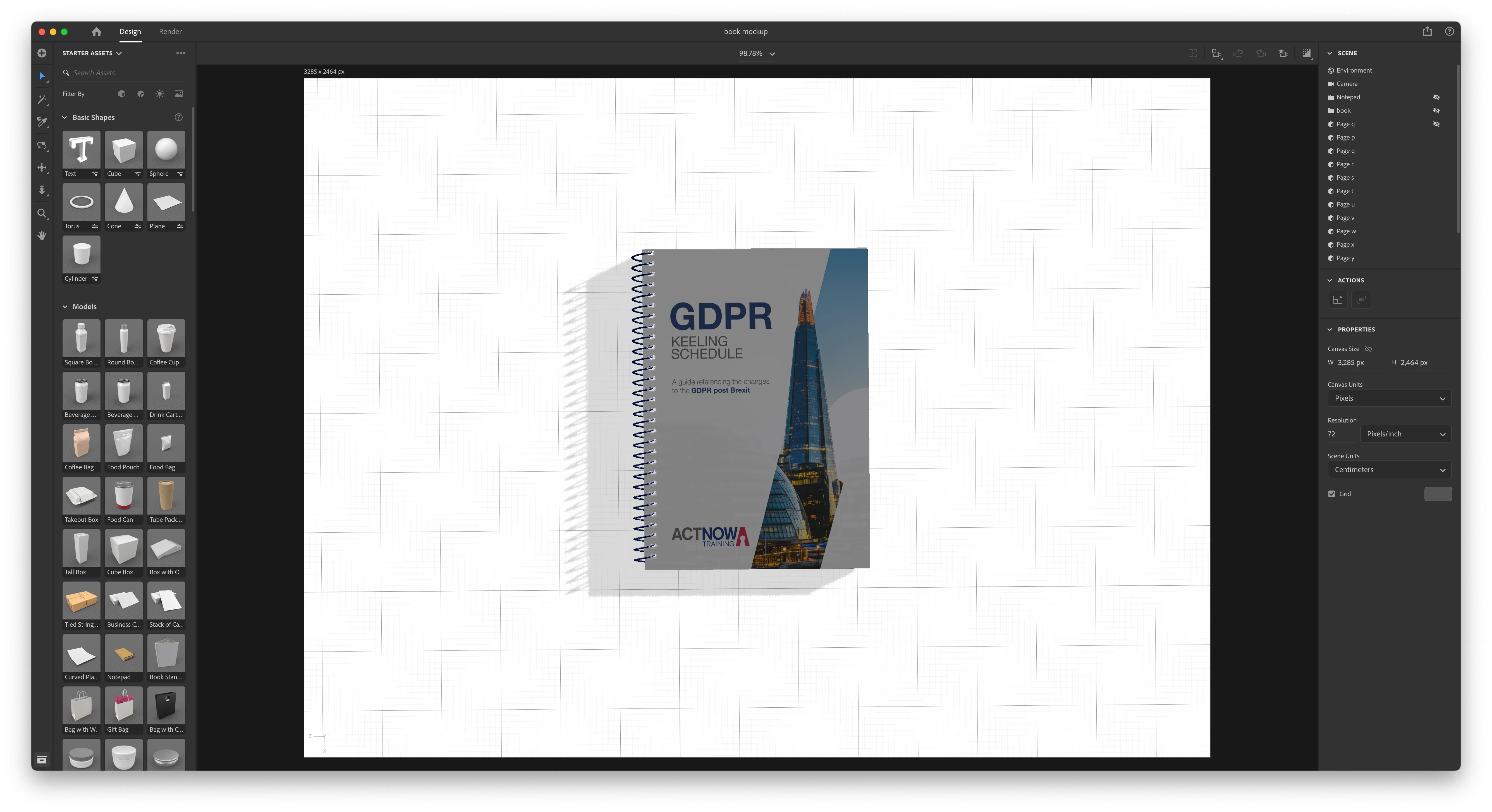
When rendering, why do i get this kind of sharp lighting?

How do i just get normal lighting?

Below are pictures of before and after rendering.
This topic has been closed for replies.
Correct answer Ussnorway7605025

look at the first screenshot... he has models hidden on the preview and Dimension currently [since moving to metal drivers] rendors hidden objects


the workaround is to remove those models from the scene and then do another rendor

2 replies

Ussnorway7605025
Ussnorway7605025Correct answer
Legend
February 6, 2024

look at the first screenshot... he has models hidden on the preview and Dimension currently [since moving to metal drivers] rendors hidden objects


the workaround is to remove those models from the scene and then do another rendor

Inspiring
February 7, 2024

what does metal drivers mean?

Also, i removed the hidden objects and also the directional lights. That seemed to have solve the problem. Thanks.

Ussnorway7605025
Legend
February 8, 2024

metal drivers means your graphics software is rendored by Apple software instead of the standard which is Nvidia

in sort Apple software is newer and can't rendor transparent pixels i.e, it makes them black or White instead of clear

Ares Hovhannesyan
Community Expert
Community Expert
February 5, 2024

What is your GPU? NVIDIA? 

Inspiring
February 5, 2024

Radeon Pro 570 4 GB

Inspiring
February 5, 2024

The book and the spiral was originally made in blender.