


Known Participant
August 8, 2022
Answered
Make shading/surface of object smooth
- 11 replies
- 2218 views
- Translate
Hello Everyone,
I am a seasoned user of Adobe products but new to Dimension. I have received an STL file from my modeler but now he has gone MIA.
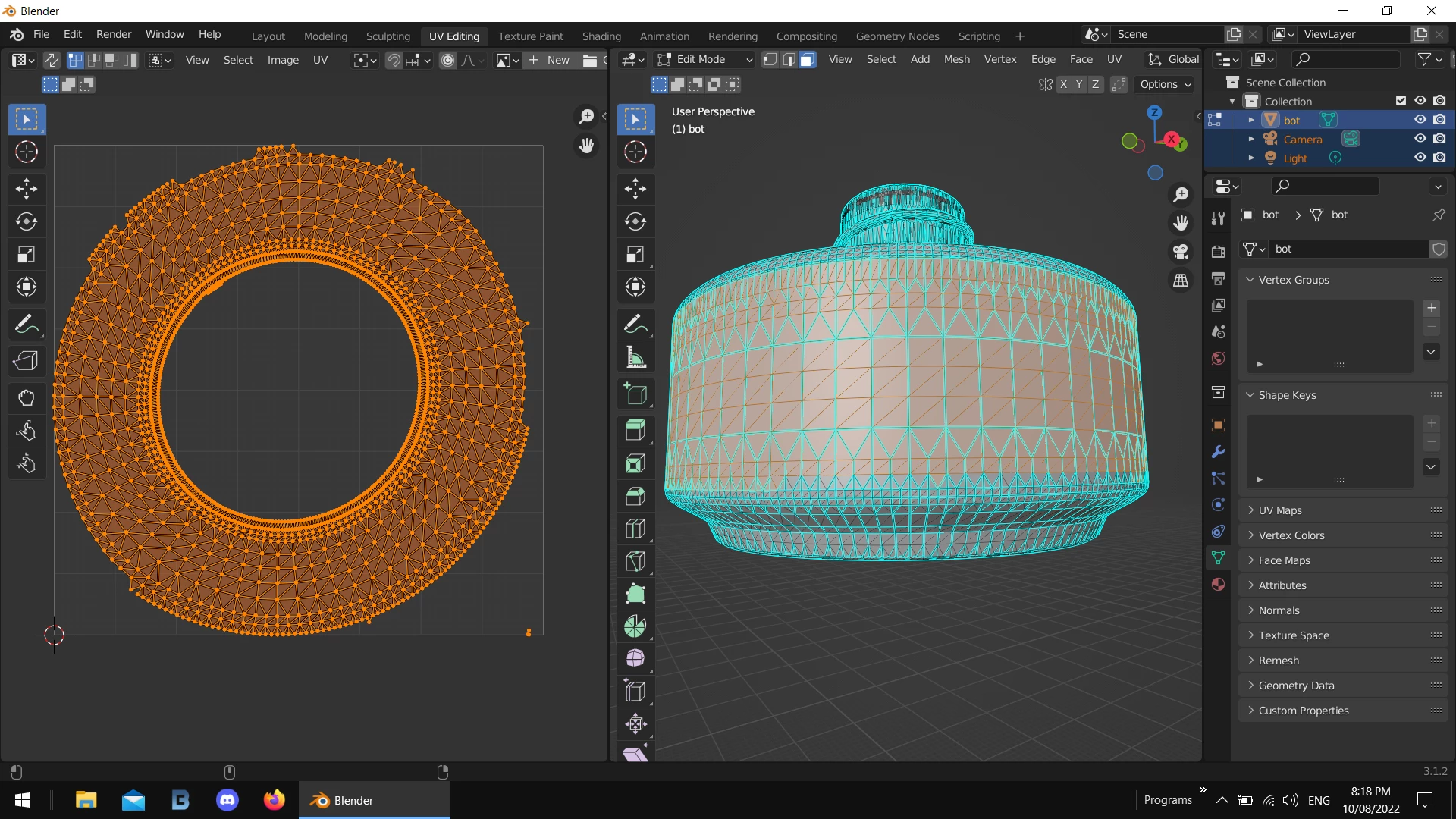
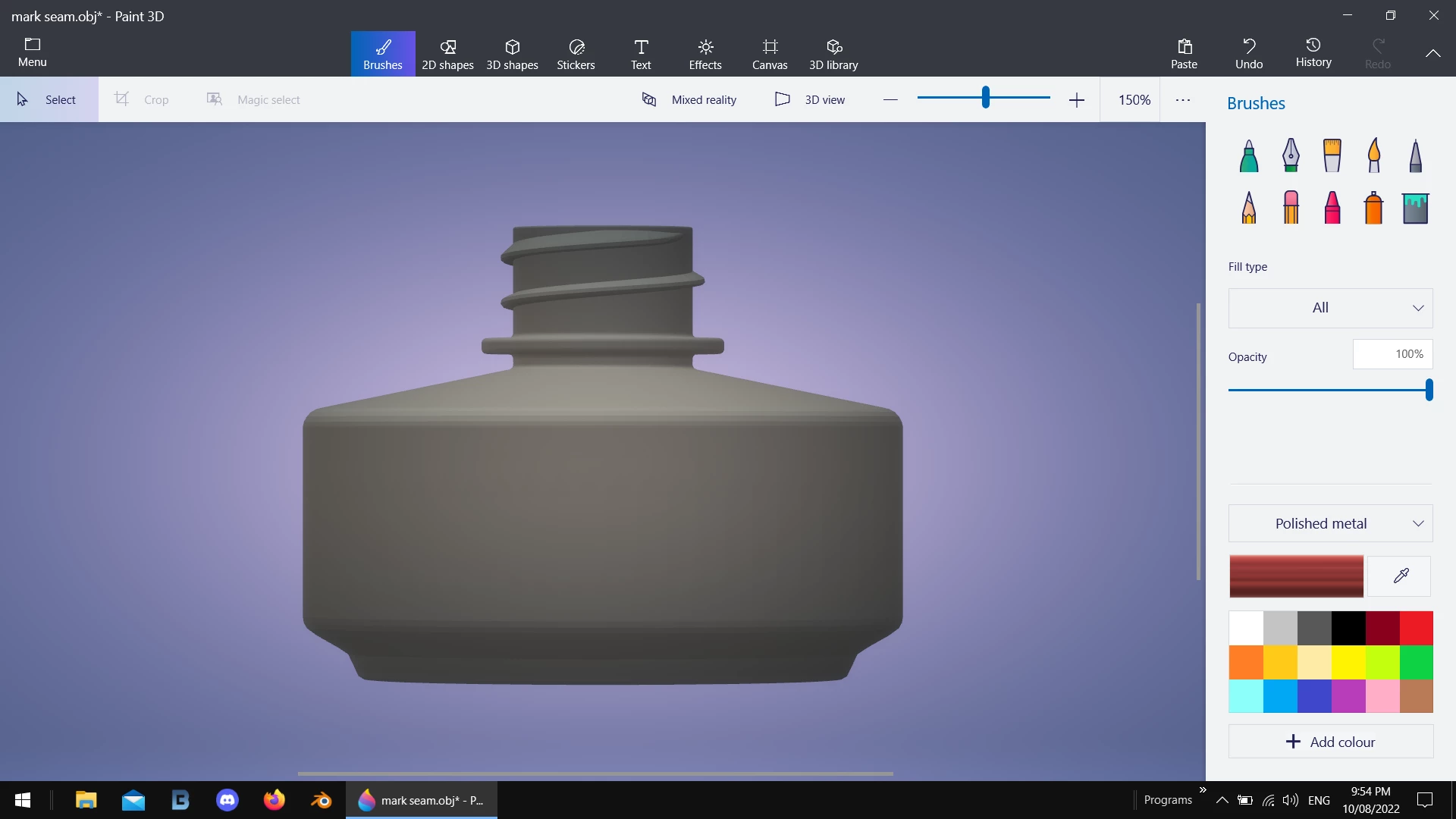
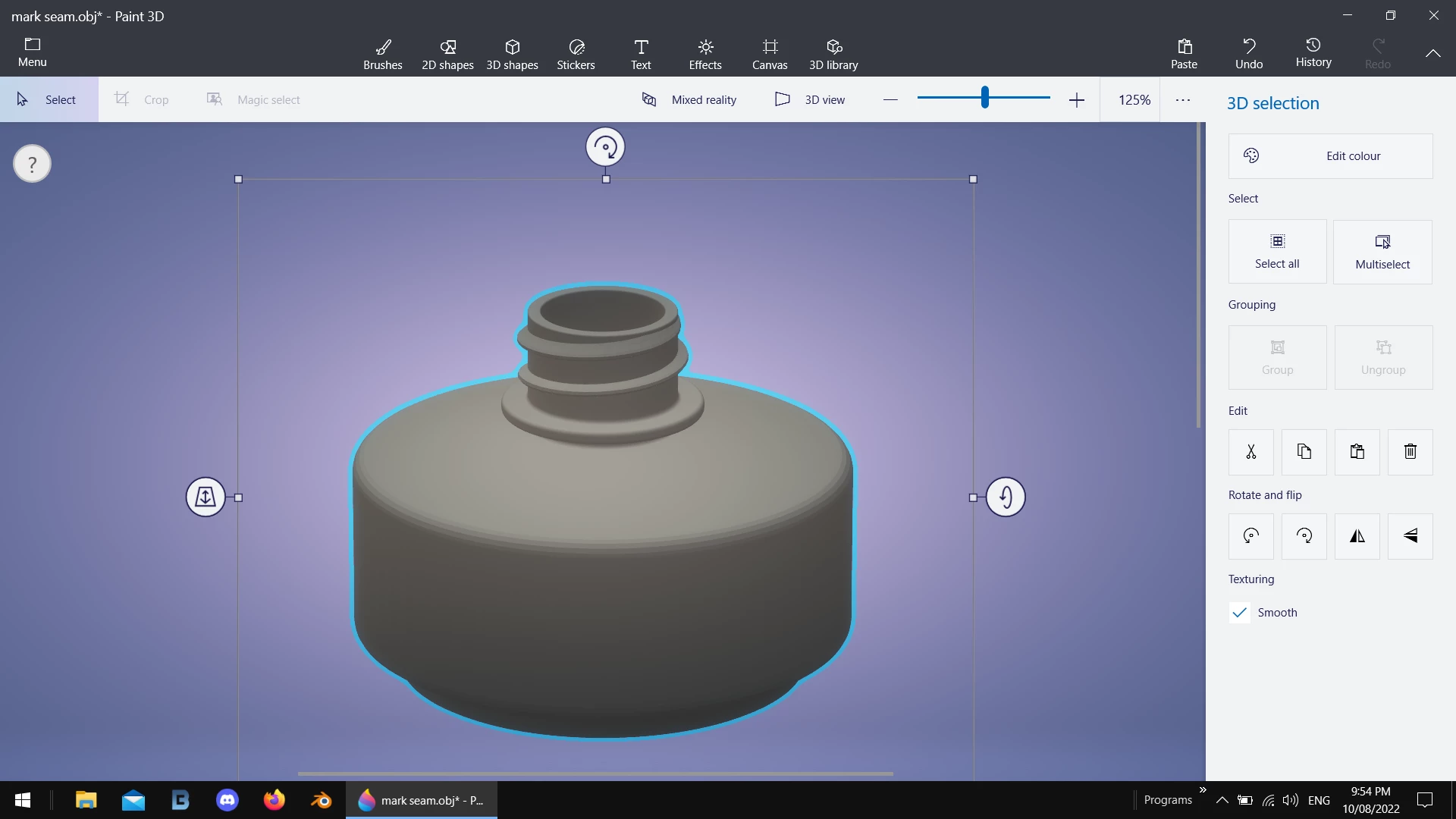
However, I was able to open the STL file in Dimension but the big problem is that the surface shows edges. I am figuring that he created a low poly count model. Is there an option or setting that I have not found yet to make the surface appear smooth? I have circled the area to reference the area that is not smoothed out.
Thanks!

 AdChoices