paulwieczorek
Inspiring
February 12, 2018
Answered

Material color image is tiled

  • February 12, 2018
  • 1 reply
  • 401 views

Hi,

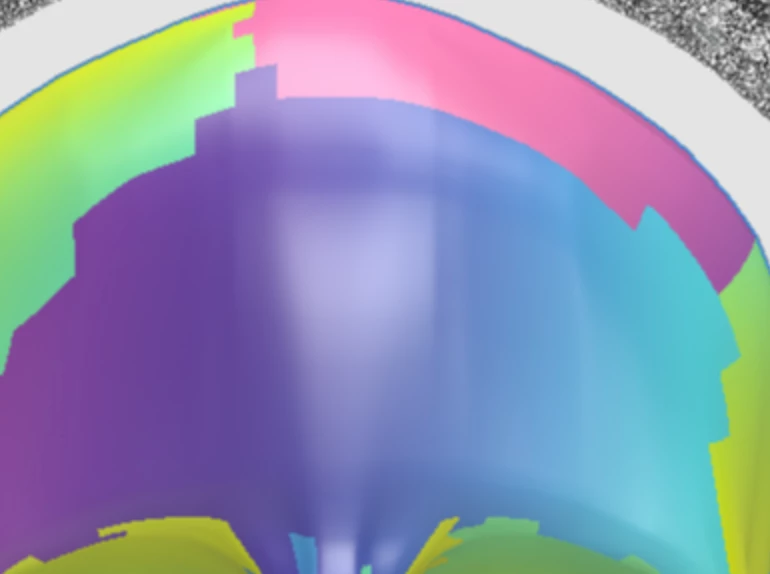
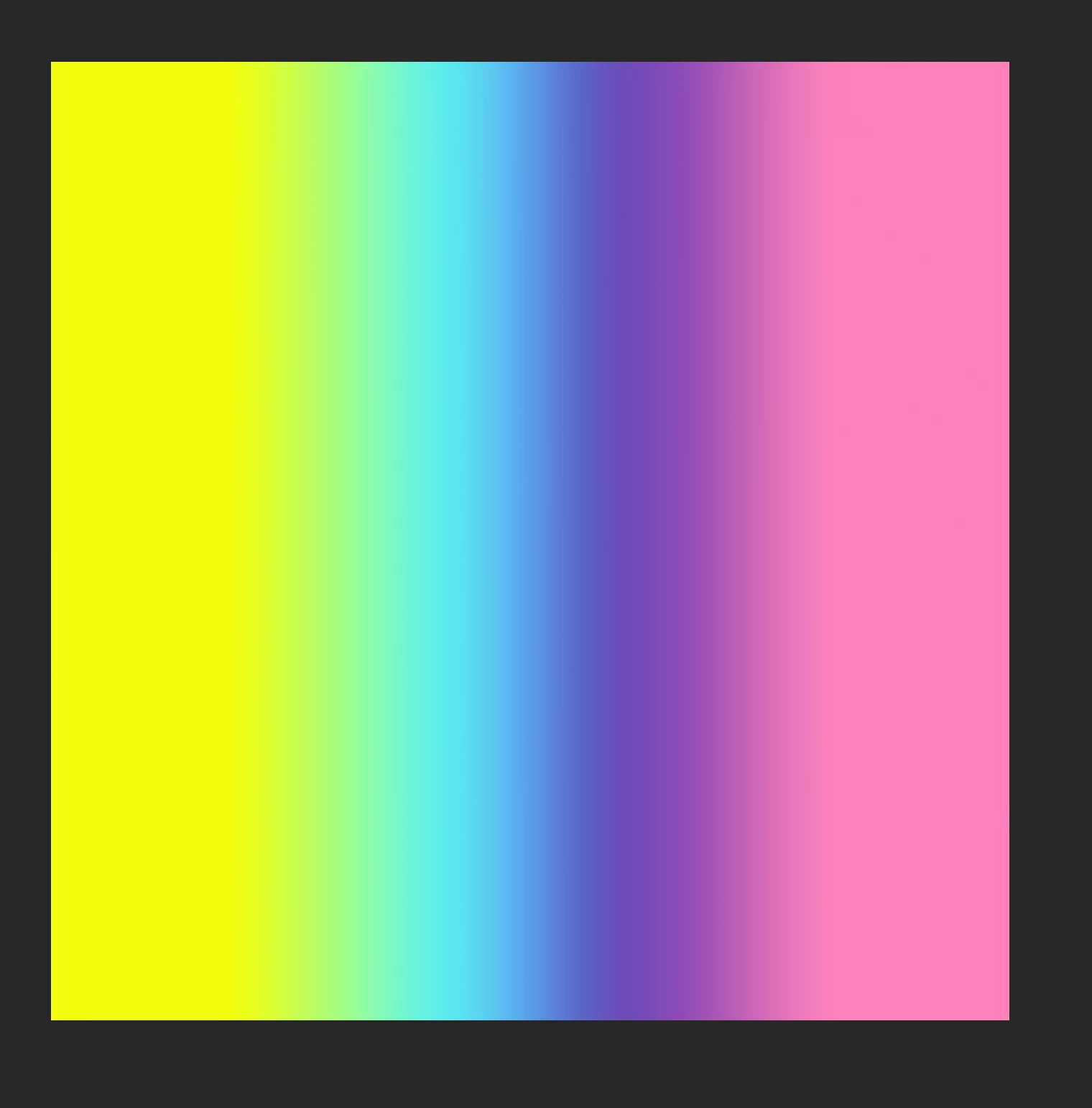
new to Dimension, just discovered it and I love the simplicity of the UI. I wanted to add my own background image as a material but unfortunately it turns tiled. Anyone knows what's going on? Should that .jpg or .png have any particular properties? Mine is 4000 x 4000 px and 300dpi

Image below:

Material in Photoshop:

Regards,

Paul

    This topic has been closed for replies.
    Correct answer JeanetteMathews

    Hi Paul!  Glad you're having fun exploring.  This is one of the trickier things about 3D called "UVs".  3D models esesntially have to be flatted into 2D to have images placed on to them.  Artists do this by taking the 3D model and cutting 'seams' into it.  The pieces are then flatted out into what are called UVs.  Here's an example of the UVs of the Coffee Cup model that comes with Dimension.
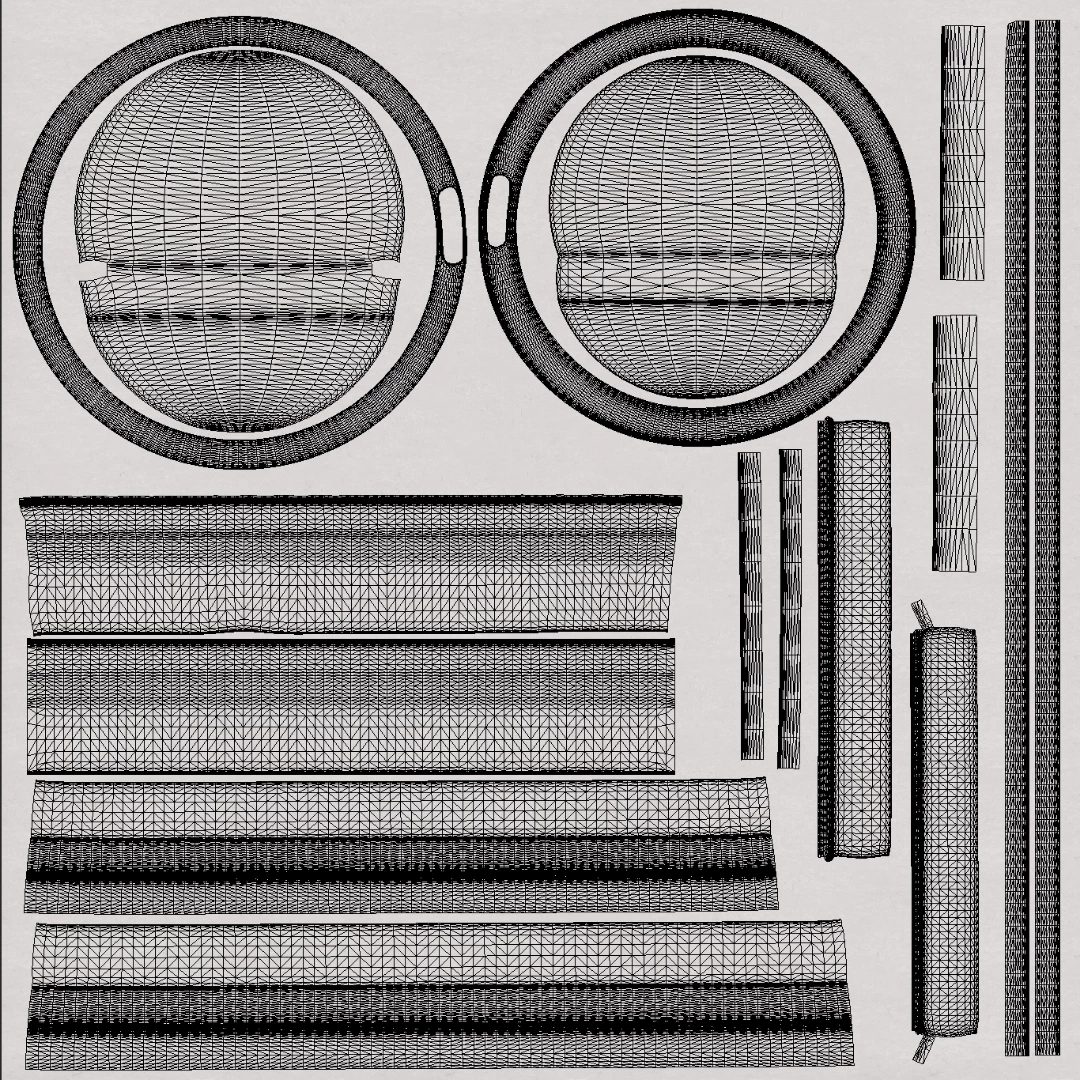
    Basically then any image you put into the image picker is stretched out to fill this "UV" square space and the part of the image that is underneath that part of the UV is what's displayed on the model.
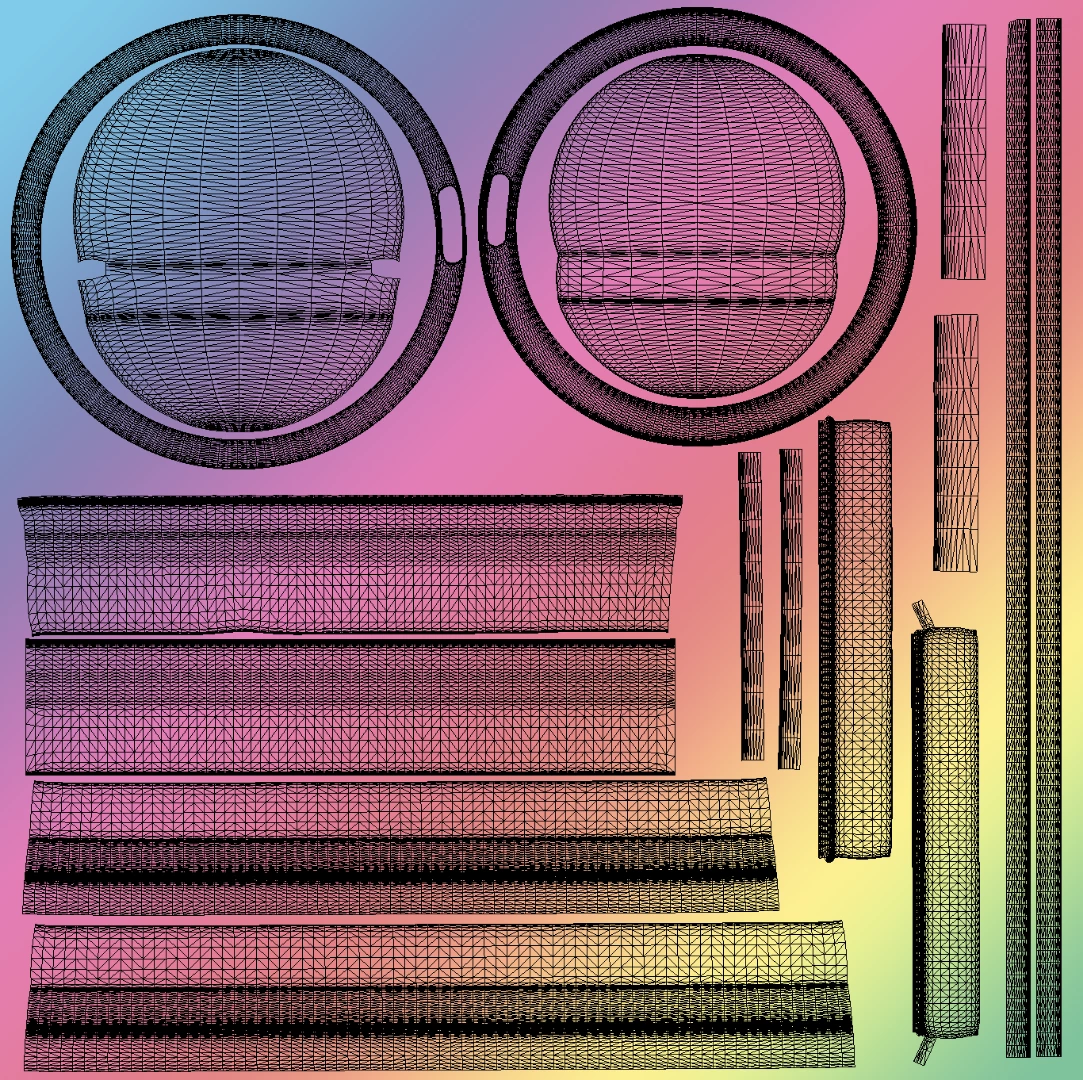
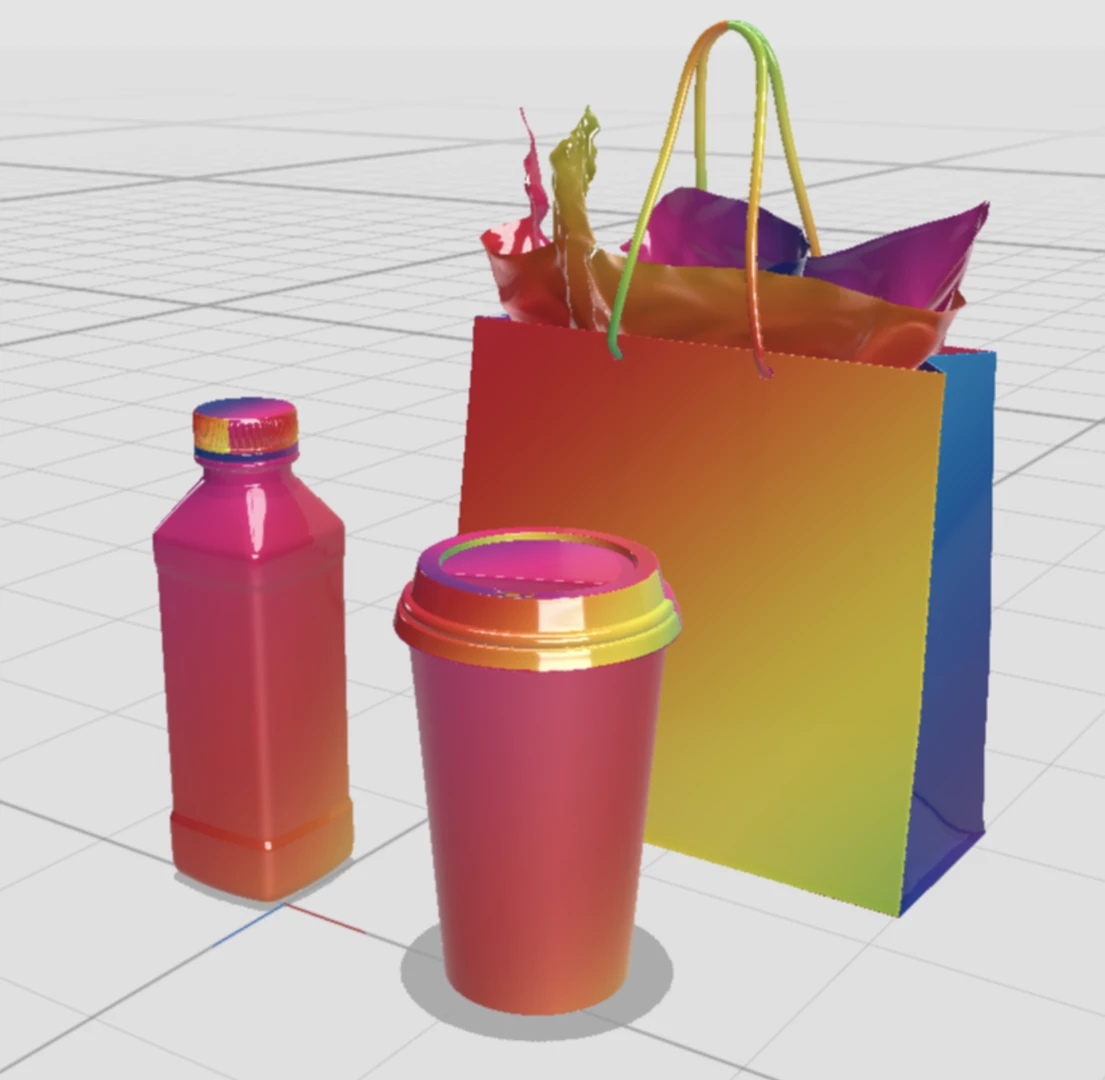
    The result is that the same image would appear drastically different on different objects because of their various UV configurations.  At this time Dimension doesn't have a more direct "Gradient Fill" type option, but that's certainly something we could do!  You can post suggestions on our feedback forum to have people vote and get status updates on ideas:  Adobe Dimension CC Feedback Portal

    1 reply

    JeanetteMathews
    Adobe Employee
    JeanetteMathewsCorrect answer
    Adobe Employee
    February 28, 2018

    Hi Paul!  Glad you're having fun exploring.  This is one of the trickier things about 3D called "UVs".  3D models esesntially have to be flatted into 2D to have images placed on to them.  Artists do this by taking the 3D model and cutting 'seams' into it.  The pieces are then flatted out into what are called UVs.  Here's an example of the UVs of the Coffee Cup model that comes with Dimension.

    Basically then any image you put into the image picker is stretched out to fill this "UV" square space and the part of the image that is underneath that part of the UV is what's displayed on the model.

    The result is that the same image would appear drastically different on different objects because of their various UV configurations.  At this time Dimension doesn't have a more direct "Gradient Fill" type option, but that's certainly something we could do!  You can post suggestions on our feedback forum to have people vote and get status updates on ideas:  Adobe Dimension CC Feedback Portal