Participant
May 9, 2018
Answered

Materials not tiling correctly

  • May 9, 2018
  • 2 replies
  • 934 views

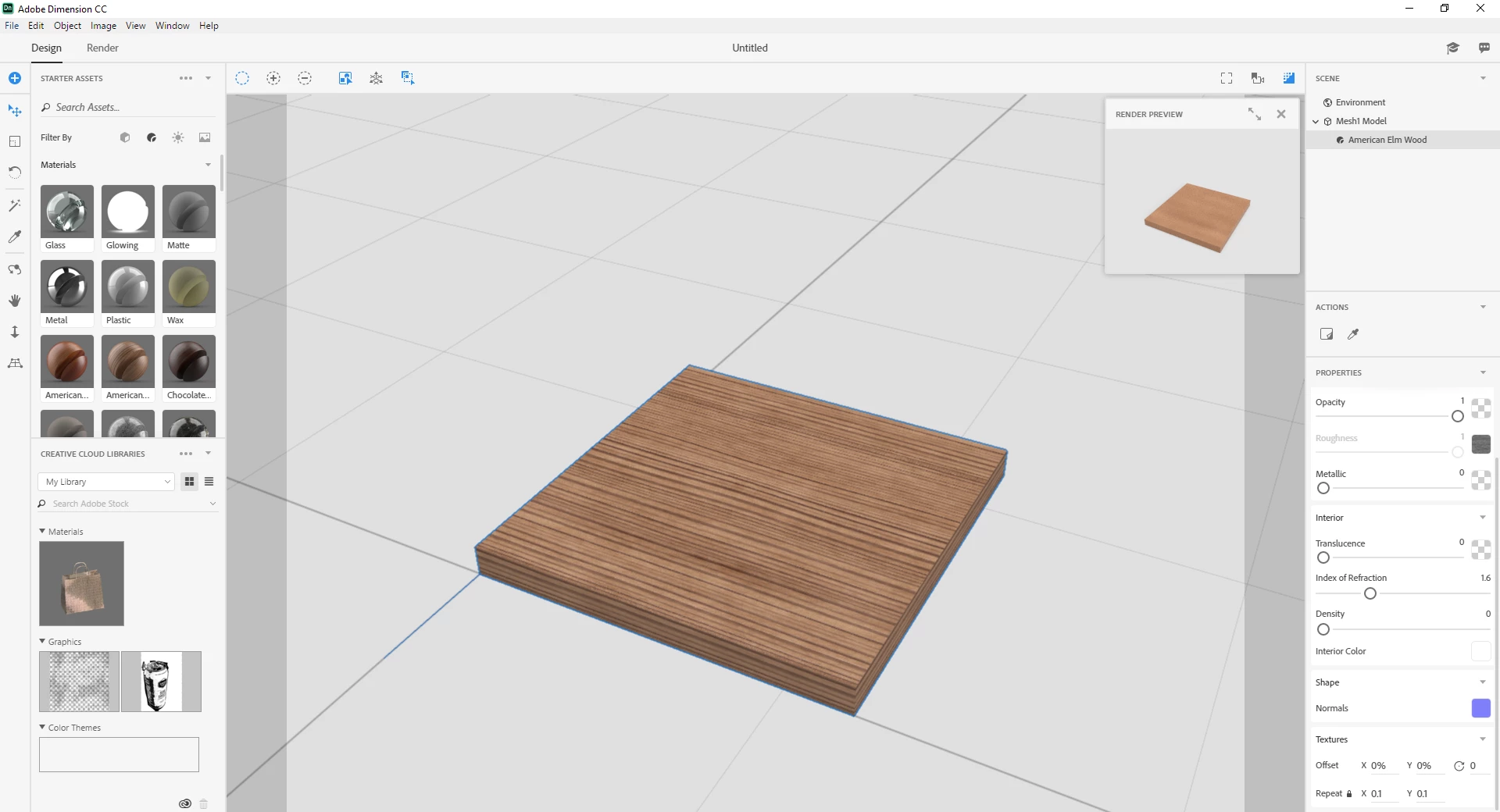
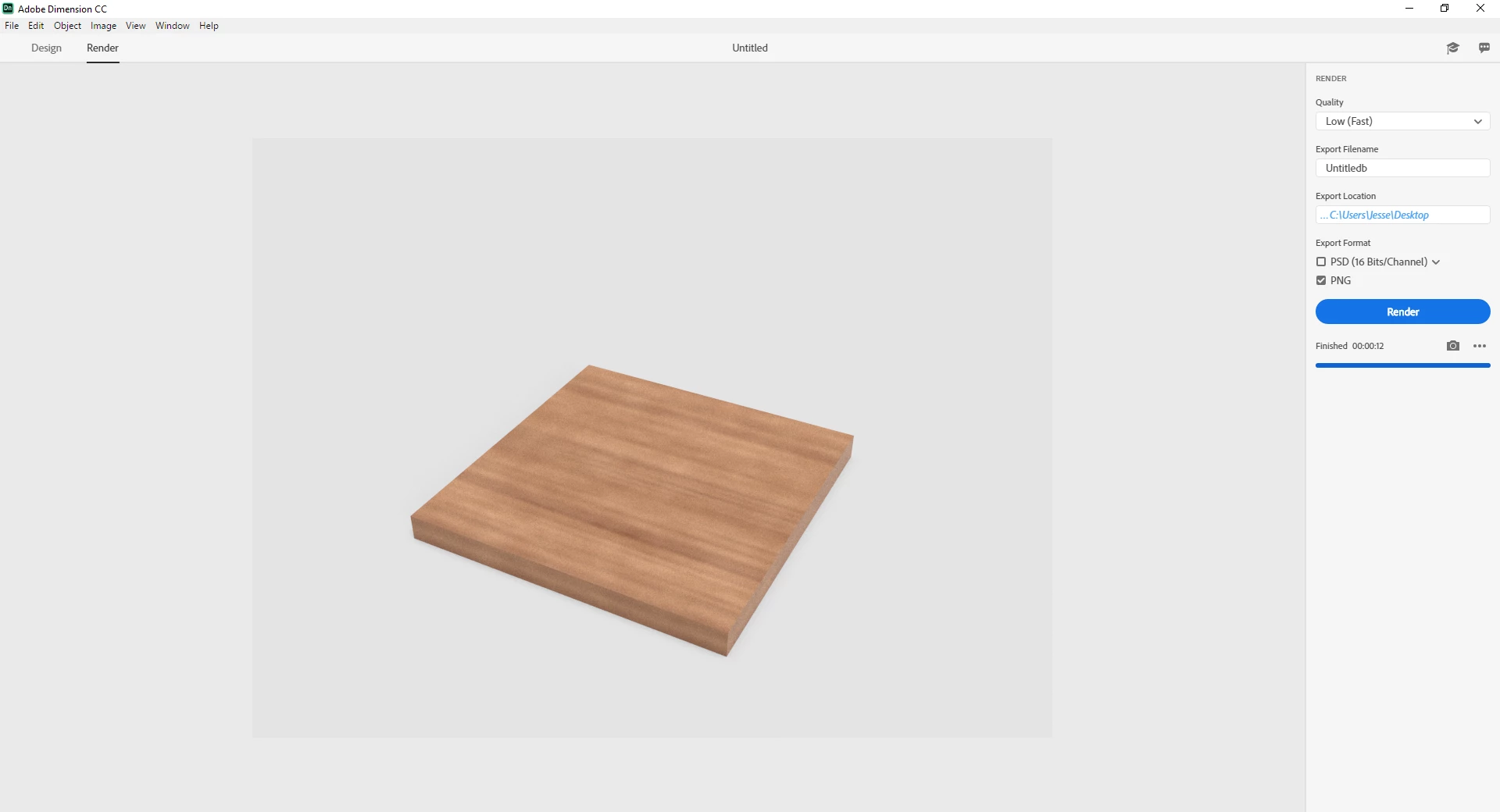
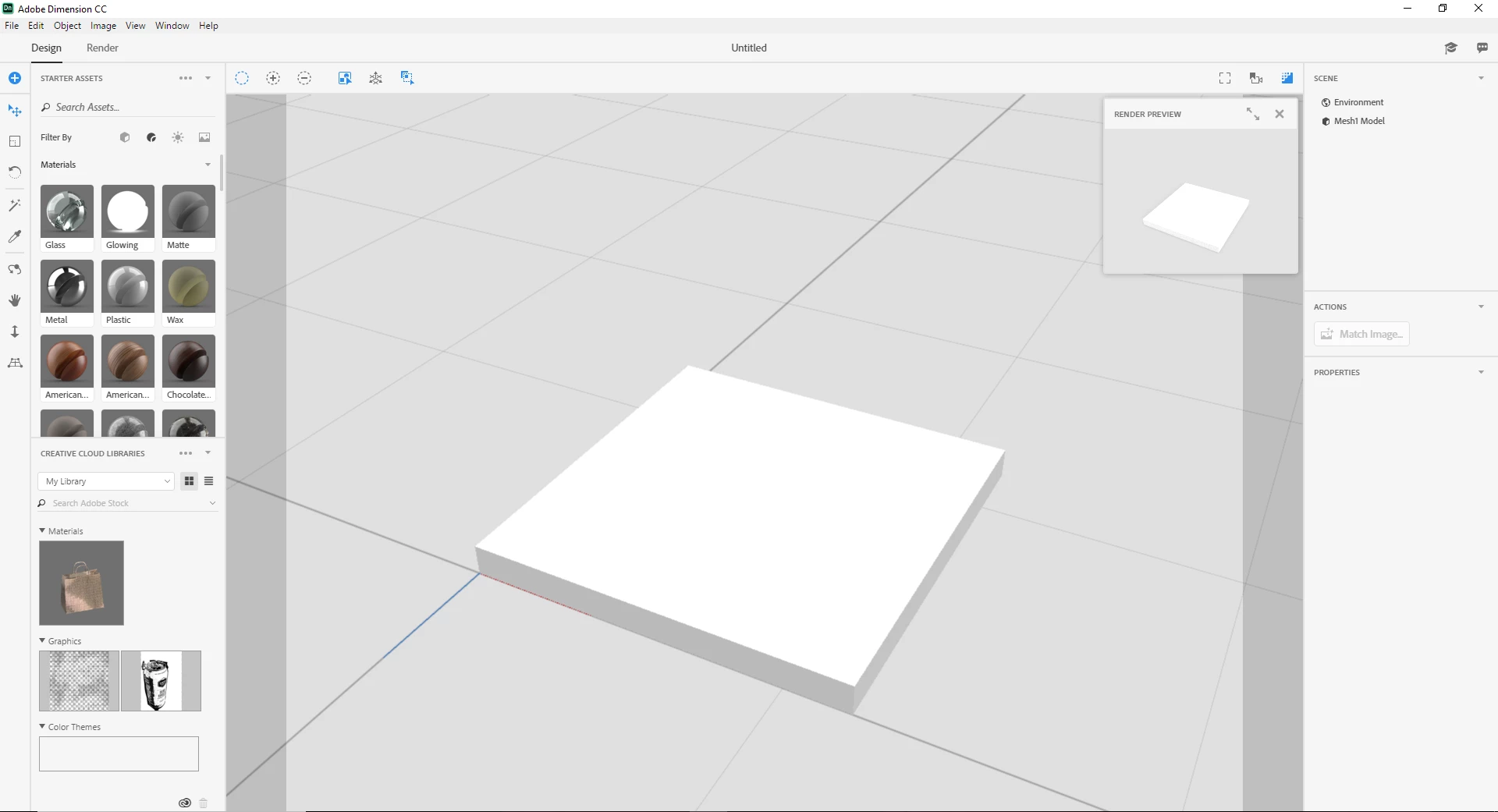
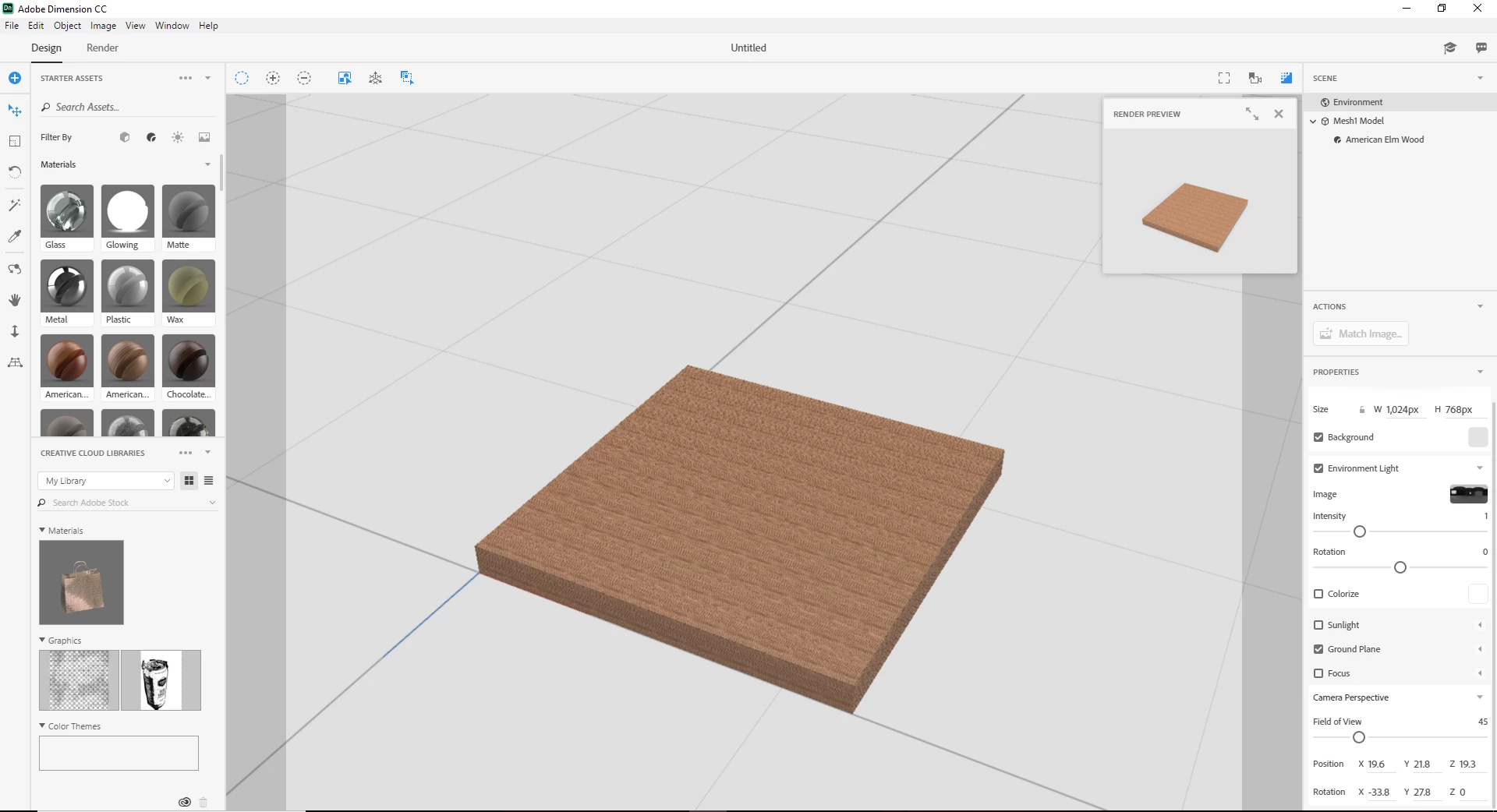
Hi, every time I import a model into Dimension and try to apply materials, I get a weird tiling effect. Basically it takes the texture and makes it extremely small. When I adjust the texture to a somewhat acceptable size it doesn't render correctly. It looks blurry and not detail. I don't have depth of field turned on from what I can tell. Heck I don,t even see depth of field as an option.

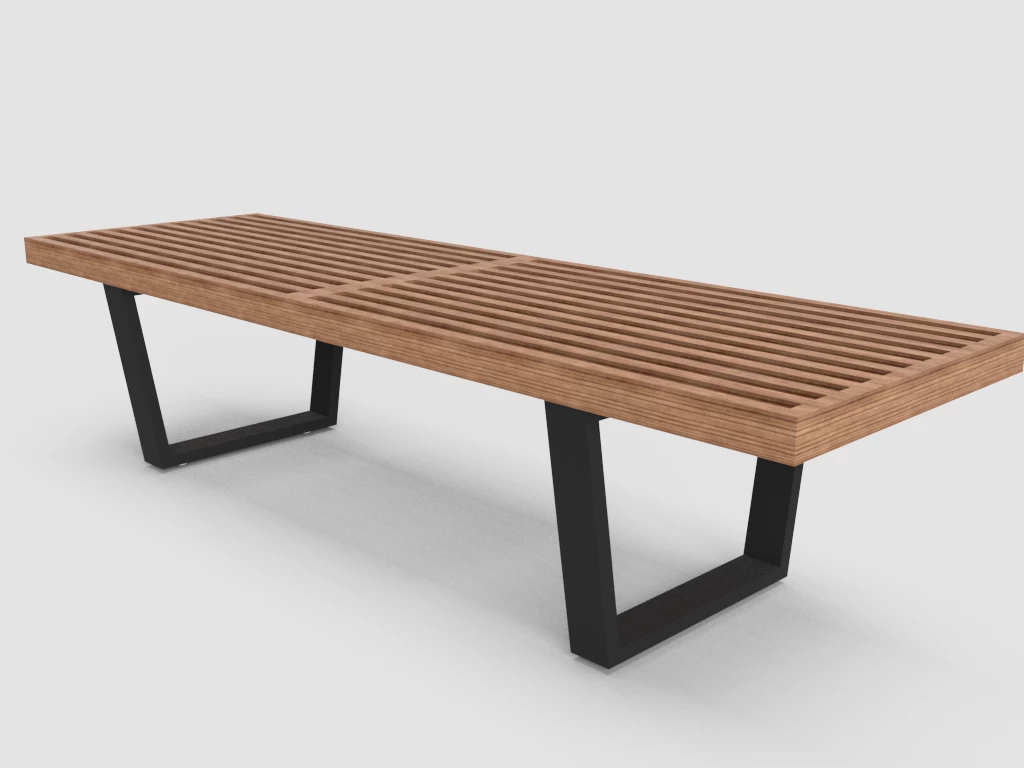
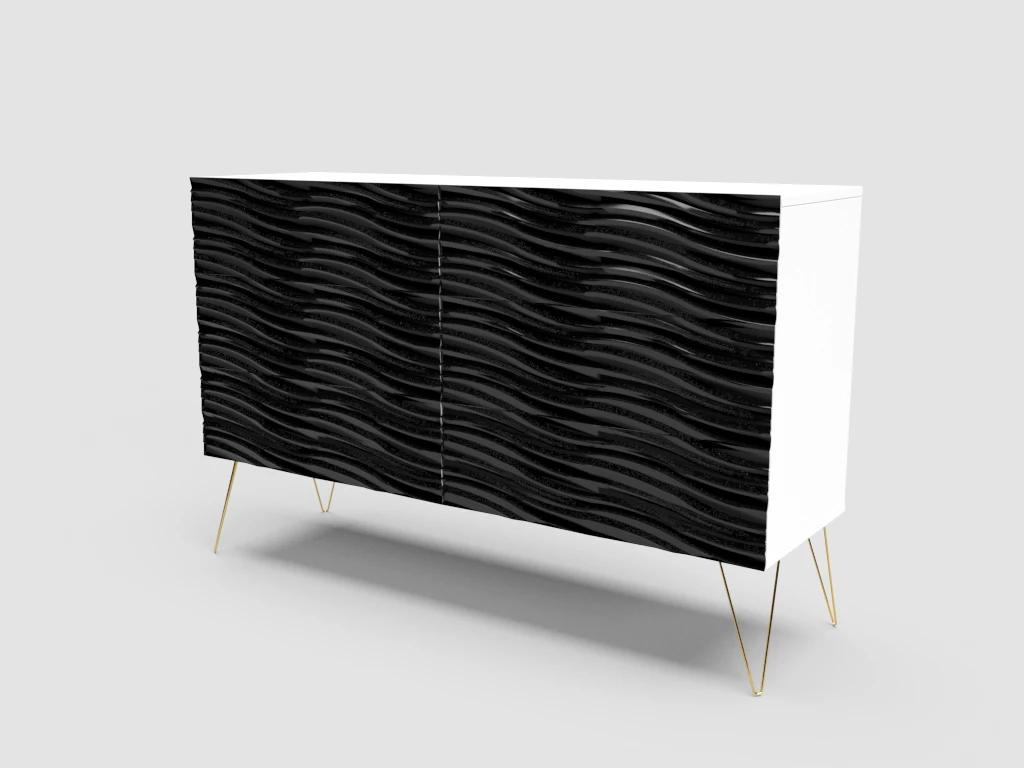
The render shown was completed in under a minute. I will include a couple other renders that were done with better results. Solid colors don't seem to be an issue, I'm assuming its because of its uniformity.

The square measures 1'x1'x1" The texture is American elm wood (however it does this with any texture not a solid color)
    This topic has been closed for replies.
    Correct answer cb541

    I think I figured it out, its a UV mapping issue. I created a simple grid to align my UV map and it seems to come in much tighter if I import with textures and the grid painted on.

    2 replies

    Ussnorway7605025
    Legend
    December 3, 2020

    any detailed instructions he gives you will be for a version of Dimension that is no longer used i.e, 2 years ago = out of date info mate


    this is not a Sketchup forum but if you want to share the Dn file I'll test it

    cb541AuthorCorrect answer
    Participant
    May 9, 2018

    I think I figured it out, its a UV mapping issue. I created a simple grid to align my UV map and it seems to come in much tighter if I import with textures and the grid painted on.

    Inspiring
    December 2, 2020

    Hey, I am using SketchUp and am having a similar issue. Could you post some more detailed instructions on how you solved the problem. I work in Sketchup. Thanks!