Participating Frequently
May 19, 2021
Answered

Mesh Material

  • May 19, 2021
  • 2 replies
  • 892 views

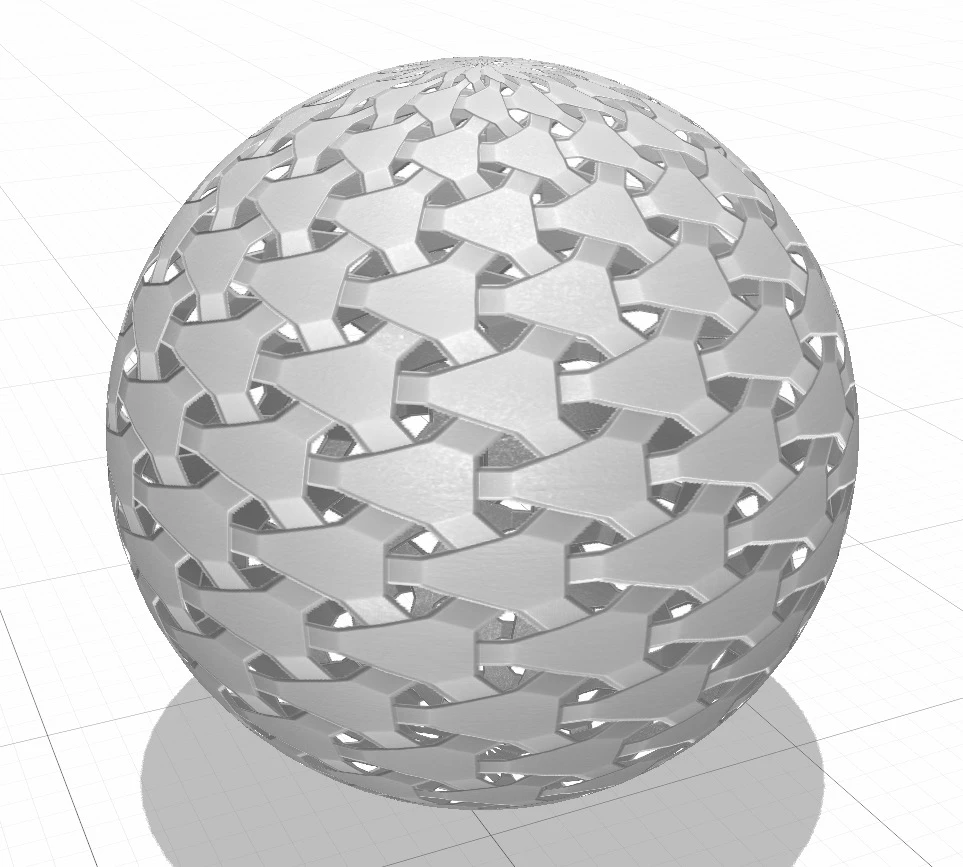
What is the pissible way to create a Metal mesh Material  something like below

This topic has been closed for replies.
Correct answer Ares Hovhannesyan

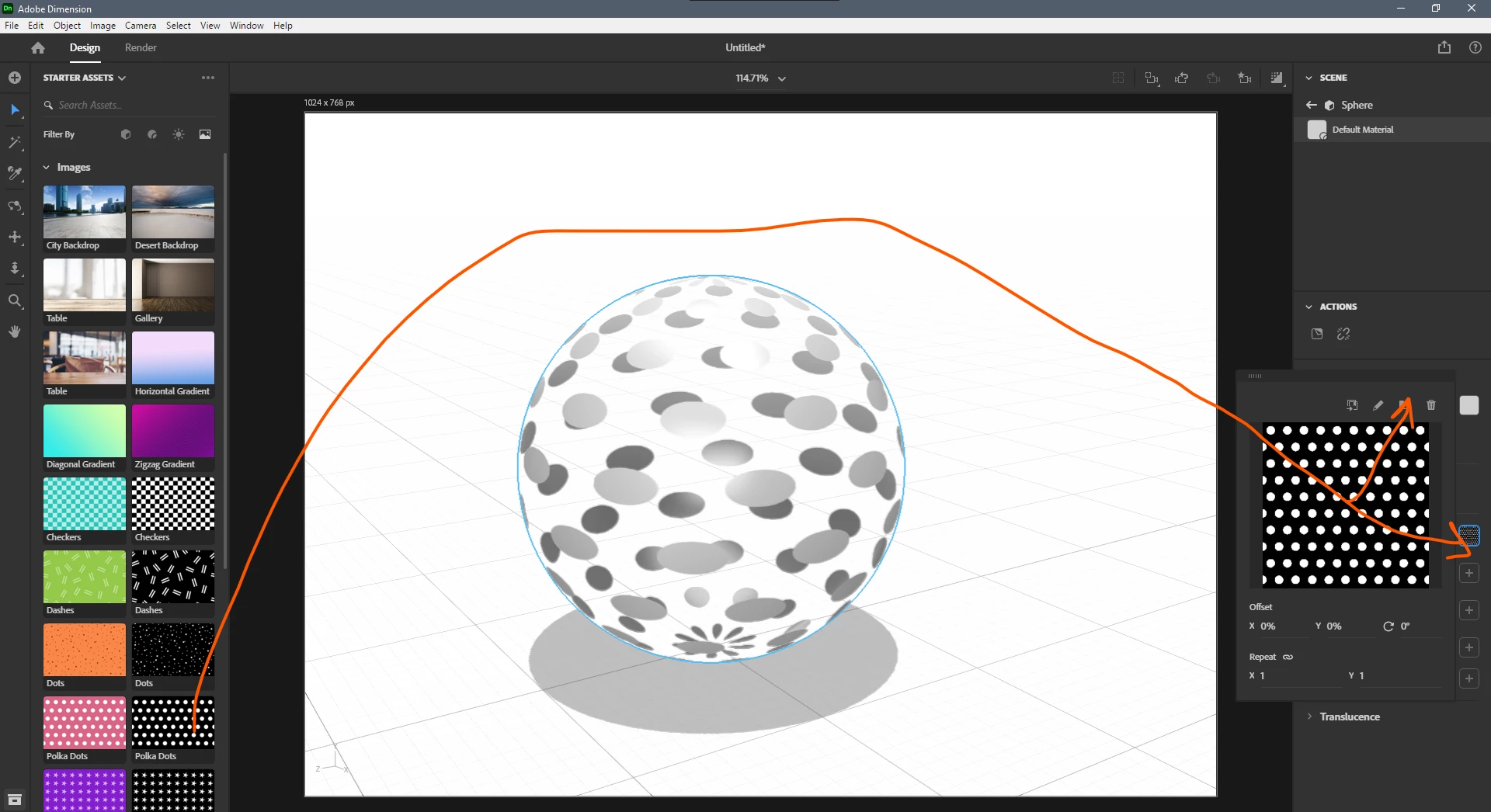
You can use the same pattern (image) for Opacity property in Dn. Just drag and drop that image of pattern into opacity icon in properties panel for material or import that image. Black and white present transparent and opacity regions correspondingly.


2 replies

Ussnorway7605025
Legend
May 19, 2021

The first image is one of the default material pattern you get with dimension

The second image is a non standard repeat pattern i.e, random and you can make it your self a few different ways

  • Go to Adobe Stock and simply get it pre-made
  • Built the pattern in Photoshop or illustrator
Participating Frequently
May 20, 2021

Thanks for the reply.

I can built the pattern, actually i did. But I am not able apply on an object as  i want. See below. it doesn't show that hollow space.

Participating Frequently
May 23, 2021

No one knows?

Participating Frequently
May 19, 2021

need something like this