Participant
October 26, 2024
Resuelto

My 3d model exported from blender is hollow

  • October 26, 2024
  • 1 respuesta
  • 876 visualizaciones

I tried checking normals, all good, then cleaning the mesh, and after that, the z-fighting, but the problem keeps happening in dimension, I don't know what to do, help pls!!! I exported and used other 3d models that I made in blender and I didn't had this issue, all the configs are default in blender, other programs can visualize it but dimension not. I need dimension to work in my job. 

And I had other issue when I tried to import an image to the model too, but that doesn't matters now, I write this to give more information to the community, ty!!

Este tema ha sido cerrado para respuestas.
Mejor respuesta de Ares Hovhannesyan

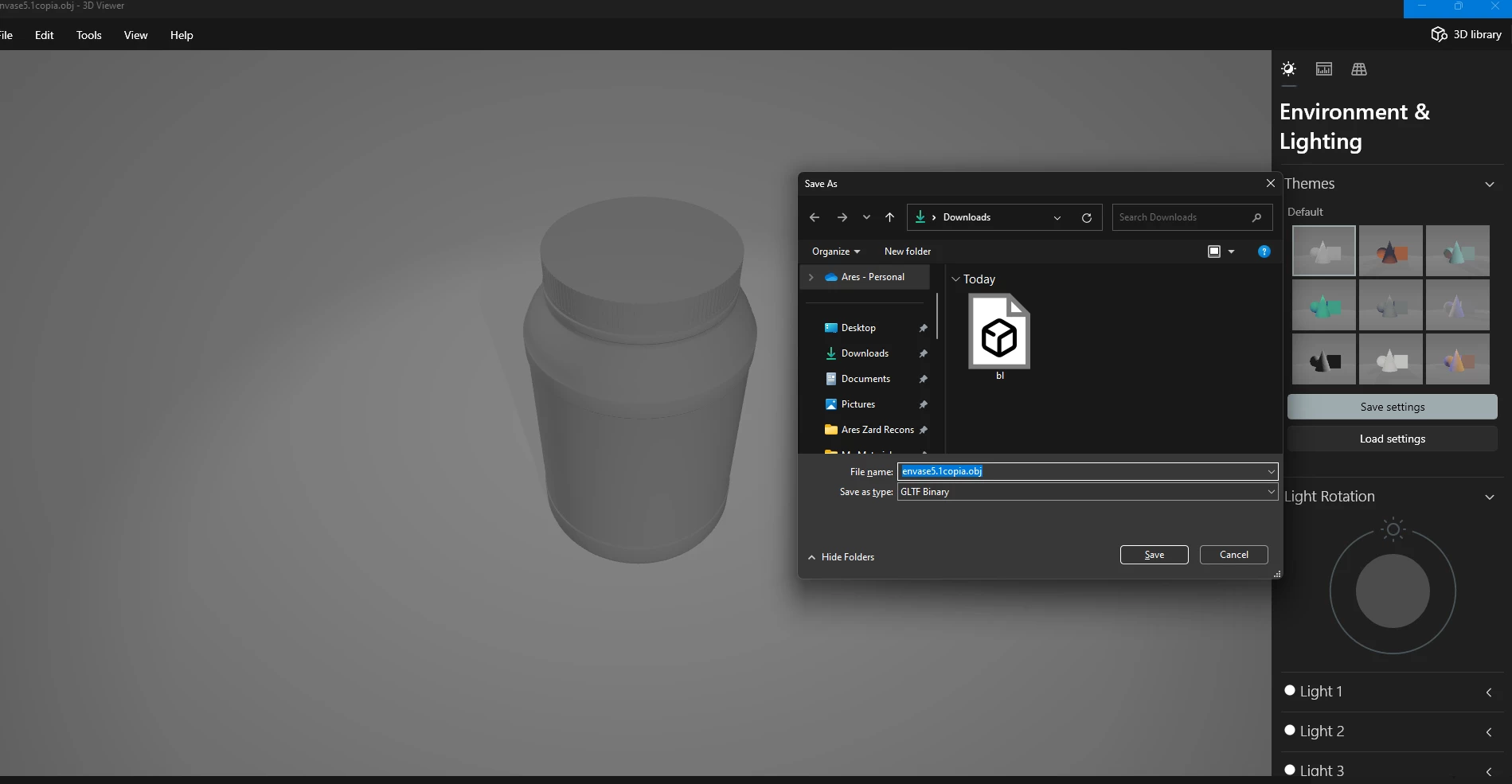
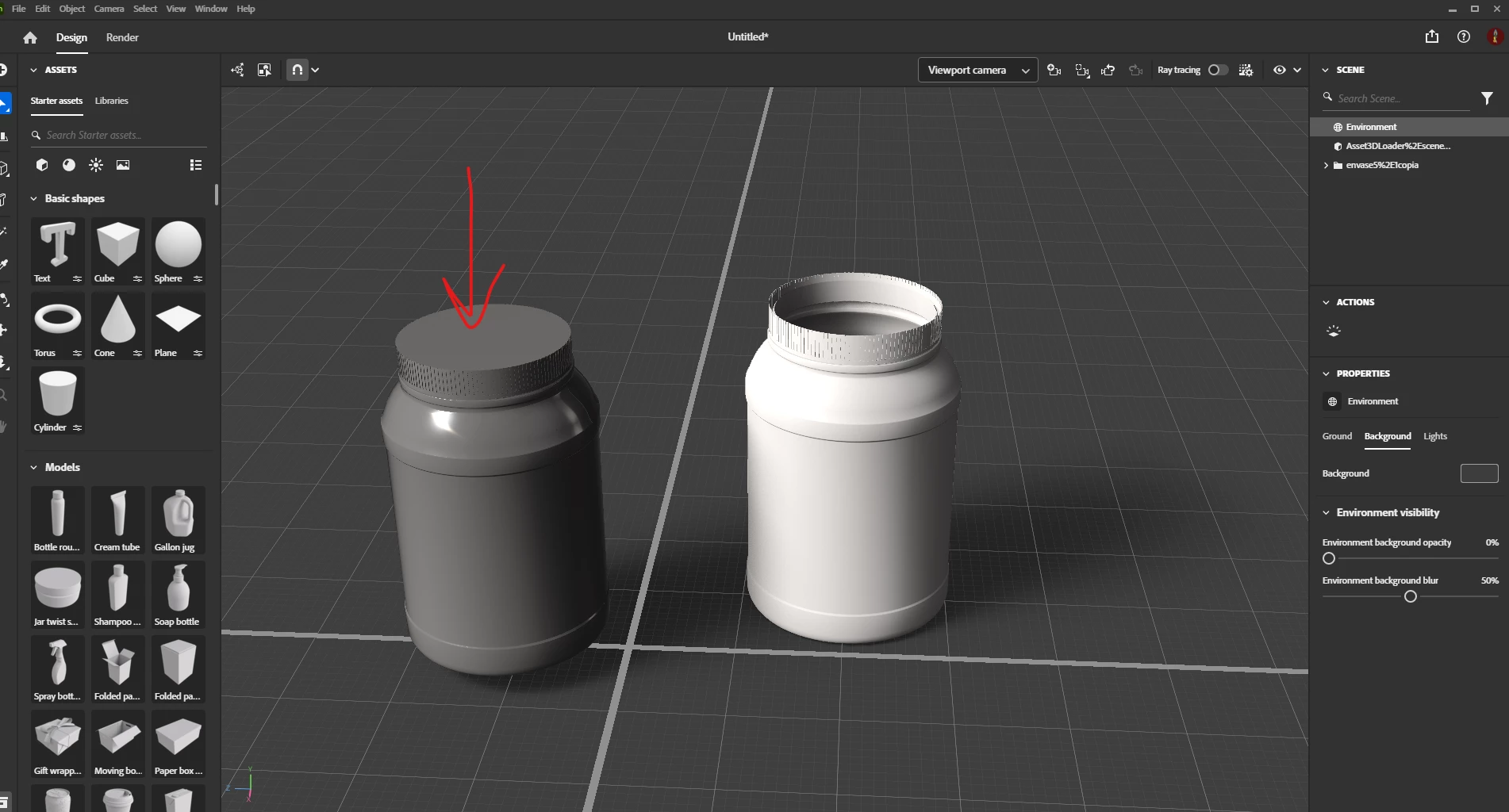
I get the same result as you after importing into Dn you file. But after opening it in Microsoft 3D Viewer and exporting as GLTF binary I import it in Dn and get correct object (see object with red arrow) in snapshot. Right object is your initial object.

In Dimension I get one mesh(see Scene panel). In Dimension can use magic Wand Selection tool, select separate parts and apply any material. Try to merge seperate meshes into one in Blender before exporting.  

1 respuesta

Ares Hovhannesyan
Community Expert
Community Expert
October 28, 2024

Can you share a file via any cloud to test? BTW the object looks very simple why not build it in Dimension using Dn assets? 

Participant
October 29, 2024

Here's the file in .obj, i separated the parts that could be the problem. https://drive.google.com/drive/folders/1PVHSu3HcsMhw8tQPry9o7u2KXyCmQg0m?usp=sharing

Ty for the advice about dn assets but i preffer blender for its price, i never had a problem like this before. Also thanks for checking my issue 🙂

Ares Hovhannesyan
Community Expert
Community Expert
October 29, 2024

I get the same result as you after importing into Dn you file. But after opening it in Microsoft 3D Viewer and exporting as GLTF binary I import it in Dn and get correct object (see object with red arrow) in snapshot. Right object is your initial object.

In Dimension I get one mesh(see Scene panel). In Dimension can use magic Wand Selection tool, select separate parts and apply any material. Try to merge seperate meshes into one in Blender before exporting.