


Participant
February 14, 2020
Answered

OBJ is inside out

  • February 14, 2020
  • 2 replies
  • 683 views

Hello I followed this tutorial to create a bottle as an OBJ in Photoshop:
https://www.youtube.com/watch?v=DENba18HvlU
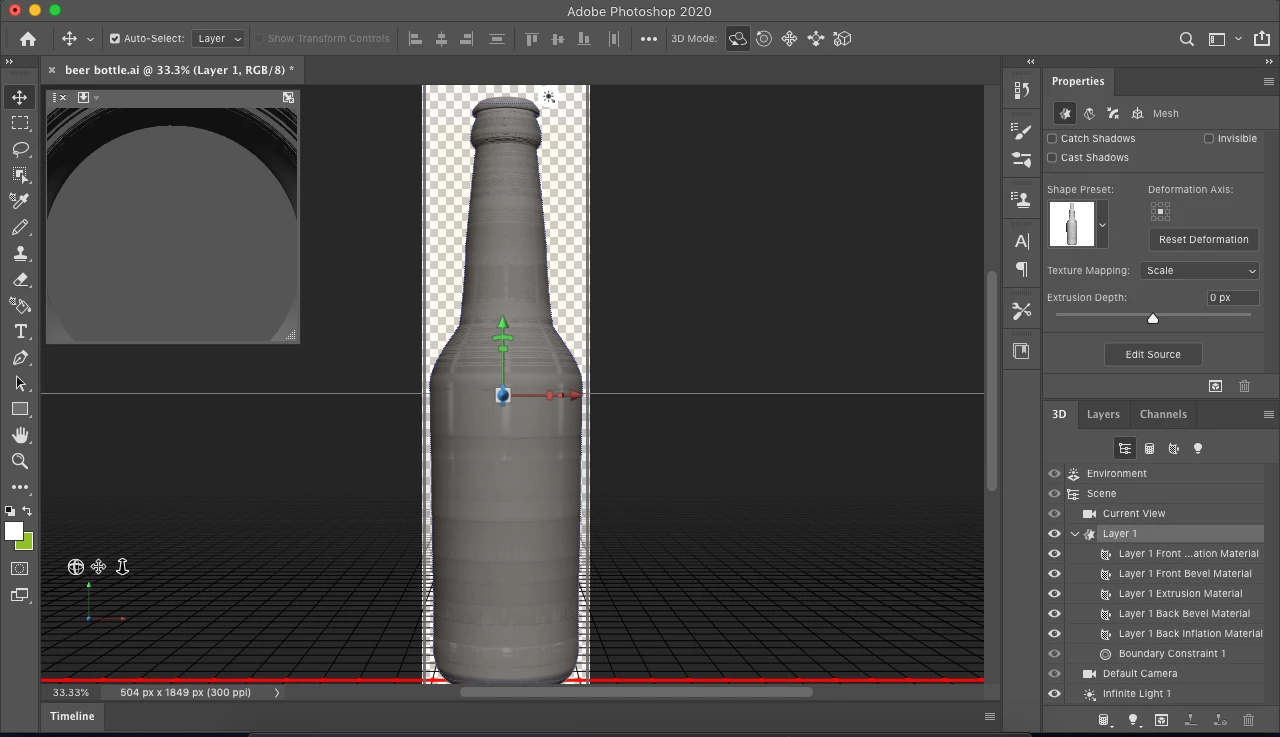
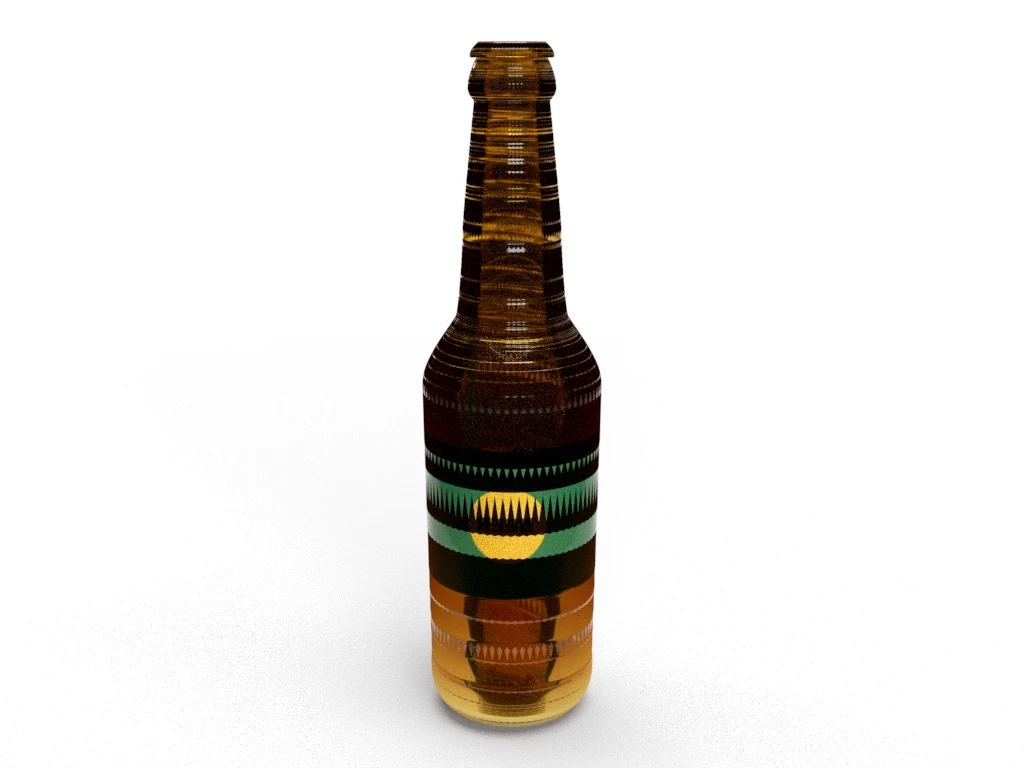
It works well except when I try to apply a decal it appears to be inside out. Attached is a screenshot of my PS and the dimensions rendering.

This topic has been closed for replies.
Correct answer Ko.Maruyama

Looks like you may have either co-planar geometry (you have two copies of the same thing in the same location), or your UVs are flipped inside out.

The instructions in the first attempt of that video weren't very clear - so the author made a new one: https://www.youtube.com/watch?v=c0M0iQ45nJ8

Maybe that'll help your build.  🙂


2 replies

Ko.Maruyama
Community Expert
Ko.MaruyamaCommunity ExpertCorrect answer
Community Expert
February 15, 2020

Looks like you may have either co-planar geometry (you have two copies of the same thing in the same location), or your UVs are flipped inside out.

The instructions in the first attempt of that video weren't very clear - so the author made a new one: https://www.youtube.com/watch?v=c0M0iQ45nJ8

Maybe that'll help your build.  🙂


Ussnorway7605025
Legend
February 15, 2020

you built the bottle wrong... ask your teacher to show you the correct way to do it or have a read of these notes

https://community.adobe.com/t5/dimension/re-when-we-talk-about-repairing-3d-models-we-are-starting-to/td-p/10911485?page=1