


Optimising model size anomaly
Hi all,
I am trying to optimize a model of a wine bottle for delivery in AR.
The base model is built in Sketchup, imported and textured in Dimension before being exported to Aero resulting in a GLB. This process all works.
The anomaly occurs when I try and optimise the model and end up getting a significantly larger file out the other end - the original dimension file is 4.6Mb but the "optimised" version is 25.4Mb!
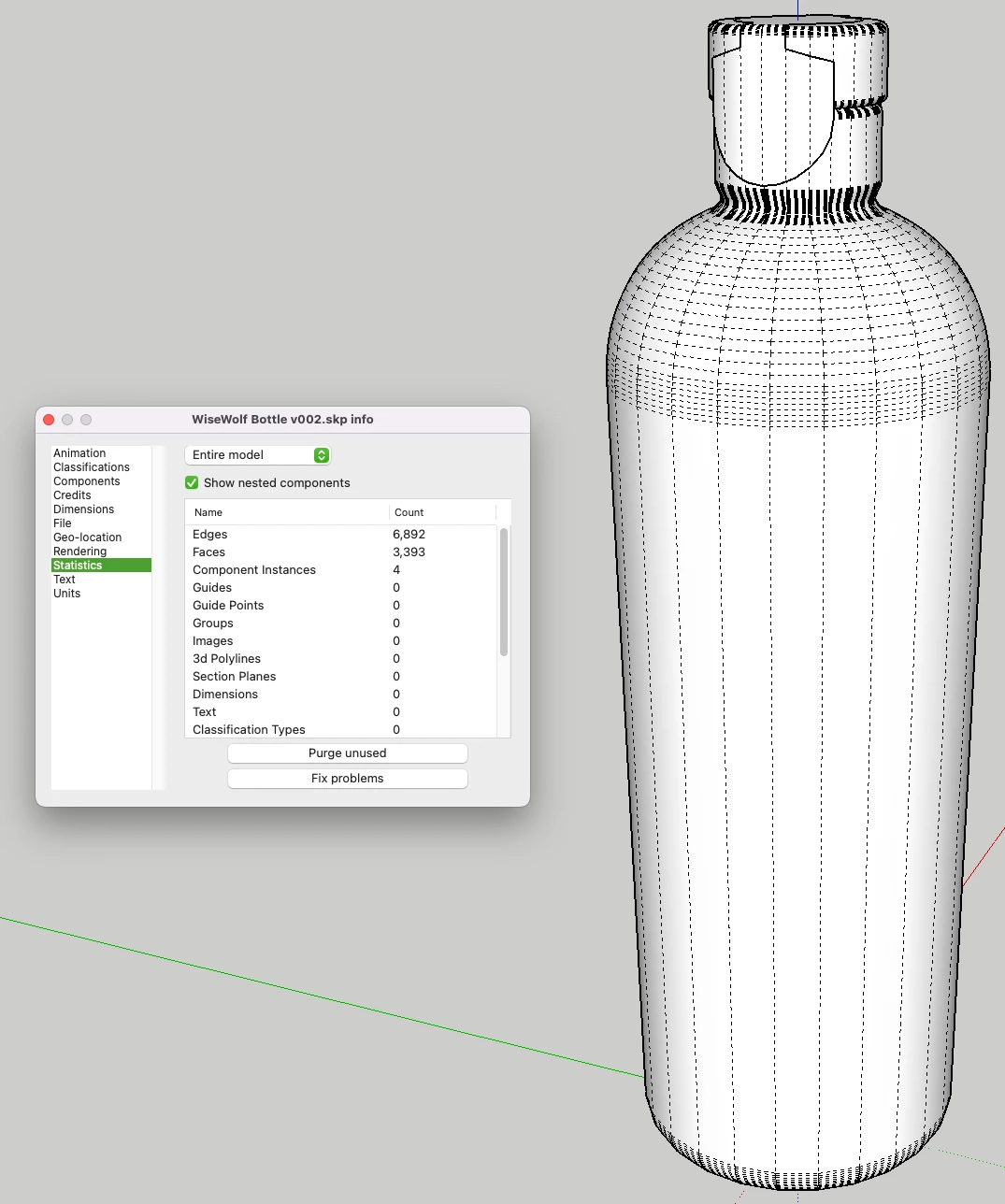
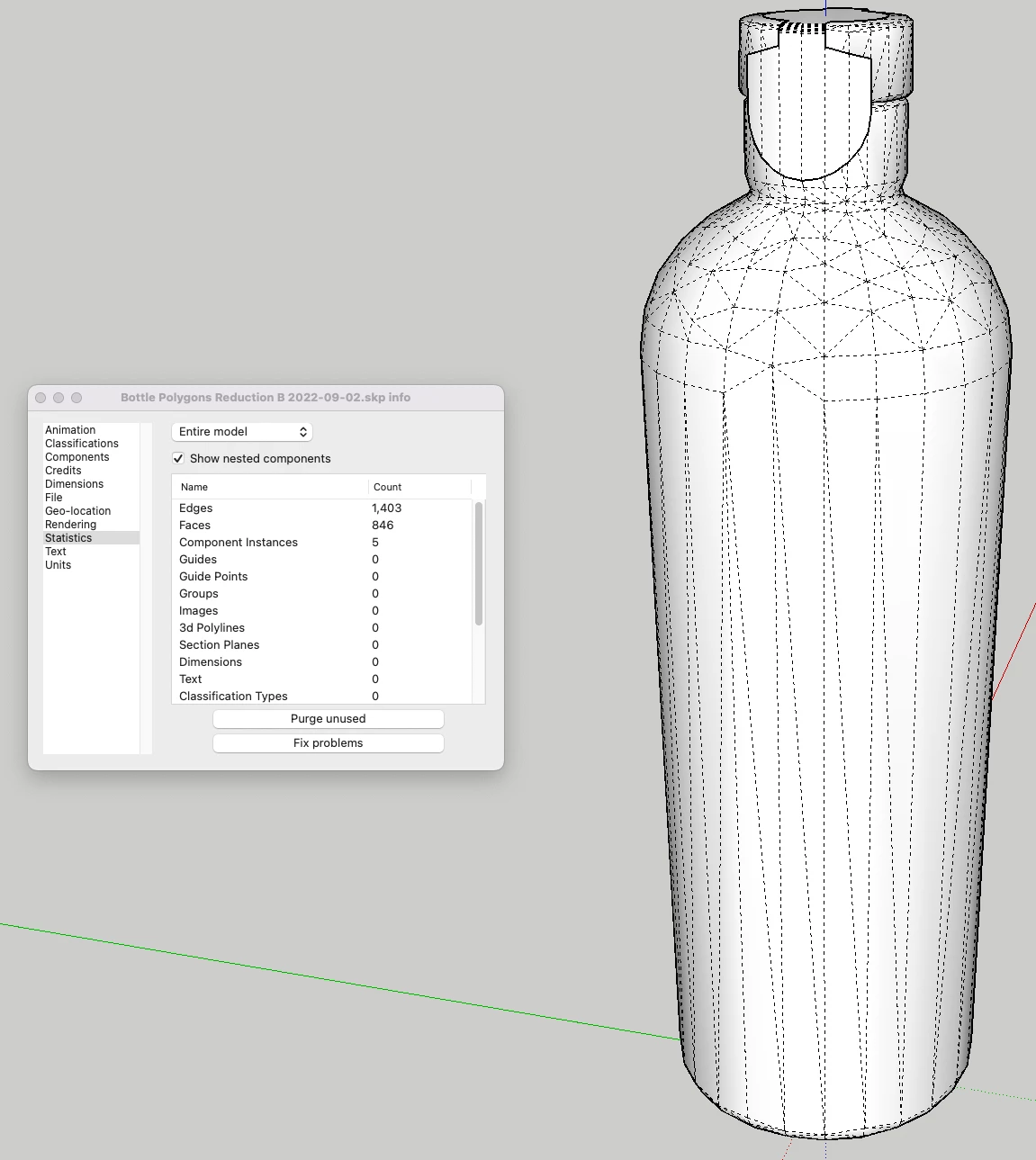
My process is simple. Starting with the SketchUp model I reduce the number of faces=3393/edges=6892 to faces=846/edges=1403. Great so far. However, when I use this version to texture in Dimension the result, using the same materials and identical graphics jumps, as mentioned from 4.6Mb to 25.4Mb.
I'm a bit lost. I can only guess that dimension doesn't like triangles???
The Sketchup models are shown below
Thank you
 AdChoices