


Problems applying Normals map
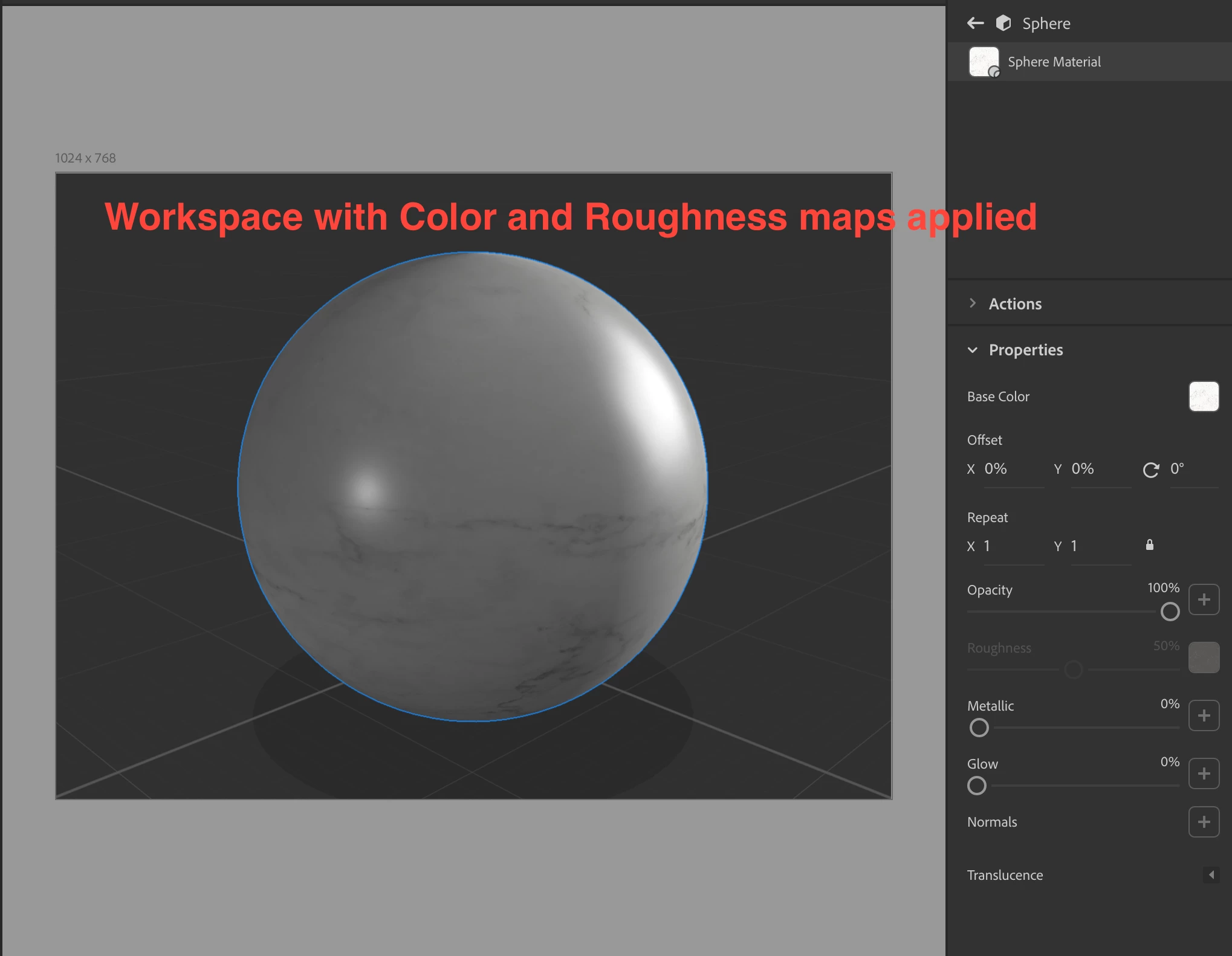
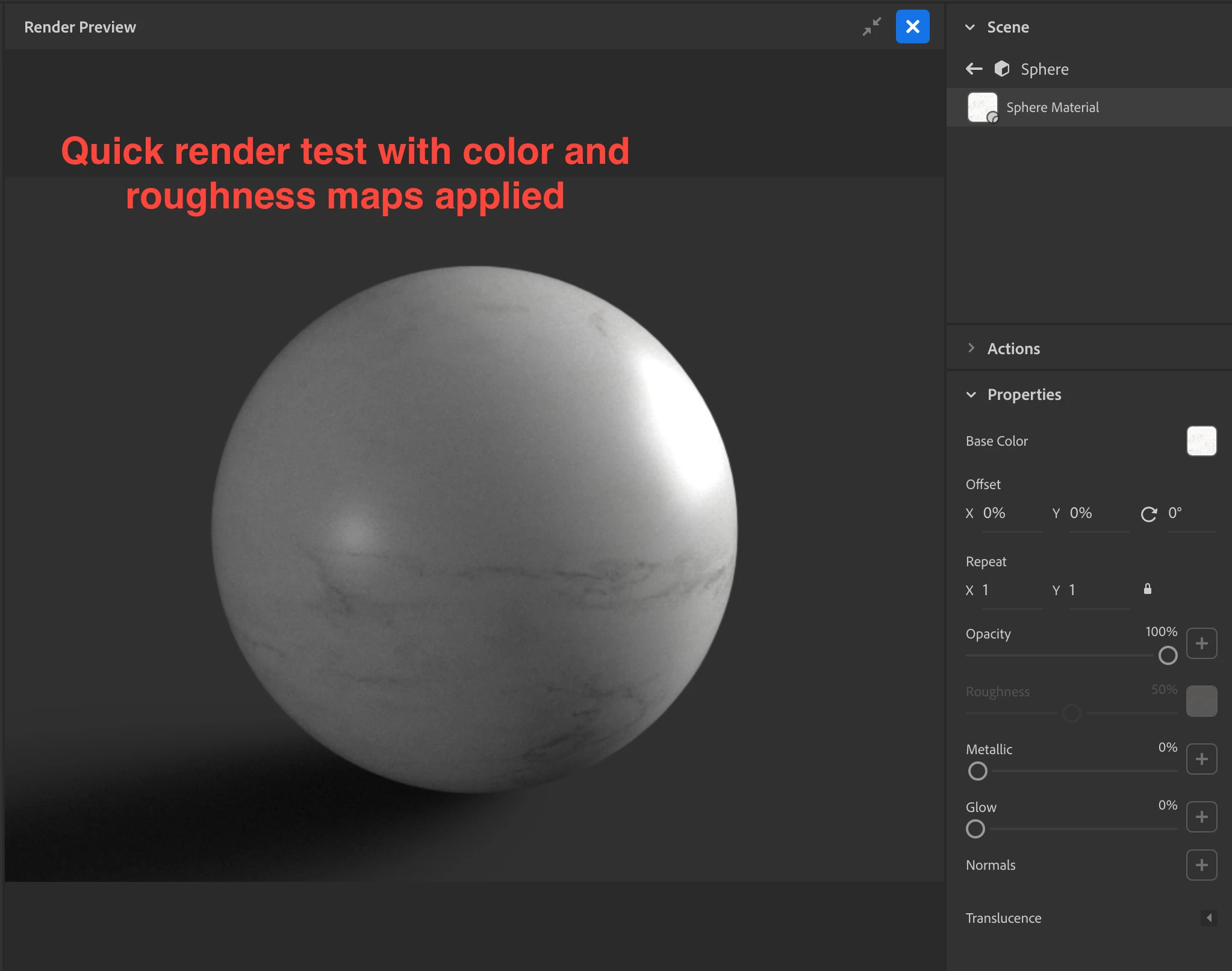
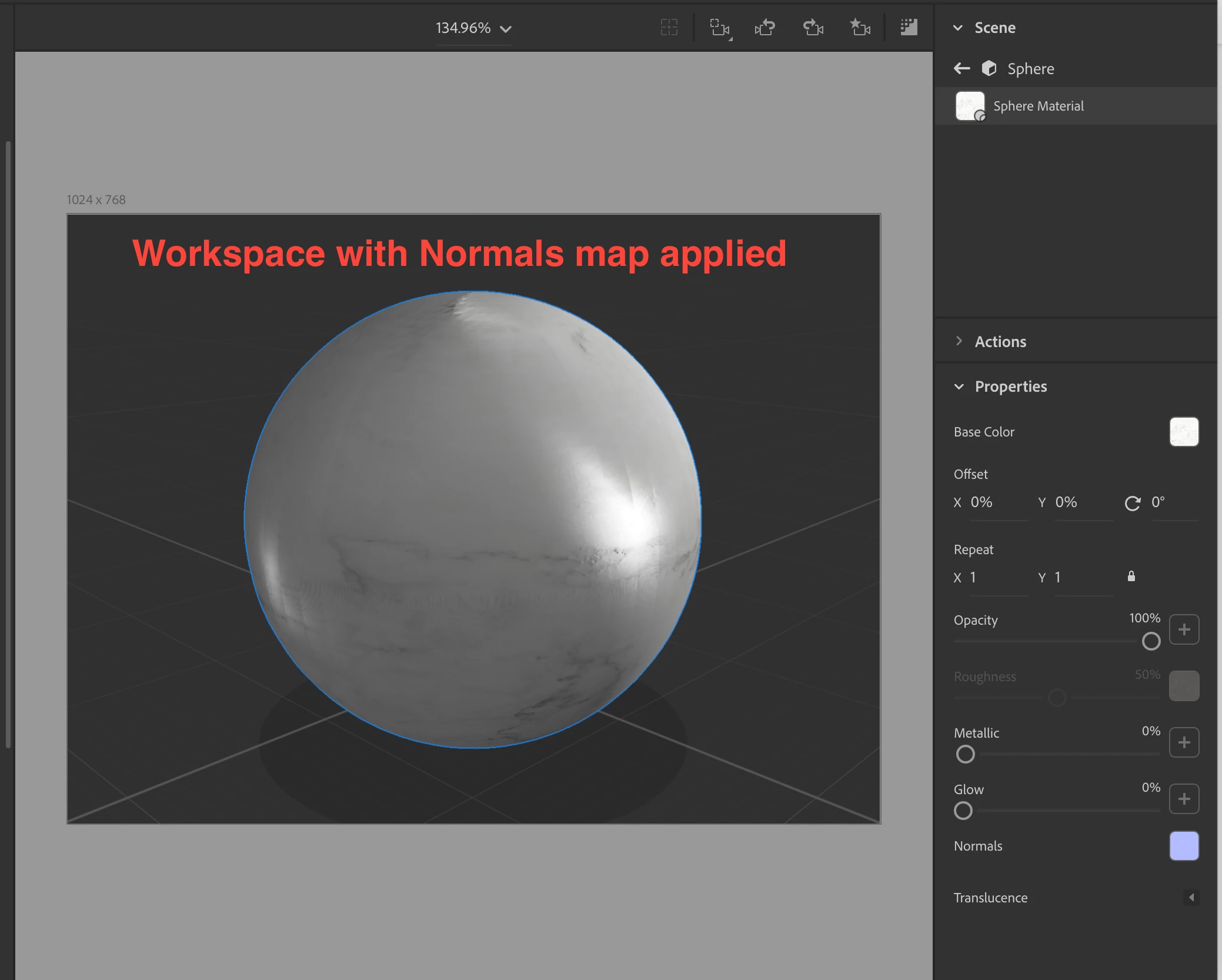
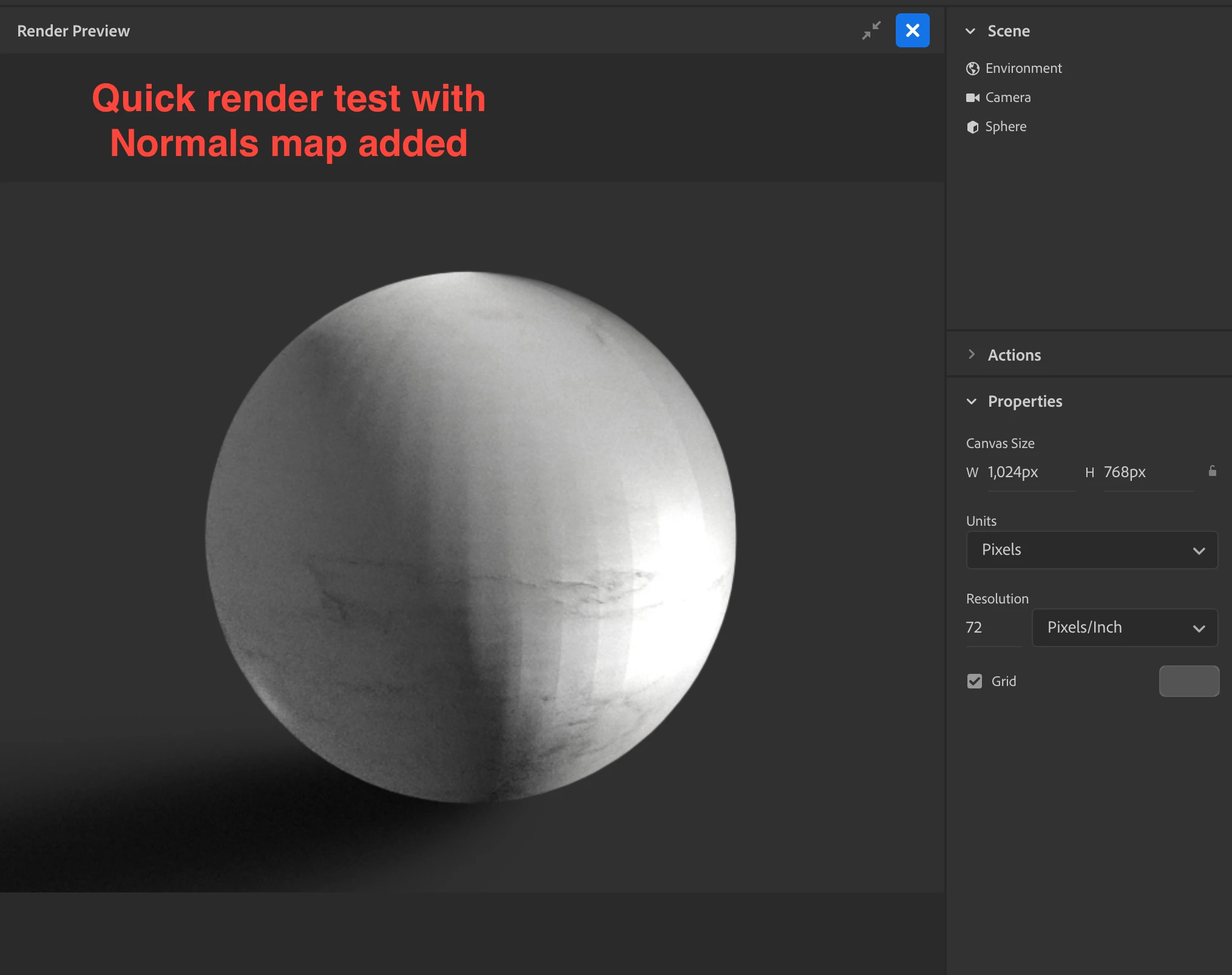
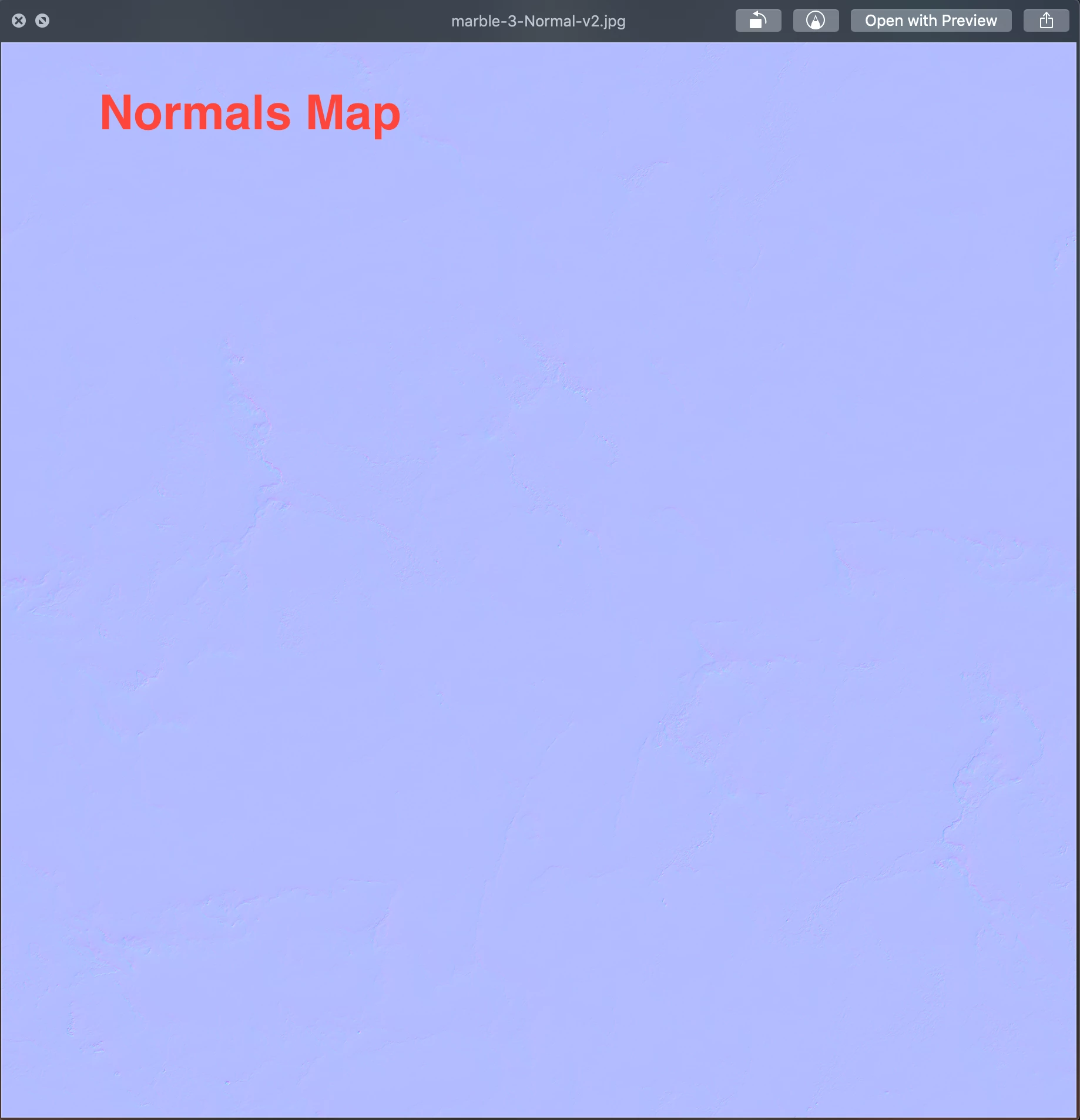
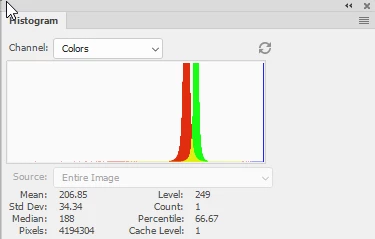
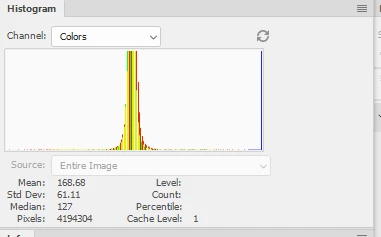
I'm having issues when I apply a Normals map. I created a seamless marble texture in photoshop that's 2048x2048, which I used for my color map. Then I applied a roughness map which was made using the newly created color map, adjusted in photoshop. Finally I generated a normals map. All in photoshop, all 2048x2048 jpgs. When I apply the color and roughness map to a default object from Dimension, I get good render results, but once I add the Normals map, I get a strange tile-like patchwork on the surface. This is more prominent in other models with more geometry. For this test, I used a default sphere model from Dimension. I did not attempt to Generate UVs under the Object menu, that actually makes the effect worse when I do, and my render engine is set to V-Ray. What am I doing wrong? (See screenshots below)

 AdChoices