Have you tried checking the settings you have - visually - with the ray tracing on?
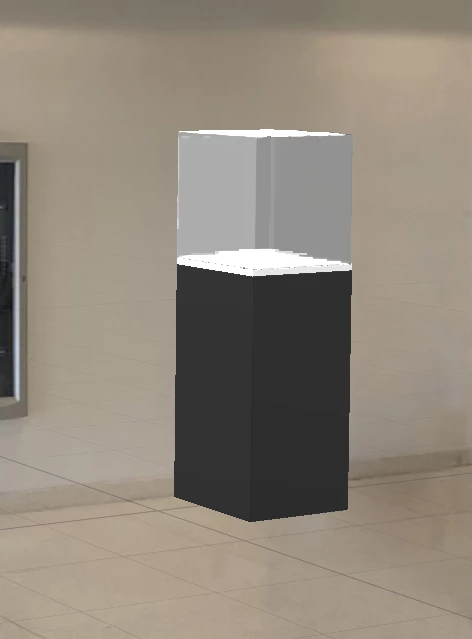
When you do a simple preview, the lights are approximated, and there are no real reflections and refractions.
I see you have glass panes that is quite difficult to appreciate "blind" without the ray-tracing on.
Since it slows down the computing, this is generally something one do at the end, when all models, materials and camera position are in place.
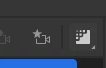
it's the icon on the top right of the interface
without ray tracing

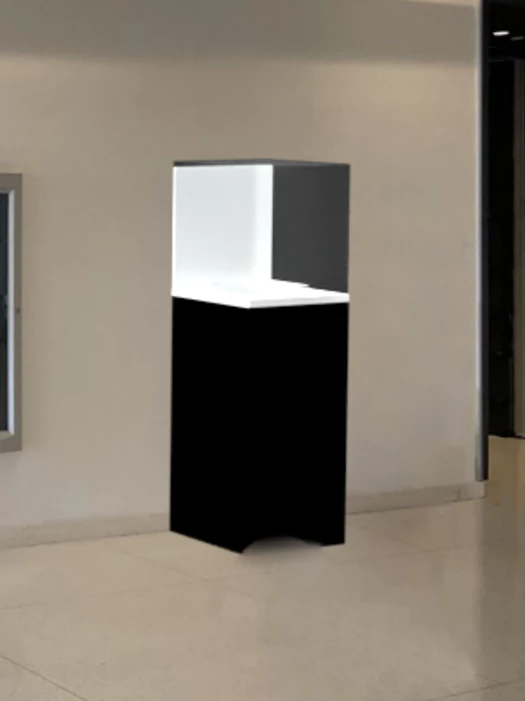
after ray-tracing
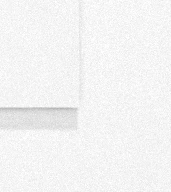
and it's just a simple pane of perplex-like material, positionned on top of the wall
The ray tracing shows real lights and shadows, which the standard preview doesn't.
The ray-tracing view should be similar to the rendered view.
See if it helps!





 AdChoices