
Participant
July 9, 2020
Répondu
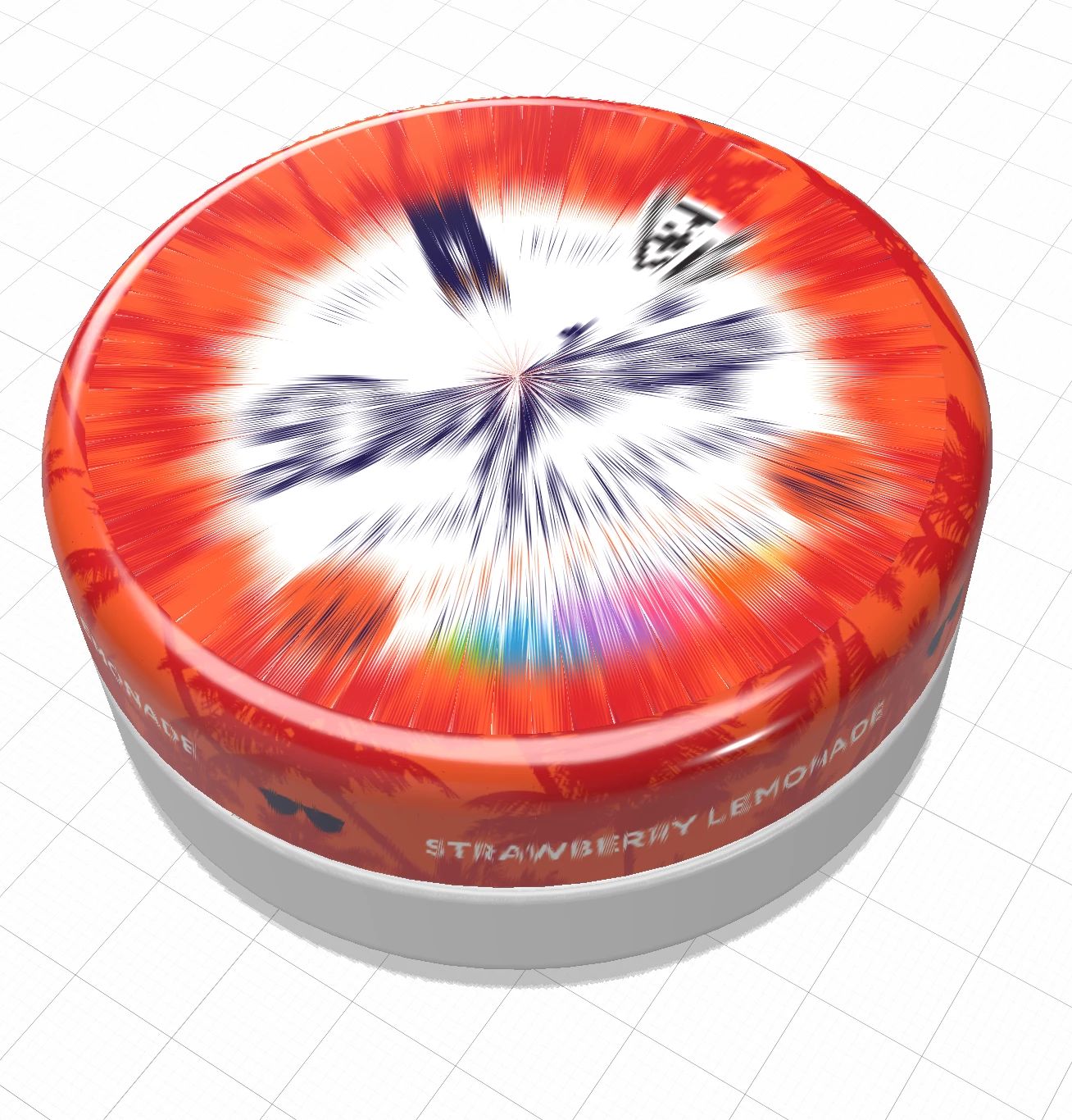
Strange "single-point" decal distortion/pixelation on flat surfaces of tin render
- 2 commentaire
- 460 vue
- Tout traduire
Having a very strange issue with placing decals on the top and bottom of a tin 3d file (provided as 3d pdf by the manufacturer, then I opened it in Photoshop and exported as .obj).
The curved areas look great, but the flat areas on the top and bottom have a strange "pinpoint" serrated issue. Is this an issue in Dimension or an issue that I can somehow correct in Photoshop?
Other than this issue, the .obj works perfectly.
Thanks for any help!

 i would assume the UV map first and ask Photoshop or Dimension to build you a new one then try placing the decal again... if that doesn't work out then share the model and let us take a better look at it
 AdChoices