


Participant
January 24, 2019
Question

Texture does not wrap around the object

  • January 24, 2019
  • 2 replies
  • 435 views

Hi, I have an issue with Dimension CC

When I load an image to manage the glow, it doesn't wrap around the object. It just projects in one plane.

What can I do to get the glow pattern to wrap around the object?
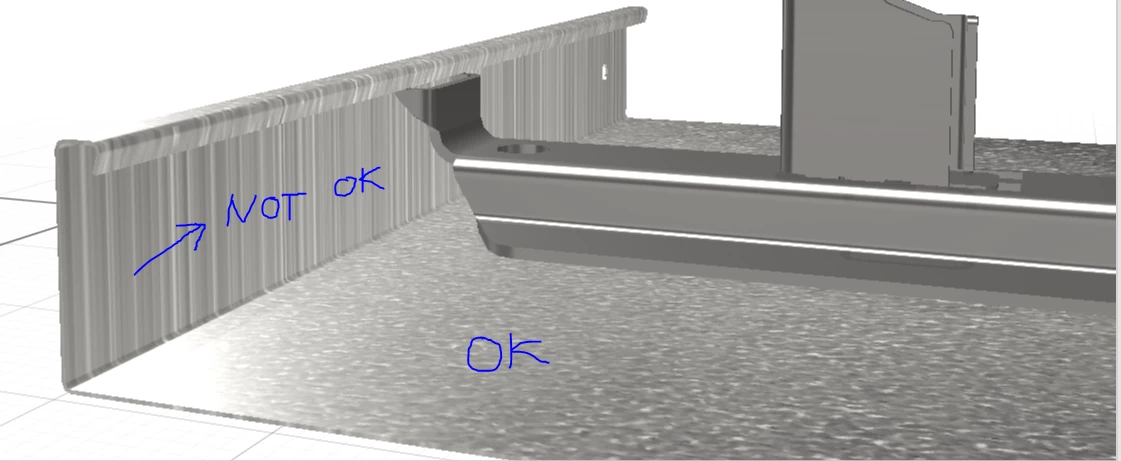
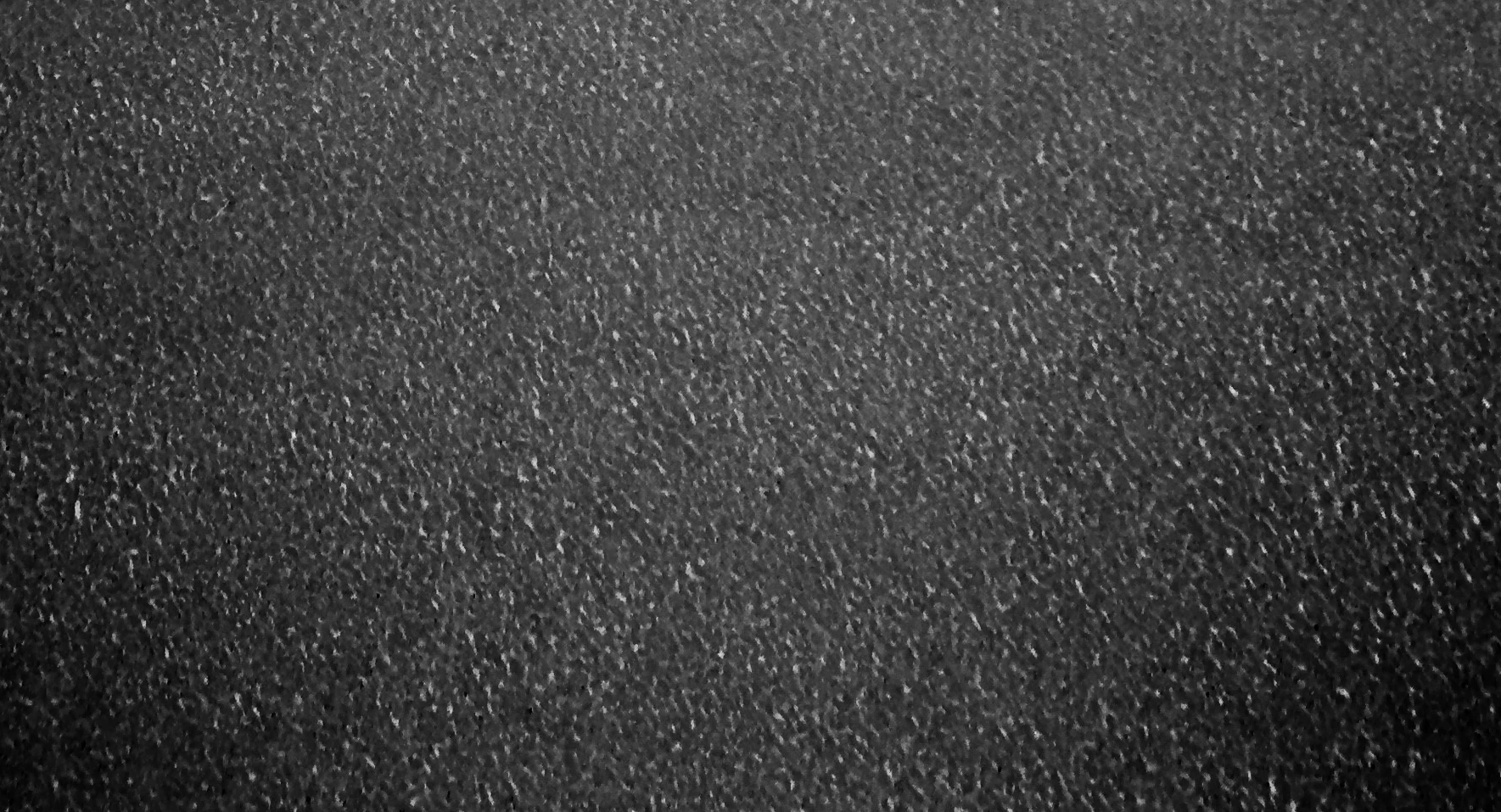
And this is the Texture image I have used
This topic has been closed for replies.

2 replies

Ussnorway7605025
Legend
March 30, 2019

your texture looks fine to me

did you tell dimension that you want the texture to wrap onto the other plan... your screengrab doesn't make it clear?

it may also just be a prblem with the model used [i'm showing default objects that come with the basic build]... have you tested others?

Ares Hovhannesyan
Community Expert
Community Expert
January 25, 2019

I try glow texture with your image on vertical plane. The left one.

Please try to change Roughness  and light insensitivity

MankanproAuthor
Participant
March 29, 2019

Sorry

That is not the solution.

Try to get this to work on a surface that is in two planes 90 degrees angled, just like in my example.

I face the identical problem in other models.

It seems that the texture is not applied to the surface, following the variations in space. Instead it is just projected from one plane against the surface, so any surface that is perpendicular to that plane will just get lines instead of patterns.

So, please show me how to WRAP a texture image around an object or a multi dimensional surface