Participating Frequently
October 18, 2017
Answered

Wrapping Art

  • October 18, 2017
  • 4 replies
  • 2918 views

Does anyone know how to get art to wrap all the way around a cylinder? I dropped art on a cylinder and it will only wrap 3/4 of the way around.

Thanks for any help!

Stephen

Correct answer JeanetteMathews

Hmm, it turned grayscale in the color channel? If you put it into the roughness or metallic property it would be auto-grayscaled but it shouldn't in the  base color channel.  Feel free to package your content and send to me to take a look if you'd like.  For controlling the scale at the bottom of the material properties there are options for offset, repeat, and angles.

4 replies

JeanetteMathews
Adobe Employee
Adobe Employee
October 19, 2017

Decals are not designed to wrap around objects entirely in this manner.  Instead of applying it as a decal you should add the image to the base color of the material then use the Texture properties to control the scale and position.  Decals are designed ideally for isolated image placement at this time.

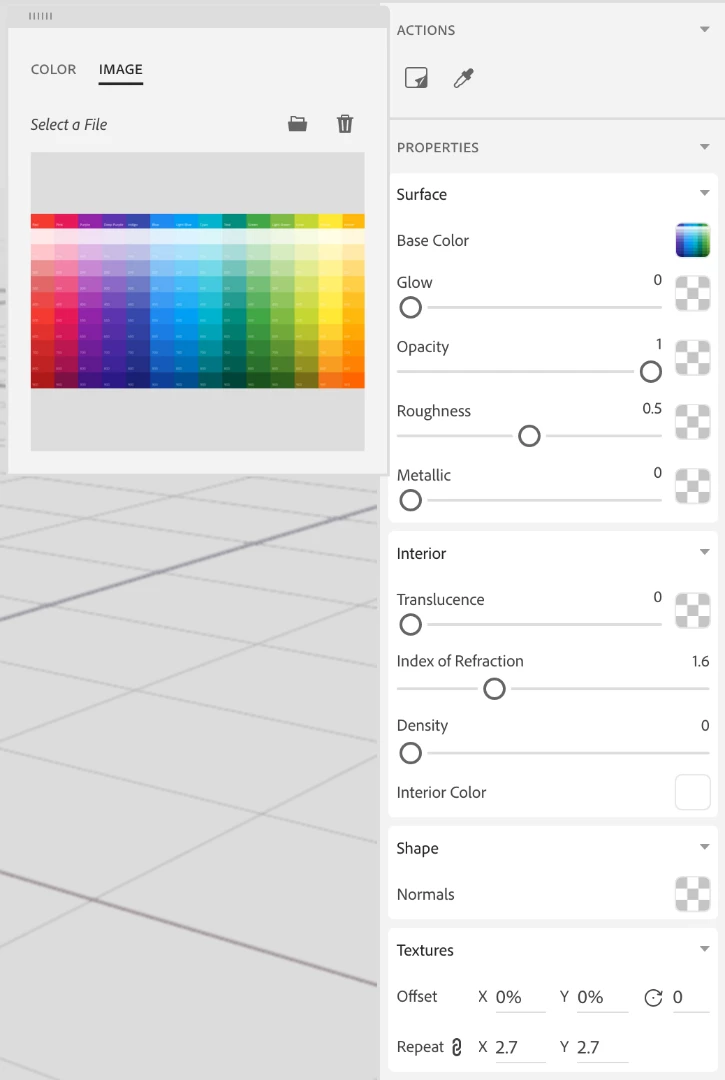
Click on the swatch next to Base Color of the material to change the property.   You can switch to the image tab to input an image.

Participating Frequently
October 19, 2017

See my last attachment above. That was the result of doing what you said. It turned the image grayscale from color.

JeanetteMathews
Adobe Employee
JeanetteMathewsCorrect answer
Adobe Employee
October 19, 2017

Hmm, it turned grayscale in the color channel? If you put it into the roughness or metallic property it would be auto-grayscaled but it shouldn't in the  base color channel.  Feel free to package your content and send to me to take a look if you'd like.  For controlling the scale at the bottom of the material properties there are options for offset, repeat, and angles.

art.248@fastsigns.com
Participant
October 19, 2017

Perhaps the original art isn't created wide enough to accommodate the actual circumference of the object? In other words, the proportions are too tall and not wide enough?

Participating Frequently
October 19, 2017

I can scale it up to an enormous size, but it just crunches it on the back side like there's a limit to how far it will wrap.

art.248@fastsigns.com
Participant
October 19, 2017

Got'cha. Sorry I can't help more

parthvyas22111
Community Manager
Community Manager
October 18, 2017

Hi

As a decal we can add it only once on object but can scale it. As a material base color, we can repeat the texture from Properties panel>Texture>Repeat.

Regards

Parth Vyas

Participating Frequently
October 18, 2017

Scaling doesn't seem to help/work because it just keeps scrunching the image like you can see above. Repeating wouldn't work as I need one image to wrap all the way around the cylinder (360 degrees).

parthvyas22111
Community Manager
Community Manager
October 18, 2017

Please try to add art as material base color as a workaround and check if that solves your purpose.

Regards

Parth Vyas

parthvyas22111
Community Manager
Community Manager
October 18, 2017

Hi

Thank you for posting query on forums.

Either we can use the art as material base color or you use it as decal, then scale the decal using the handles.

Please use the below link for additional information.

Apply 2D art to a 3D model |

Regards

Parth Vyas

Participating Frequently
October 18, 2017

So it can only be applied to one side?

This is what I'm getting on the back of the Cylinder.