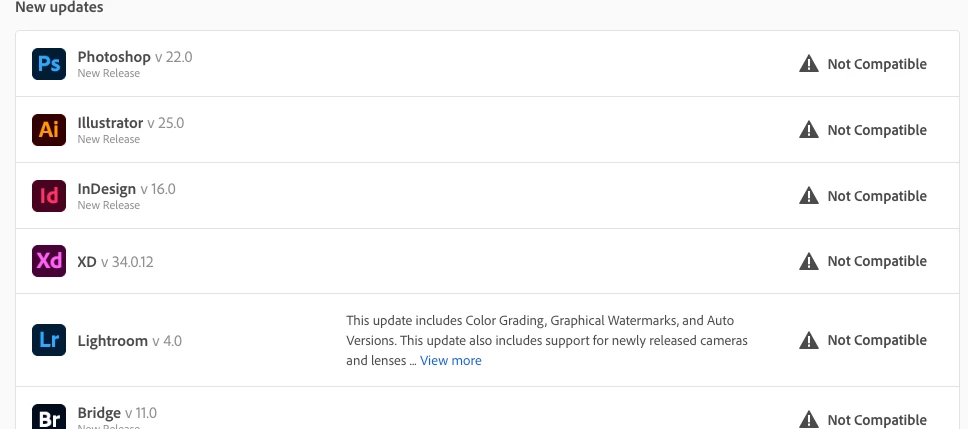
What matters is not the age of the Mac, but the version of macOS you run. What version of macOS do you run? If you don't know how to find out, we can help. Then you can check the system requirements for each app you want to run.
Thanks. 10.13 (High Sierra) is not the latest. 10.14 (Mojave) came out in 2018. At this point, your Mac might turn out to be too old to get up to date. What model is it? Shown in About This Mac. And how much RAM (memory) is shown?
WARNING: if you can upgrade to the latest system, Catalina, ALL YOUR OLD APPS WILL STOP WORKING and may need to be purchased again.


 AdChoices