
"Login required" while logged in (cant use several apps anymore)
Hey Adobe-Experts,
yesterday a plugin crashed my InDesign so hard, that after restarting the system (MacOS 10.13.6) several apps refuse to start. The plugin was fetching images from a DAM, and because I selected so much assets, the harddisk space ran out, resulting in InDesign crashing. After I restarted InDesign, the Adobe Application Manager popped up, asking for login to start InDesign.
While my Adobe Cloud was still connected, I decided to reboot my system. After Restart, the Mac has 55 Gigs of space free'd up again, but the Creative Suite is somehow broken:
After the restart, InDesign CC18, which we were using, was running in Test-Mode. Because I rely on InDesign for my work, I restarted again…that fixed the InDesign Issue somewhat, that I can use CC18, but Coud App says I have to buy, while I can "test" CC17 and "update" CC19. Also to mention: Bridge, Photoshop, Illustrator – all booting as expected. Im in our company abo-plan, having access to the full CC.

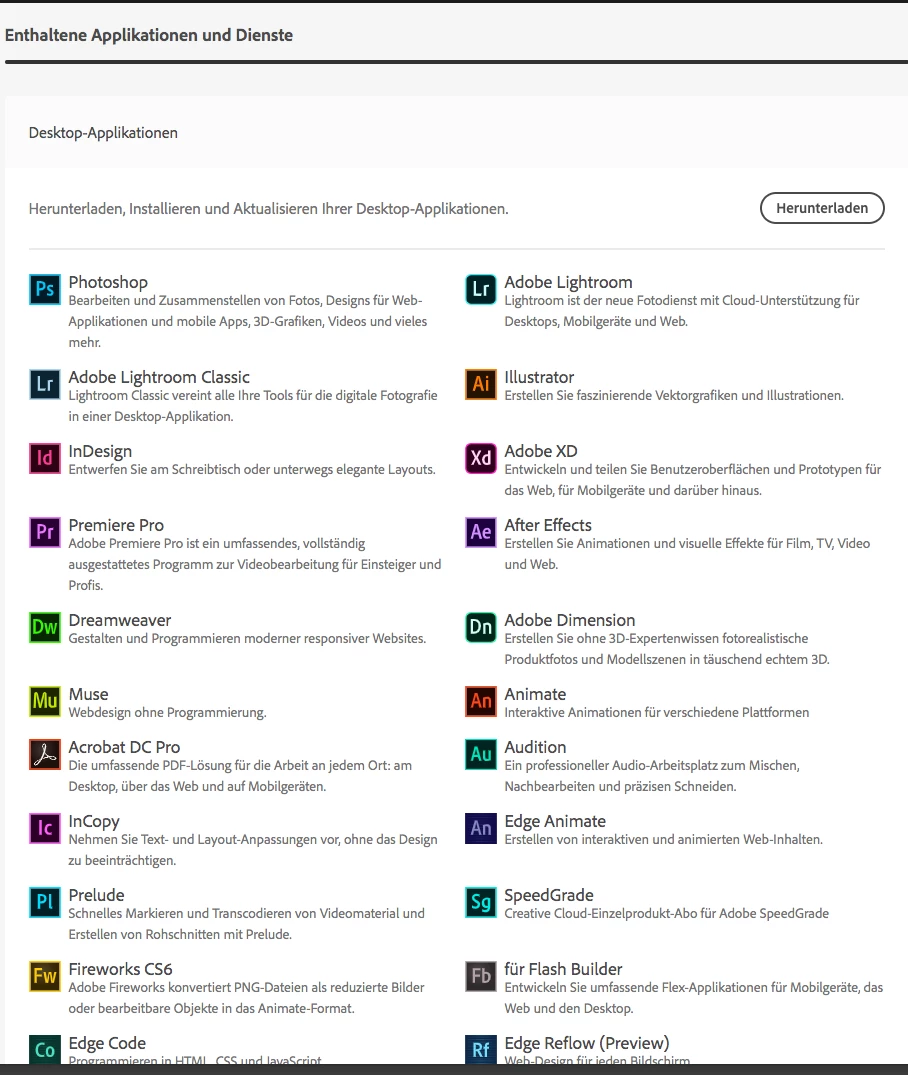
Well, not a big problem right now, while InD CC18 is bootable.
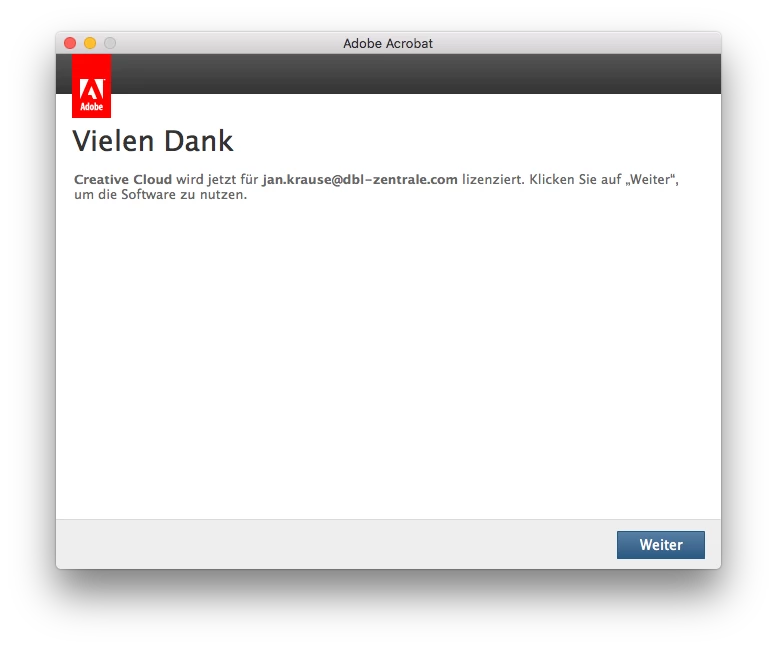
This morning I encountered the same issues with AcrobatPro: I cant start it; the PDApp is in a loop:
- I try to start Acrobat
- PDApp asks me to logg in (while AdobeCoudApp is logged in)
- I logg in
- It tells me "Thank you for…please click Continue", which I do
- Instead of Acrobat starting, the PDApp starts
- Stuck in a Login-Lopp which is not required


What can I do? Which prefs or system files I do have to delete? But whats even happening there?
 AdChoices