Participant
Aug 9, 2024 11:22 PM UTC
Answered

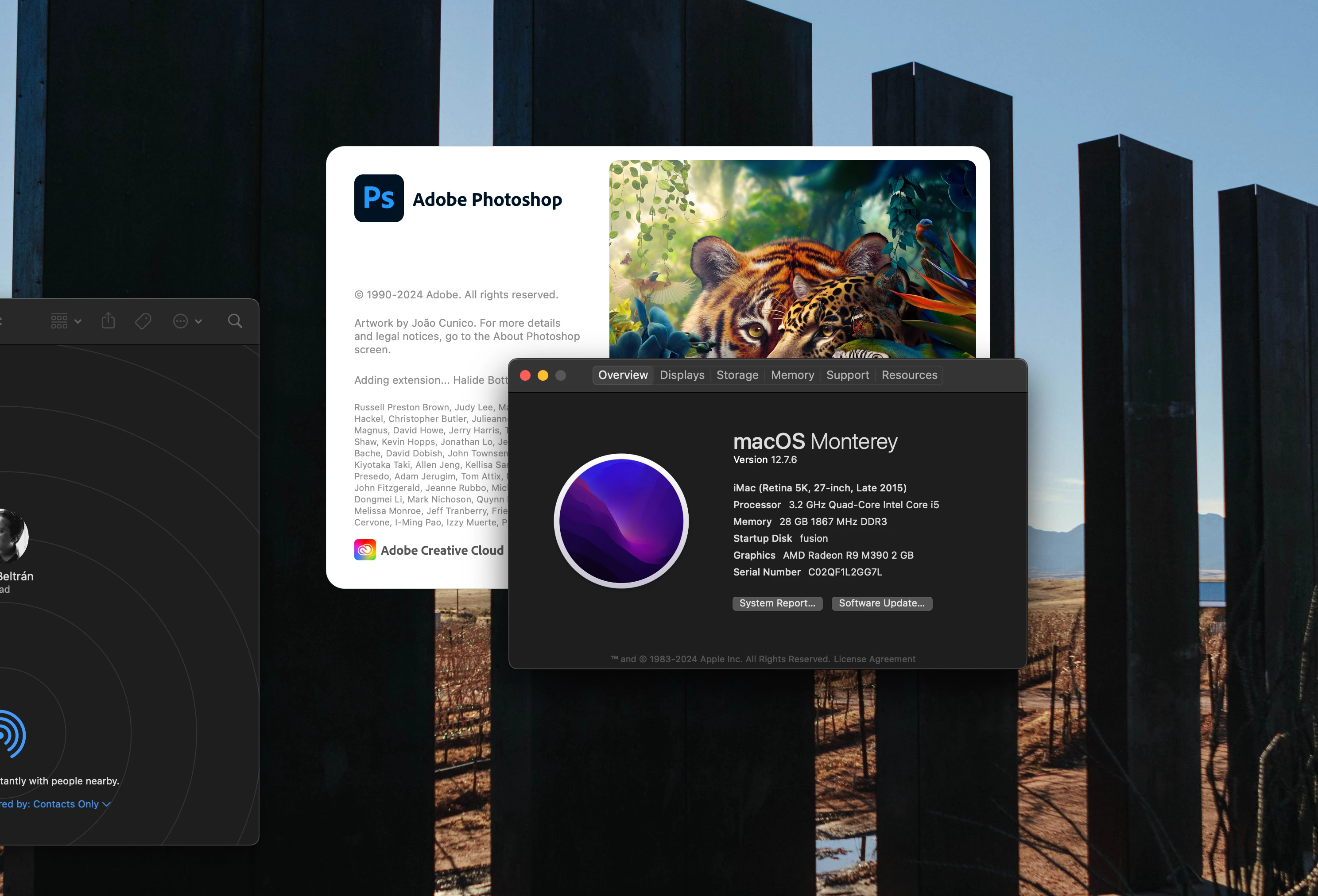
Photoshop V 25 wont work on mac Monterey

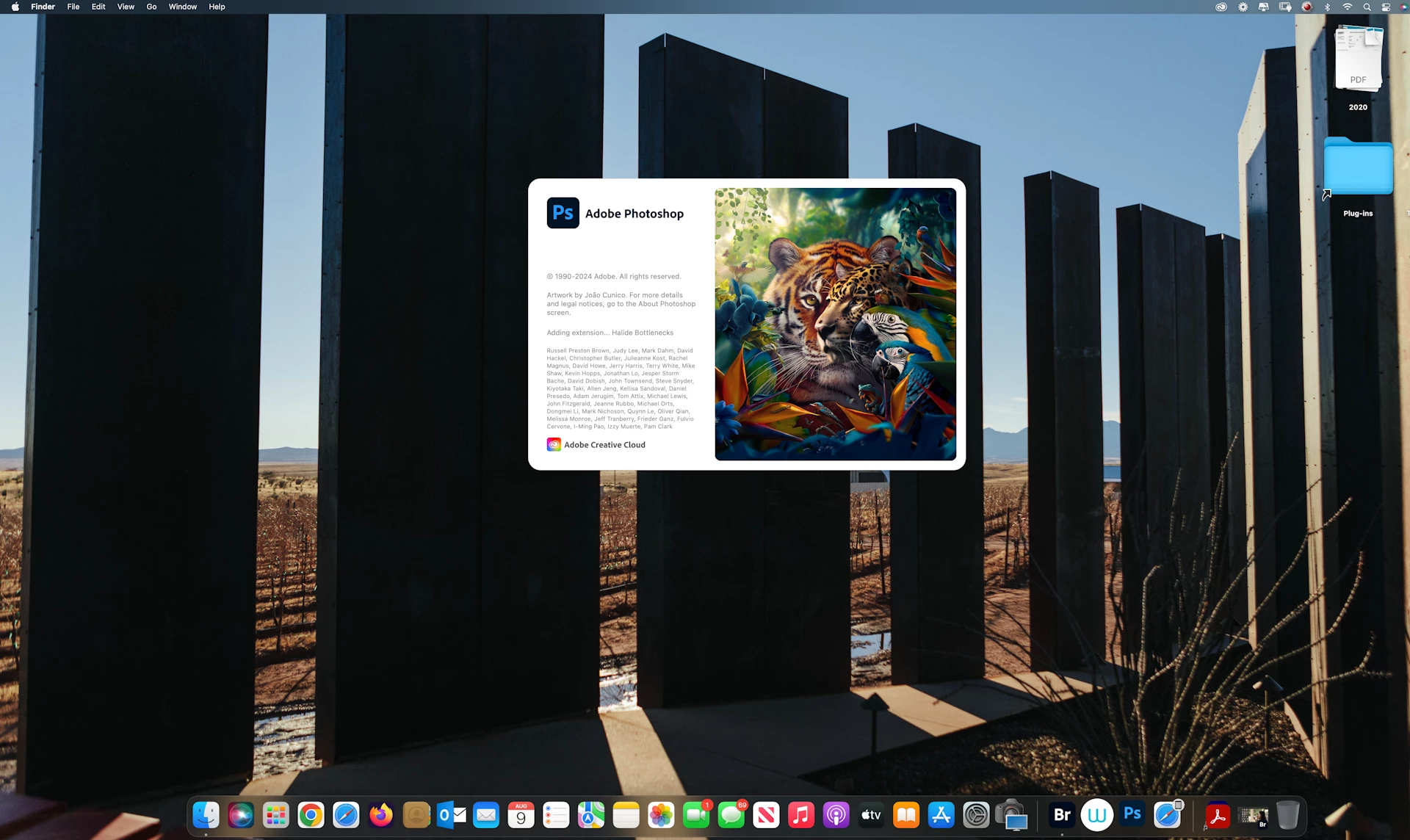
Photoshop won't open on my iMac. When I try to open it, it just sits on the opening screen, with the cursor turning into a spinning color wheel. I have uninstalled and reinstalled Photoshop in different ways, and nothing. Everything is up to date. It was working just fine, and then, all of a sudden, nothing. I have restarted the computer and even left it unplugged for 10 minutes, turned it back on, and nothing.  I have work to do.  Adobe please fix this. 
 

    This topic is closed to new replies. Start a new post to keep the conversation going.
    kglad
    kgladCorrect answer
    Community Expert
    Aug 10, 2024 12:38 AM UTC

    use the cc desktop app to uninstall (https://helpx.adobe.com/creative-cloud/help/uninstall-remove-app.html)


    uninstall all betas

    test if problem's resolved


    if not, uninstall problematic apps, restart your computer and reinstall the problematic apps.

    5 replies

    Community Expert
    Aug 10, 2024 12:38 PM UTC

    There is a long thread ongoing that you may want to follow about this issue: https://community.adobe.com/t5/photoshop-ecosystem-bugs/p-photoshop-can-t-open-freezes-on-splash-image-uses-all-of-ram-trying-to-open-then-crashes/idi-p/14781463#comments . Removing betas and potentially using the cleaner tool to re-install has been working for some users. 

    Translate
    kglad
    Community Expert
    kgladCommunity ExpertCorrect answer
    Community Expert
    Aug 10, 2024 12:38 AM UTC

    use the cc desktop app to uninstall (https://helpx.adobe.com/creative-cloud/help/uninstall-remove-app.html)


    uninstall all betas

    test if problem's resolved


    if not, uninstall problematic apps, restart your computer and reinstall the problematic apps.

    Translate
    Participant
    Aug 10, 2024 7:01 PM UTC

    hi, unistalling all betas worked for me. Thank you! 

    Translate
    kglad
    Community Expert
    Community Expert
    Aug 10, 2024 8:29 PM UTC

    @Jose studios 


    good to hear that!

    Translate
    kglad
    Community Expert
    Community Expert
    Aug 10, 2024 12:38 AM UTC

    in the future, to find the best place to post your message, use the list here, https://community.adobe.com/

    p.s. i don't think the adobe website, and forums in particular, are easy to navigate, so don't spend a lot of time searching that forum list. do your best and we'll move the post (like this one has already been moved) if it helps you get responses.


    <"moved from using the community">
    Translate