Participant
October 30, 2016
Answered

Problem installing PSE 10 on macOS Sierra (Version 10.12.1)

  • October 30, 2016
  • 2 replies
  • 525 views

Hi,

I have problems installing Photoshop Elements 10 on macOS Sierra (Version 10.12.1). I tried to install on the Macbook 12" with Intel-M3 and the following Message showed up:
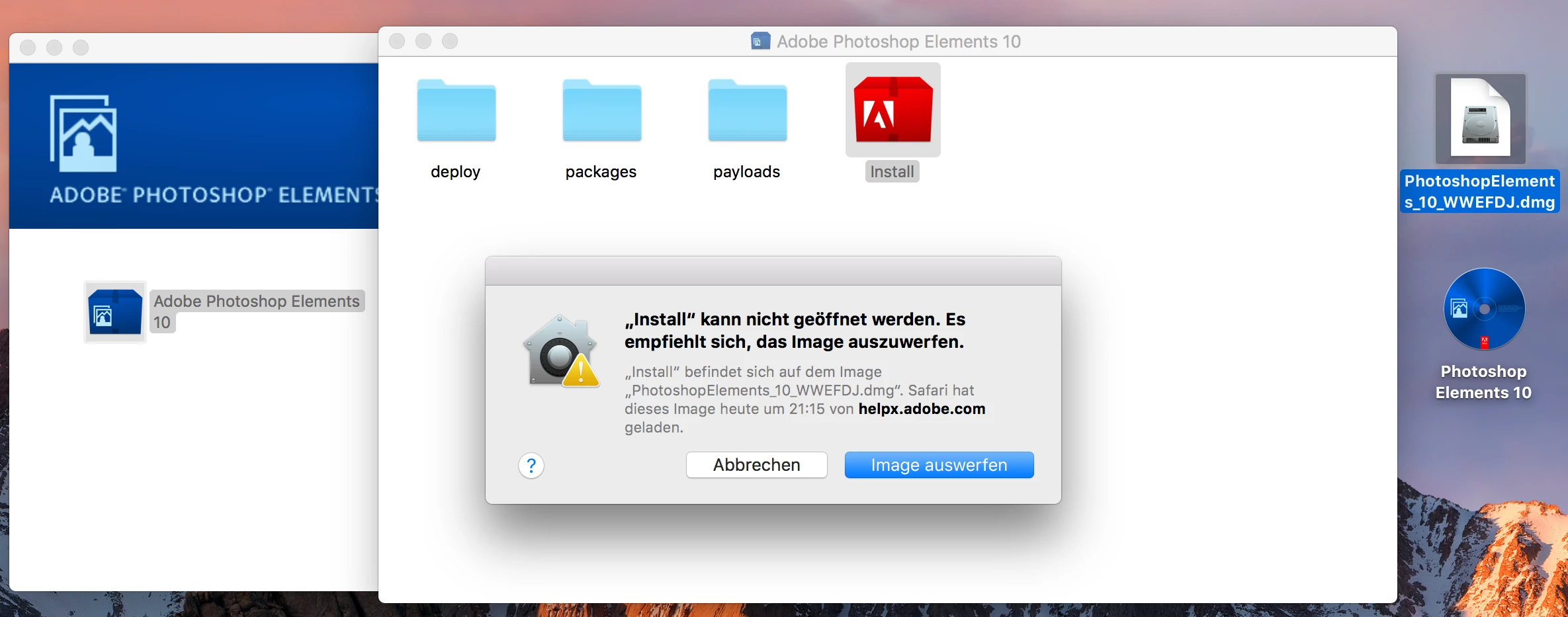
In German it says: "Install could not be opened. It is recommended to eject the image."

Can anyone help me, please?


Thanks

ucan_92

This topic has been closed for replies.
Correct answer Peru Bob

Photoshop Elements 10 may not install on Sierra.

2 replies

kglad
Community Expert
Community Expert
October 30, 2016

Peru Bob​, may be correct but you may be able to make some progress:

Installing Creative Suite on macOS 10.12 (Sierra)

and even though your error message may not seem related to the issue discussed in this link, do this too:

http://mac-how-to.wonderhowto.com/how-to/open-third-party-apps-from-unidentified-developers-mac-os-x-0158095/

Peru Bob
Community Expert
Peru BobCommunity ExpertCorrect answer
Community Expert
October 30, 2016

Photoshop Elements 10 may not install on Sierra.