
Adobe Max 2023: What's new in Design and Web space
- October 12, 2023
- 0 replies
- 463 views

Hi Everyone, hope MAX treated you well! Dive back into the creative goodness with our on-demand MAX Sessions. Whether you missed out or just want a replay, we got you covered, and don't sleep on the MAX 2023 sneaks—they're mind-blowing glimpses into the future!
At MAX 2023, we announced some exciting updates for Design and web space in your organization or team.
To get your organization or team members access to these new features, do the following:
- For self-service packages, update to the latest versions of Design apps using the Creative Cloud Desktop app.
- For managed deployments, update your packages or create a new package and deploy them inside your organization.
Illustrator 28.0
We're excited to announce that Adobe Illustrator's latest update (version 28.0) is now available for download via Creative Cloud Desktop. This release offers a range of new features, including the ability to create vectors using Text to Vector Graphic (Beta), apply vector art to an image using Mockup (Beta), edit static text within images using Retype (Beta), simplify paths using the Smooth slider, and create shareable links to PDF files using Share for review, as well as general performance improvements.
You may also visit the links to access comprehensive lists of all the features and bug fixes available.
|
|


Text to Vector Graphic (beta)
Introducing Text to Vector Graphic (Beta), driven by Adobe Firefly, Adobe's innovative generative AI models. This tool allows you to effortlessly create captivating vector graphics. Simply provide a concise description of your desired subject, scene, icon, or pattern and instantly receive multiple output variations. Explore these options and choose the one that best matches your creative vision. Discover more about Text to Vector Graphic (Beta) today!
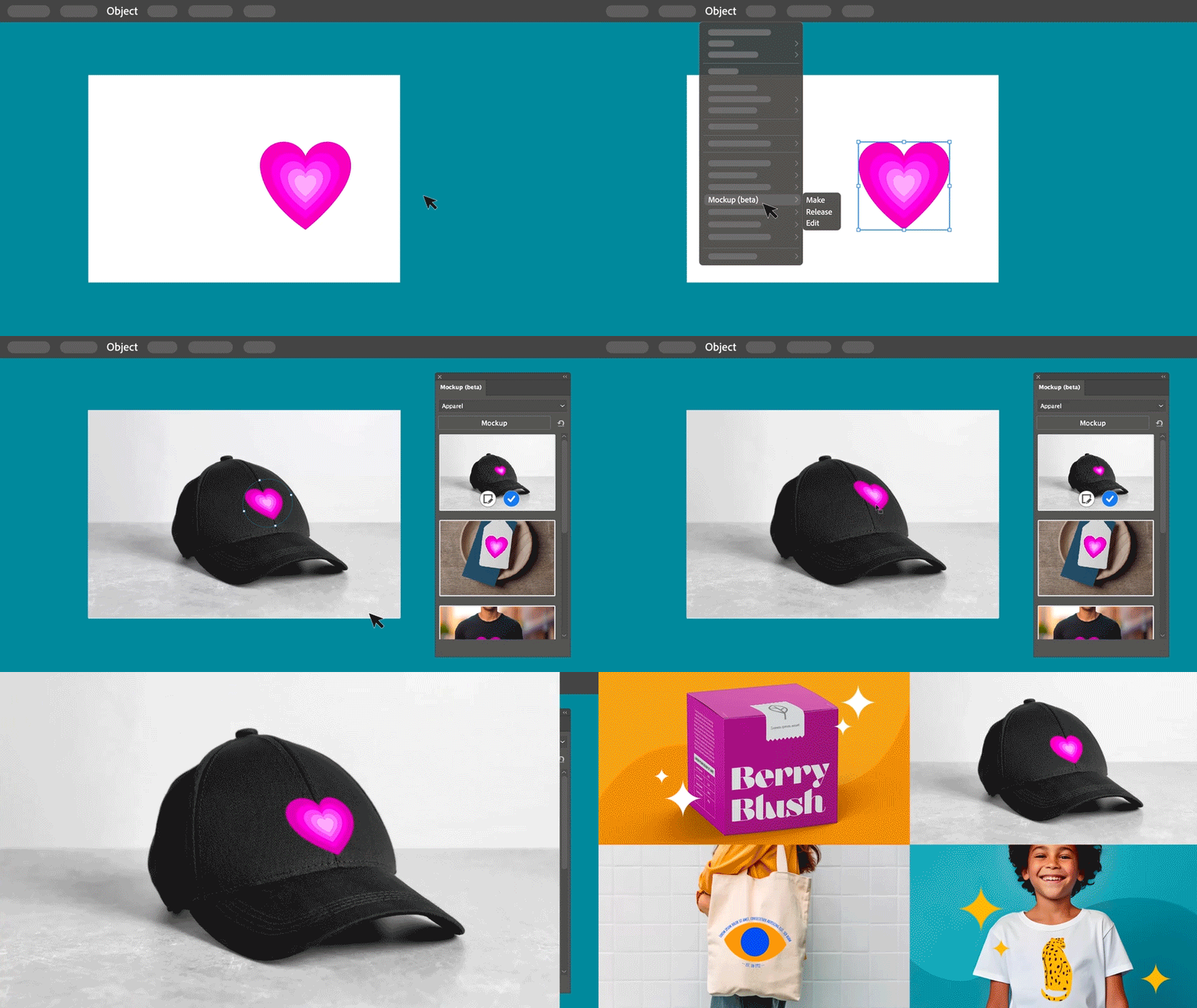
Mockup (Beta)
Discover Mockup (Beta), a feature that empowers you to replicate artwork onto various objects like product packaging, mugs, and T-shirts. With Illustrator's intelligent application of vector art onto raster objects, it seamlessly adapts to the object's curves and edges, ensuring non-destructive adjustments. Dive deeper into Mockup (Beta) to explore its capabilities.
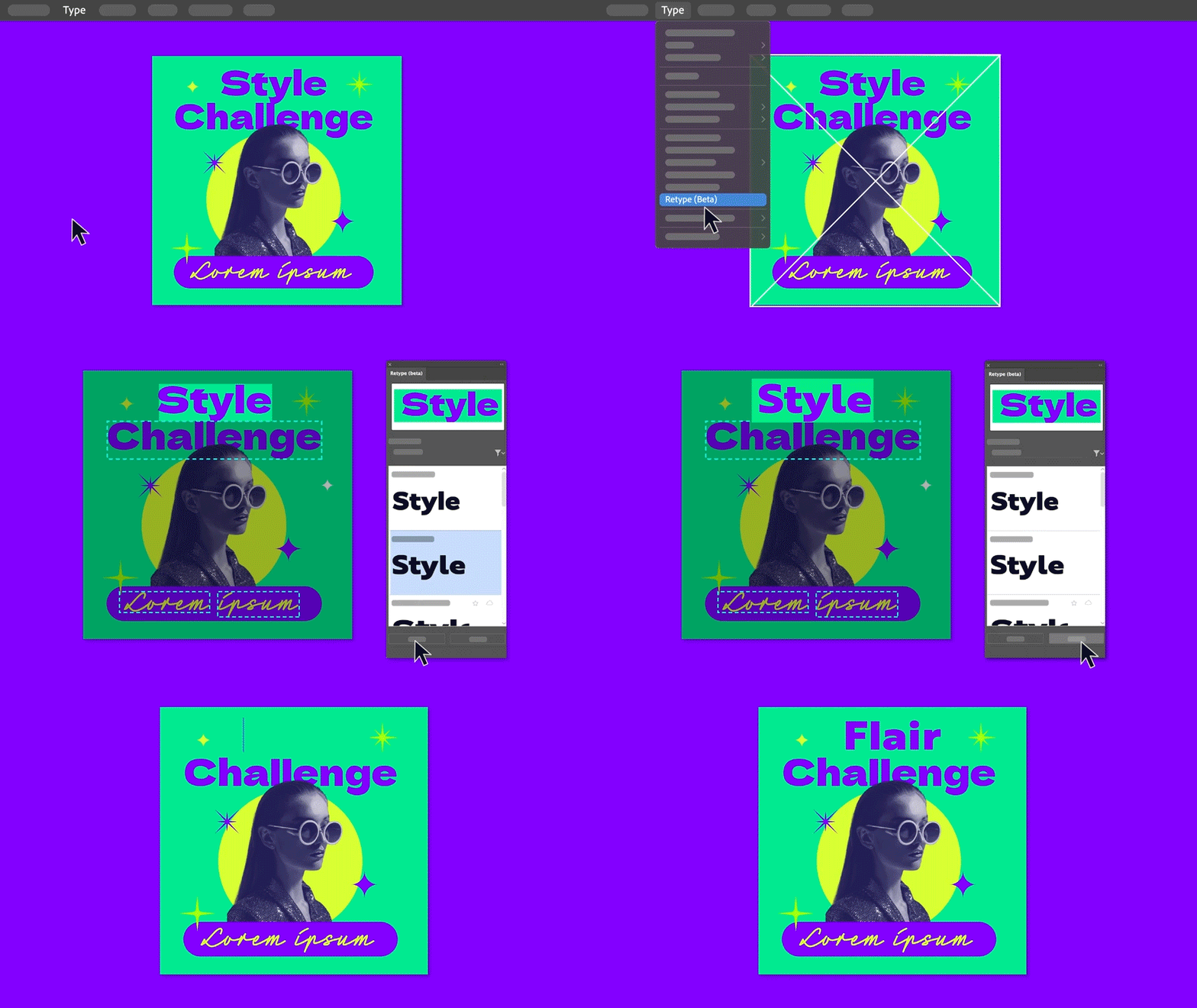
Retype (Beta)
Unlock the potential of Retype (Beta) to edit text within a static image or outlined text by seamlessly matching fonts from Adobe Fonts or your local library. Explore the full capabilities of Retype (Beta) to elevate your creative projects.

Smooth Slider
Discover the improved Smooth tool with the addition of the Smooth slider, offering you precise manual control over path smoothing levels. Whether you want to smoothen an entire path or focus on specific sections, you have the flexibility to achieve the desired effect. Explore the benefits of Smooth further.
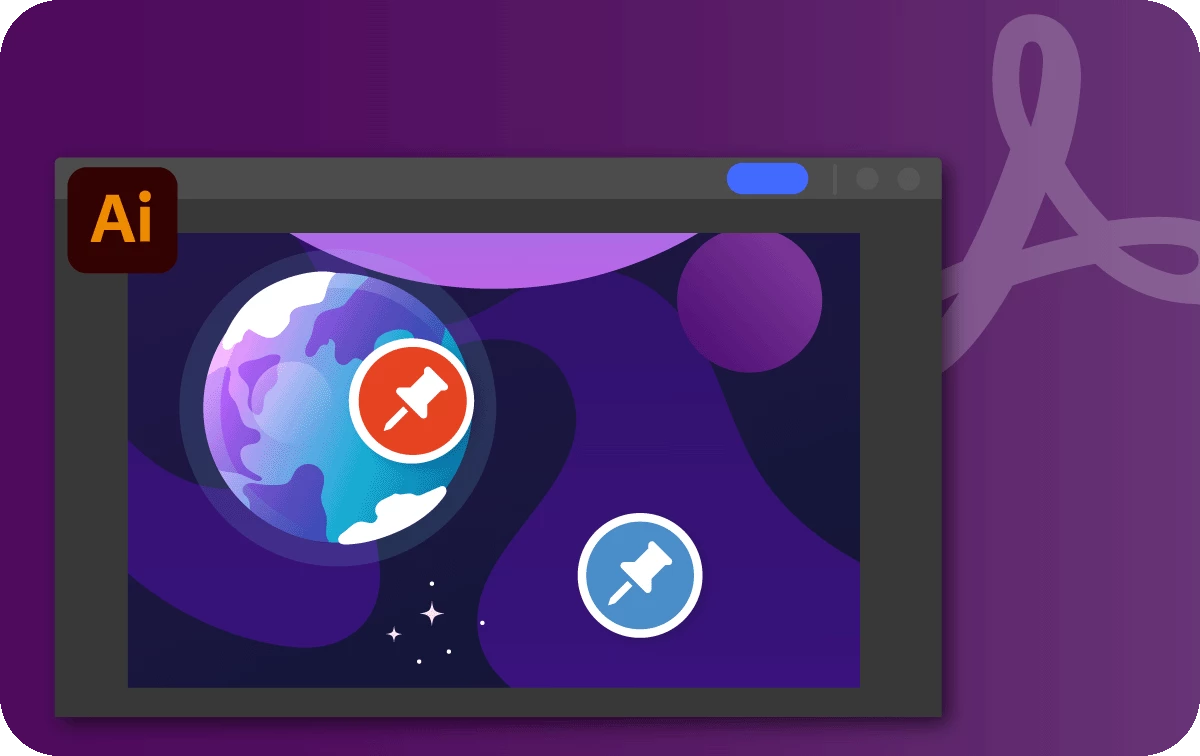
Create shareable links to PDF for review
Explore the improvements to Share for Review, which enables you to generate shareable links for your PDF files, simplifying the process of collecting feedback. No need to convert them into .ai or .aic files. Dive deeper into the Share for Review functionality.

Fixed Issues
Illustrator v28.0 also includes a number of improvements for the following:
► The option to "Replace all" Linked images was missing.
See What's New for more information on the latest features. To help us have focused discussions, create separate posts for feedback on features related to this update.
Indesign 19.0
Here's all that's new and exciting in the MAX update, InDesign v19.0:
Note: This is a phase-wise rollout, and updates will be available to users in different countries in the next few days.
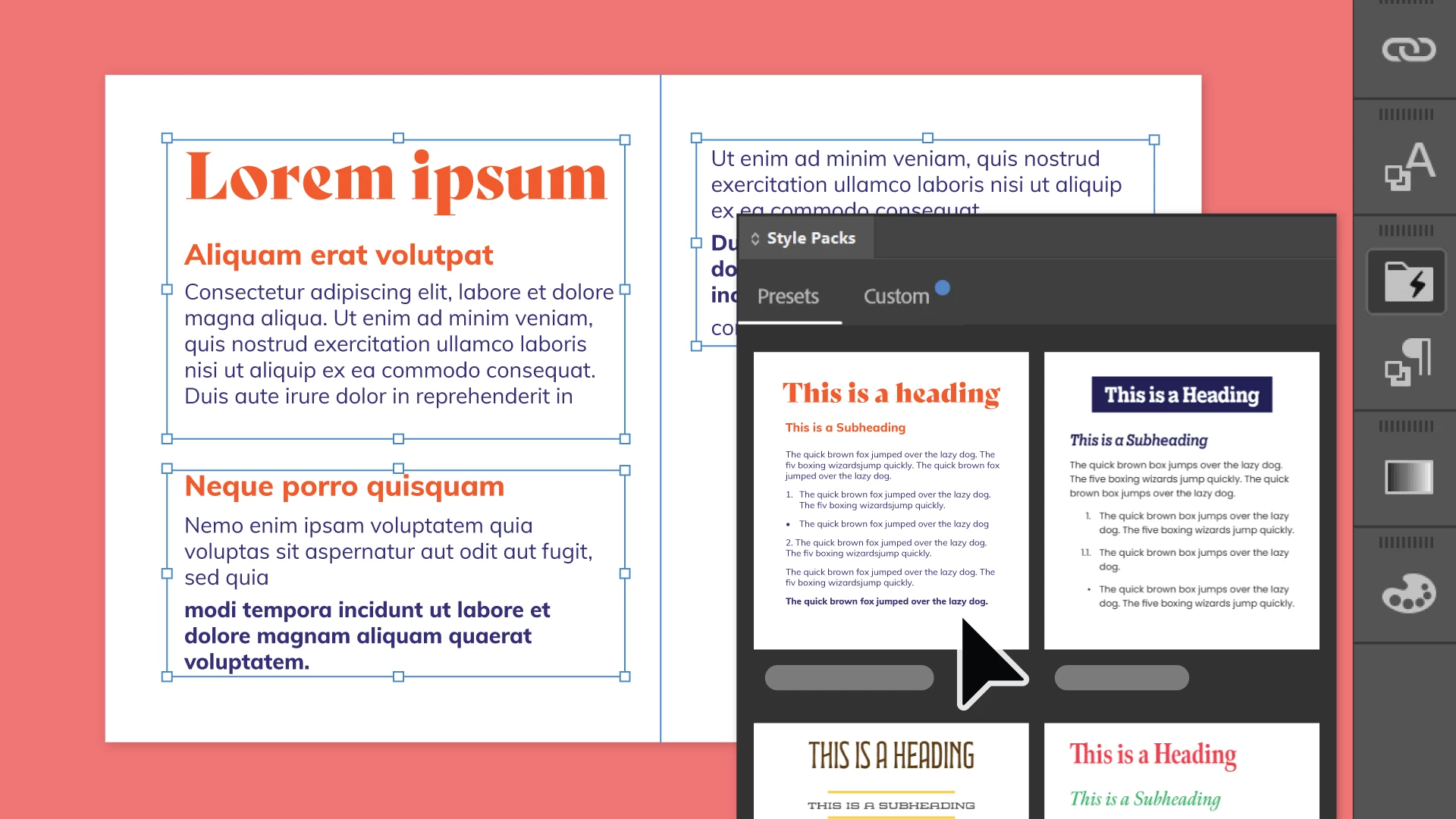 Enhanced Auto Style: Effortlessly transform plain text into visually stunning content. Whether you're working on multiple text frames or pasting text onto your canvas, Auto Style is your creative companion. It offers a selection of preset style packs to choose from, and the freedom to craft and manage your unique styles. Auto Style empowers you to turn ordinary text into extraordinary works of art, making your content shine with creativity and flair.
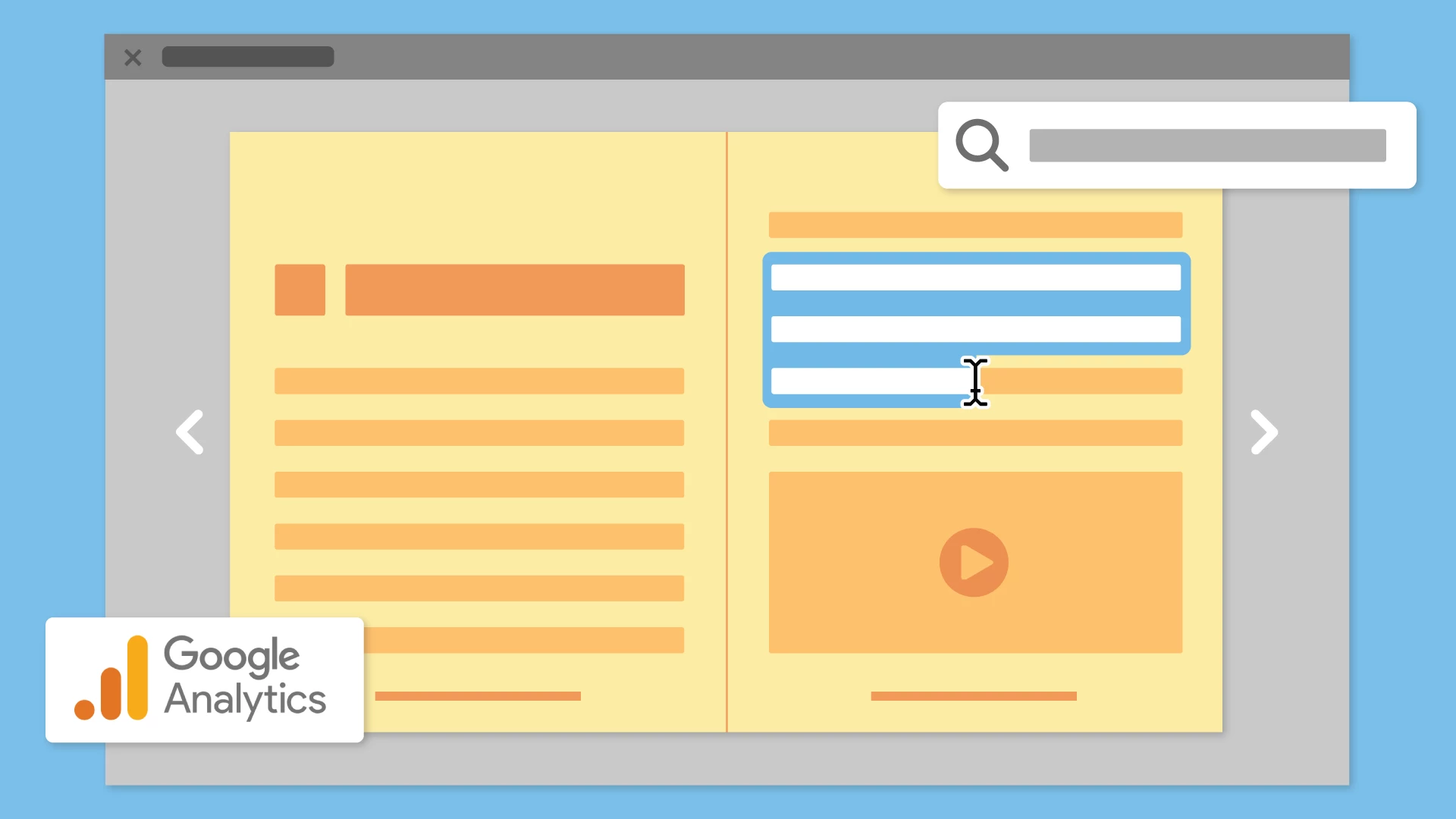 Publish Online Enhancements: Jump to sections of the document that you are interested in using the text search capability for online documents. Integrate a customizable Google Analytics tool to measure both traffic and engagement of your published content.
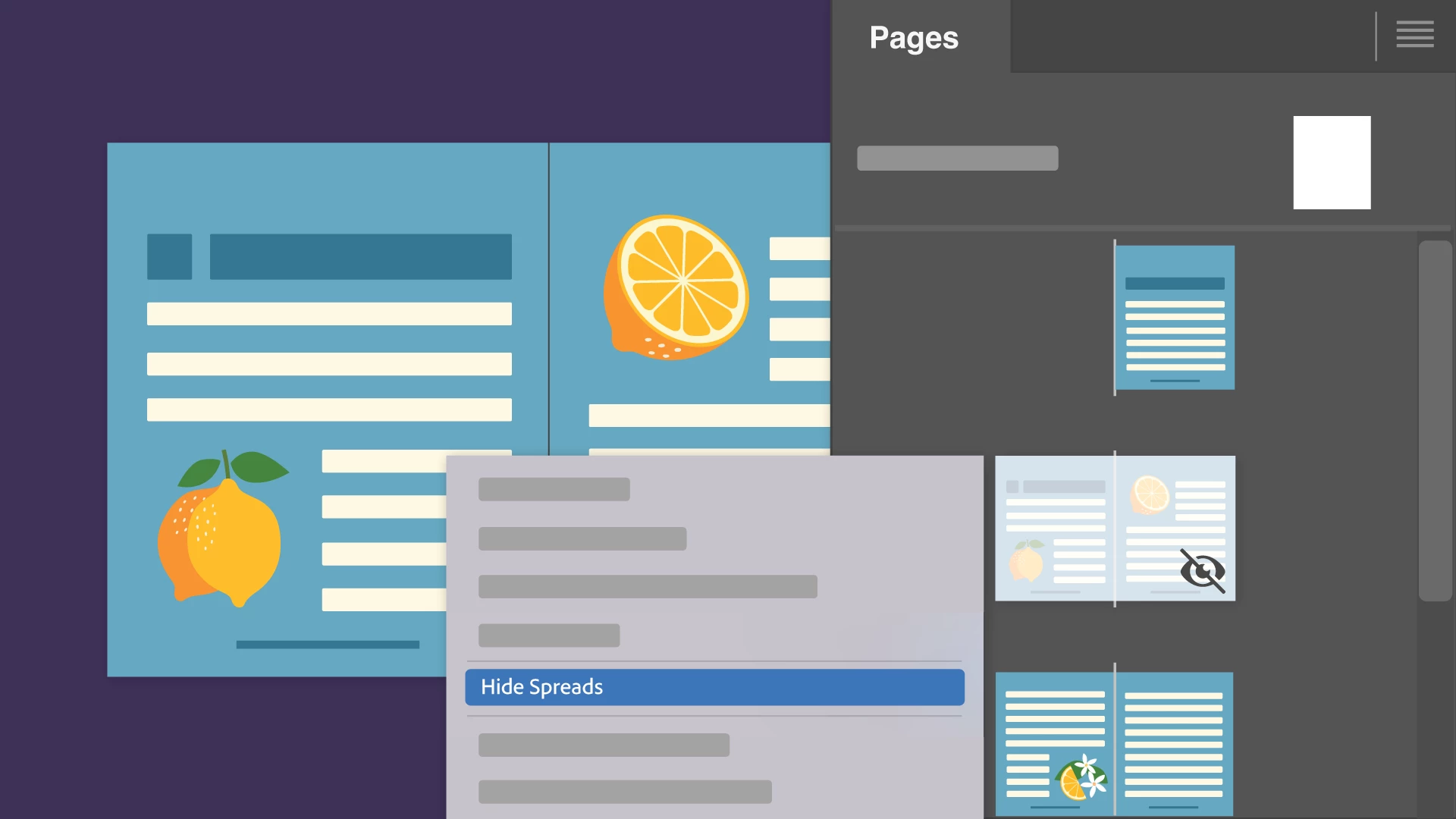 Hide Spreads: Hide specific spreads in InDesign.Those hidden spreads won't disrupt your flow in Presentation mode or be visible when exporting to popular formats like PNG, JPEG, or PDF. This feature ensures that your presentations and exports maintain a clean and organized appearance.
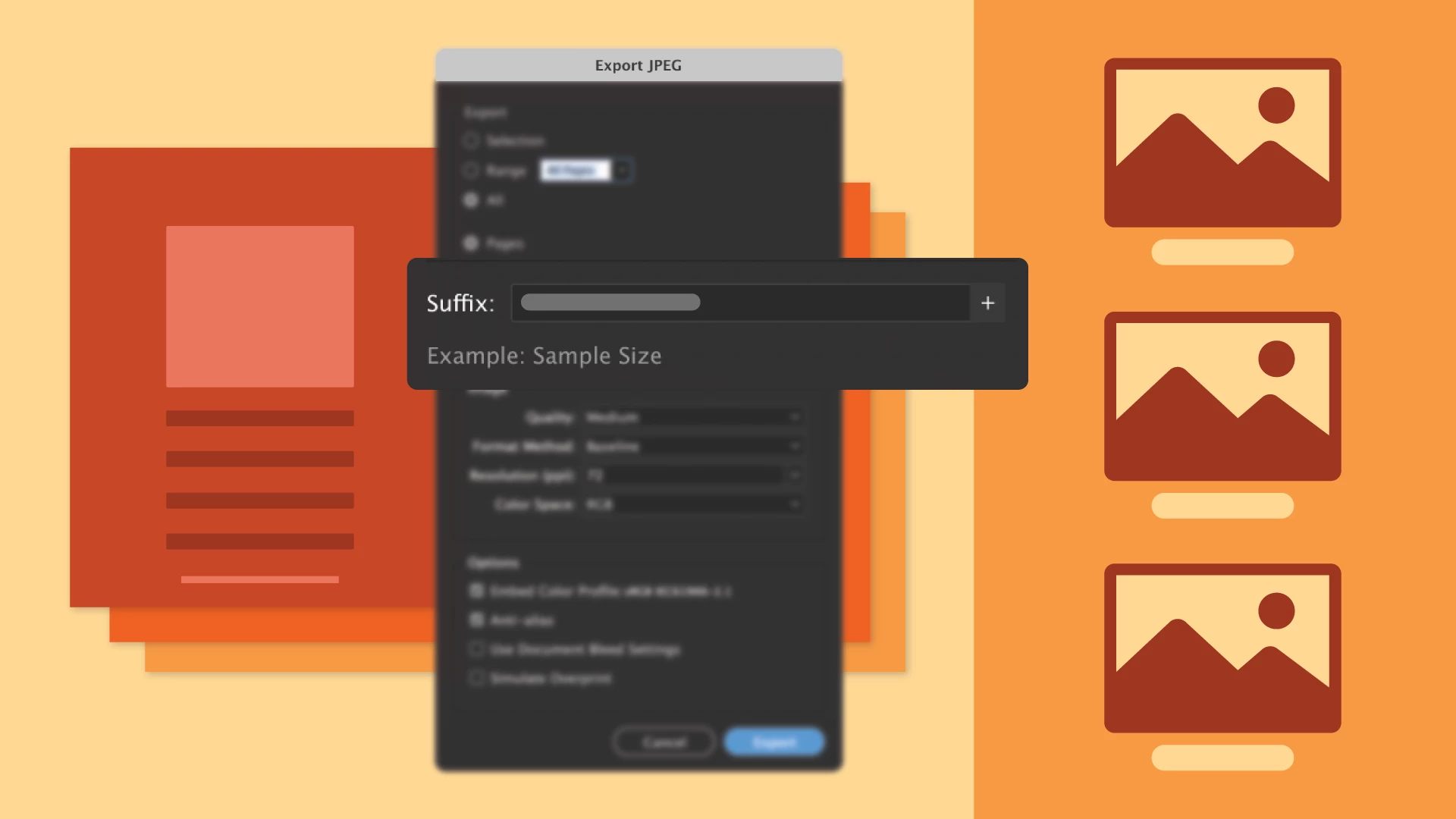
File Name Suffix: Append custom suffixes such as incremental numbers, page numbers, and page sizes to your exported files in JPEG or PNG formats. This improvement helps you effortlessly differentiate and organize identical files saved in various sizes tailored for diverse platforms or stakeholders.
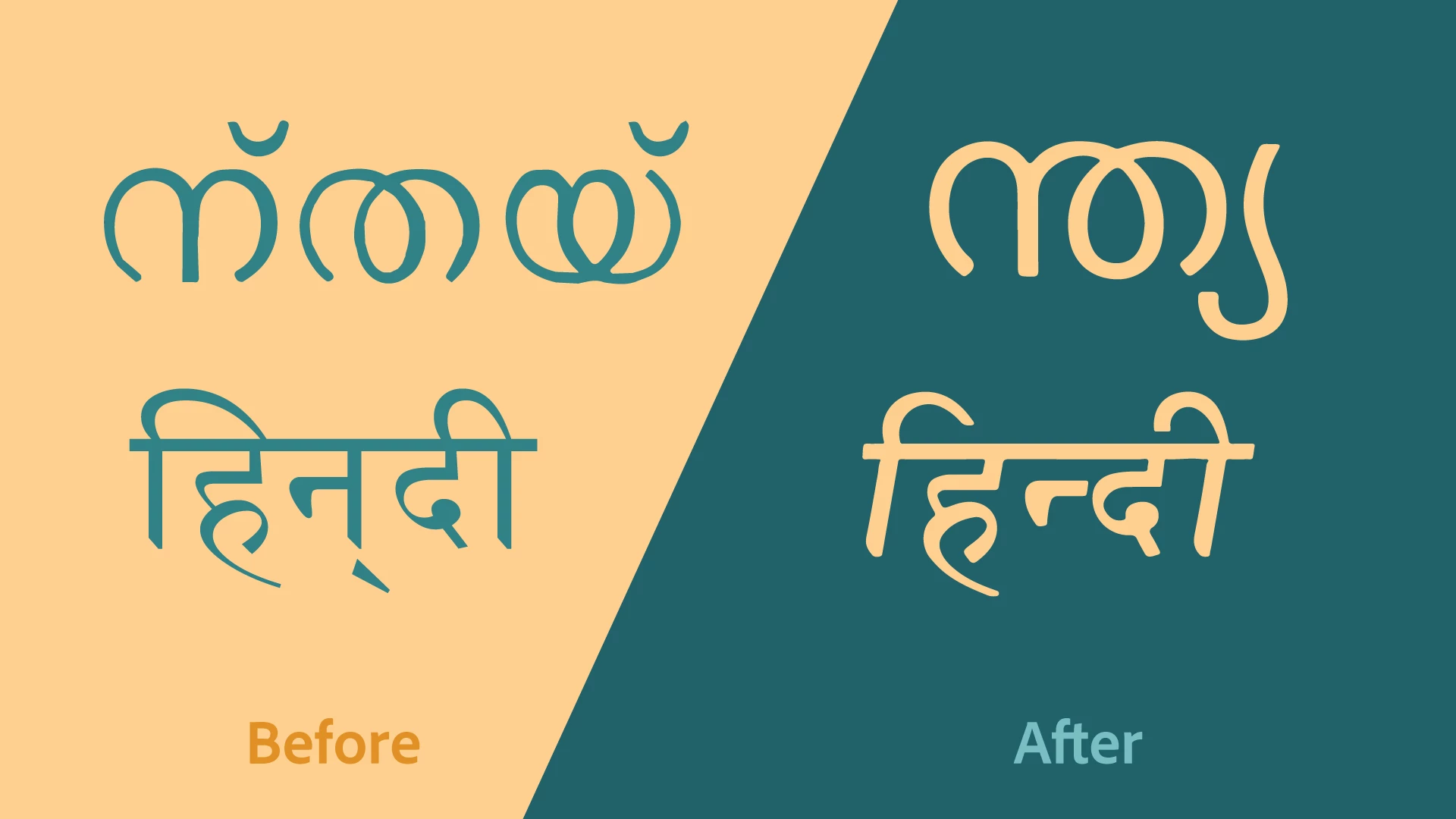 Harfbuzz Shaping Engine: InDesign now provides an improved typographic experience with enhanced shaping and accurate rendering of glyphs for Indic and MENA languages, utilizing the default shaping engine, 'Harfbuzz Shaping Engine,' in World Ready Composer.
Update the app now to try out the latest features.
|
|

See What's New for more information on the latest features.
For the list of fixed issues, please click here.
To help us have focused discussions, create separate posts for feedback on features related to this update.
Streamline Styling: Effortless Text Frame Formatting with Enhanced Auto Style in InDesign
Happy MAX!
For both novice and seasoned InDesign users, achieving precise text styling demands significant time and effort. Auto Style empowers you to effortlessly apply, edit, and create Style Packs, simplifying this intricate process. The enhanced Auto Style capability streamlines complex styling tasks by effortlessly applying styles to multiple text frames as shown below:-
1. Select any text, a single text frame, or multiple text frames.
2. Go to Paragraph Styles panel > View Style Packs icon and select any preset Style Pack.
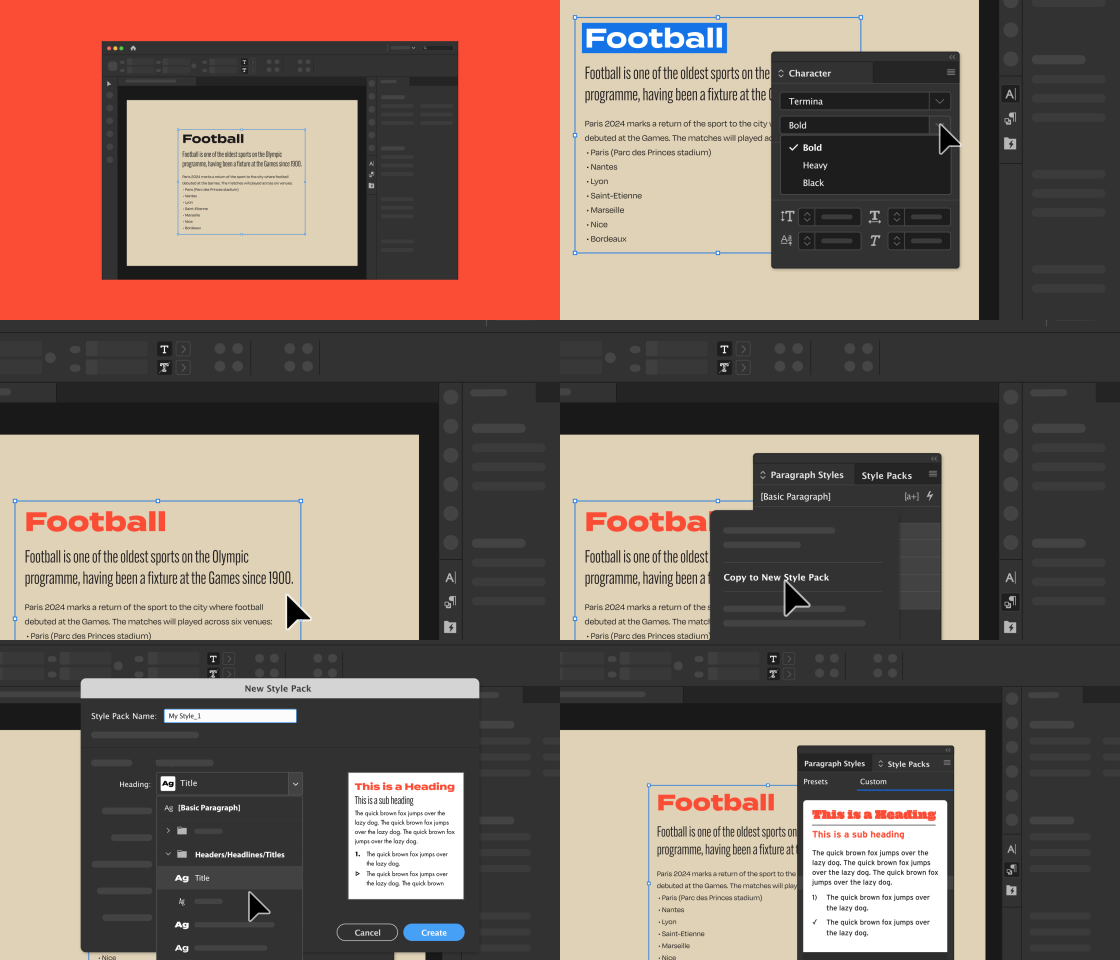
The Enhanced Style Pack panel includes a grid view, enhancing your ability to preview Style Packs more effectively. You now have the option to craft your personalized style pack by selecting preferred headings, subheadings, and more within the paragraph style packs. Additionally, support for numbered lists in subheadings has been incorporated.
Enhanced Auto Style capabilities is only available for InDesign version 19.0 or later. Update the app now.
|
|
Craft Your Own Style Pack
Get ready to supercharge your creativity by crafting a brand-new, tailor-made Style Pack using the dynamic capabilities of the Enhanced Auto Style. Follow the steps below to create your own Style Pack by using the Style Packs panel:-
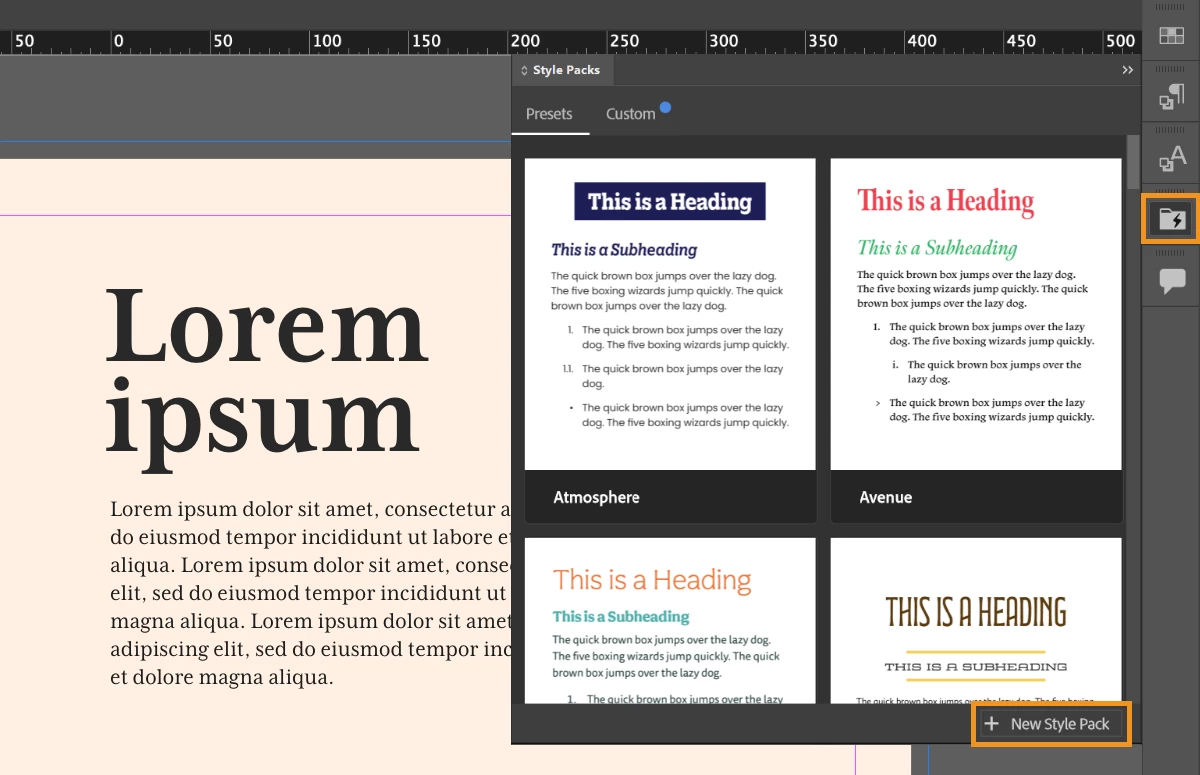
1. Select Window > Styles > Style Packs.
2. Select the New Style Pack button.
3. Enter a Style Pack Name, and select a Paragraph Style for each default Style in the New Style Pack panel.
4. Select Create.
5. You can view and select the newly created Style Pack in the Custom tab of the Style Packs panel.
For more details, please click on the links mentioned below:
To experience the Enhanced Auto Style feature, please click the "Launch InDesign" button provided below.
Note: This is a phase-wise rollout, and updates will be available to users in different countries in the next few days. Auto Style is only available in English (International), English (North America), and German locales.
We hope this new feature empowers you to work more efficiently and creatively in InDesign. Your feedback is invaluable, so please share your thoughts and experiences with us. Happy designing!


 AdChoices