


Inspiring
October 8, 2026
Question

no credits without warning

  • October 8, 2026
  • 7 replies
  • 50 views

Hi,

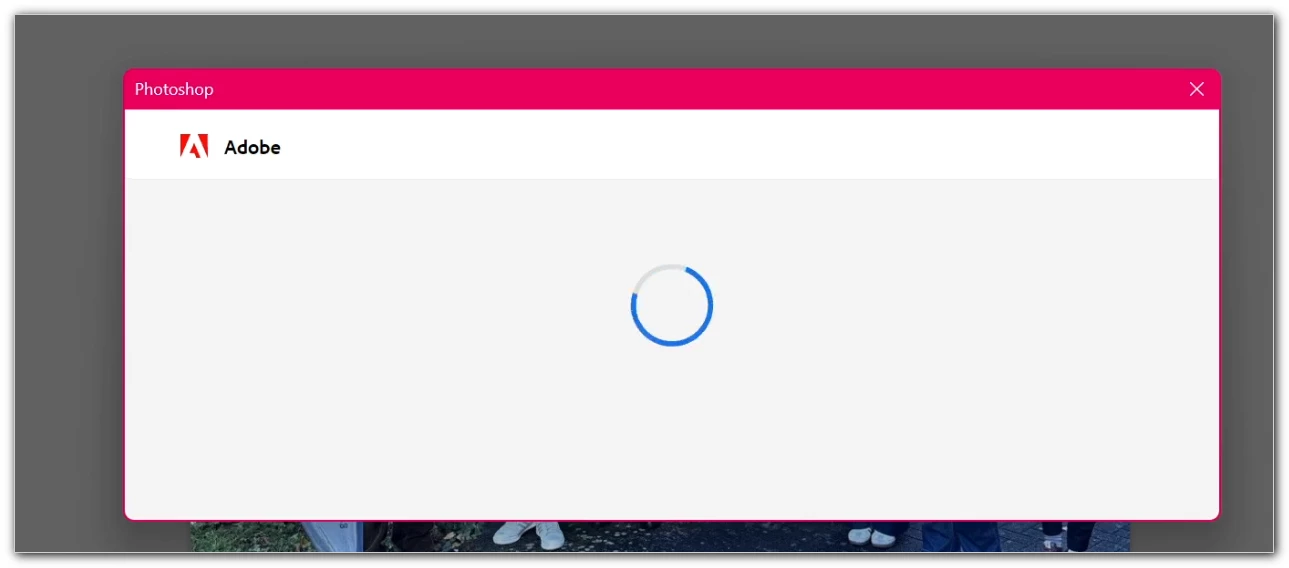
Hello, in the latest version of Photoshop—“Adobe for Business”—this blank window appears for just a few milliseconds after entering a prompt. Nothing else, no message, etc.


Shouldn’t it show that there are no credits left in our subscription?
https://account.adobe.com/?cfredirect&lang=de&mv=product&mv2=accc&product-version=6.10.0.252.41#token_type=bearer&expires_in=86399994 doesn’t help either.


Thanks!

7 replies

my ccAuthor
Inspiring
October 9, 2026

The “confusion” has something to do with cookies or a cache problem – at least within my standard browser.

In the “right browser” I am logged in with the same credentials….


However, that doesn't explain the problem in Photoshop (does it?). At the very least, a message should appear instead of just an empty (browser) window opening for a few milliseconds and closing immediately. I had to use OBS and record my screen as a video to be able to take the screenshot ;-)

Community Manager
October 9, 2026

​@my cc,
You are right, there seems to be some issue with the browser. This may also be related to network restriction, please check this: https://helpx.adobe.com/business/enterprise/manage-services/configure-services/network-endpoints.html 

If you need assistance for Photoshop, please post your question here: https://community.adobe.com/photoshop-709 or ask your admin to open a support ticket via Admin console.

~Tariq

my ccAuthor
Inspiring
October 8, 2026

Link to https://helpx.adobe.com/de/firefly/web/get-started/learn-the-basics/generative-credits-overview.html


back to photoshop:


Ah, I see just now: Firefly Image 5 was preselected! Never seen/had this before.


With the old Firefly selected I get this image:


;-)


But still: the behavior described is certainly not intentional...

Community Manager
October 9, 2026

Hi ​@my cc, 

Thank you for sharing the details and screenshots. It appears that you have located the credits associated to your ID and utilization dashboard.
For Enterprise and Business users, which applies to your case, it is faster to obtain account details and related service information from your Admins. 

Please let us know if you have any further questions on this? 

Generally:
How to check how many generative credit i have remaining?

You can view your generative credit count in your Account menu. A counter will show the number of monthly generative credits allocated to your account and the number of generative credits you have used in this cycle.

  • Go to your Adobe Account page.
  • Select your profile avatar image located in the upper-right corner of the page.

A. Number of generative credits left in the current billing cycle B. Number of generative credits included in your plan

You can access Generative Credits usage from multiple places within the Photoshop app. Just look for the icon:

  • In the Photoshop editing space, in the top right section next to the Workspace selector.
  • In the contextual task bar, when Generative AI features are active.
  • In the Properties panel, when a Generative AI layer is selected.
  • In the dialogs, under Generative AI features (for example, Generative Upscale, AI Sharpen, AI Denoise).

For more information on generative credits, please see this: https://helpx.adobe.com/creative-cloud/apps/generative-ai/generative-credits-faq.html#plans-inclusion 

Thanks,
Tariq


Ged_Traynor
Community Expert
Community Expert
October 8, 2026

​@my cc  “Adobe for Business” is this an Enterprise account, if so, you’d be better off posting in the Enterprise & Teams forum

my ccAuthor
Inspiring
October 8, 2026

Diffcult to answer. After consulting a KI:


I'm not the administrator, so unfortunately I can't tell whether it's an Enterprise or Teams account. In my Adobe account, the plan is simply called "Adobe for Business" ("Adobe für Unternehmen") and is assigned by my organization.

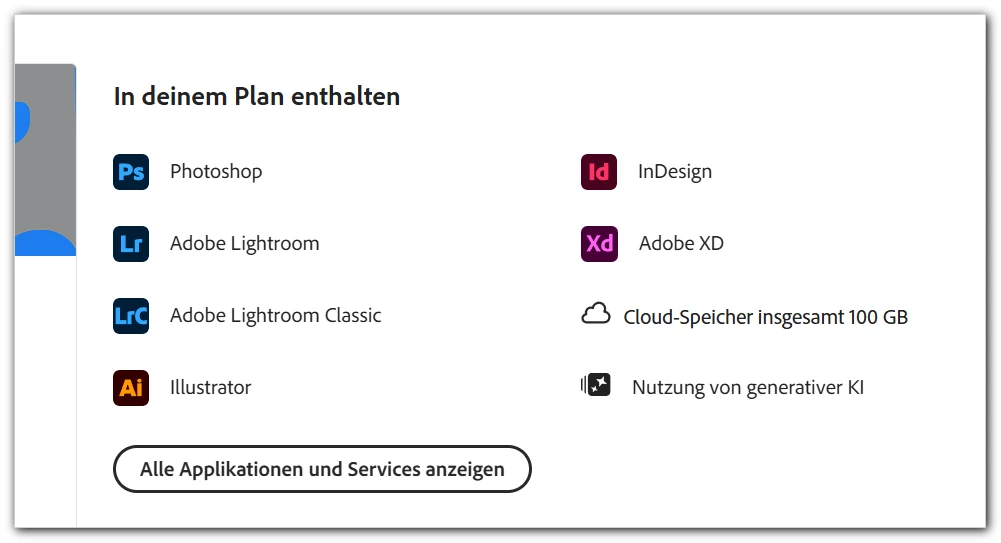
The plan details explicitly list "Use of generative AI" as included. However, in Firefly I don't see any generative credit balance. Instead, it only says that I can use a limited number of free generations per day and suggests upgrading.

=======


And: 
At some point in the past, I was still able to use AI in Photoshop. So why does this window just pop up in a fraction of a second without any further notification? It's incomprehensible.

Community Manager
October 8, 2026

Hi ​@my cc,

Thanks for the screenshots, they help. We can see the Photoshop window showing only a loading spinner before it closes, and that generative AI use is listed in your plan. We know it’s frustrating to get no message after entering a prompt.

Could you check two things for us?

  1. Your credit balance. On account.adobe.com select your profile avatar in the upper-right corner. It shows the credits left in the current billing cycle and the credits included in your plan. In Photoshop, the Generative Credits Usage panel shows the same, via the credits icon in the top right next to the Workspace selector.

  2. What you were running when it happened. Which feature (Generate Image, Generative Fill, etc.), whether you used an Adobe Firefly model or a partner model, and your Photoshop version and operating system.

More on how credits work: https://helpx.adobe.com/creative-cloud/apps/generative-ai/generative-credits-faq.html

Please share what you find and we’ll take it from there.

Thanks,
^AV