

Removing/Changing the border surrounding a grophic object in FrameMaker
Hello,
In our FrameMaker documents, we have placed graphic objects whose edges (borders) we have colored Blue. The blue surrounding border was added using the Object Properties dialog box (see attachment). My goal is to loop through all the graphics and remove this border. I have attached an example of a graphic with a blue border and a screenshot of the Object Dialog box. I have tried a few variations of code myself:
Looping through with a For loop:
for (var i = 0; i < doc.graphics.length; i++) {
var graphic = doc.graphics[i];
// Get each graphic object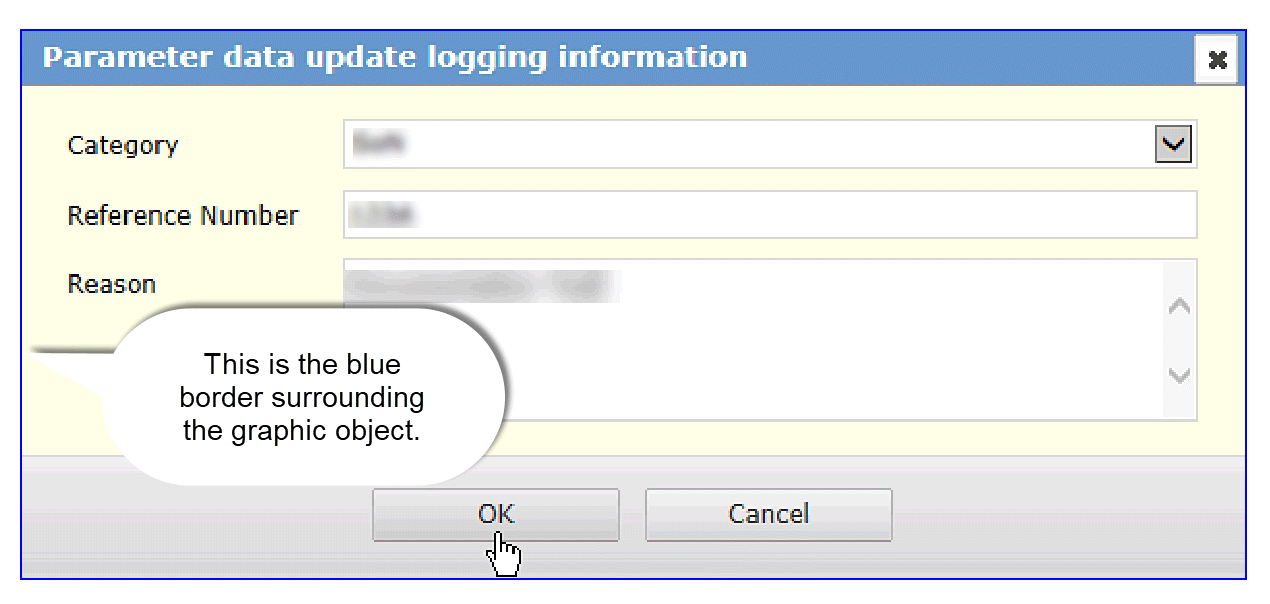
// Check if the graphic is an image object (FrameMaker considers images as 'graphic' objects)
if (graphic instanceof Graphic) {
var graphicObjProps = graphic.objectProps;
// Access the graphic's properties
// Clear the border color (if any)
graphicObjProps.strokeColor = null;
// Remove any stroke/border color
graphicObjProps.strokeWidth = 0;
// Optionally, you can set the stroke width to 0
}
}
Directly, changing the object thus..:
countDefined = 0;
var F1 = new File(doc.Name);
$.write("ListGraphics: doc.Name ="+doc.Name+'\n');
$.write("ListGraphics: Parent Folder of doc.Name ="+F1.parent.fsName+'\n');
var graphic = doc.FirstGraphicInDoc;
while(graphic) {
var graphicObjProps = graphic.ObjProps;
graphicObjProps.strokeColor = null;
graphicObjProps.strokeWidth = 0;
and
function ListGraphics(doc)
{
count = 0;
countDefined = 0;
var F1 = new File(doc.Name);
$.write("ListGraphics doc.Name ="+doc.Name+'\n');
$.write("ListGraphics Parent Folder of doc.Name ="+F1.parent.fsName+'\n');
var graphic = doc.FirstGraphicInDoc;
while(graphic) {
graphic.BorderWidth=0;
graphic.BorderColor="White";



 AdChoices