
Frage
3D Extrude and Bevel Effect "breaks" the object
I'm trying to use the 3D Extrude And Bevel effect in Adobe Illustrator but the object breaks and removes a part of it
Below is a simple rectangle.

When using 3D Extrude and Bevel with these options, the front face disappears and the extrusion disconnects and isn't completely connected any more.
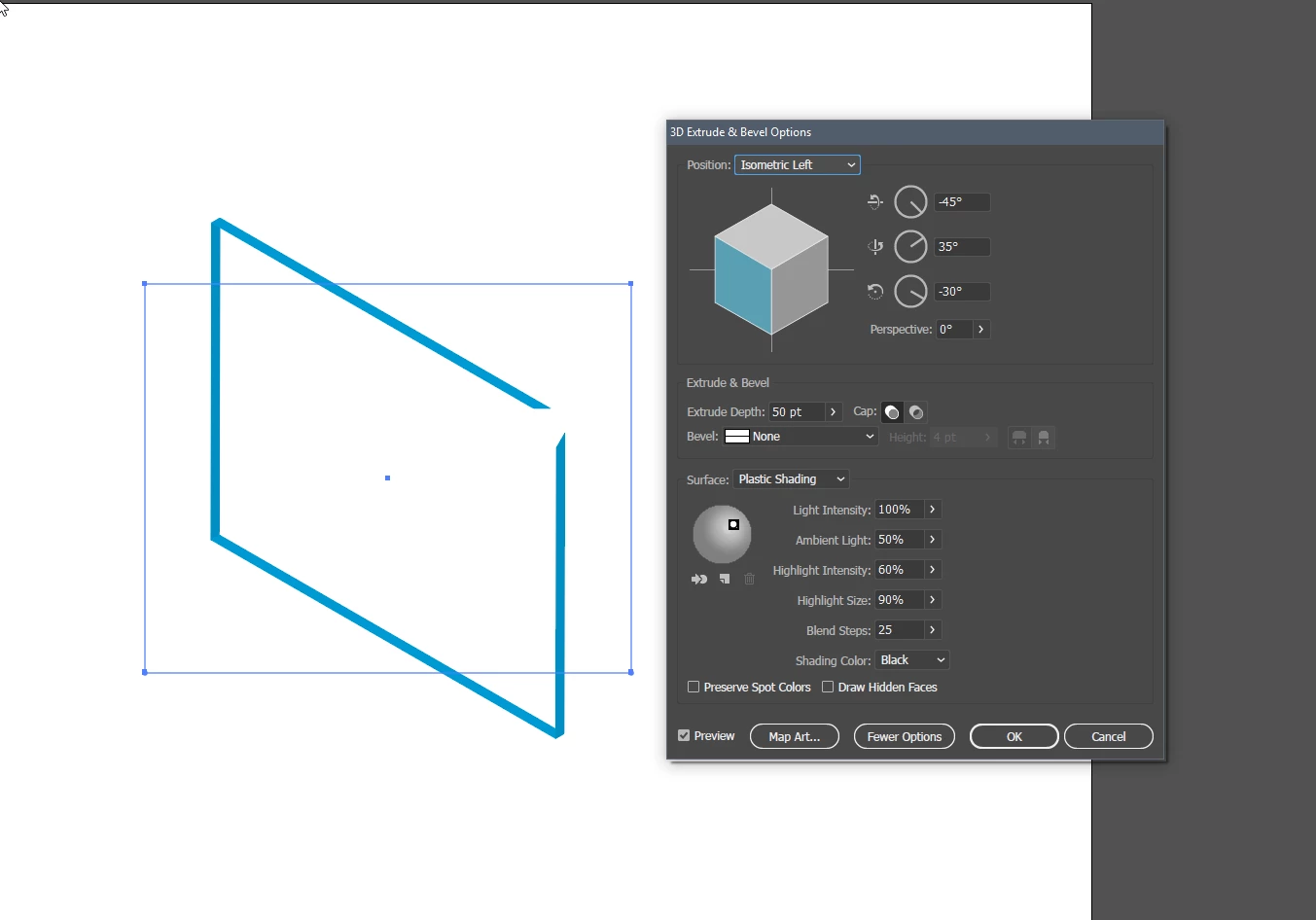
With other angles it seems like the corner "pokes" out of the screen and it seems like that's why the extrusion in that corner disappears, but it doesn't explain the front panel disappearing.
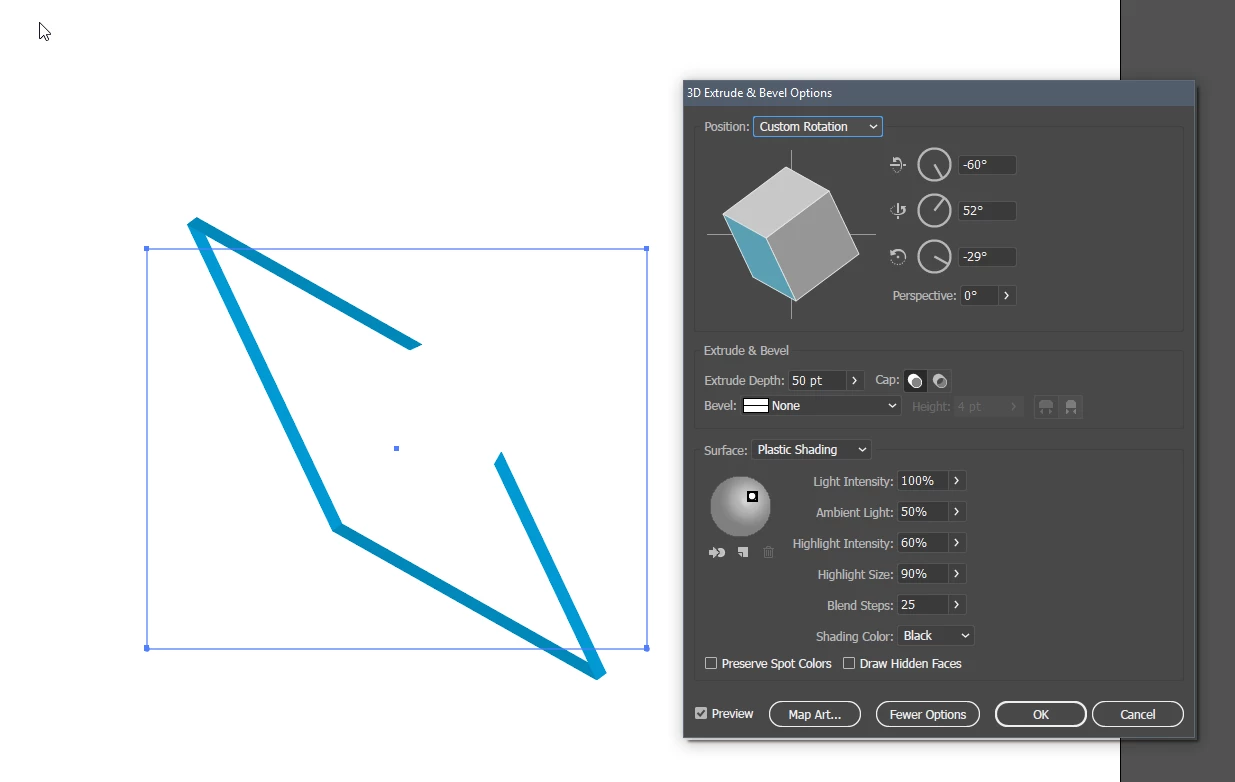
Does anybody know why this happens and any remedies? This isn't a preview only problem because after confirming and committing the object does turn out like that.
 AdChoices