


Answered
There have been a few similar topics recently, so I installed the Arabic version of Illustrator to investigate these items.
The conclusion is as follows:
/**
  * @File An example of ExtendScript to set paragraph direction and character direction
  * @version 1.0.0
  * @7111211 sttk3.com
*/

(function() {
  var doc = app.documents[0] ;
  var sel = doc.selection[0] ;

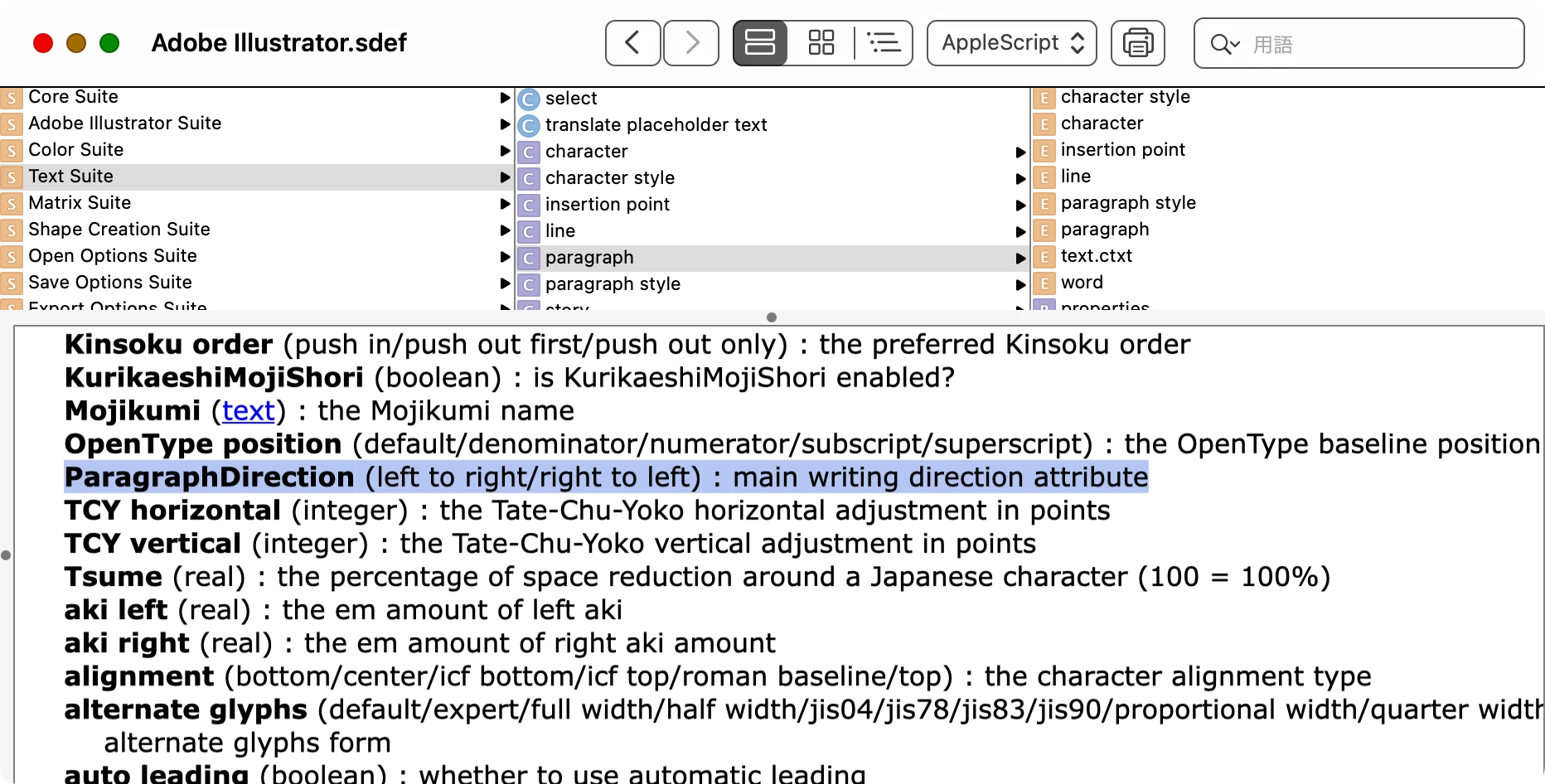
  /* Paragraph Direction
  ParagraphDirectionType.RIGHT_TO_LEFT_DIRECTION
  ParagraphDirectionType.LEFT_TO_RIGHT_DIRECTION
  */
  setParagraphDirection(sel.textRange, ParagraphDirectionType.RIGHT_TO_LEFT_DIRECTION) ;

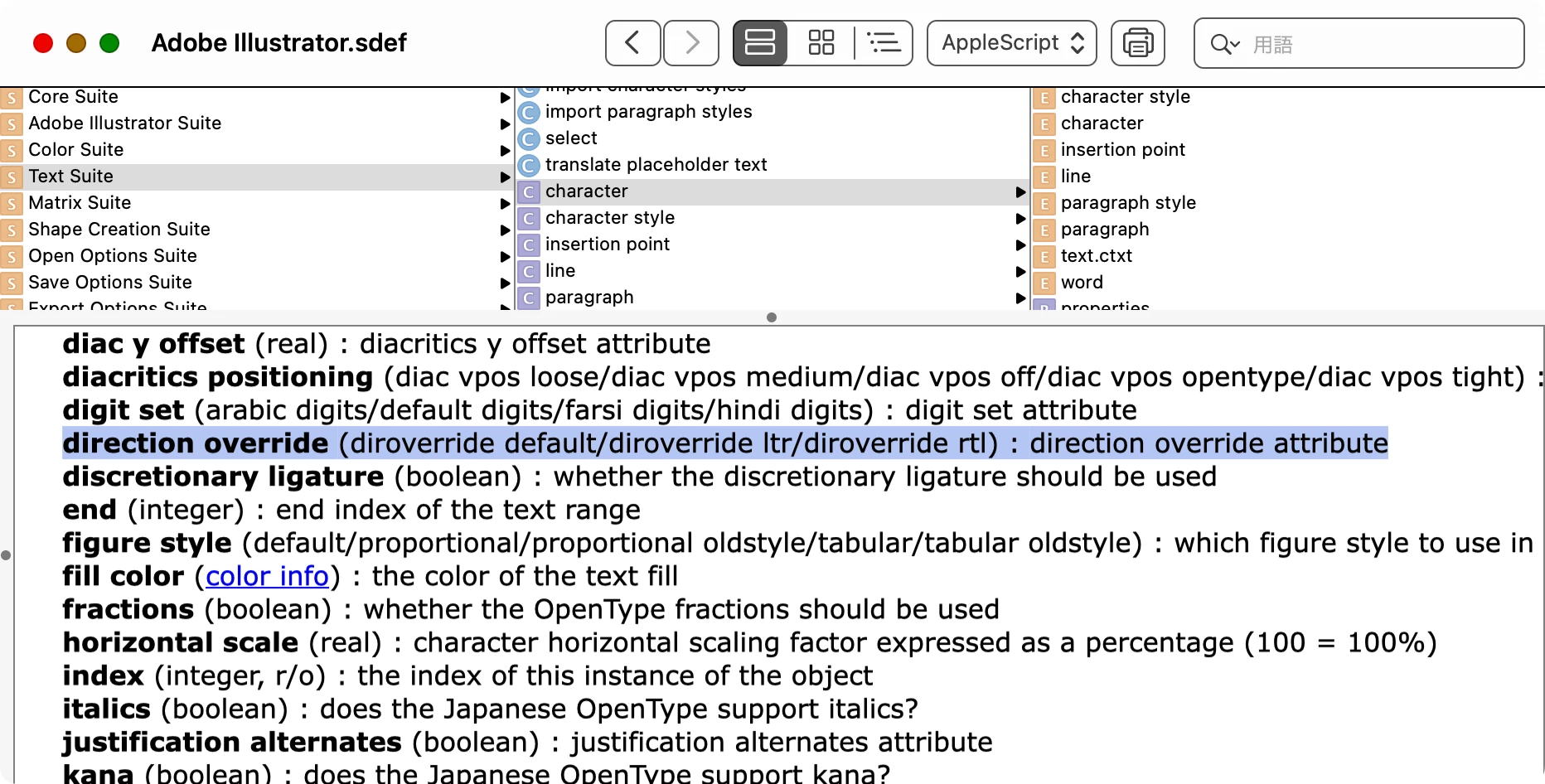
  /* Character Direction
  DirOverrideType.DEFAULT_DIRECTION
  DirOverrideType.RIGHT_TO_LEFT_DIRECTION
  DirOverrideType.LEFT_TO_RIGHT_DIRECTION
  */
  sel.textRange.dirOverride = DirOverrideType.RIGHT_TO_LEFT_DIRECTION ;
})() ;

/**
  * Set the paragraph direction. This will succeed even if the specified property is the same as [Normal Paragraph Style]
  * @9397041 {TextRange} range target text range
  * @9397041 {ParagraphDirectionType} dstDirection destination paragraph direction
*/
function setParagraphDirection(range, dstDirection) {
  var appliedParagraphStyle = range.paragraphStyles[0] ;
  var styleDirection = appliedParagraphStyle.paragraphDirection ;

  if(styleDirection === dstDirection) {
    var swapMap = {
      'ParagraphDirectionType.RIGHT_TO_LEFT_DIRECTION': ParagraphDirectionType.LEFT_TO_RIGHT_DIRECTION,
      'ParagraphDirectionType.LEFT_TO_RIGHT_DIRECTION': ParagraphDirectionType.RIGHT_TO_LEFT_DIRECTION
    } ;
    appliedParagraphStyle.paragraphDirection = swapMap[dstDirection.toString()] ;
    range.paragraphDirection = dstDirection ;
    appliedParagraphStyle.paragraphDirection = styleDirection ;
  } else {
    range.paragraphDirection = dstDirection ;
  }
}
Check the AppleScript scripting dictionary and you will find the properties that can be controlled.
 AdChoices